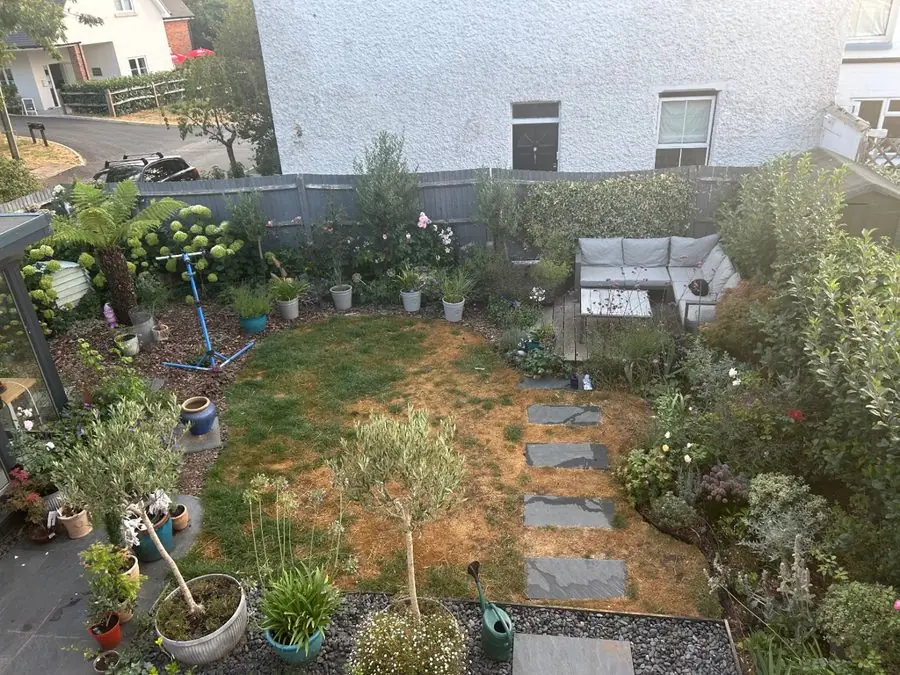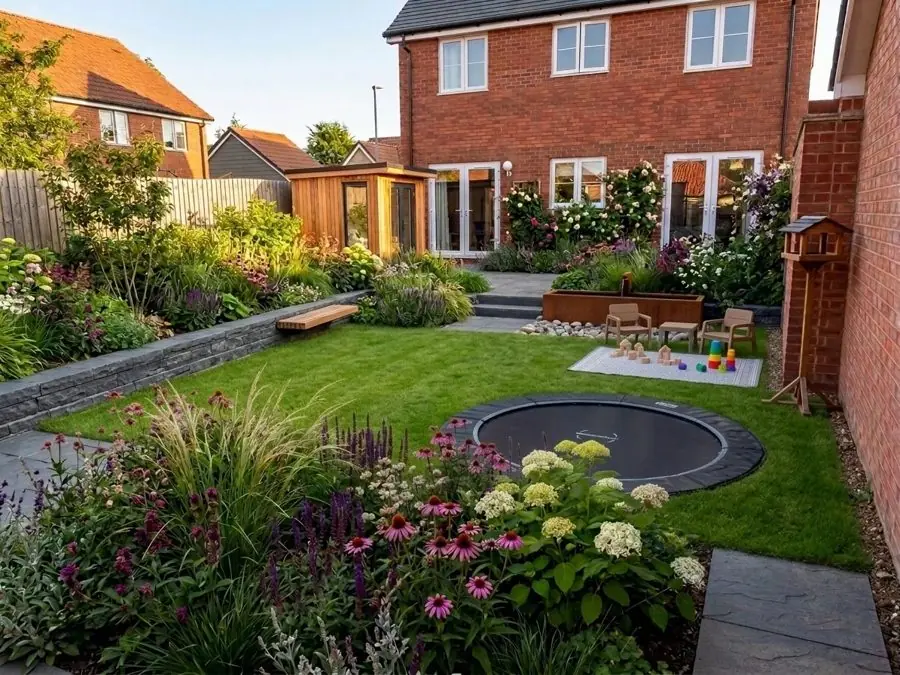
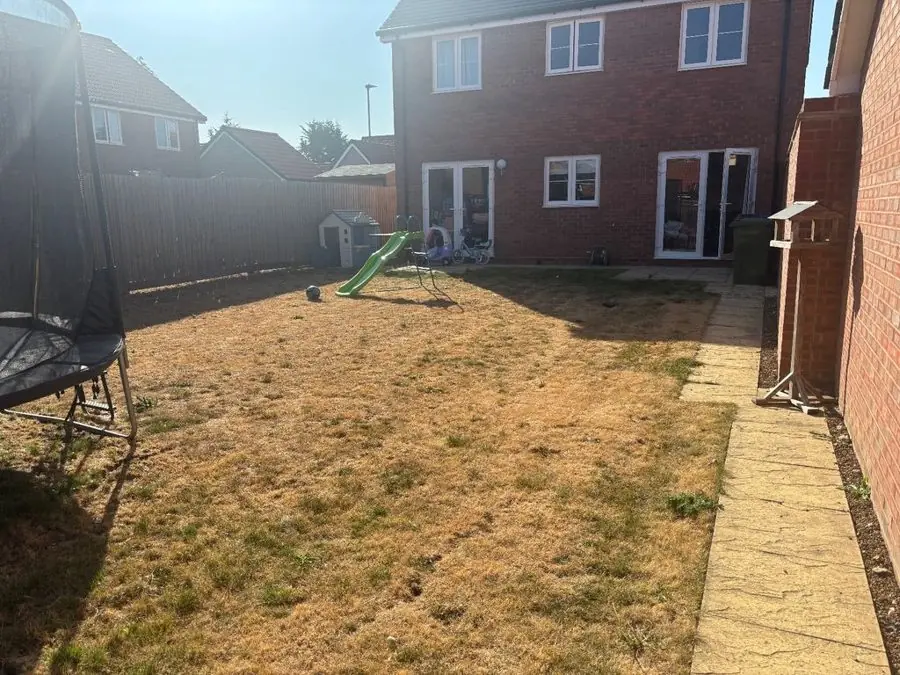
Family lawn with a sunken trampoline
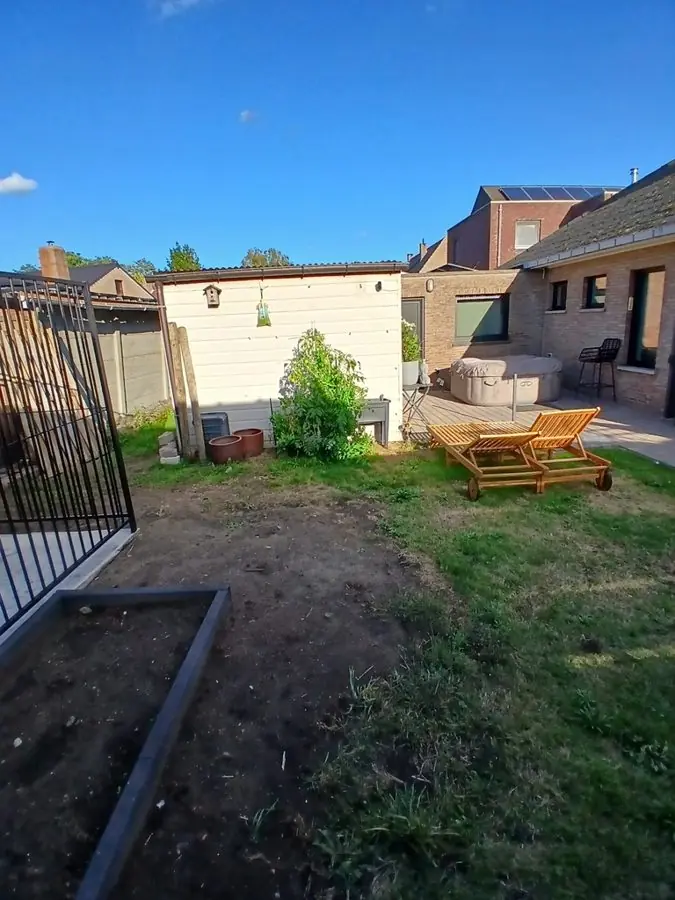
Before: a dry lawn with a trampoline and a slide by the house
Get this garden →First 3 designs free · No card
Upload one photo, pick a style, and the software designs your garden for you in about a minute, in your browser. Or start from any garden on this page.
UK, US or anywhere else: plants picked to thrive where you live, in your light and soil.
Design my gardenOver 500 garden designs made.
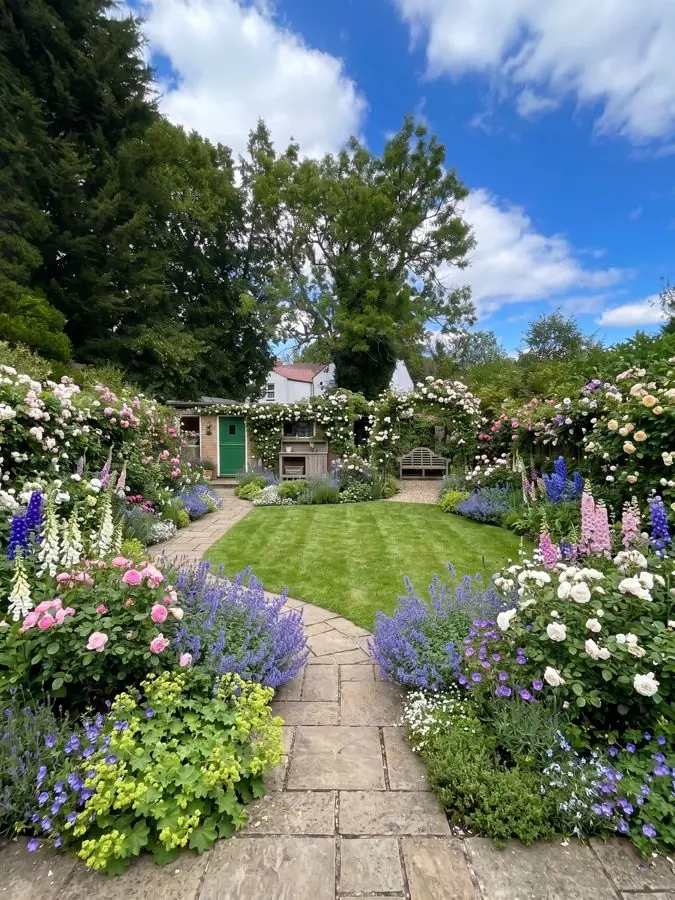
Every one is a real garden, designed from one photo with the app, and each says what was there before. Tap Before to see the photo. Like one? Tap Get this garden to design your own garden in the same style, with the same plants.
Tired lawns, plain patios and family gardens, each designed by the software from one photo, with the fences and the house kept just where they are. 8 gardens
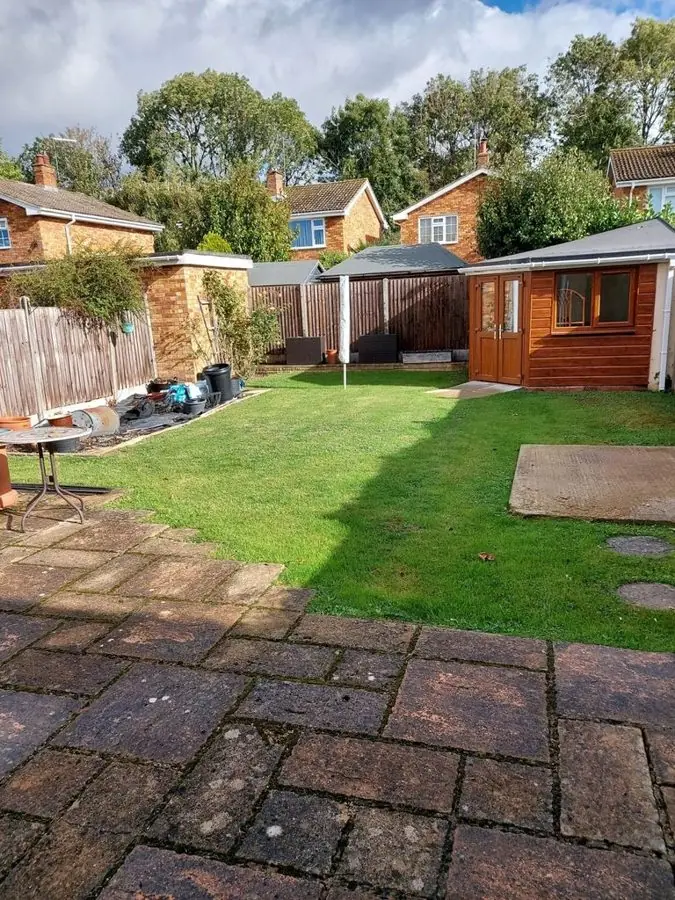
Before: a dry lawn with a trampoline and a slide by the house
Get this garden →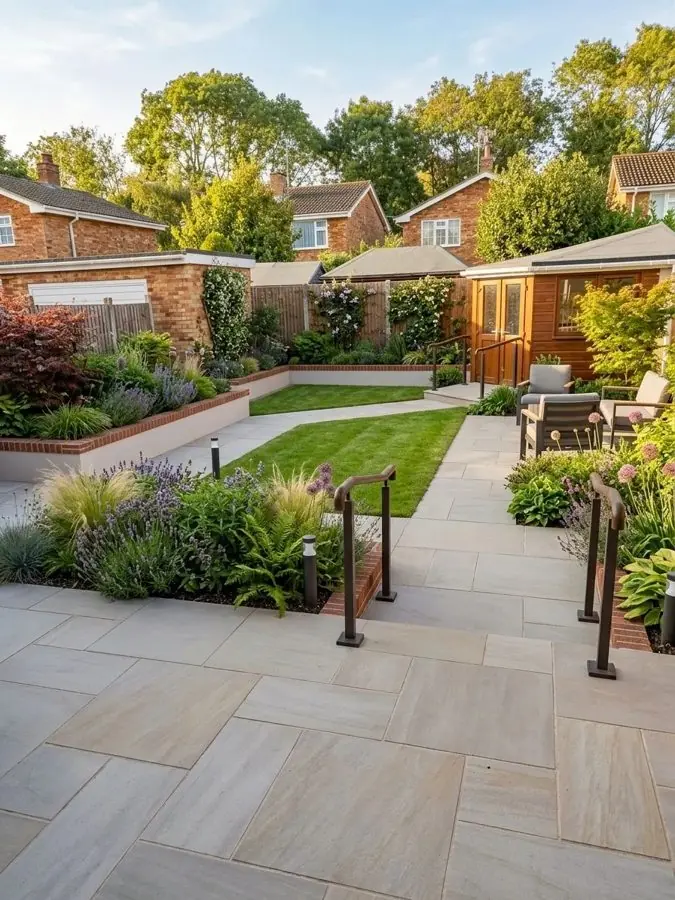
Before: worn brick paving and a lawn with a summerhouse at the back
Get this garden →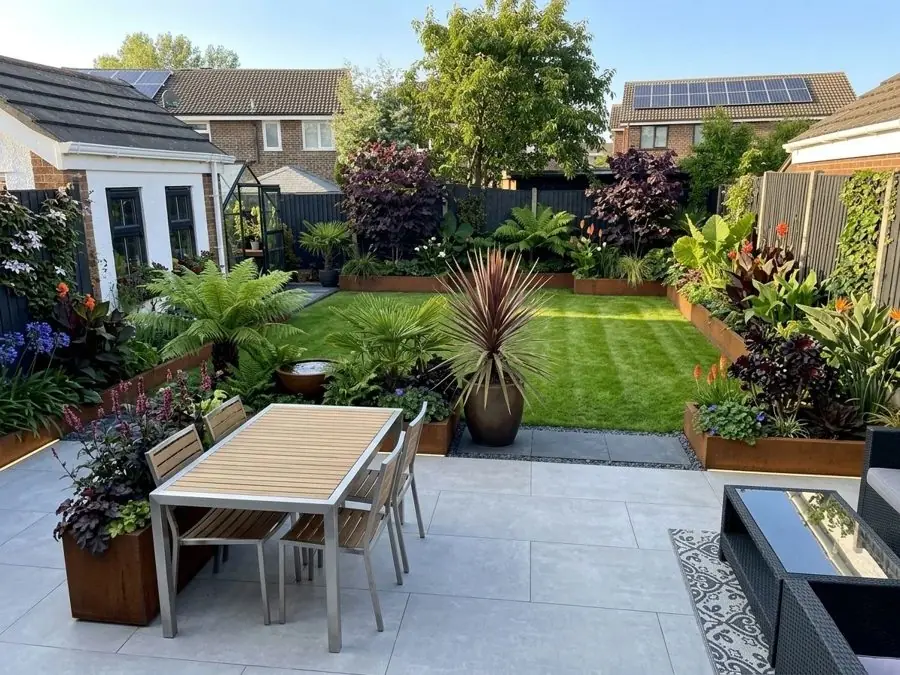
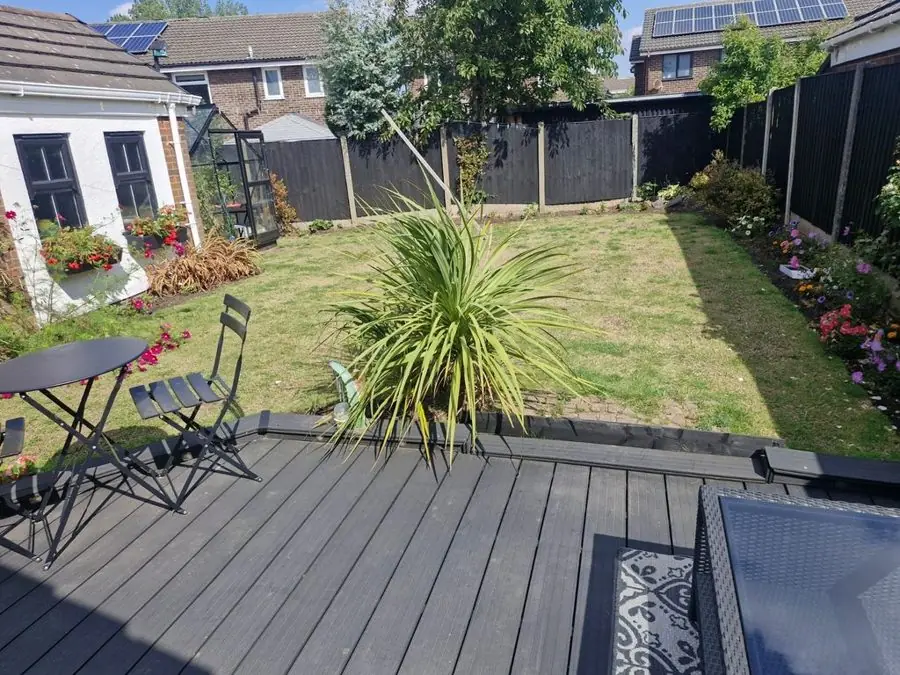
Before: dark decking with a bistro set looking onto a fenced lawn
Get this garden →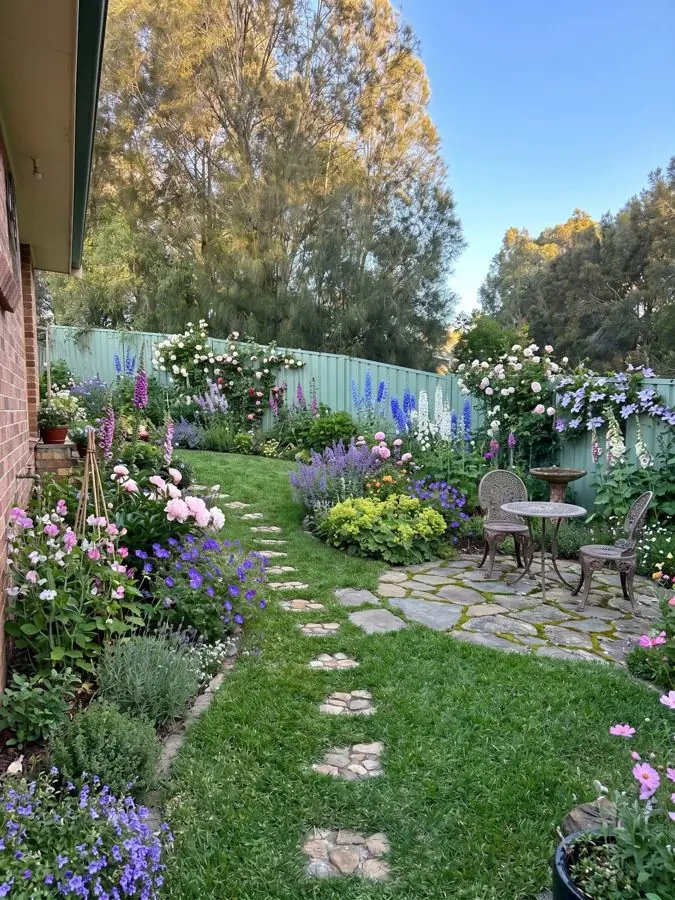
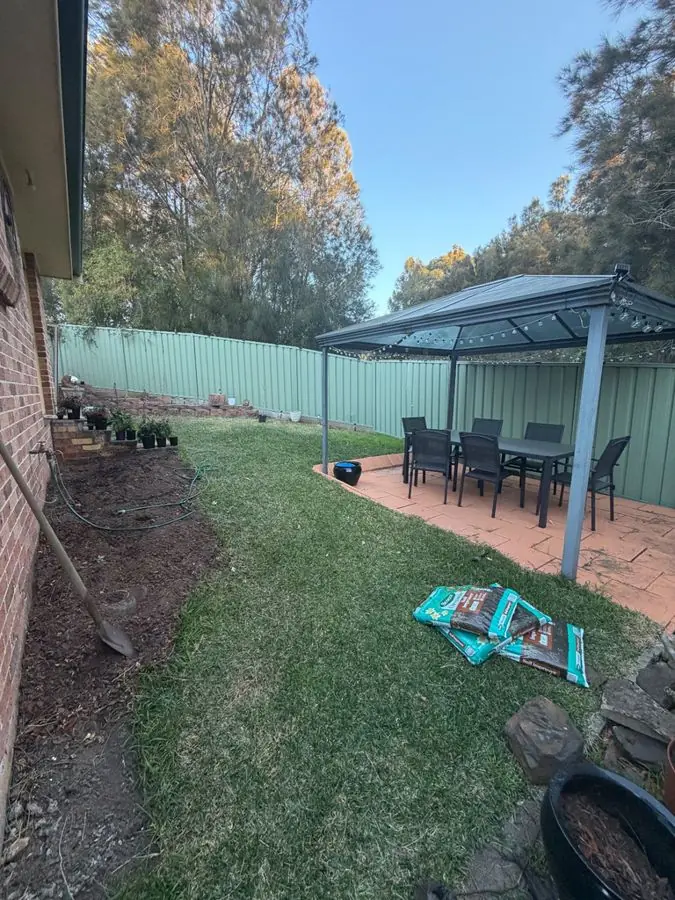
Before: a lawn beside the house with a metal gazebo over patio furniture
Get this garden →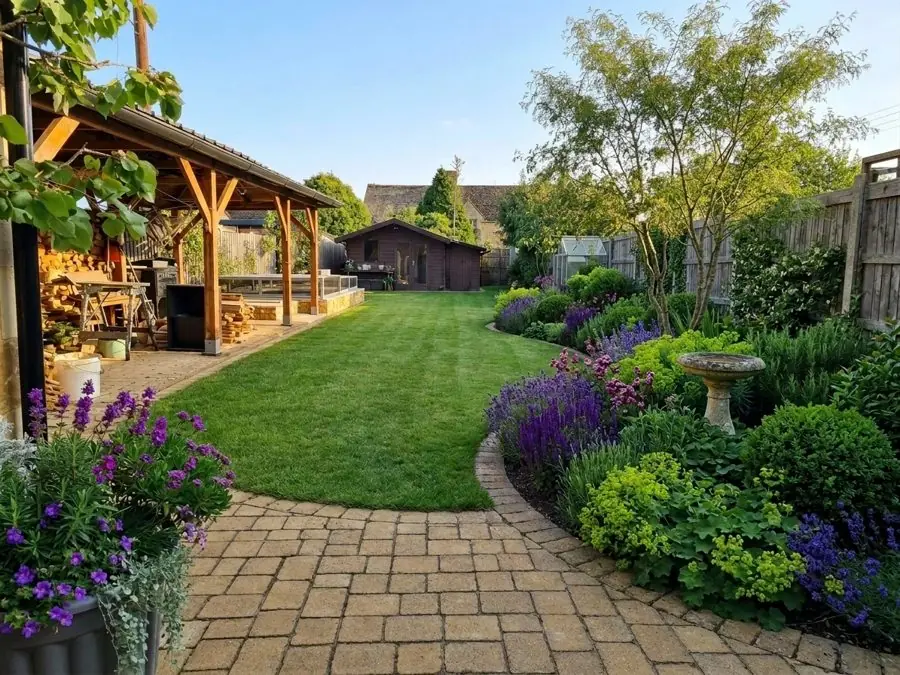
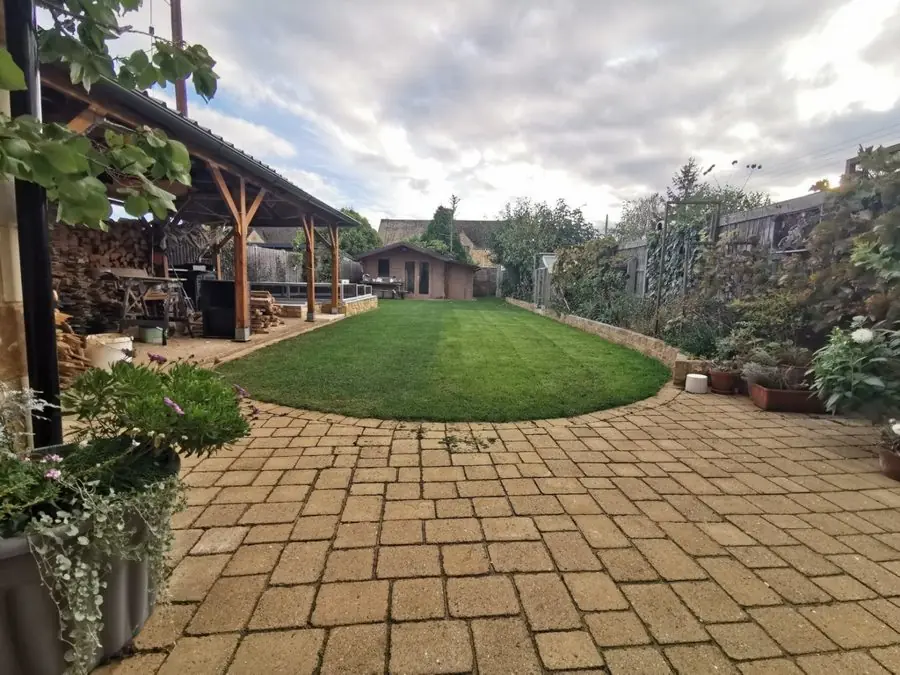
Before: block paving round an oval lawn with a timber shelter and shed
Get this garden →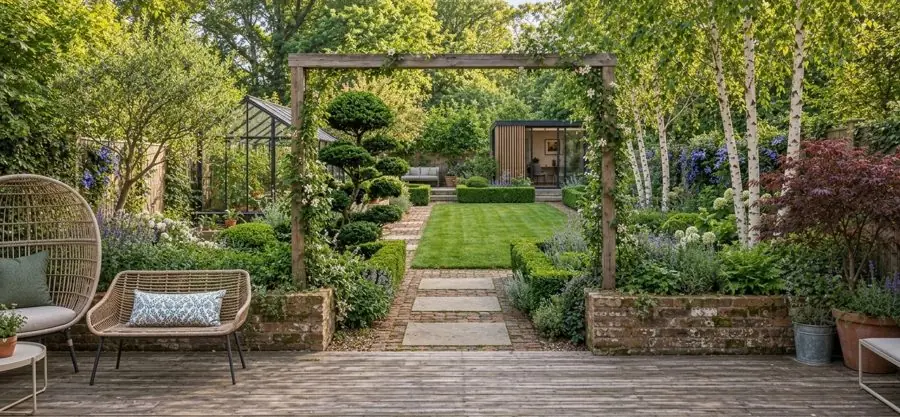
Before: a deck with seating looking through a pergola to a lawn
Get this garden →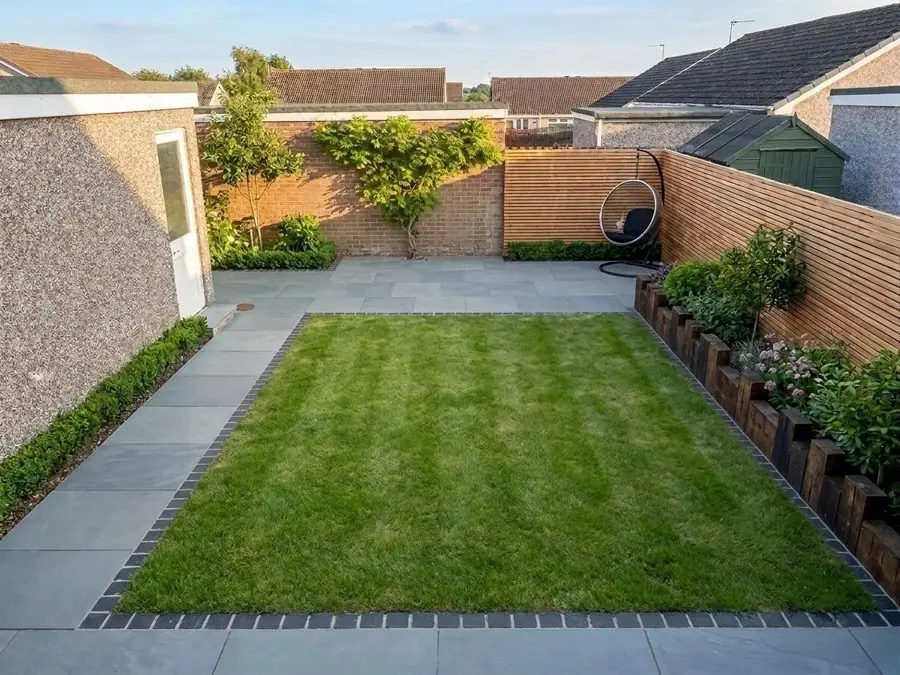
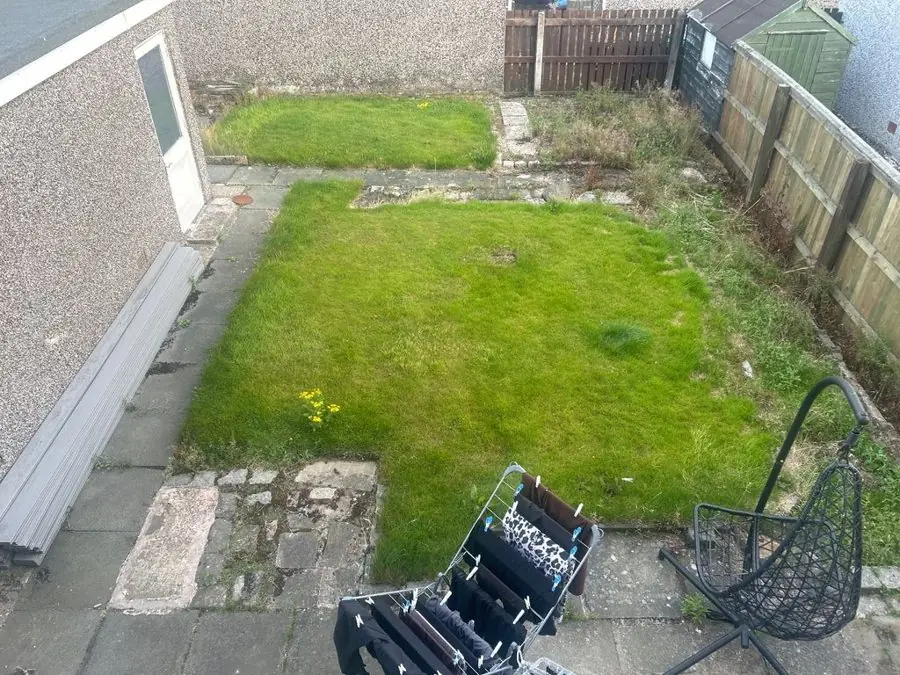
Before: a patchy lawn with broken paving and a hanging chair
Get this garden →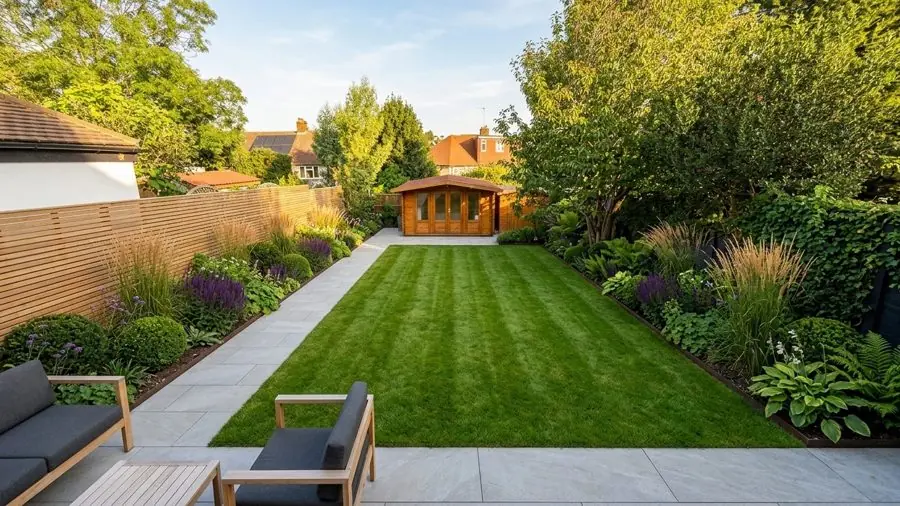
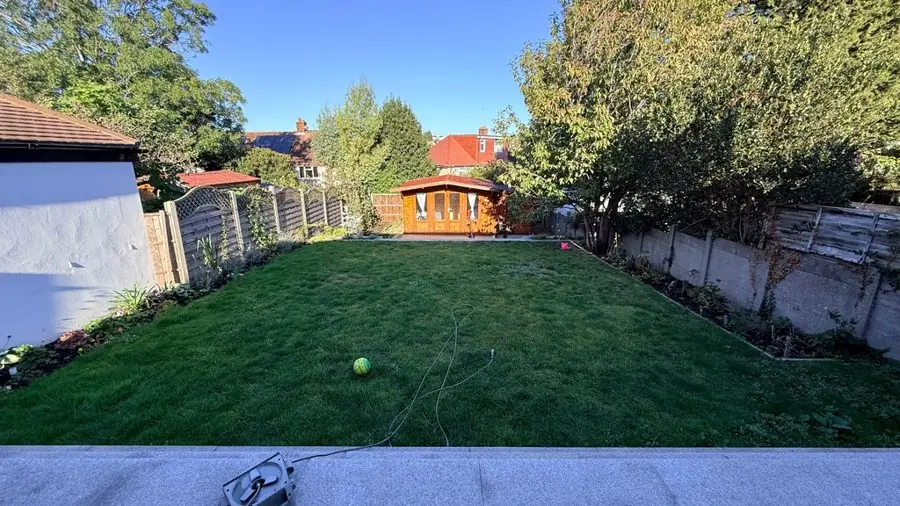
Before: a plain lawn between fences with a summer house at the end
Get this garden →New paths, gravel, terraces and seating: the kind of design landscape design software makes you draw, made here from a photo. 8 gardens
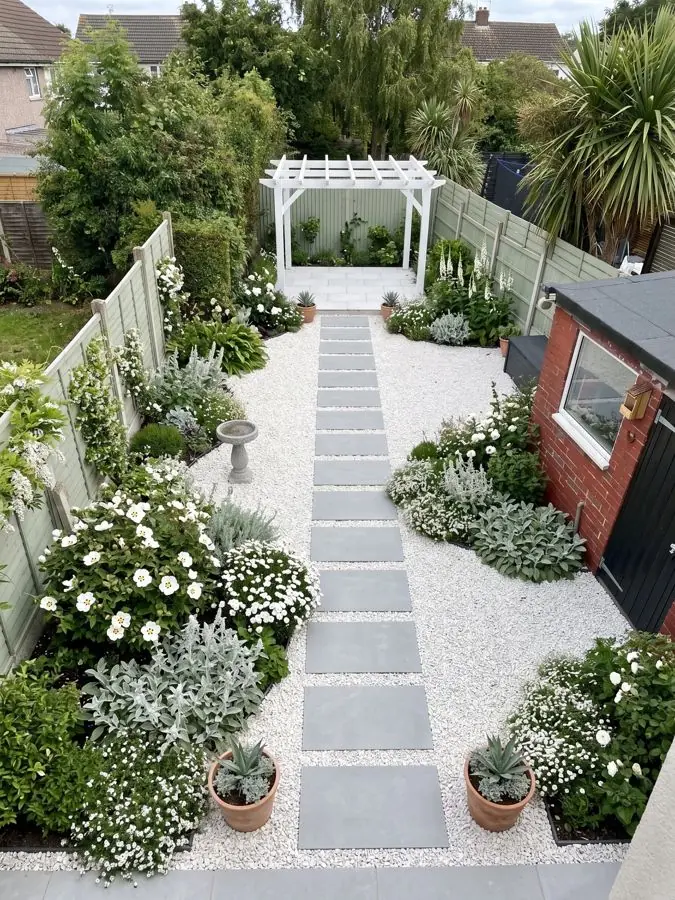
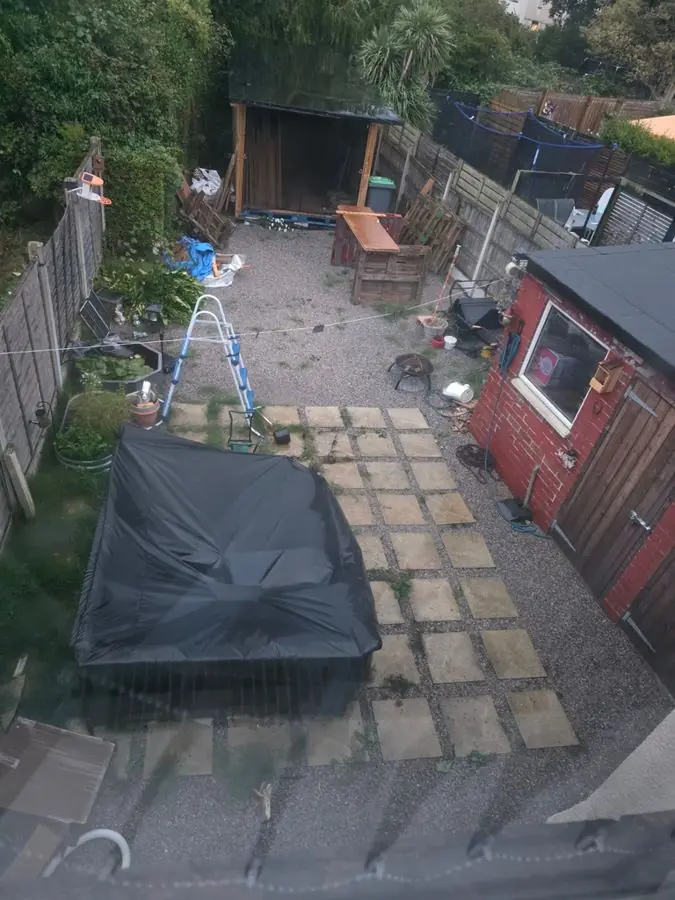
Before: a cluttered yard with loose slabs, a tarpaulin and a shed
Get this garden →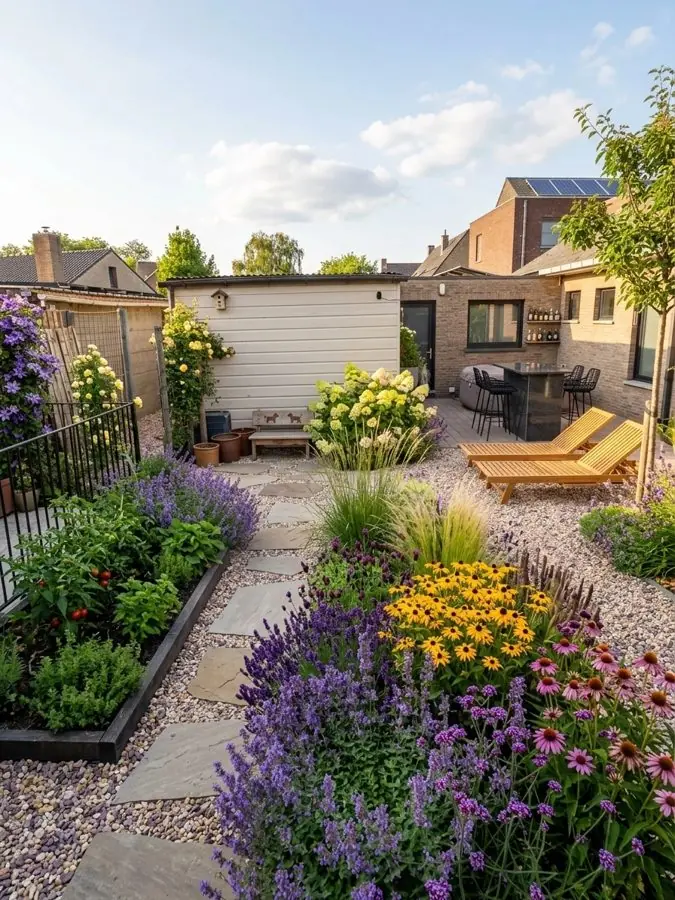
Before: a patchy lawn and bare soil with loungers by a white shed
Get this garden →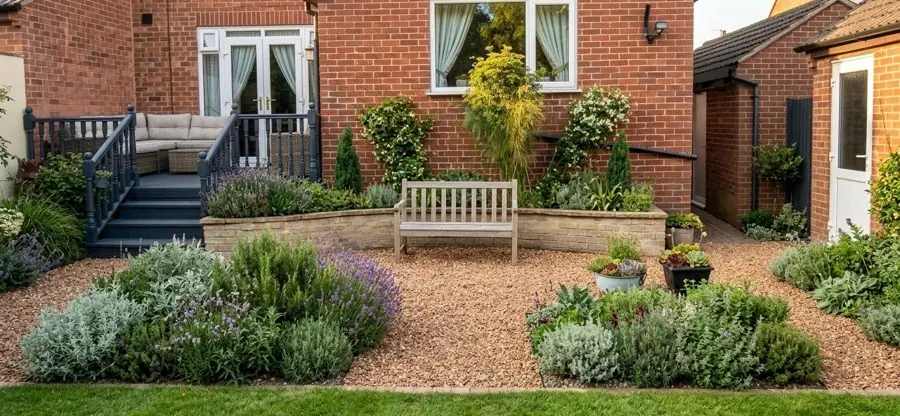
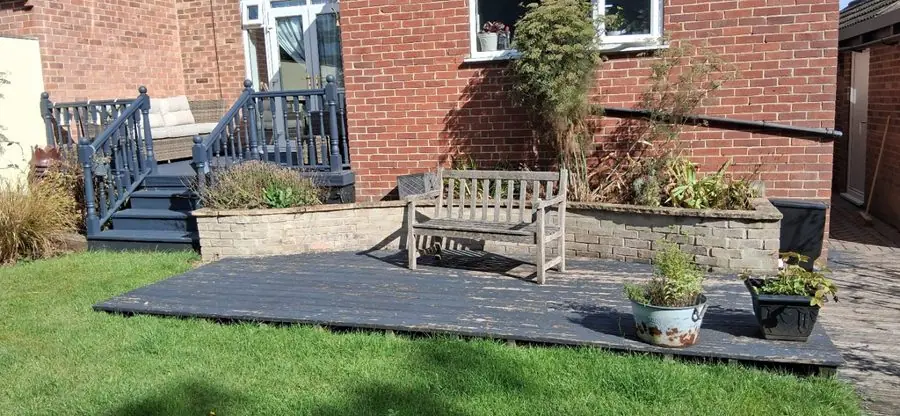
Before: a dark timber deck on a lawn in front of a brick house
Get this garden →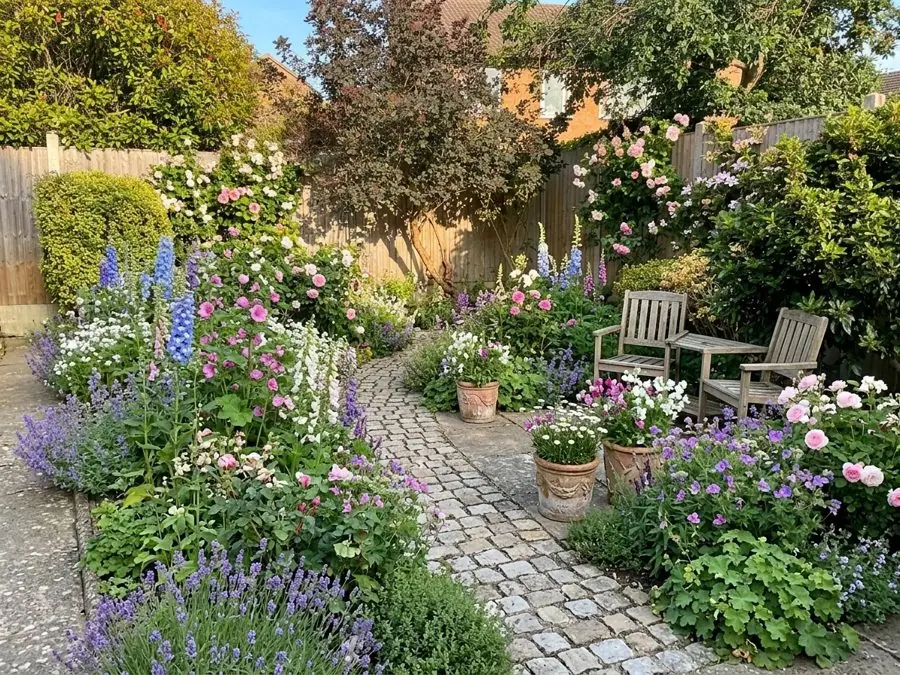
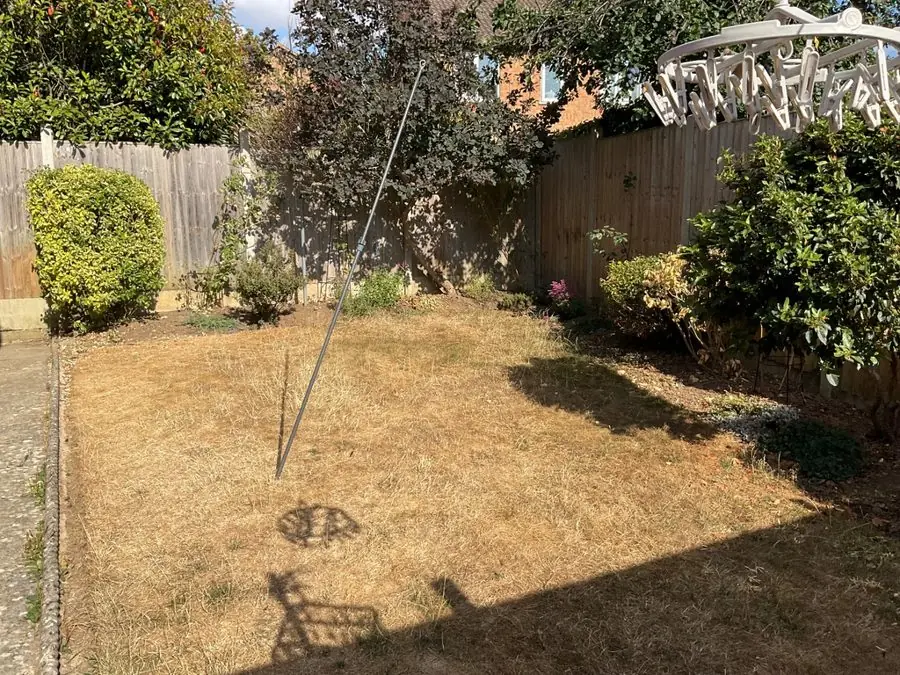
Before: a dry brown lawn with a washing line, fence and shrubs
Get this garden →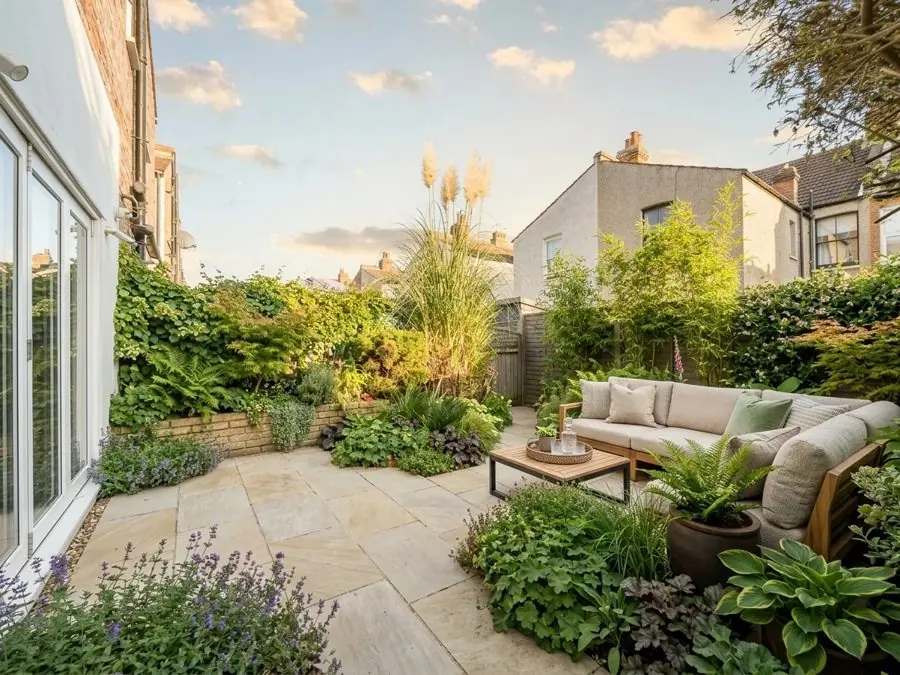
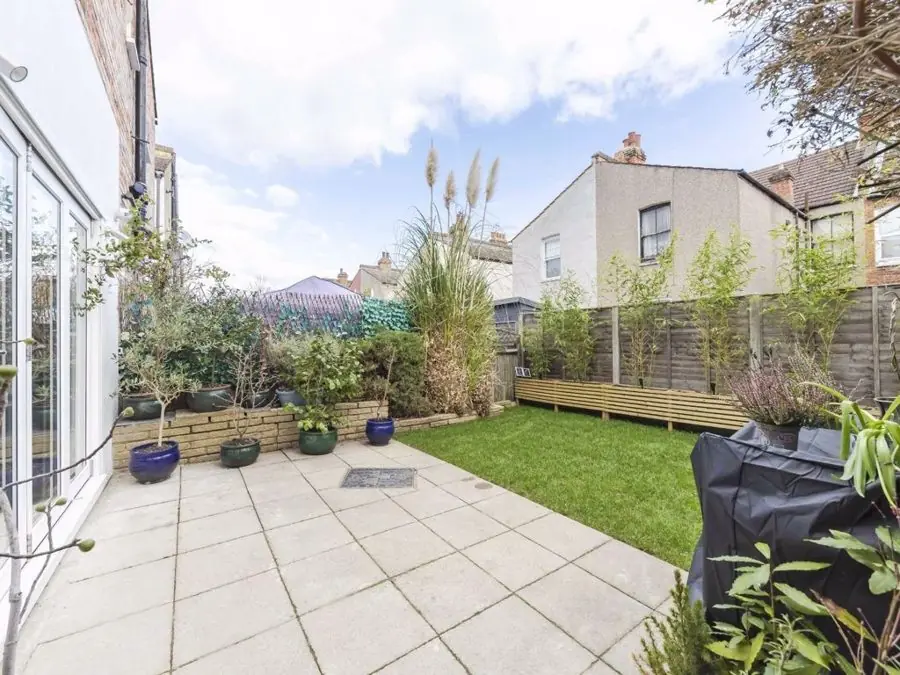
Before: a pale paved patio and small lawn beside raised timber beds
Get this garden →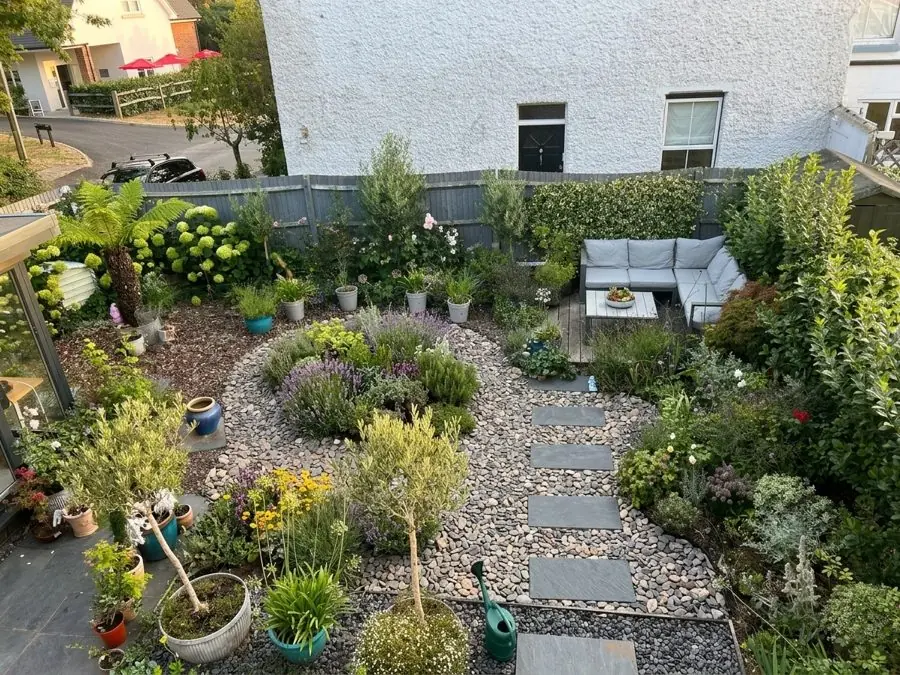
Before: a patchy brown lawn with stepping stones, pots and a corner sofa
Get this garden →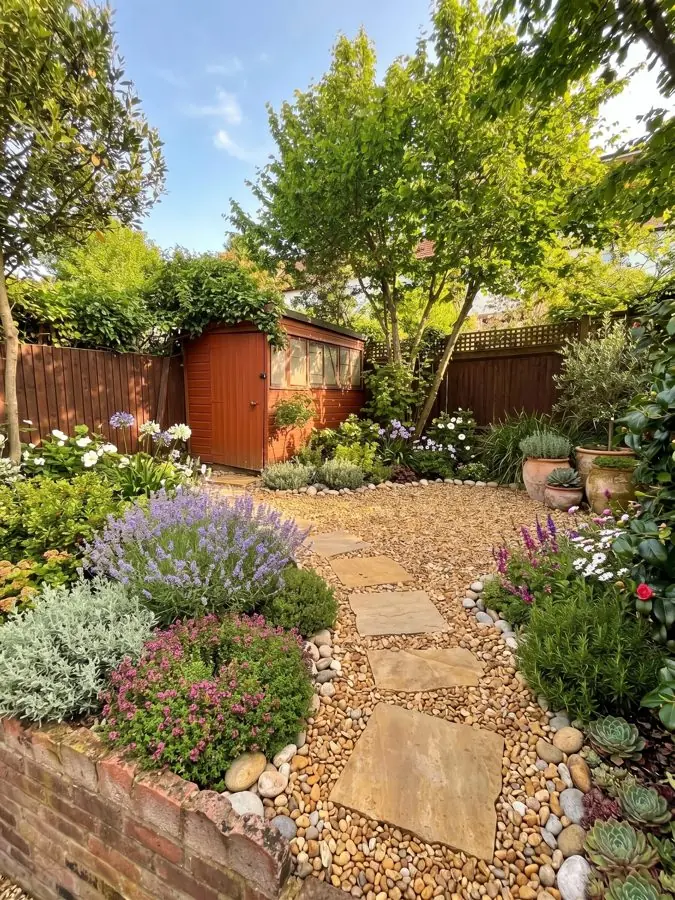
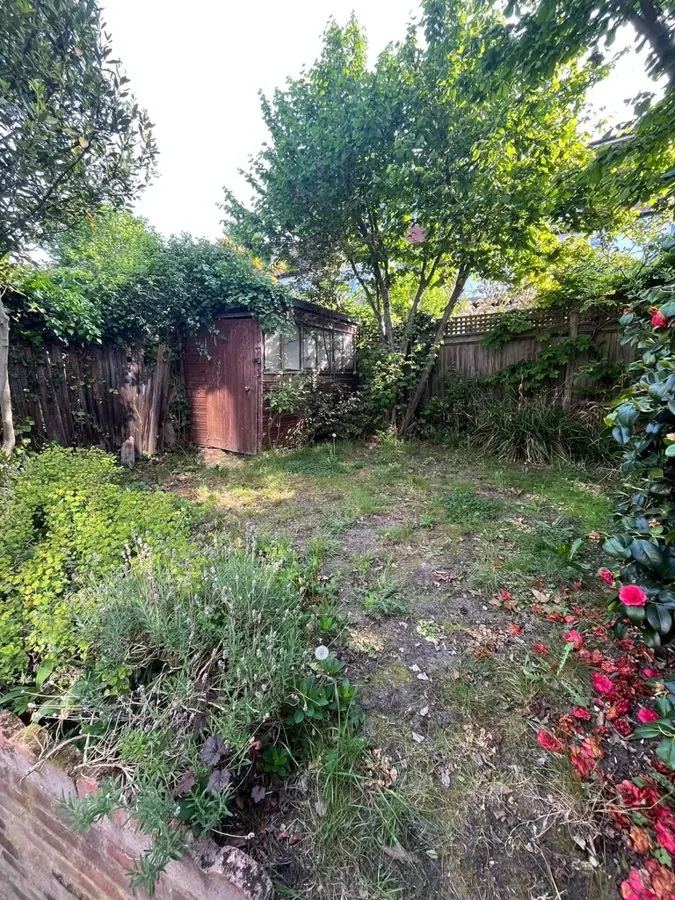
Before: an overgrown patchy lawn leading to a shed under trees
Get this garden →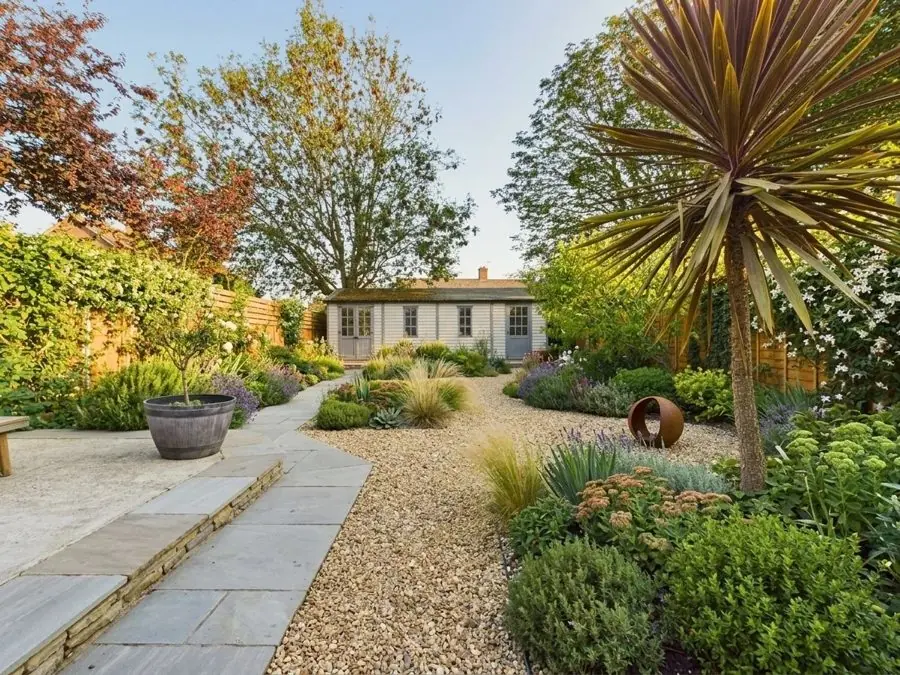
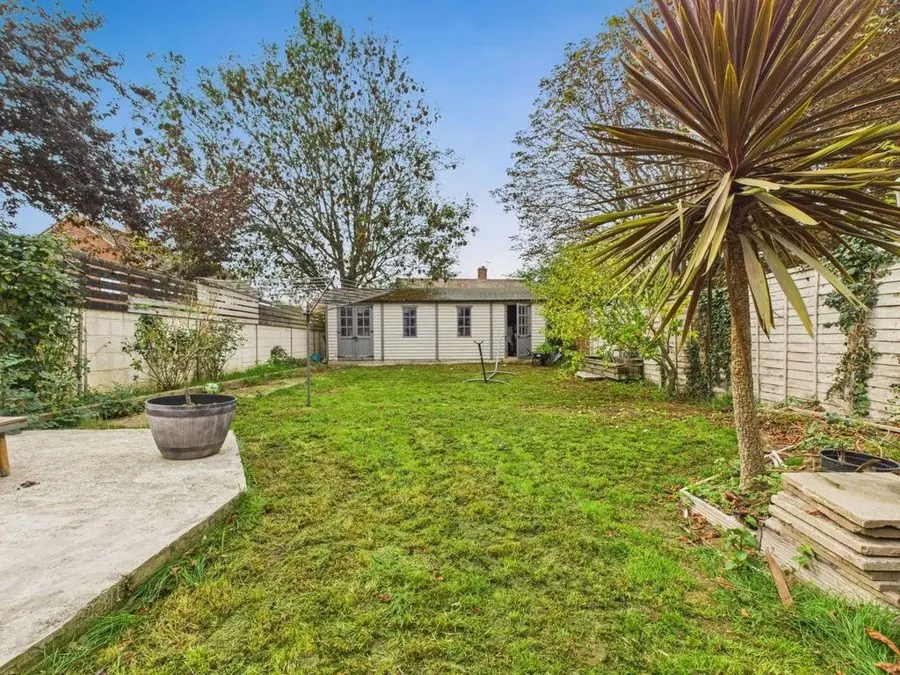
Before: a lawn with a cordyline, a small patio and a summerhouse
Get this garden →Courtyards, narrow strips and side passages, each planned to the space it has. 8 gardens
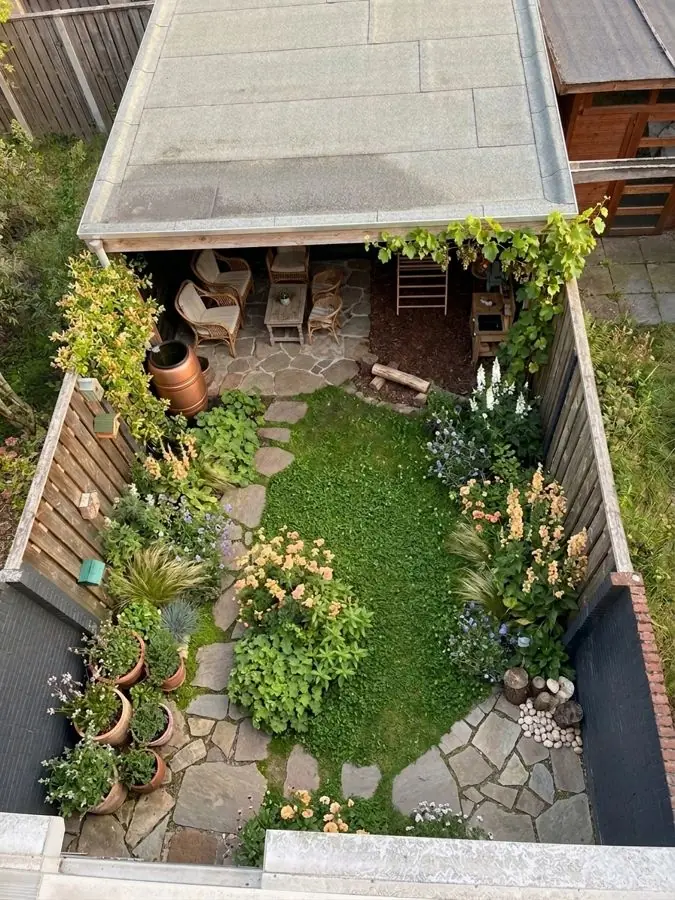
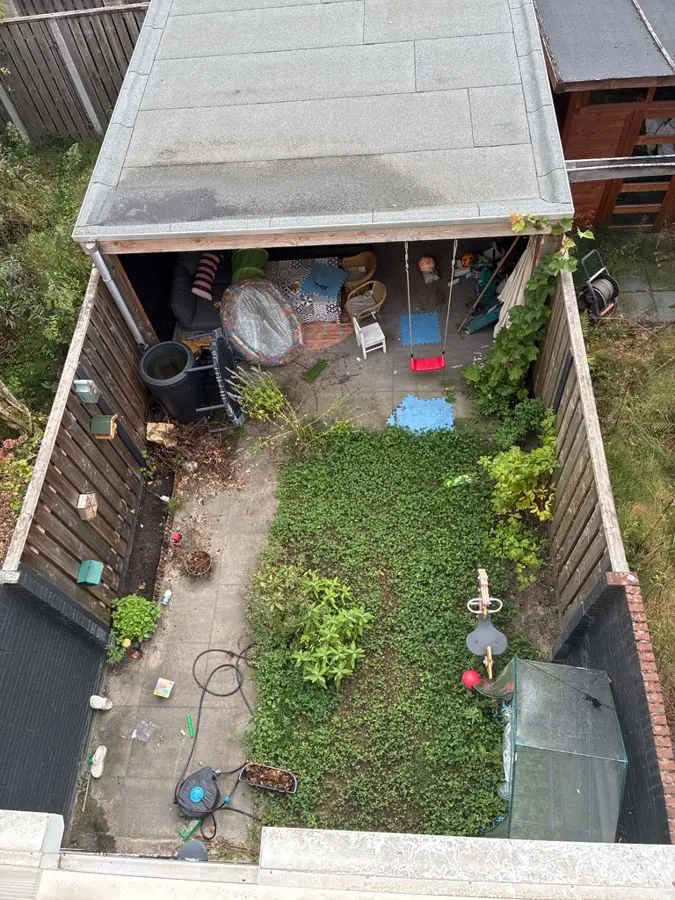
Before: a narrow yard from above, patchy grass and clutter under a shelter
Get this garden →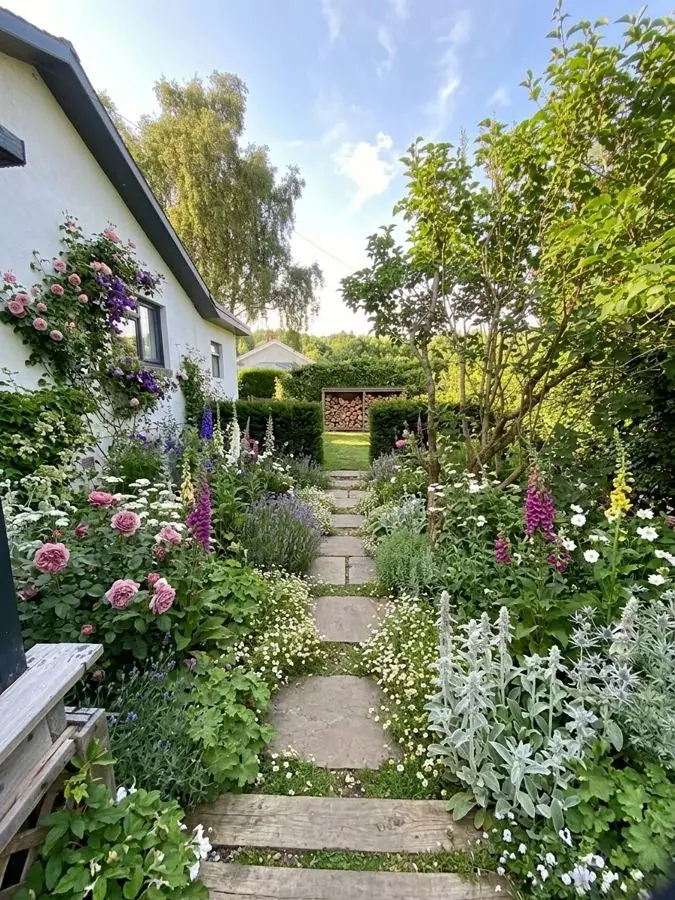
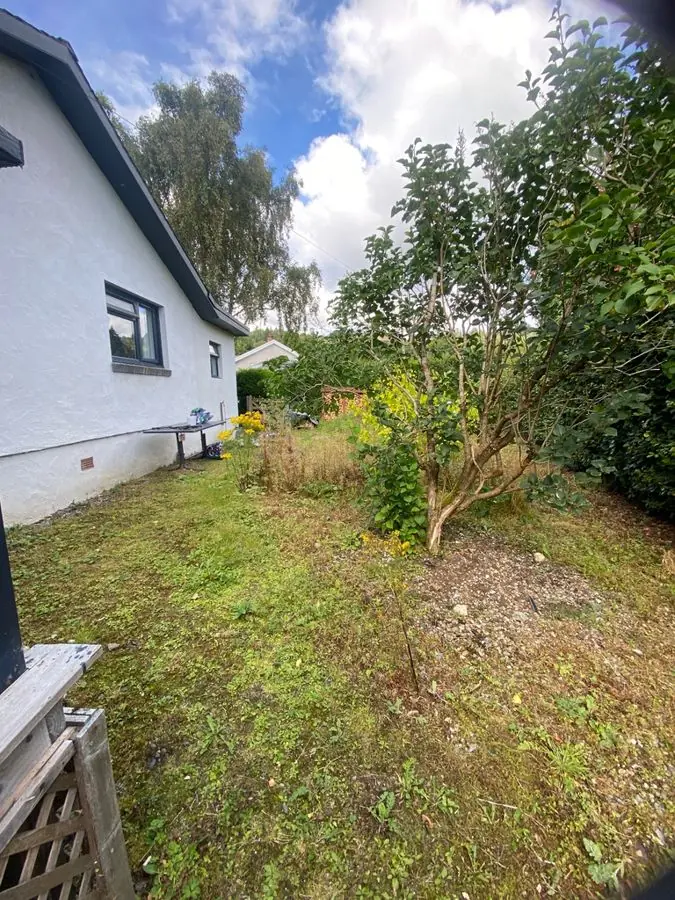
Before: a rough lawn beside a white house with a young tree
Get this garden →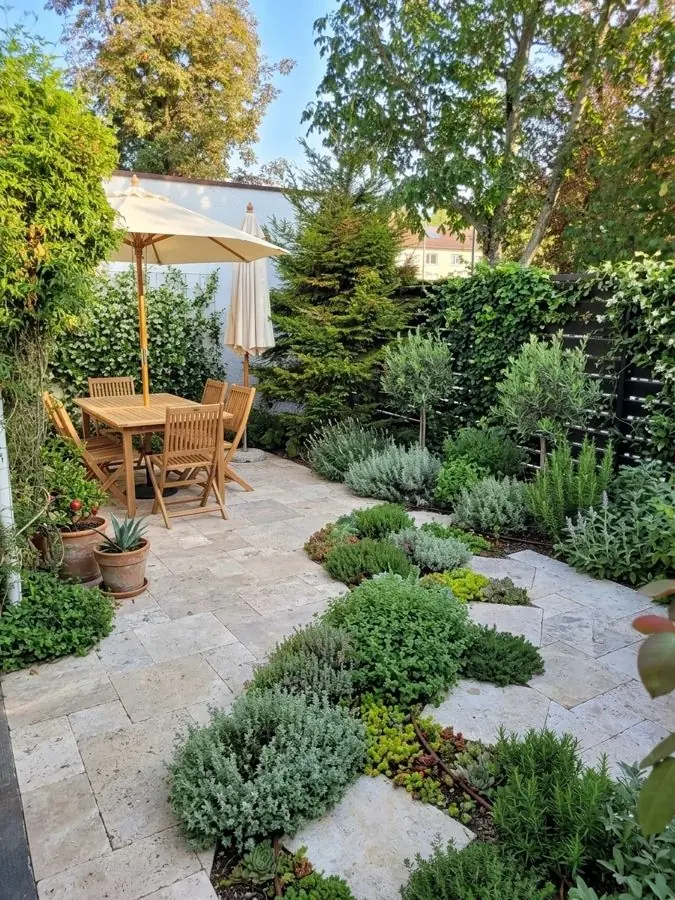
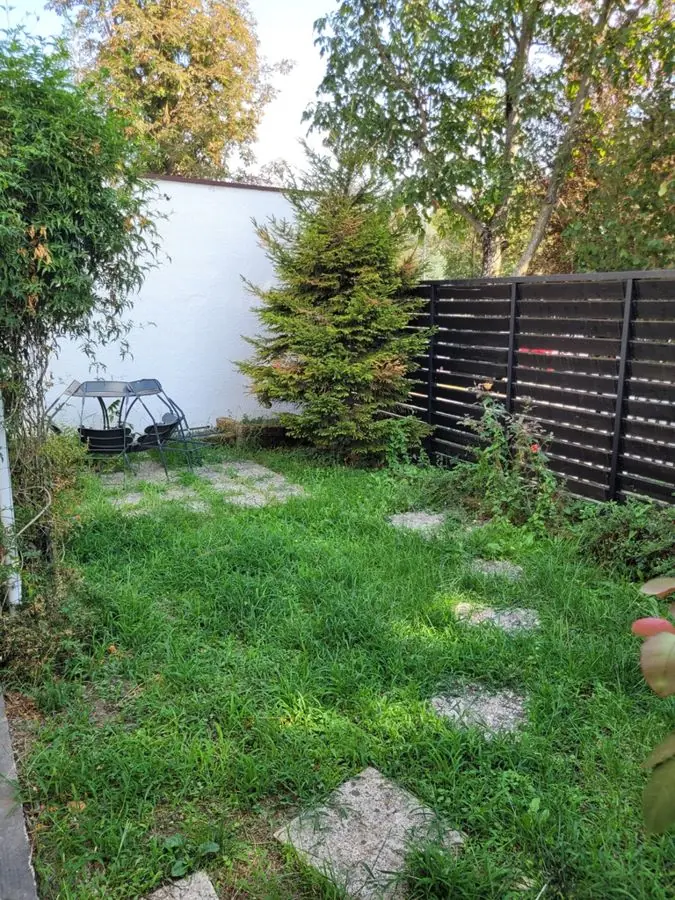
Before: a lawn with stepping stones, a white wall and a dark fence
Get this garden →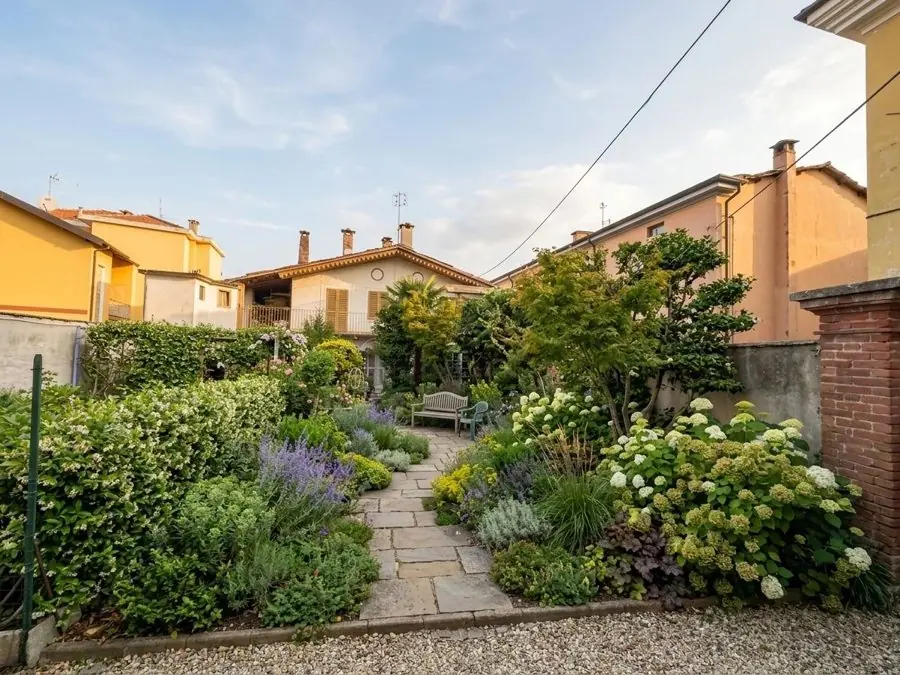
Before: an overgrown weedy strip between a fence and shrubs
Get this garden →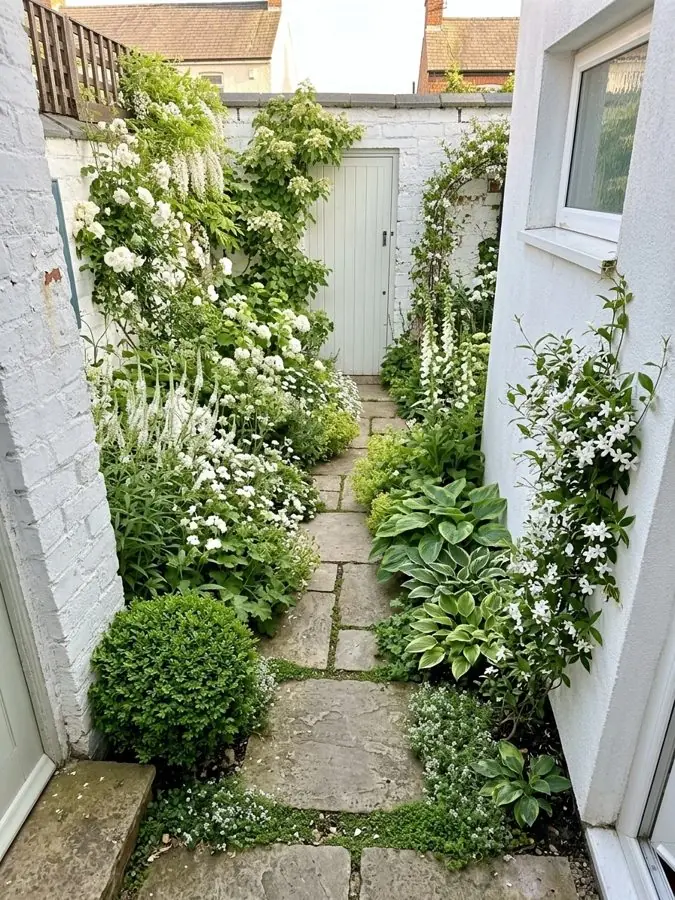
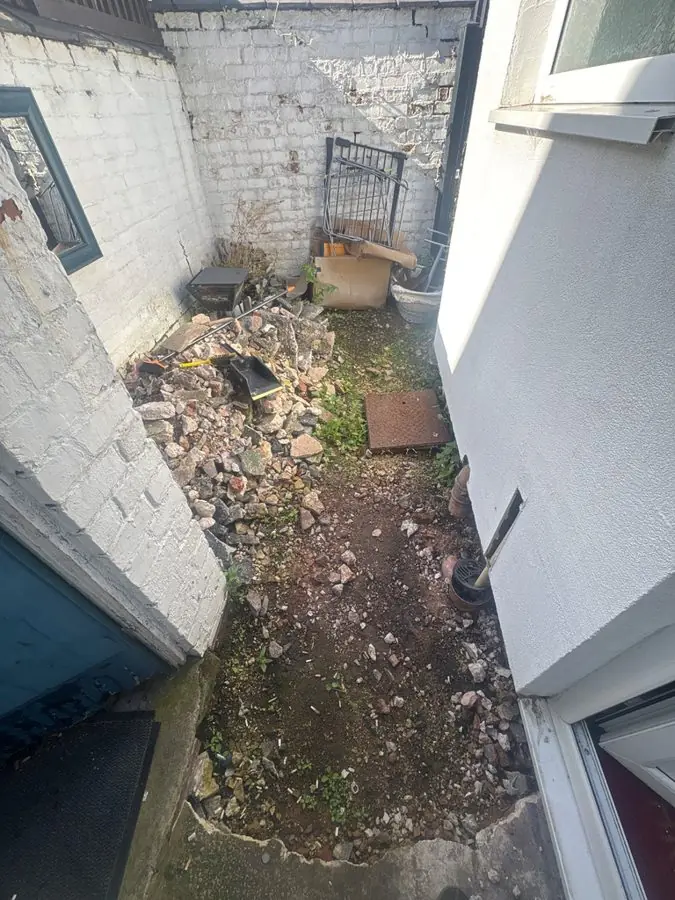
Before: a narrow side passage full of rubble between white walls
Get this garden →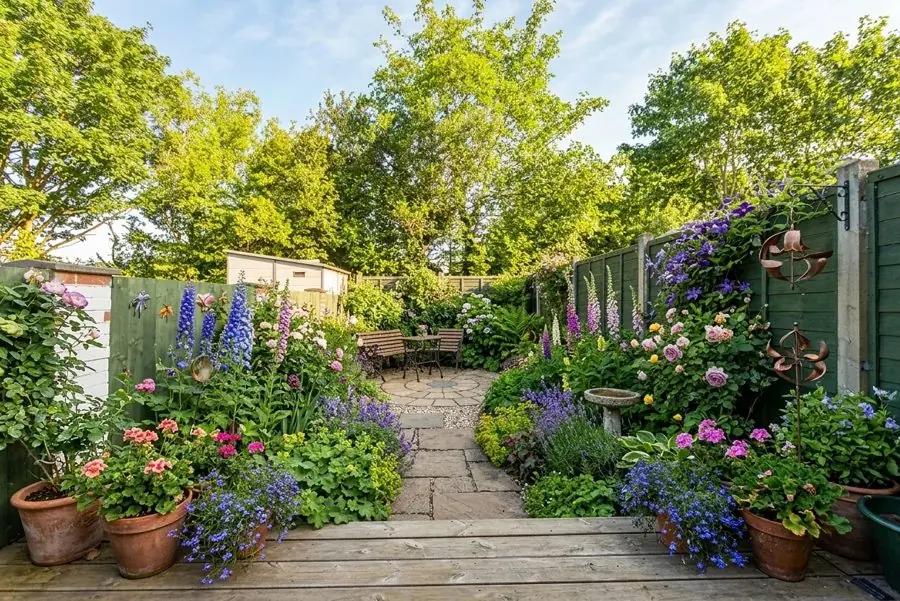
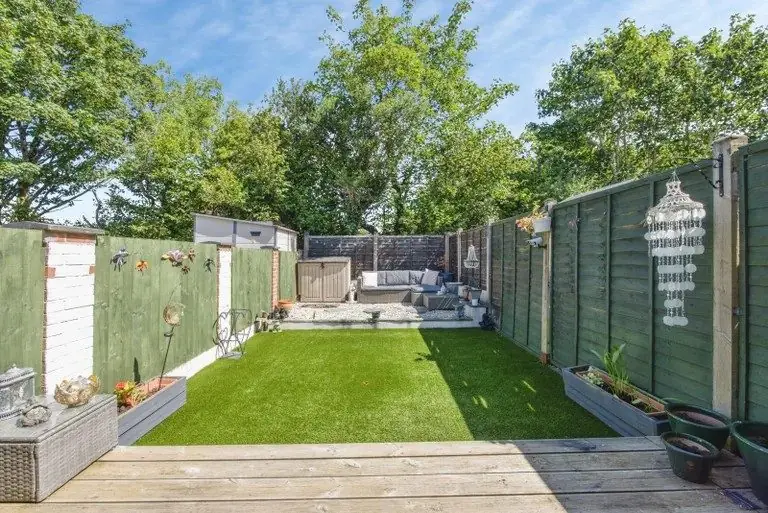
Before: a narrow lawn between green fences with decking at the front
Get this garden →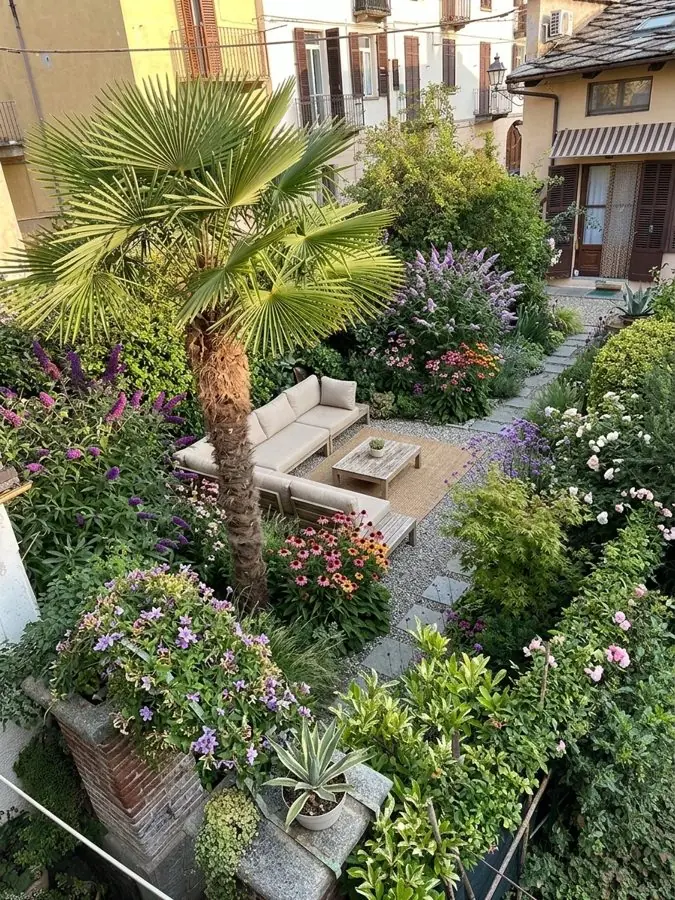
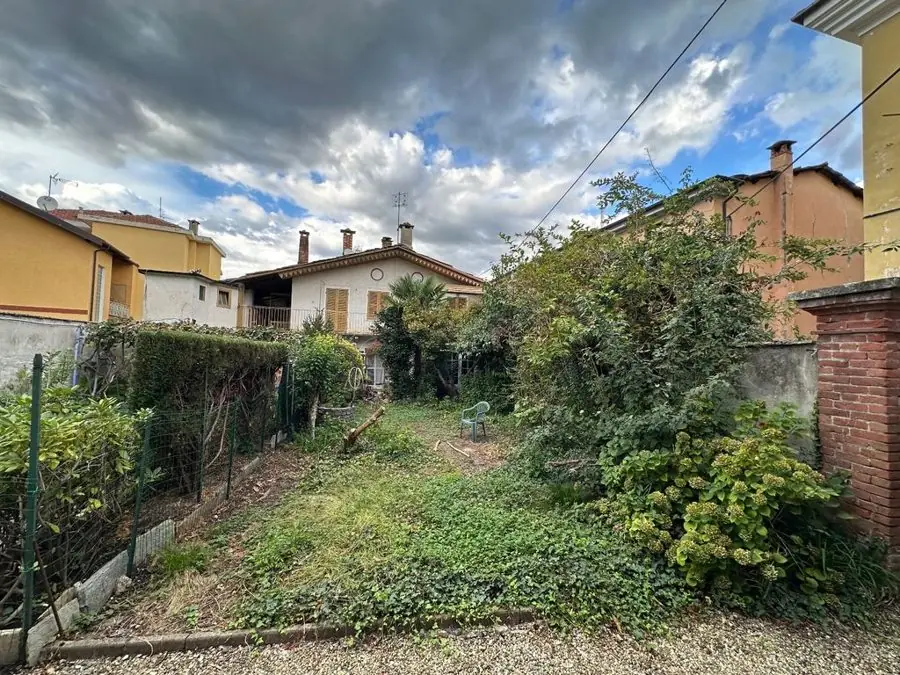
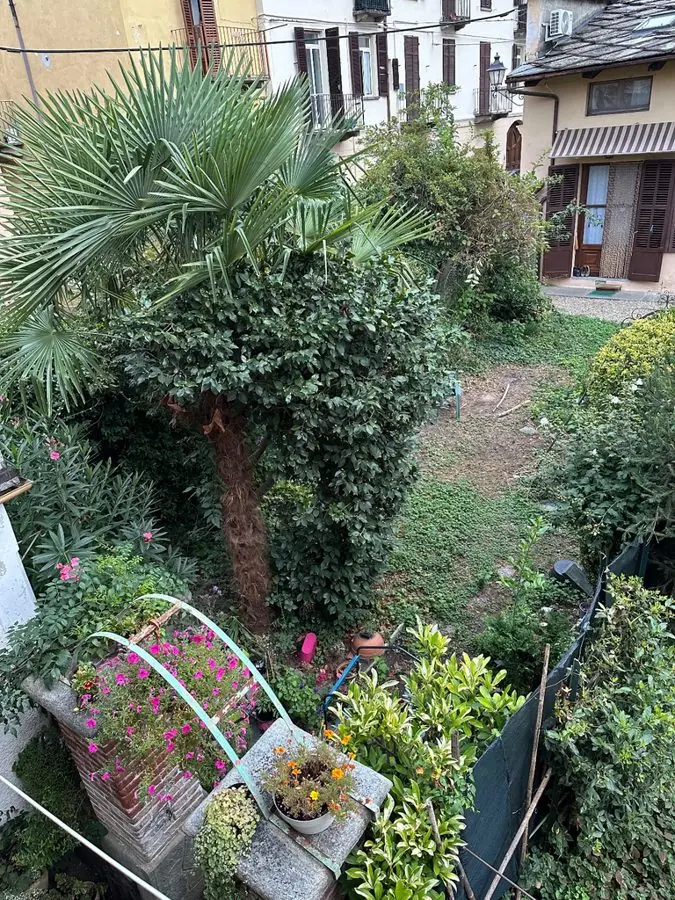
Before: an overgrown town garden with a palm and potted plants, from upstairs
Get this garden →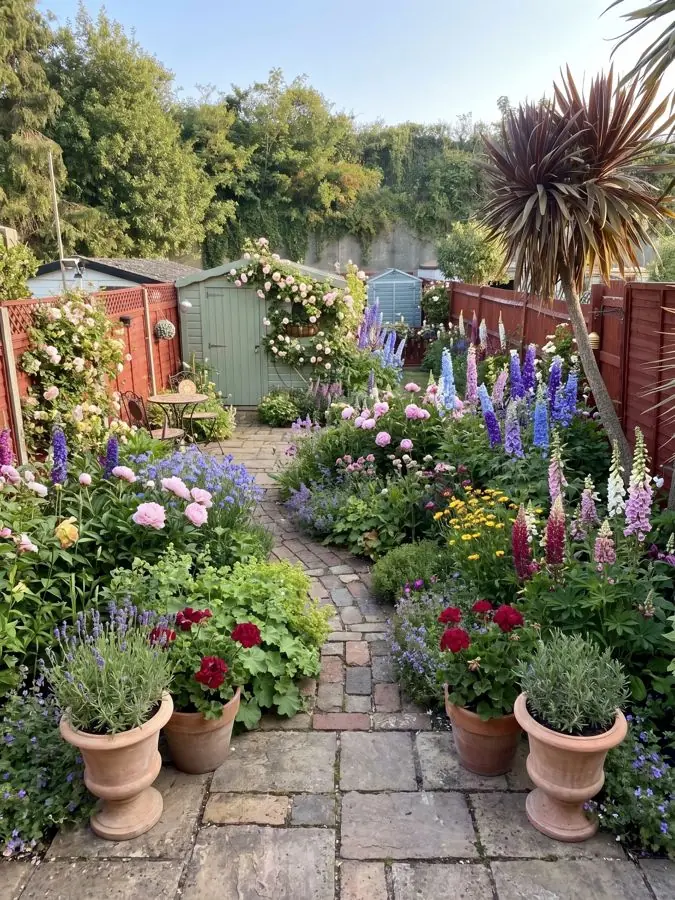
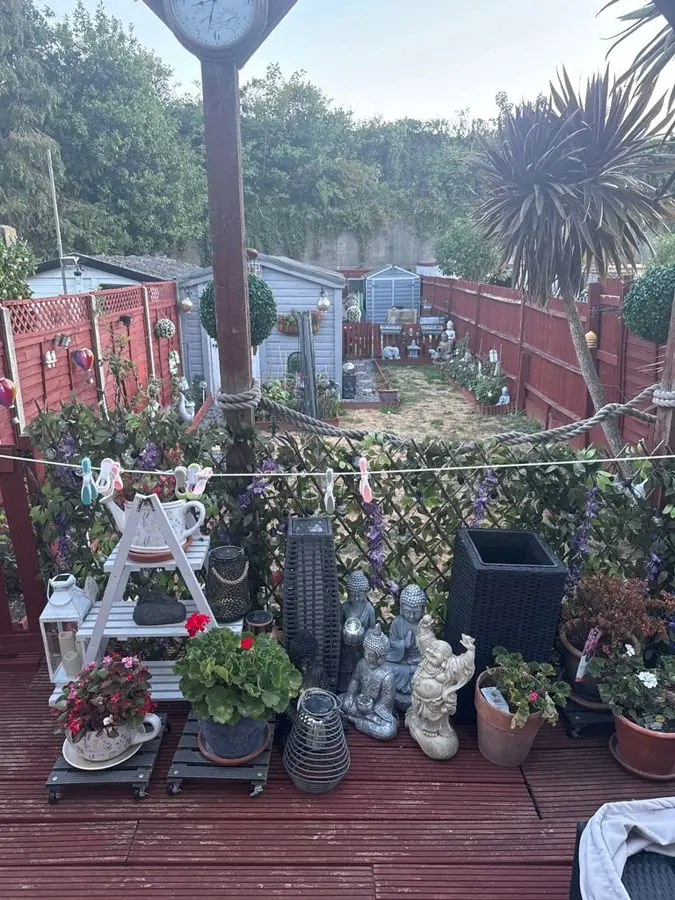
Before: red decking crowded with pots and ornaments, a palm and red fences
Get this garden →Most garden design software and garden planning software has you draw your plot, then drag in paths and plants one at a time. This one starts with a photo of your garden and does the design for you, so you don't need to know the name of a single plant.
One photo from your phone is all it takes. Redesign the planting around the paths and paving you have, or the whole space with a new layout and paths.
Pick one of 15 styles and a colour scheme, then ask for anything you want, like "add a wildlife pond". Or tap Get this garden on any garden on this page.
Your real garden, designed and planted, in about a minute.
See your own garden designed first. When you find the look you love, Pro or Max plans turn it into a garden you can plant.
See what goes into a planting plan before you choose.
Your first 3 designs are free.
Watermarked and lower quality. No card needed.
| One payment, no subscription. | ||
| What you get | ||
| Designs | 20 | 50 |
| Days to use them | 14 | 30 |
| Free designs on top | 5 | 10 |
| Designs at once, side by side | 2 | 4 |
| With every design | ||
| Every plant named, ready to buy | ||
| The materials, gravel to fence, with whole garden designs | ||
| Care guide and flowering calendar | ||
| Higher quality images | ||
| No watermark | ||
| Change any design in your own words | ||
The pot size to buy and how tall each grows. Measured borders also say how many to buy.
| Plant | Pot | Height |
|---|---|---|
| Catmint 'Walker's Low'Nepeta × faassenii | 1 to 2 L | 10 to 50 cm |
| Avens 'Totally Tangerine'Geum | 2 L | 50 cm to 1 m |
| Giant montbretiaCrocosmia masoniorum | 2 L | 1 to 1.5 m |
| Tellmann's honeysuckleLonicera × tellmanniana | 3 to 5 L | 2.5 to 4 m |
Where it grows best, how to prune it and how it gets through winter.
Every plant, the months it flowers, in its own colour.
Avens 'Totally Tangerine'
Catmint 'Walker's Low'
Clematis 'The President'
Lady's mantle
Higher quality images of your design, yours to keep.
 gardendesignapp.ai
Say what you want different, and see it redrawn.
On whole garden designs: the paving, gravel, edging and fence in the picture.
In the UK, the US or anywhere else, we take your location and only give you plants that will thrive in your conditions.
Save over £1,900. The average UK garden design costs £1,950.
A designer can visit, measure and oversee the build. When you want that, bring the look you found here.
What it does, how it differs from landscape design software and 3D planners, and which to choose.
This is AI garden design software made for gardeners, not technical drawing. You give it a photo, mark your beds and their measurements, choose a look, and it hands you a designed garden: no complicated plans to draw, nothing to learn. It runs in your browser, keeps your fences, paths and trees in place, and shows you a photorealistic redesign in about a minute. It is the quickest way to go from wondering what to do with your garden to seeing it looking wonderful.
Every design is built from real garden plants, chosen for your light, soil and climate by a professional gardener's rules and worked out to the size of your beds, so the numbers add up and the garden you see is one you can genuinely grow. You see the finished garden first, then decide whether to take it further. It works as flower bed design software and planting plan software too: design one bed, and with Pro or Max, get every plant in it named.
Landscape design software is usually built for professionals: you measure the plot, draw it to scale, then place the paths, paving and plants by hand, and there is a lot to learn. This works from a photo instead. On a whole garden design it can redesign the layout, paths and paving too, and you see the result as a picture of your own garden, not a plan from above. See what it does for landscape design.
3D garden design software has you build your garden as a model, then turn it round on screen. This skips the model. It shows you a photo of your own garden, redesigned, with the real light, the real fences and the house behind it, so you judge the design in the garden you actually have.
It depends what you want to do. If you want to draw an exact plan to scale, a professional landscape design program, or a free garden design program you draw in, is the right tool. If you want to see what your own garden could look like, and which plants would get it there, this does that from a photo, with nothing to learn and nothing to install. Your first 3 designs are free, so you can try it on your own garden before you decide.

On your phone? The garden planner app works in your browser, with nothing to download.

Changing the shape of the garden? The garden layout planner plans a new layout, with new paths and beds, from one photo.

Ready to start? Design my garden shows how one photo becomes a new garden in about a minute.

Just one bed to plan? The flower bed designer works on just that bed.

Only one border to sort? The garden border planner plans just that border and leaves the rest of the garden as it is.

Ready to plant? See what goes into a planting plan: every plant, how big each grows and where it goes.
For drawing an exact plan to scale, a professional landscape design program. For seeing your own garden redesigned, this: upload a photo, pick a style, and see it in about a minute, in your browser. Your first 3 designs are free, with no card.
Yes. This designs your garden from a photo, and your first 3 designs are free, with no card. Most free landscape design software asks you to draw your plot first; this does the design for you.
Upload a photo of your garden or a single border, and tell us what you'd like: refresh your borders, keeping your garden's shape, or redesign the whole space with new layout, paths and planting. Pick a style, and we generate a photorealistic redesign of your actual garden. When you love one, unlock its planting plan: every plant, how big each grows, and where each goes.
Yes. Every design can become a planting plan of real plants you can buy, chosen for where you live, with each plant's mature height and spread, where it goes and a month-by-month flowering guide. The plans are built on real horticultural data and shaped by a professional gardener, not generic AI guesses, so the garden in the picture is a garden you can genuinely plant.
No, a normal phone photo is perfect. Photograph your whole garden if it's small and simple, or one border at a time for larger or more complex gardens, where each bed has its own light and soil.
Yes, your first 3 garden designs are free, straight away. Free designs carry a small watermark. Pro is £29 and Max £49, each one payment that covers your whole project, and every design you make with either comes with every plant named, plus a clean, higher quality image that is yours to keep. Pro makes two designs at once, Max four.
No. It runs entirely in your web browser on a phone, tablet or computer, so there is nothing to install and nothing to update.
Your first 3 garden designs are free, with no card needed. For more, Pro from £29, one payment, gives you weeks of designing in higher quality, two designs at once, with every plant named and a clean image for every design.
Yes. You don't need special garden design software for Mac: it runs in your browser, so it works on a Mac, a Windows PC, an iPad or a phone, with nothing to install.
Add one photo of your garden and see it designed in about a minute. Your first 3 designs are free, with no card.
Design my garden