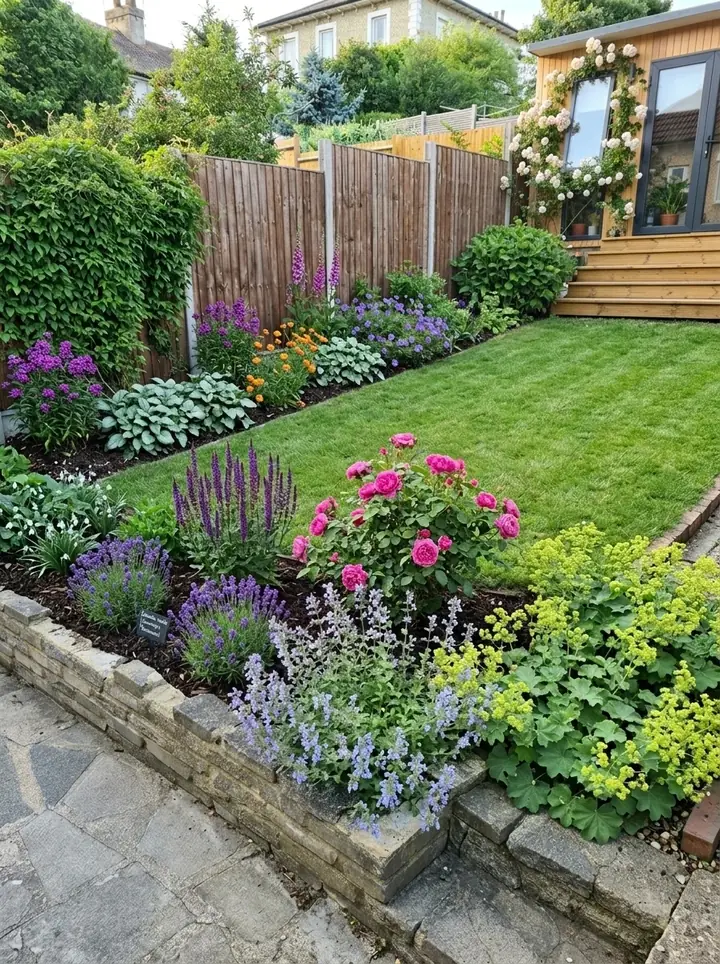
What ChatGPT can do for landscape design
Can ChatGPT create landscape design ideas for a real yard? Yes, and ChatGPT landscape design works best as a conversation. You describe the yard and what you want from it, and it answers in words, and in pictures when you ask. Here is what it can do, and what OpenAI's own help pages say about each part.
| Job | What you get | Worth knowing |
|---|---|---|
| Ideas and questions | Ask what suits a narrow side yard, or what blooms in late summer, and you get a written answer you can question further | OpenAI says to treat its answers as a first draft and check important facts |
| Plant lists | Ask for shade plants for clay soil and you get a list back | A list is only as good as what you tell it about your yard |
| A layout in words | Give it the size and shape of the yard and ask where a patio, path and beds might go | Give it your own measurements: OpenAI says it struggles with tasks that need exact positions in an image |
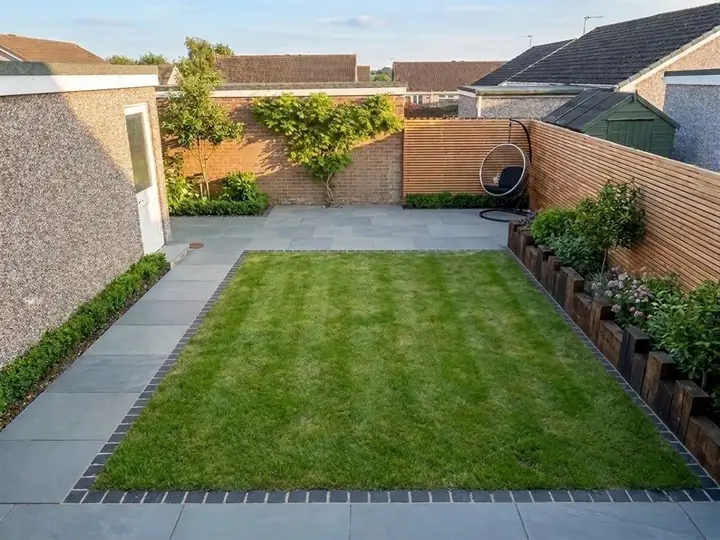
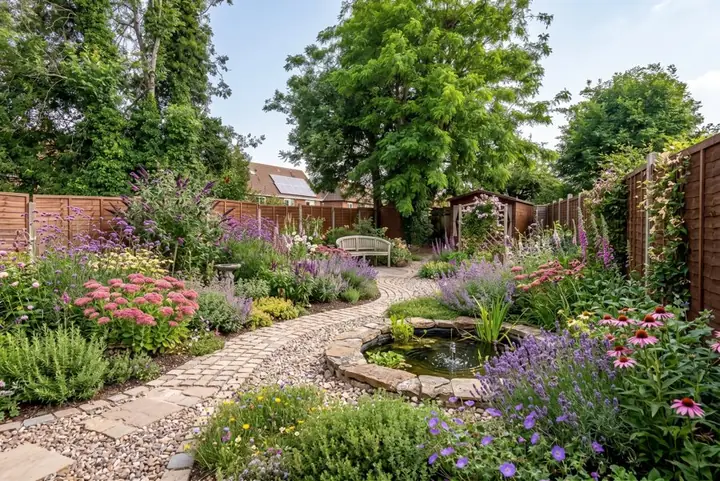
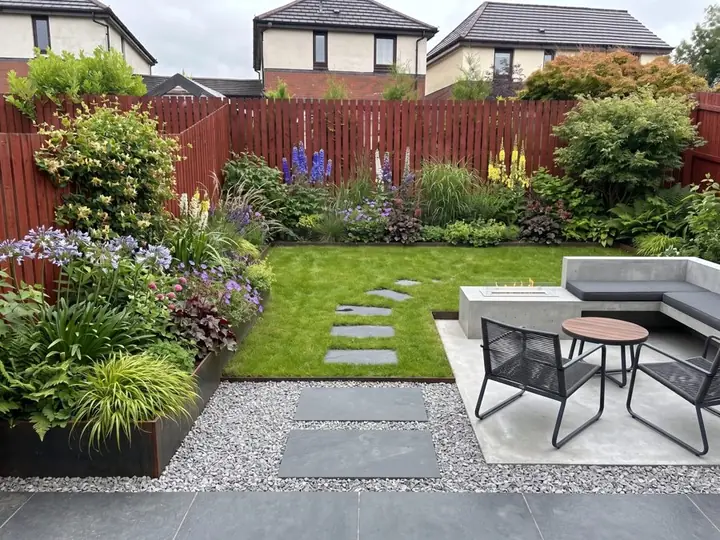
| Pictures | ChatGPT Images can create a new image, or edit a photo you upload, from a description | On every plan, OpenAI says. Edits may spread beyond the area you selected |
| Reading your photo | Upload a photo of the yard and ask about what is in it | Photo uploads work on free and paid plans, with limits by plan |
| Remembering your yard | With Memory on, it can remember details from your chats, such as your soil | Memory varies by plan and region, and it does not keep every detail |
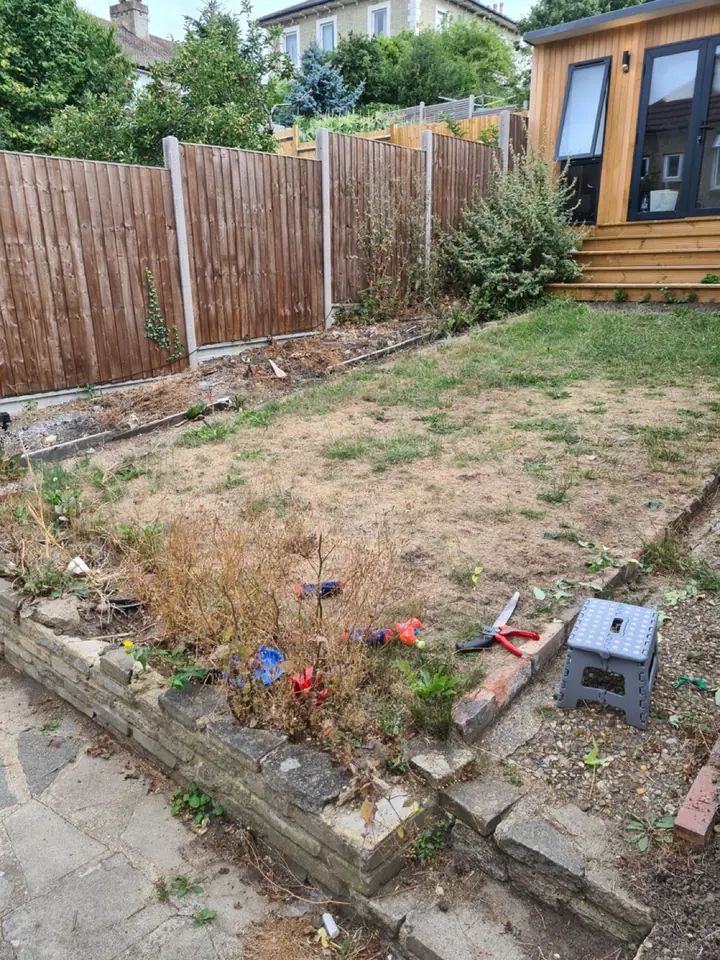
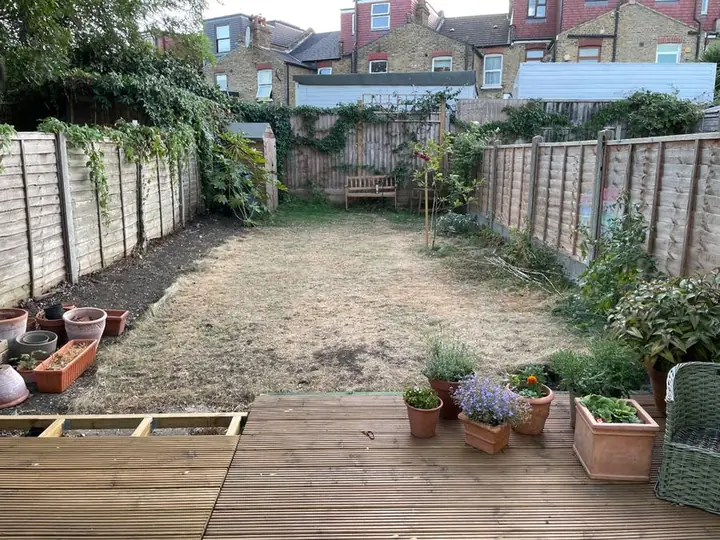 Before
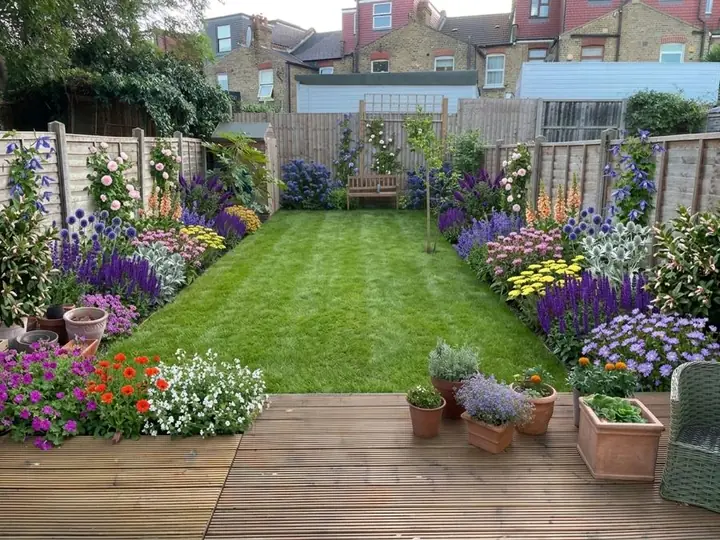 After
What to check before you trust it
ChatGPT is a good thinking partner, and OpenAI's own help pages set out its limits. These are the ones that matter for ChatGPT yard design.
- Your zone and your summers. Tell it your USDA zone and how hot and dry your summers get. A plant that lives through your winters can still struggle in a long, hot summer.
- Where you live. For web searches it may estimate your general location from your connection, OpenAI says, and it suggests adding your city or postal code for local results. Do the same for plants: give it your ZIP code.
- Your soil and light. Tell it your soil and how many hours of direct sun each bed gets; without them, its plant list is a guess.
- Facts that sound sure. OpenAI says ChatGPT can sound confident even when it is wrong, so check a plant's height, spread and zone range on a nursery or extension service page before you buy.
- Measurements from a photo. OpenAI says it struggles with tasks that need exact positions in an image, and counts of things in a picture may be approximate. Measure the yard yourself.
- Pictures need checking. If you like a flower in an image ChatGPT makes, ask what it is meant to be, then check that the plant exists and suits your yard. When it edits your yard photo, OpenAI notes that changes may reach beyond the area you picked.
How to ask ChatGPT to design your backyard
OpenAI's own advice is to be clear and specific, give enough context, and refine the request as you go. For ChatGPT backyard design, the context is the facts it cannot see.
- Give it the facts: your ZIP code and USDA zone, the size of the yard in feet, which way it faces, how many hours of direct sun it gets, and your soil.
- Say what stays: the deck, the lawn, a big tree, the fence, the play set.
- Say how you use it and how much time you have: kids, a dog, grilling out, ten minutes a week or every weekend.
- Say what you will and will not water. If you would rather not water much in summer, tell it.
- Ask for one thing at a time: a layout in words first, then a plant list with heights and bloom times, then a picture.
- If you upload a photo, mark the area you mean first. OpenAI suggests marking up an image before you upload it, to point ChatGPT at what matters.
- Check and refine: ask which plants would struggle in your zone or your soil, then change the request and ask again.
A prompt to start from
"My backyard in Columbus, Ohio, is about 40 by 25 feet, faces northeast and gets about four hours of direct sun in summer. The soil is heavy clay that stays wet in spring. Tell me my USDA zone, then suggest a layout in words for a yard that needs little upkeep, with a small lawn for the dog, beds along the fence, and something in bloom from May to October. I like coneflowers and black-eyed Susans. Give me a plant list with heights and bloom times, and tell me which plants need more sun than I have."
Change the city, size, sun and soil to your own. Check the zone it gives you against your ZIP code. The more of your yard it knows, the better the answer.
Where a yard design app fits
ChatGPT and Garden Design App do different jobs, and you can use both. ChatGPT is for thinking it through. Garden Design App starts from a photo of your yard and your ZIP code, so you see your own yard redesigned, with plants picked for your USDA zone, your summer heat, your light and your soil.
| ChatGPT | Garden Design App | |
|---|---|---|
| Starts from | What you tell it, and any photo you upload | One photo of your yard |
| What you see | Words, and pictures when you ask | Your own yard redesigned, in about a minute |
| Plants | Whatever you ask for; you check they suit your zone and yard | Picked for your USDA zone, your summer heat, your light and your soil, and named in a planting plan with pot size and height, with the Pro or Max plans |
| To start | A free plan; ChatGPT Images on every plan, and photo uploads with limits that depend on the plan | First 3 designs free, no card; the Pro plan $39 or the Max plan $65, one payment |
| Best for | Ideas, questions and plant research | Seeing your own yard redesigned and taking a plant list to the nursery |
Can AI design the whole yard?
For the wider question, including what any AI leaves to you or a pro on site, read AI landscape design.
Why use Garden Design App?
You do not need to know plant names or draw to scale.
Your own yard, from one photo
One photo from your phone is all it takes. Your real yard, planted, in about a minute.
Ask for anything you want
Pick one of 15 styles and a color scheme, then ask for anything you want, like “add a fire pit” or “more shade”.
Keep what works
Keep your paths and patio, or start over with a new layout.
A designer’s structure
Height, color and balance arranged the way a professional would.
Plants for your zone
Your ZIP code gives us your USDA zone, so the plants we pick can live through your winters.
Nothing to download
This online landscape design runs in your browser with nothing to download.
Questions people ask
Can ChatGPT do landscape design?
It can help you design a yard in words and pictures: ask it for ideas, a layout described in words, a plant list and images. It works best when you give it your ZIP code, zone, soil, sun and yard size, and you check its plant picks before you buy.
Can ChatGPT design my backyard from a photo?
It can read a photo you upload and edit it from a description. OpenAI notes that edits may reach beyond the area you selected and that it struggles with exact positions in an image, so check the result and measure the yard yourself. Garden Design App redesigns your own yard from one photo and, with the Pro or Max plans, gives you a planting plan with each plant named, how big it grows and where it goes.
Can ChatGPT design landscape plans to scale?
Check the scale and positions yourself: OpenAI says it struggles with tasks that need exact positions in an image. Measure the yard, give it the numbers in feet, and it can suggest where beds, a path and a patio might go, in words.
Is ChatGPT free for landscape design?
ChatGPT has a free plan. OpenAI says ChatGPT Images is available on every plan, and photo uploads have limits that depend on the plan. Garden Design App's first 3 designs are free too, with no card.
Does ChatGPT know what will grow in my zone?
It knows what you give it. For web searches, OpenAI says it may estimate your general location from your connection, or use your device's location if you choose to share it. For plants, give it your ZIP code, your USDA zone, your soil and your hours of sun, and check what it suggests.
What is the best way to use ChatGPT for backyard ideas?
Use it to think: ask questions, compare styles and draw up a plant list. When you want to see your own yard redesigned, add a photo of it to Garden Design App: in about a minute you see the whole yard redesigned, with plants picked for your USDA zone.
Sources (7)
- OpenAI Help Center, Images in ChatGPT, read November 13, 2026
- OpenAI Help Center, ChatGPT Image Inputs FAQ, read November 13, 2026
- OpenAI Help Center, Does ChatGPT tell the truth?, read November 13, 2026
- OpenAI Help Center, Memory in ChatGPT, read November 13, 2026
- OpenAI Help Center, Searching the web with ChatGPT, read November 13, 2026
- OpenAI Help Center, Prompt engineering best practices for ChatGPT, read November 13, 2026
- Garden Design App, US homepage (prices, how it works), read November 13, 2026