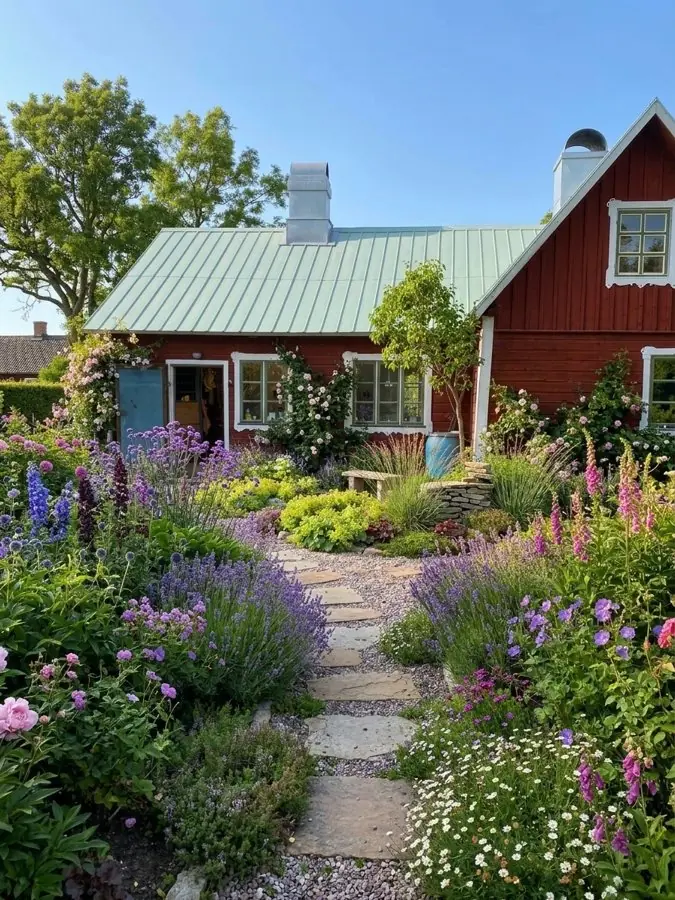
A stone path through lavender, foxgloves and roses to a red timber house
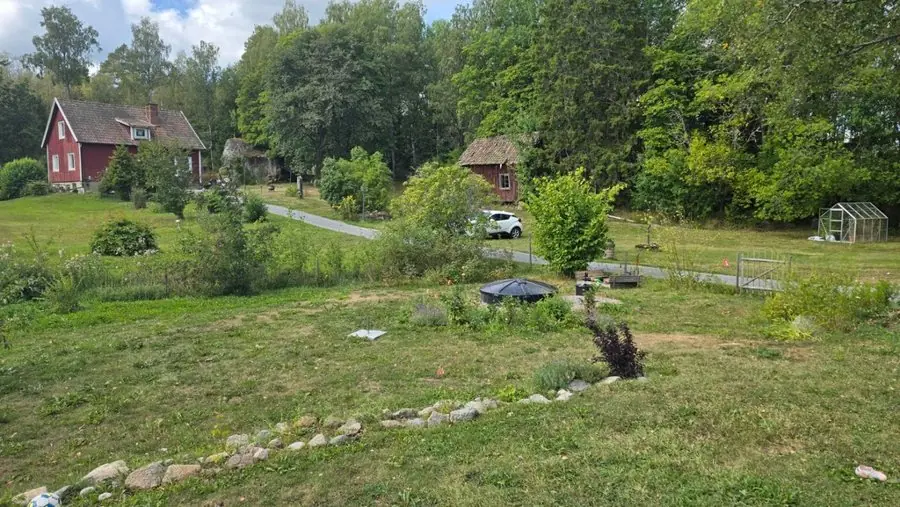
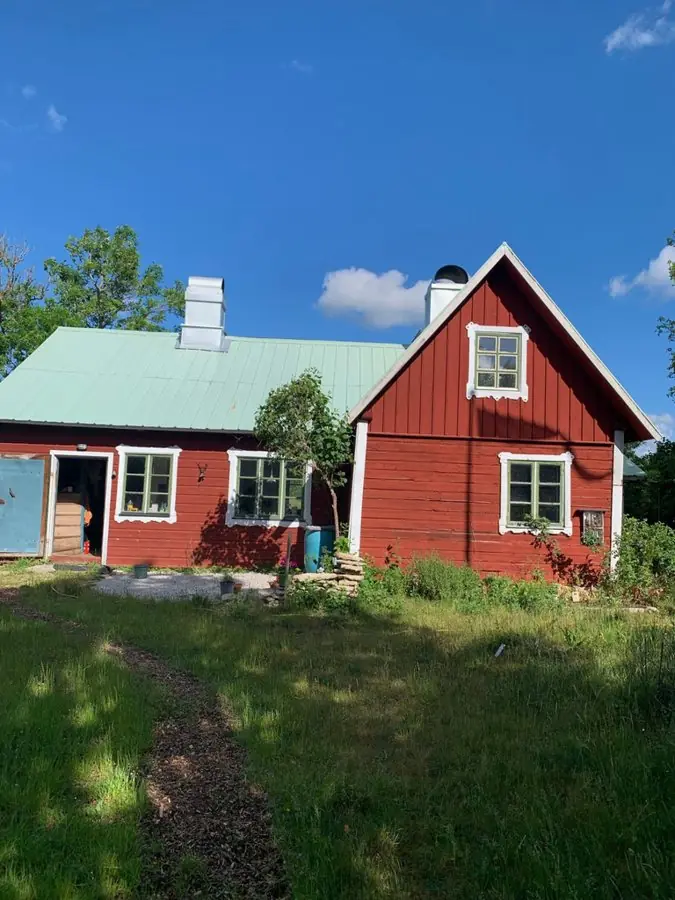
Before: a long lawn with a worn track in front of a red timber house
Your logo on the plan · No watermark
Take one photo of the client's yard on site and show it redesigned in about a minute, before you bid. Business makes 4 designs at once, Studio 8.
Plants picked for where the yard is, in the US or anywhere else, and for its light and soil.
Design a client's yardOver 500 yard designs made.
Every one is a real yard, redesigned from a single phone photo, and each says what was there before. Tap Before to see it. Most are in Britain, where the app started. Whole yards, planting, patios, slopes, front yards and courtyards: this is the range you can put in front of a client at the first visit.
New lawns, paths, patios and beds in the client's own yard, with the house and fences kept where they are. They see the finished job before they agree the price. 10 yards
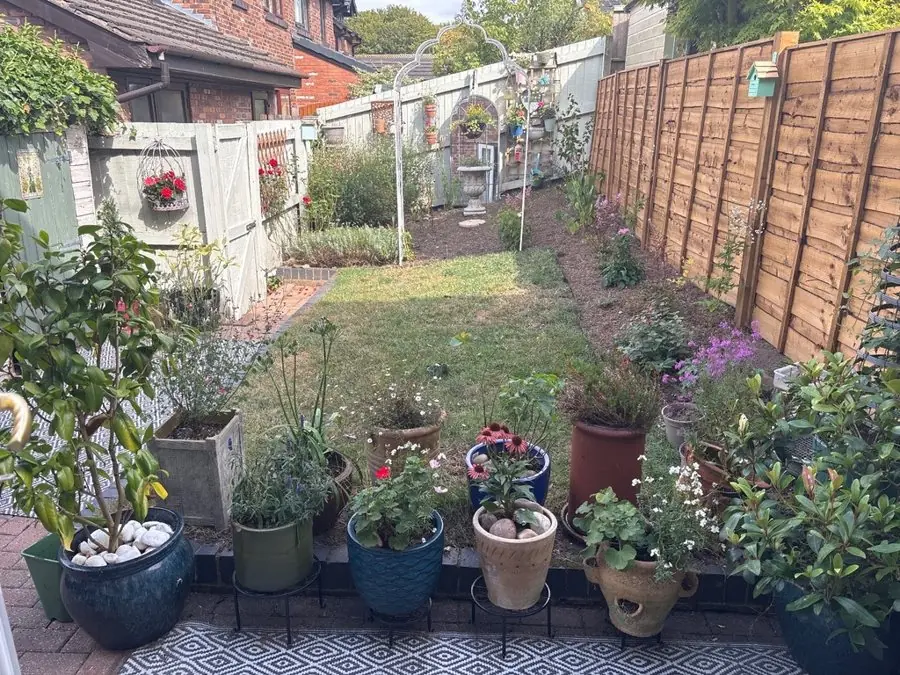
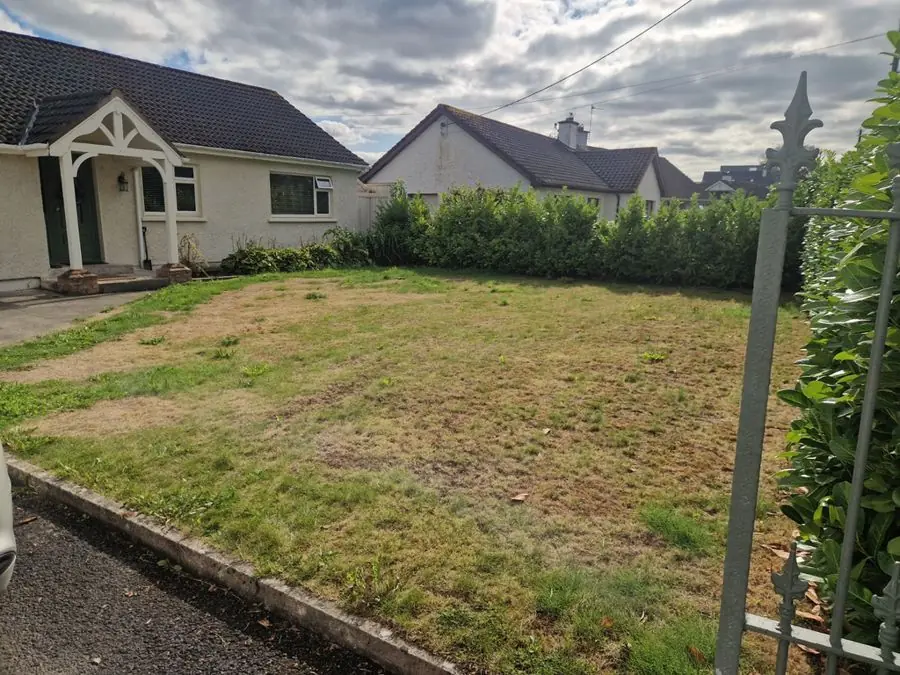
Before: a long lawn with a worn track in front of a red timber house
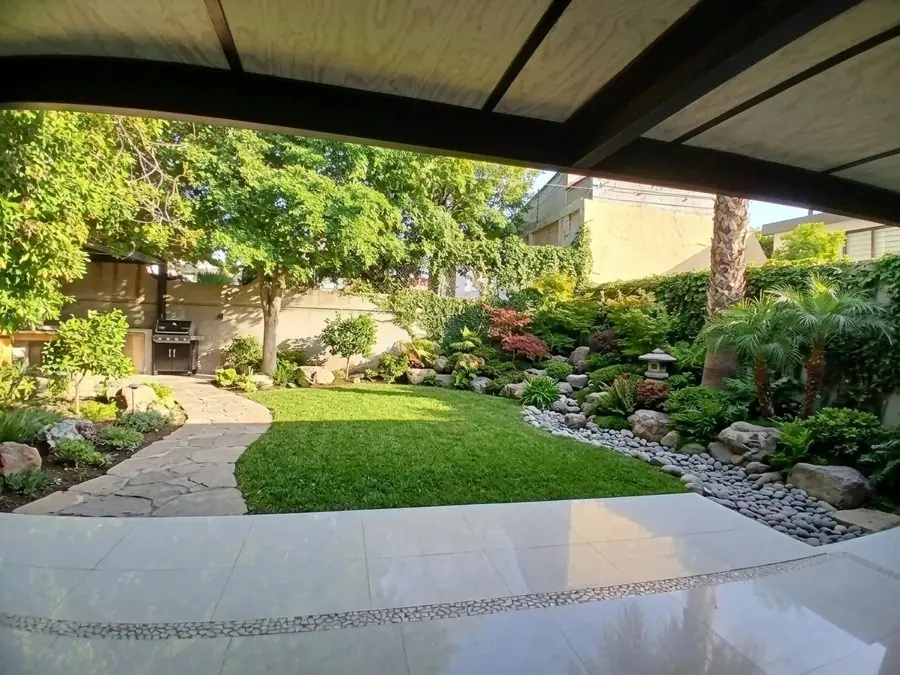
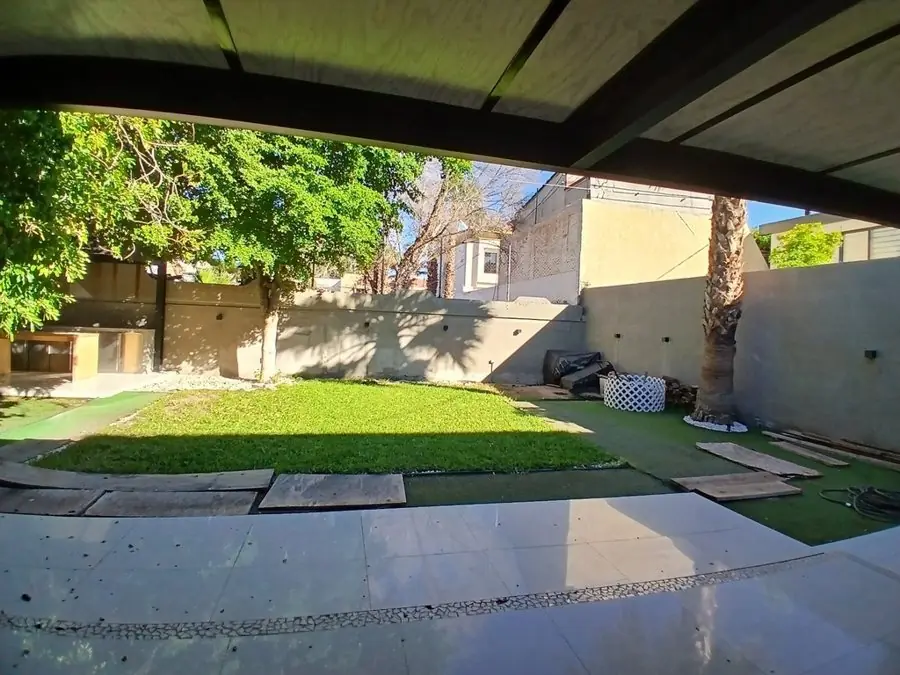
Before: a lawn and loose pavers seen from under a covered patio
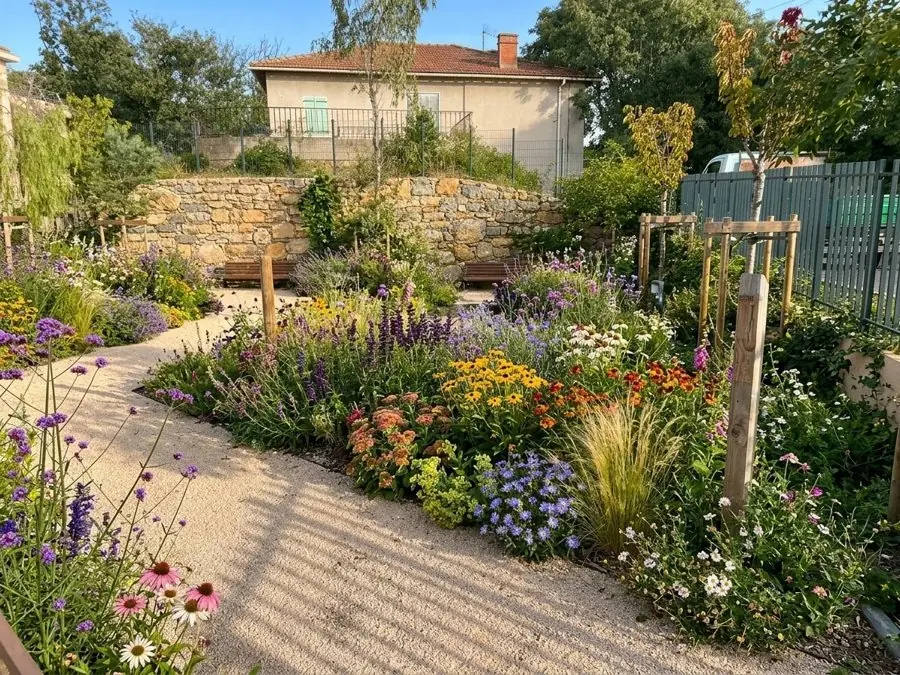
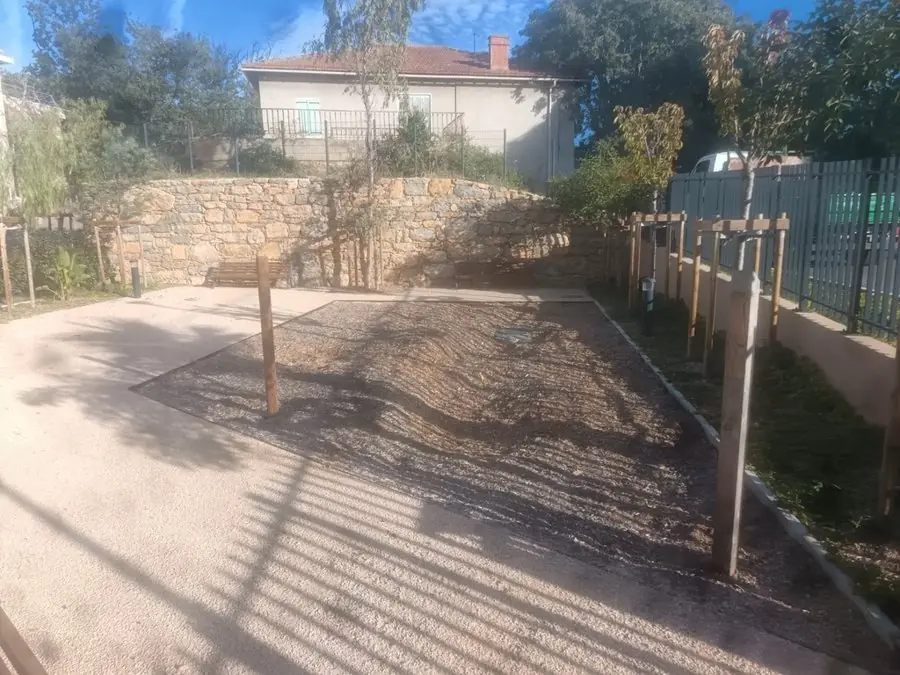
Before: bare raked ground between a stone wall and a fence
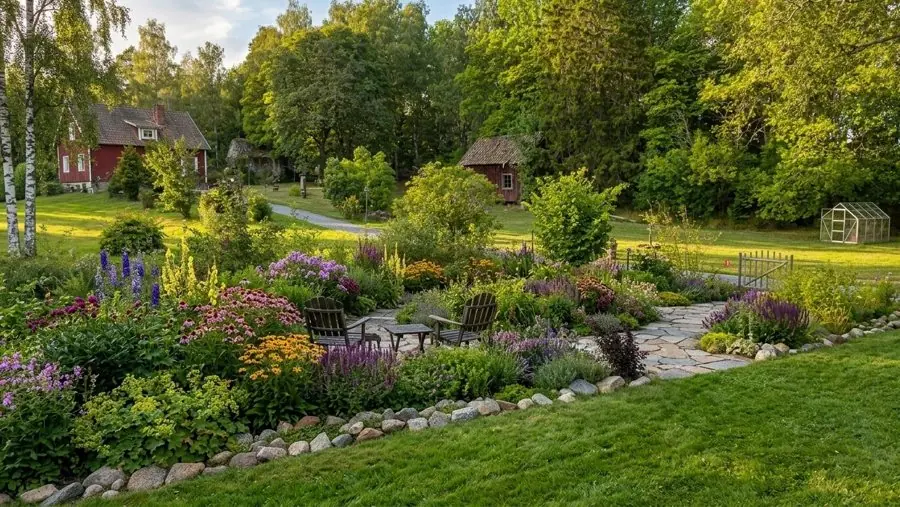
Before: rough grass and a ring of stones in a big open yard
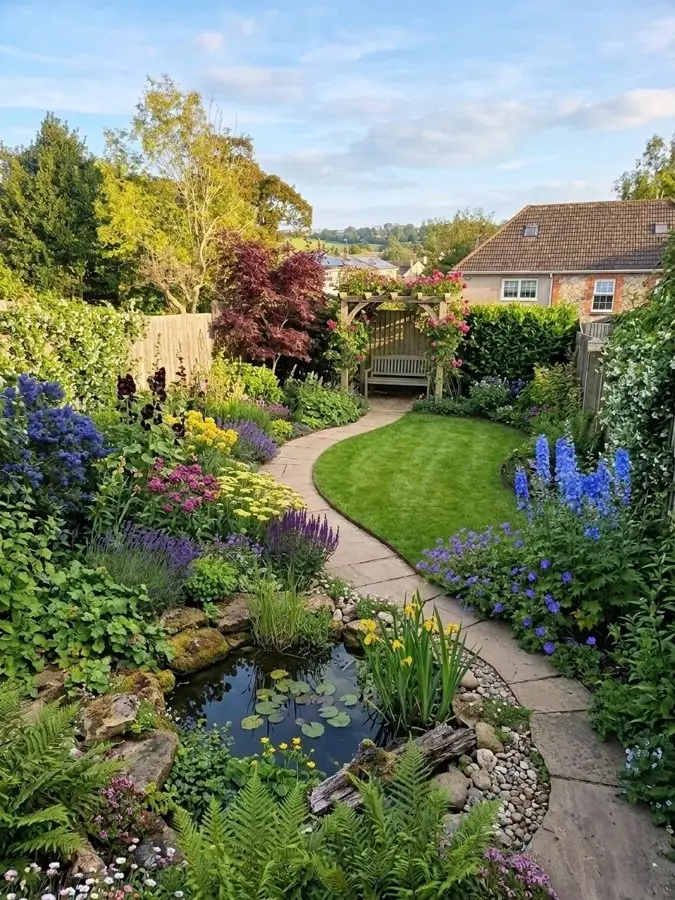
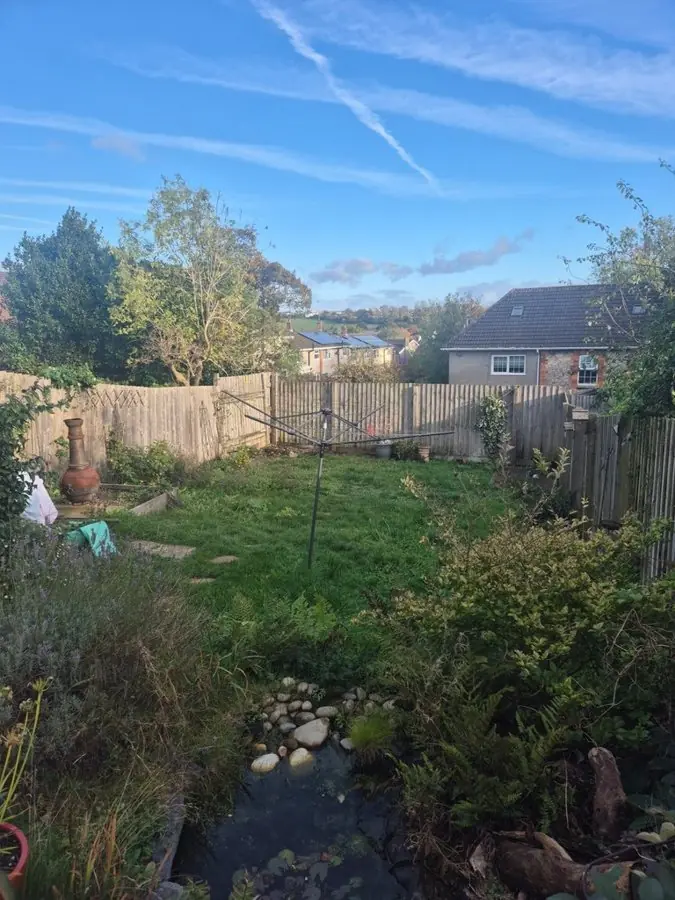
Before: a rough lawn with an overgrown pond and a clothesline
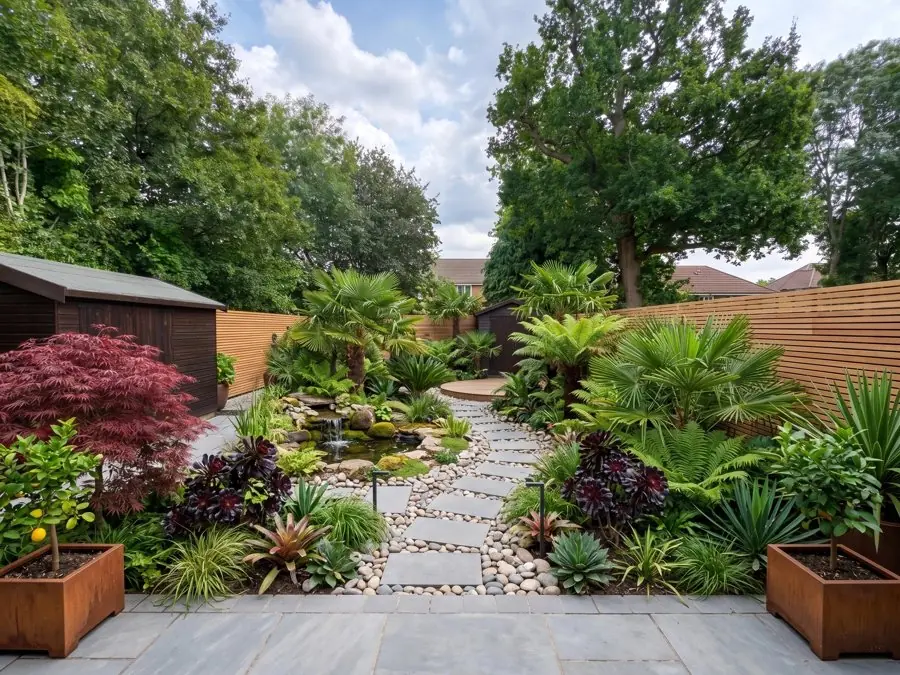
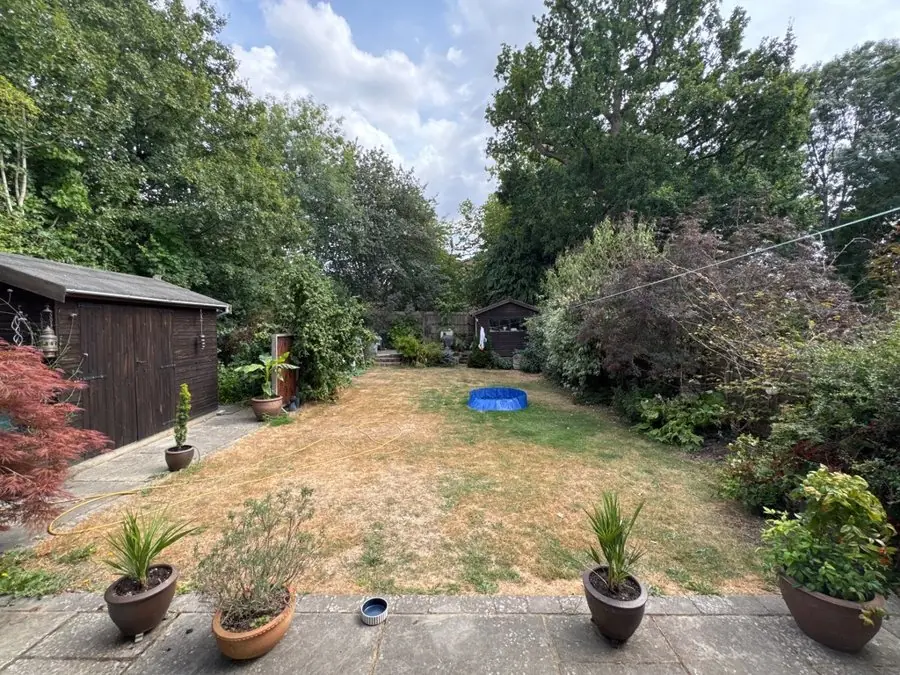
Before: a long, dry lawn with a shed, a kiddie pool and pots along the patio
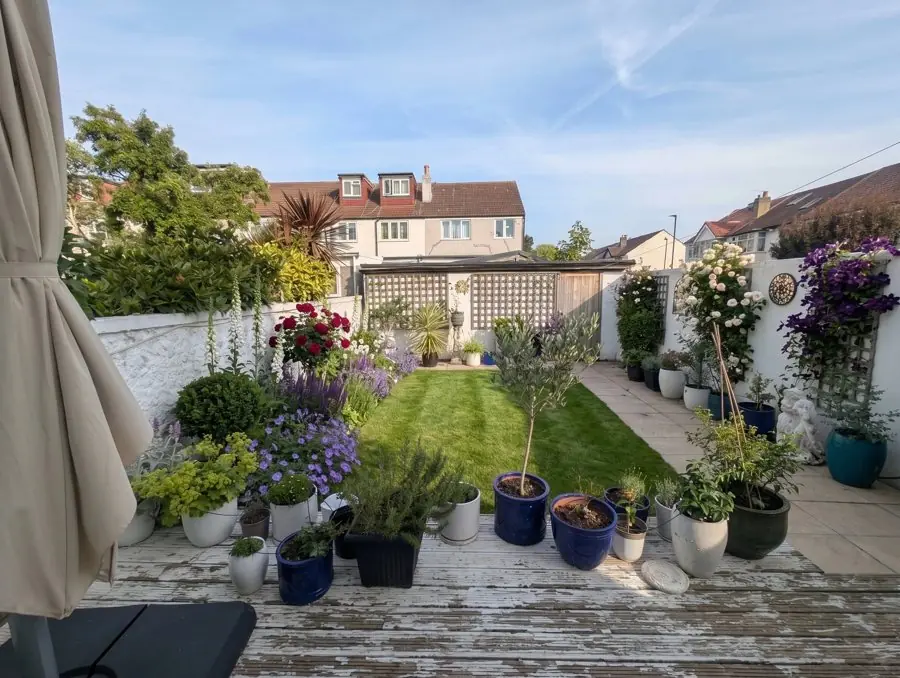
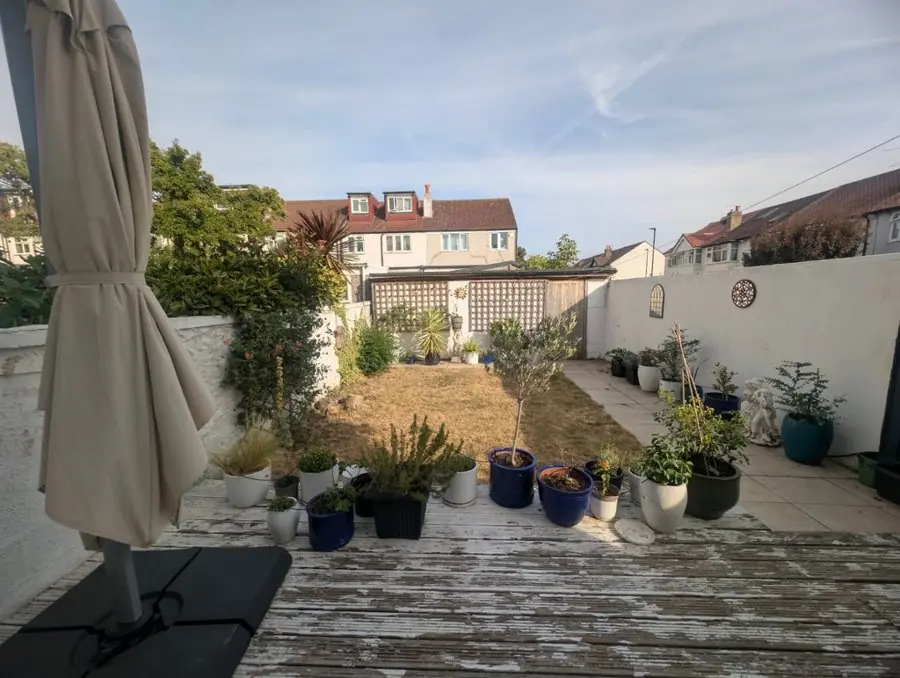
Before: a dry, bare lawn and pots beyond an old deck
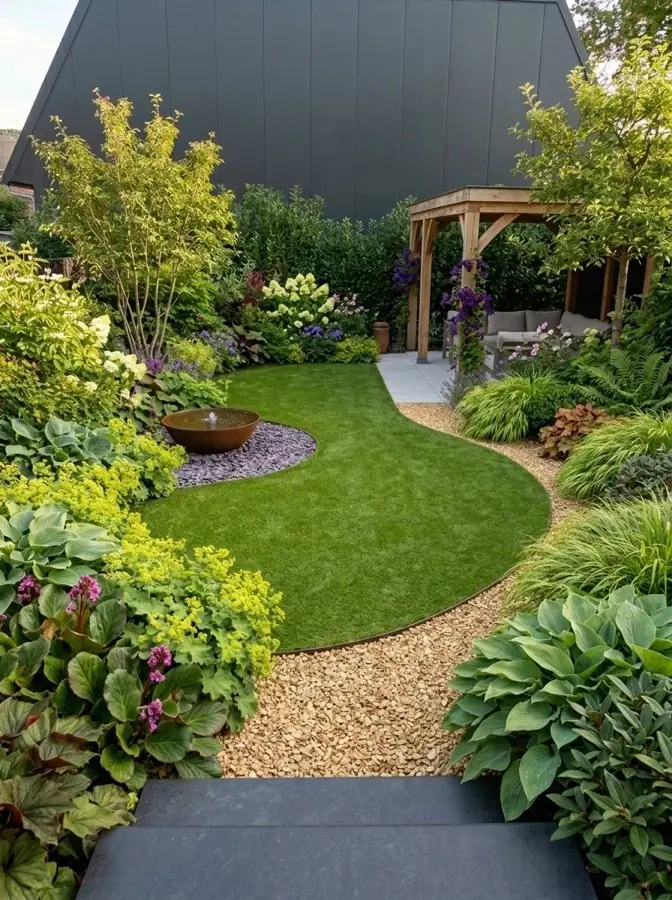
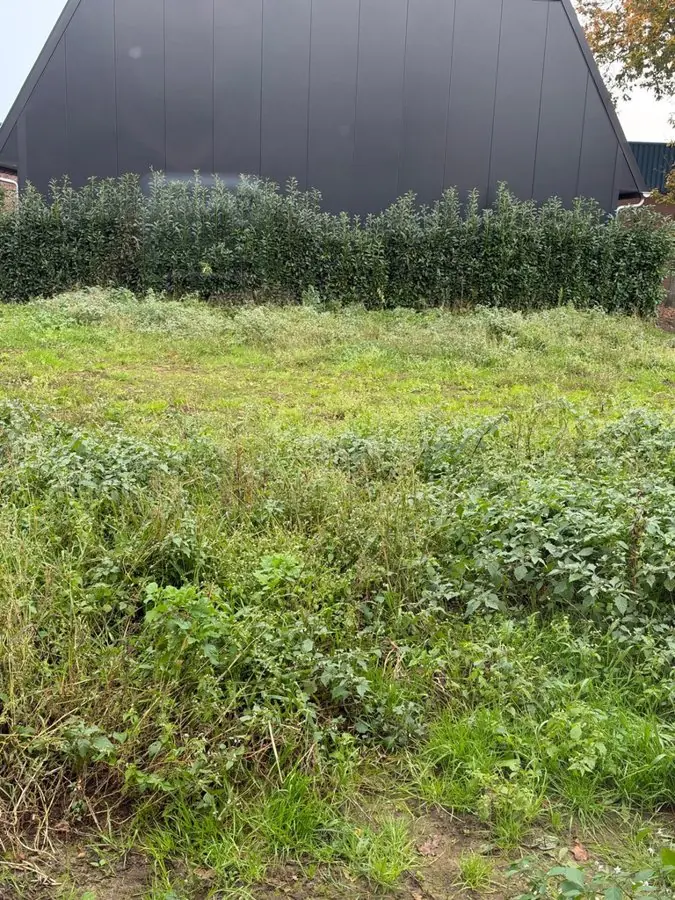
Before: a rough, overgrown lawn in front of a hedge and a dark modern building
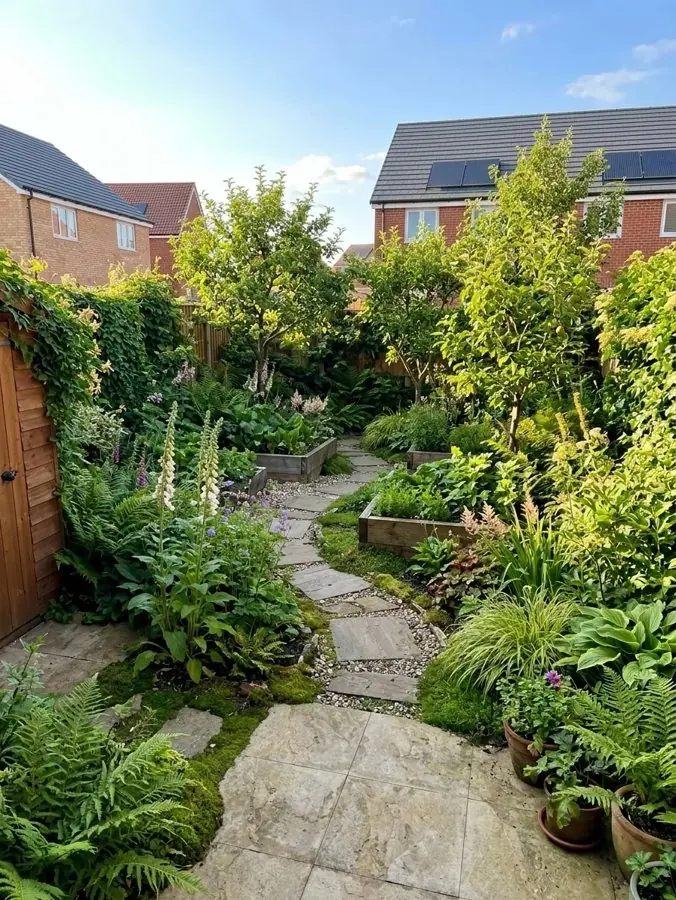
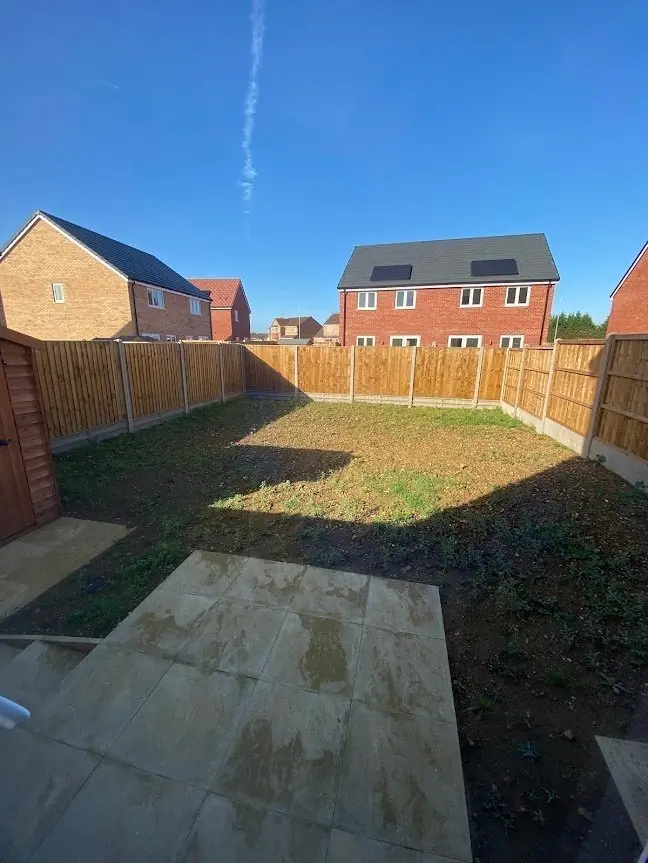
Before: a bare, weedy lot behind a stone patio, fenced on three sides
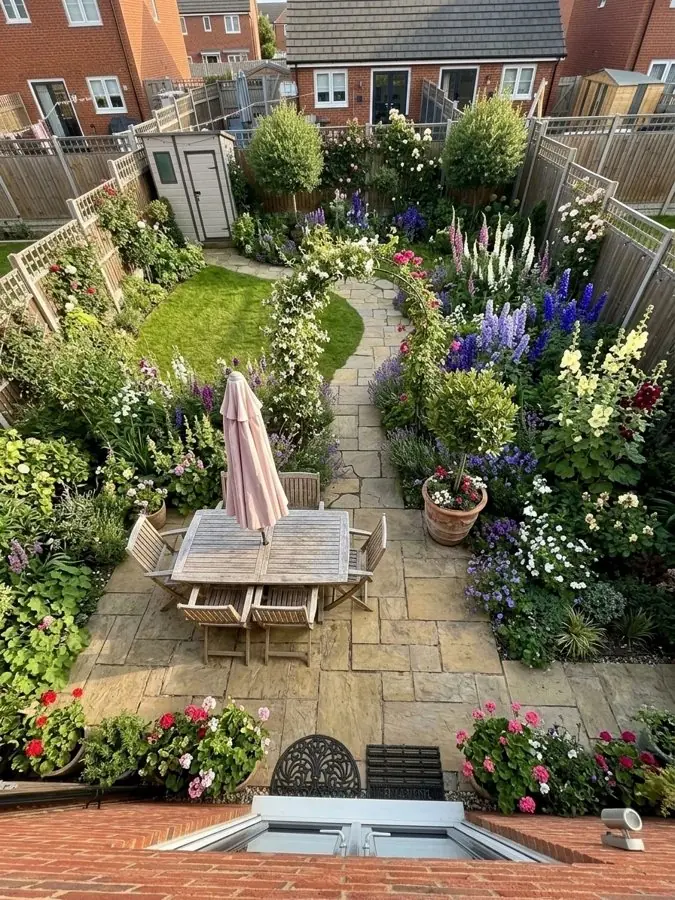
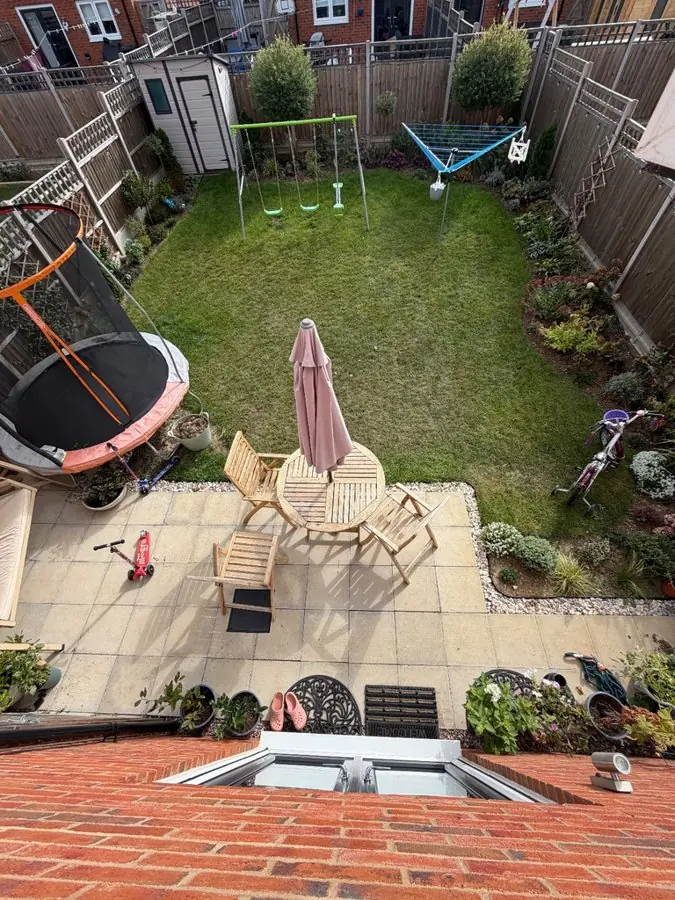
Before: a family lawn with a trampoline, a swing set and a patio, seen from upstairs
Add a photo of a client's yard
Show the client their yard redesigned in about a minute.
Design a client's yardBare beds and tired borders filled with real plants for the light and soil. Every plant is named, so you know what to order. 8 yards
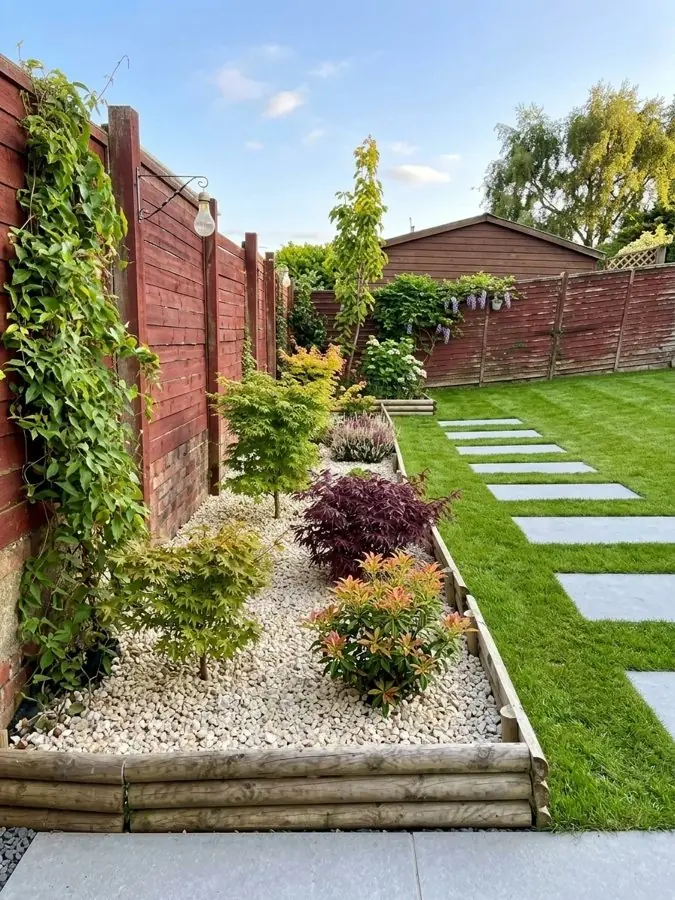
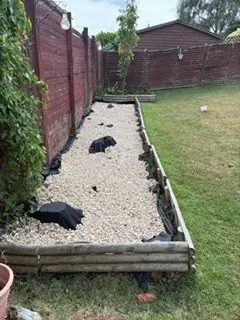
Before: a raised bed of white gravel with weed fabric showing, beside a lawn
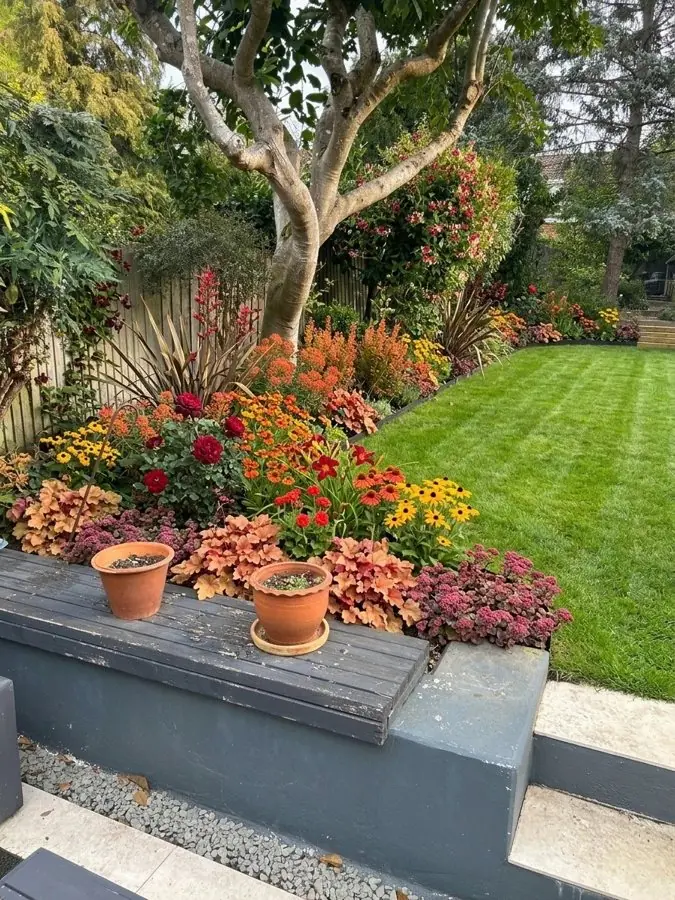
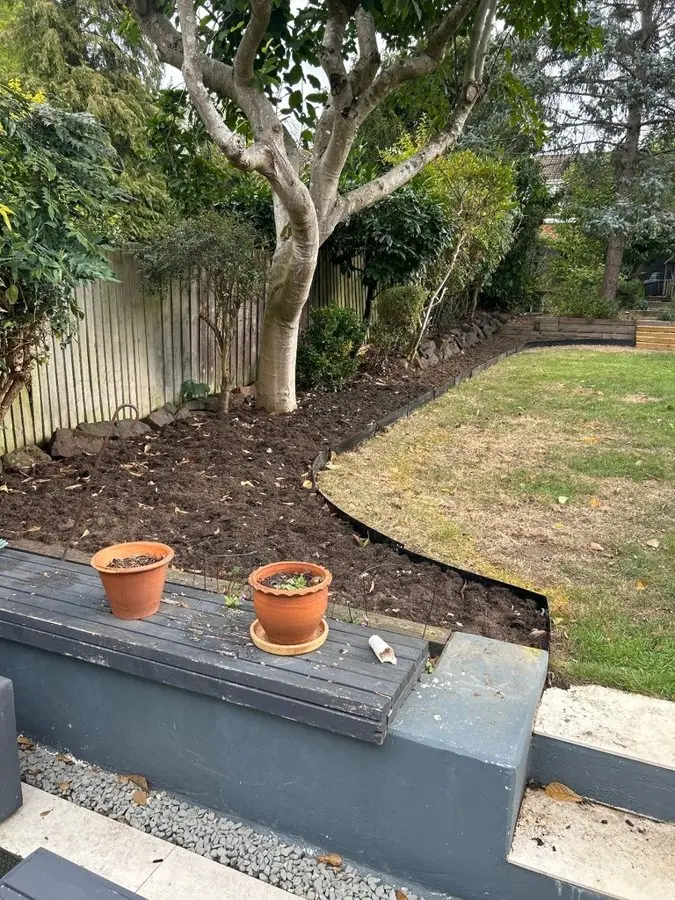
Before: a freshly dug bed with metal edging around a curved lawn under a tree
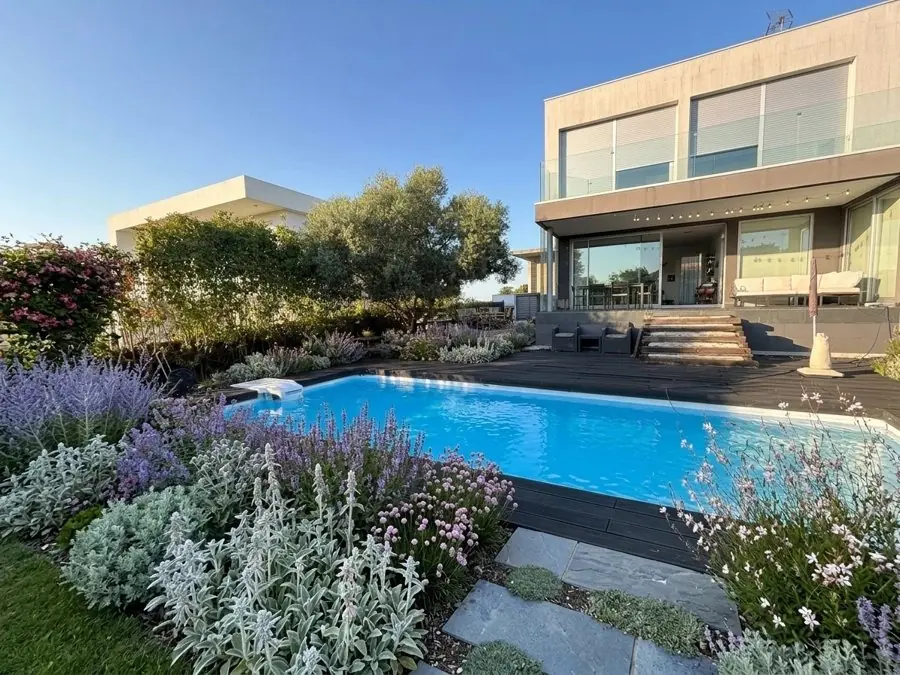
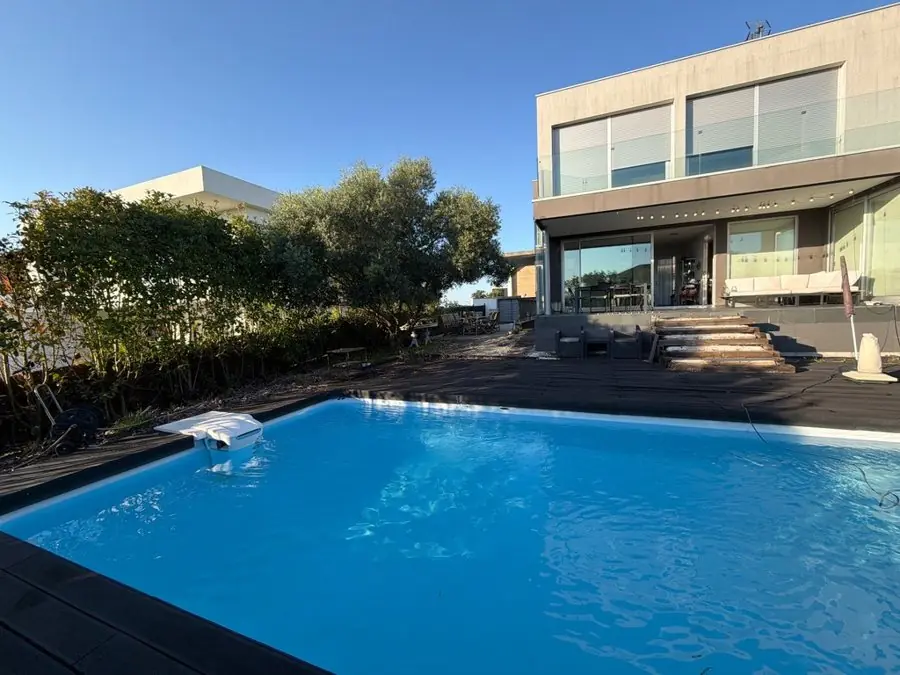
Before: a pool with a dark deck and a strip of lawn below a modern house
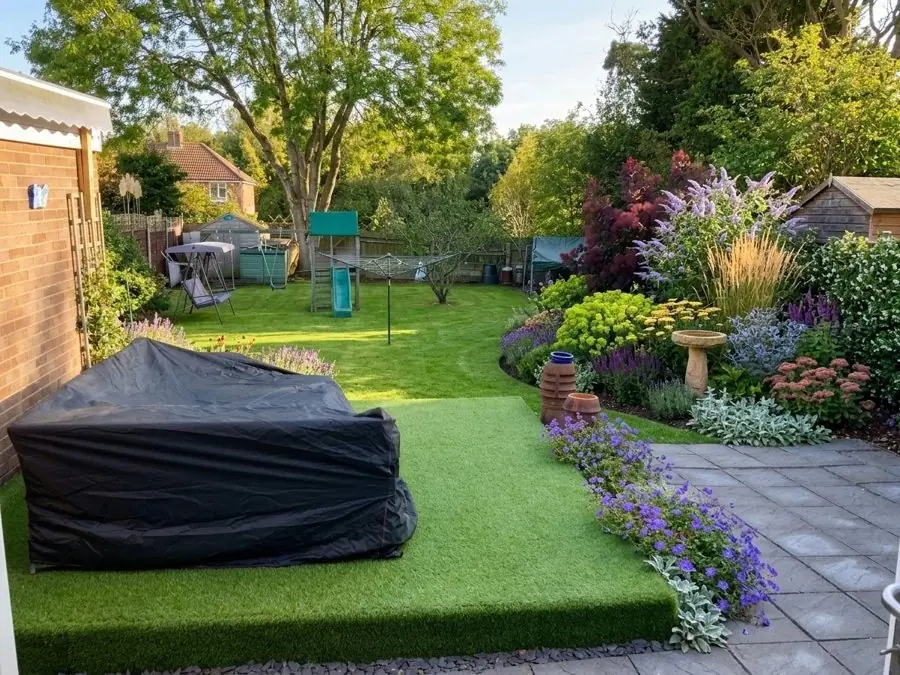
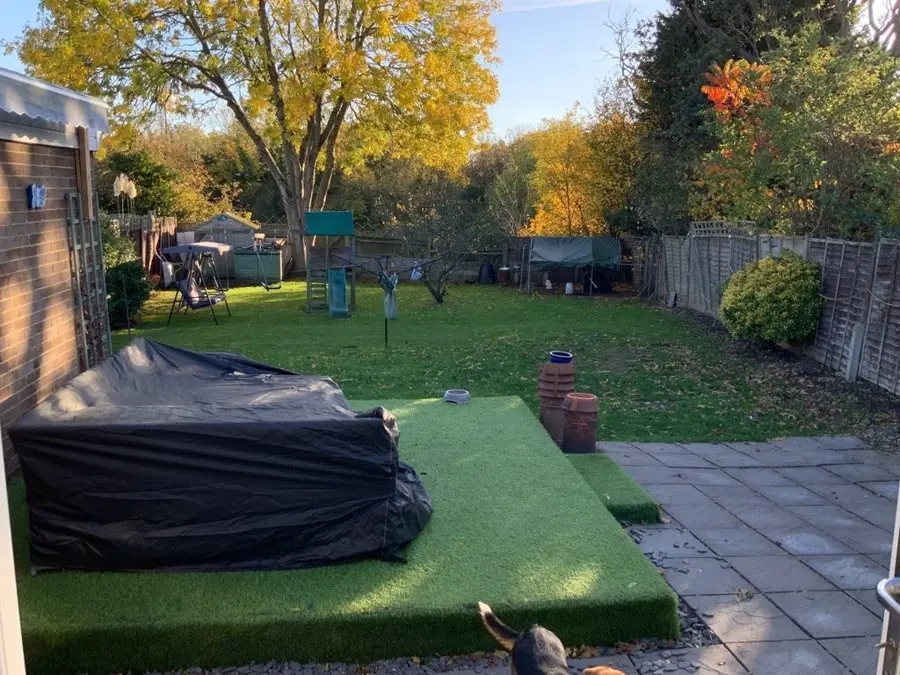
Before: a plain lawn and a stone patio beside the house, with a covered couch
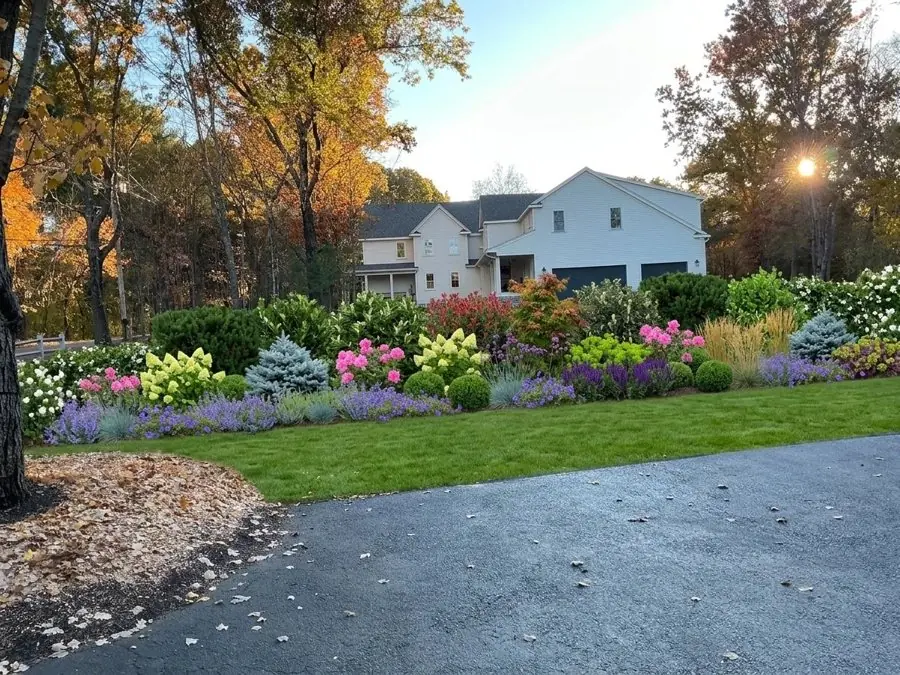
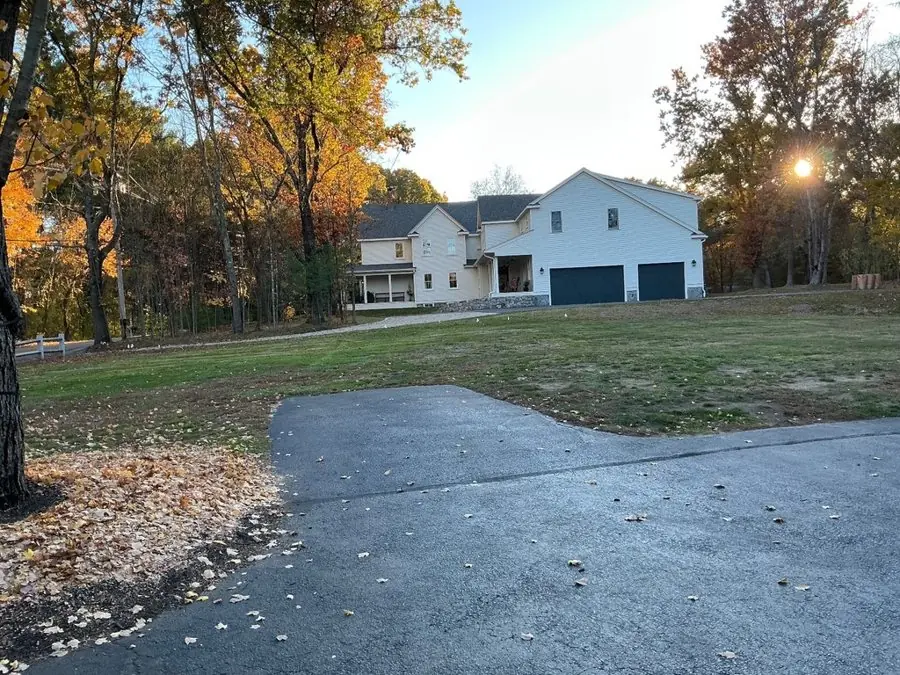
Before: a patchy lawn and fallen leaves beside an asphalt driveway
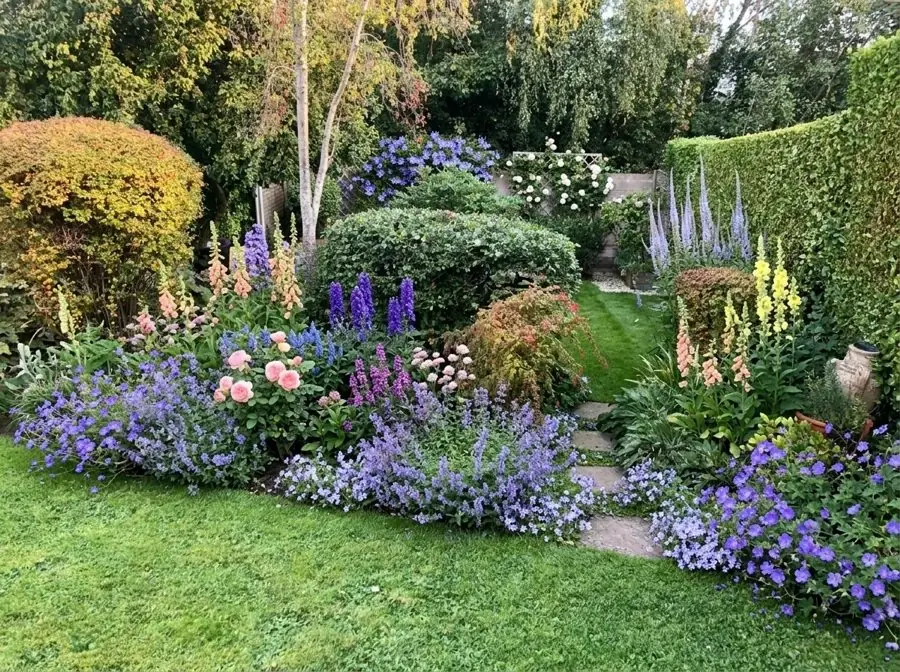
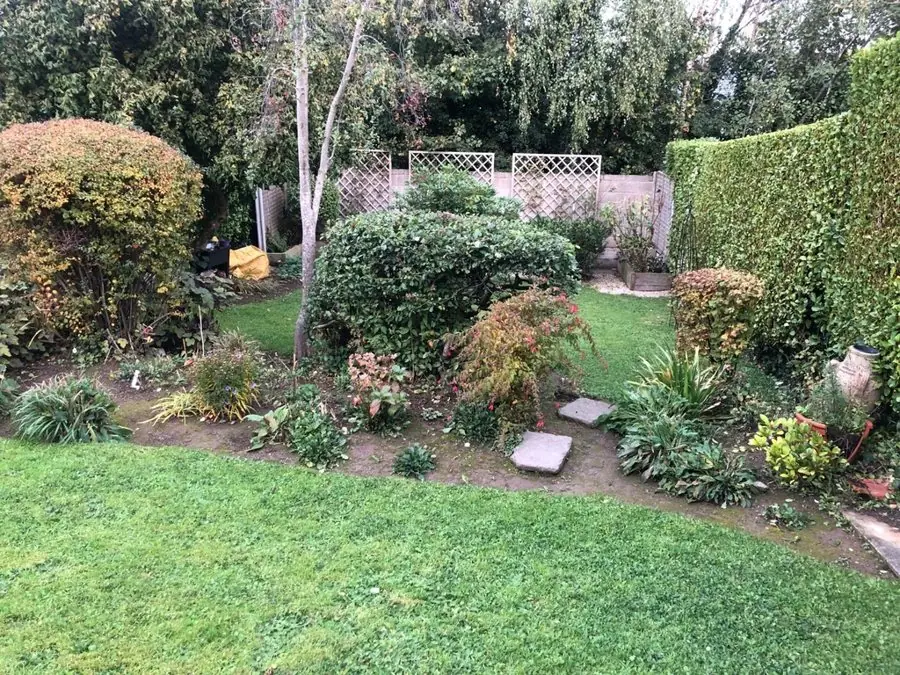
Before: shrubs and a few small plants in a curving bed by the lawn
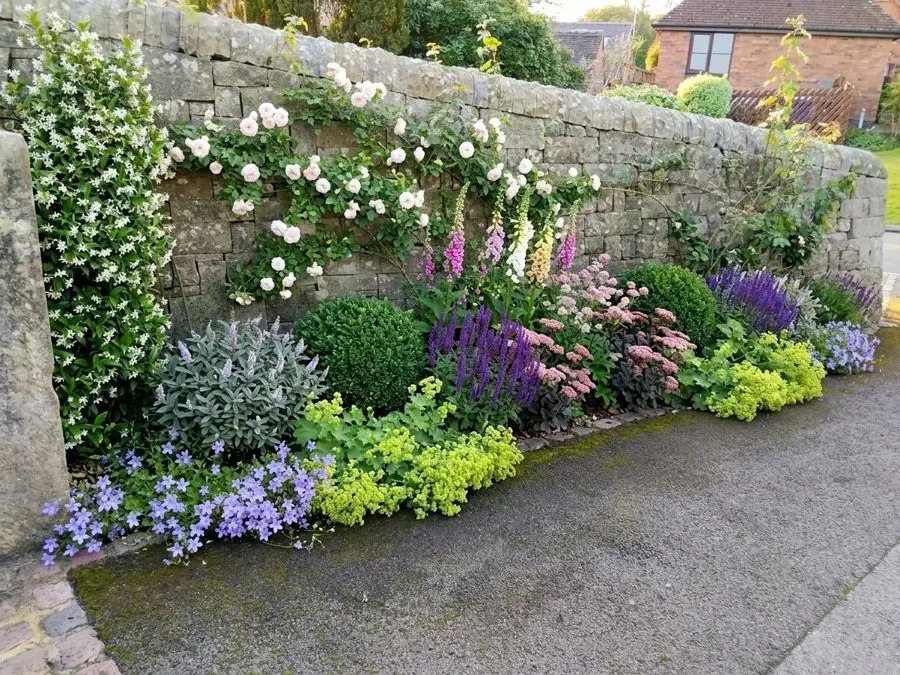
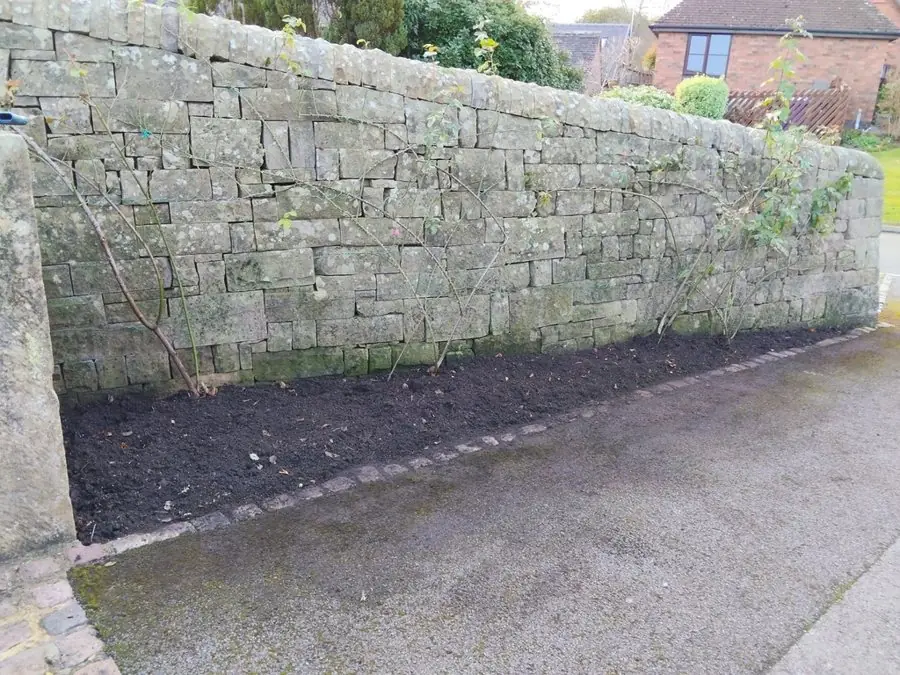
Before: a freshly dug bed along a dry stone wall
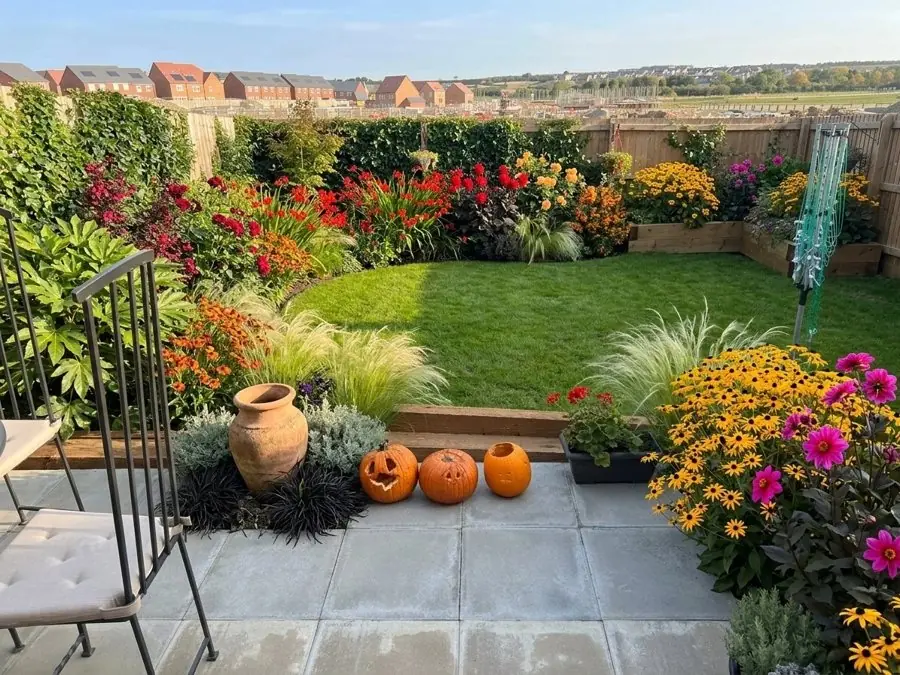
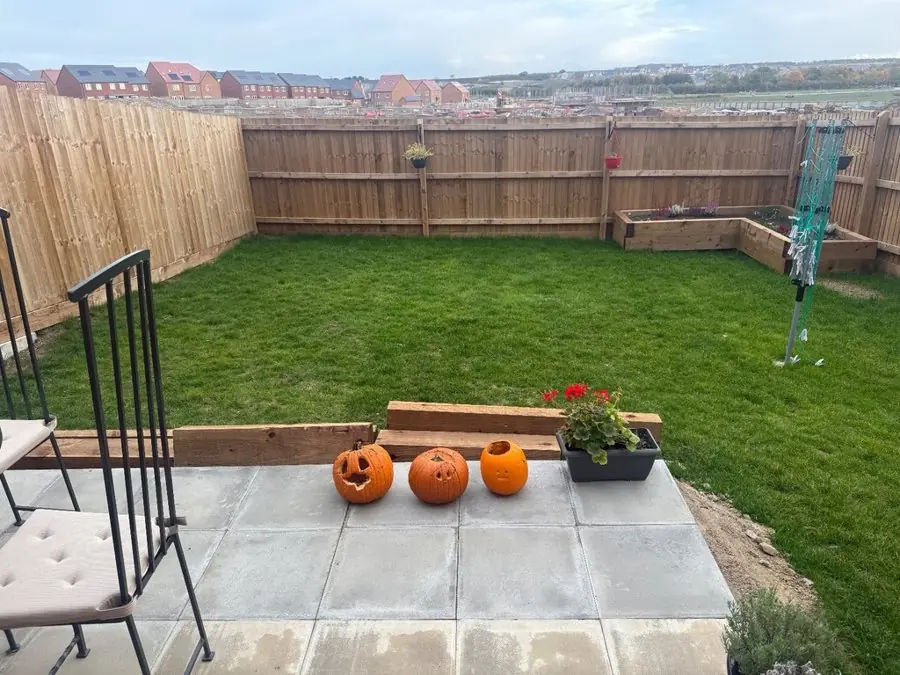
Before: a new lawn inside bare fence panels, with pumpkins on the patio
Add a photo of a client's yard
Show the client their yard redesigned in about a minute.
Design a client's yardShow the new pavers, the gravel or the deck in the client's own yard, and swap a material while you are still there, so the choice is made on the first visit. 9 yards
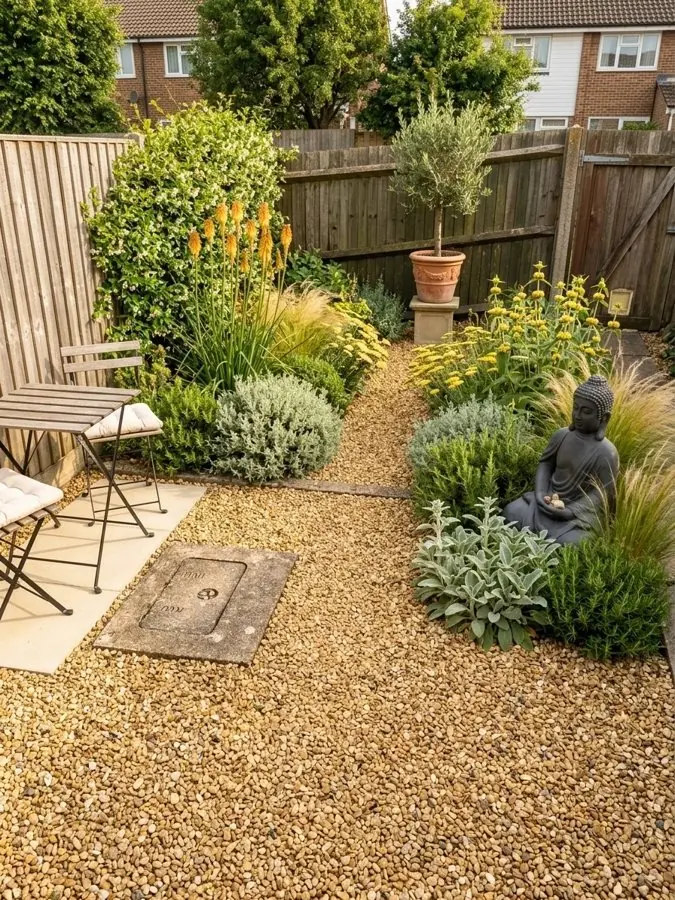
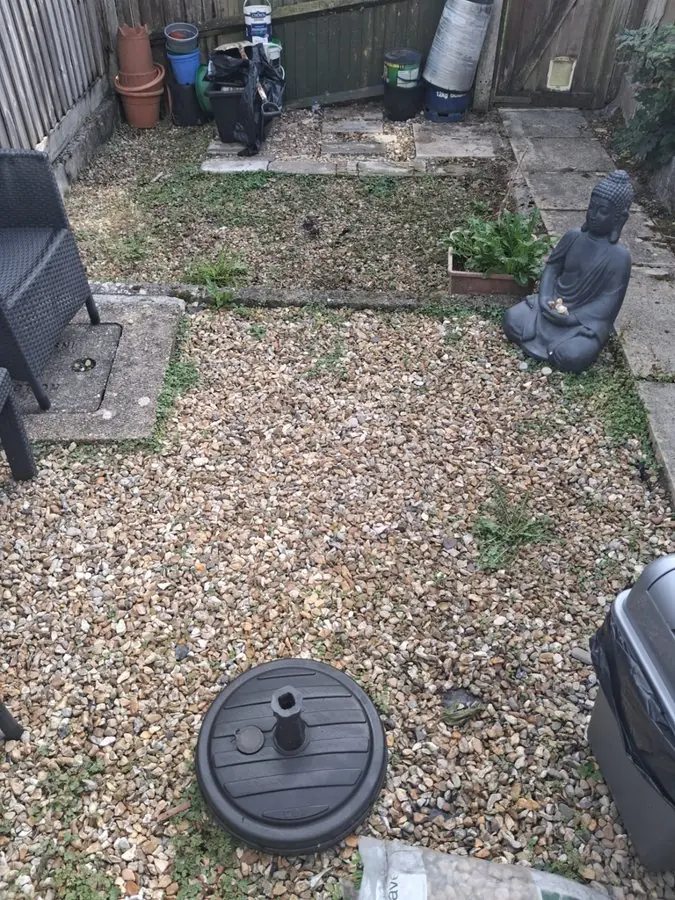
Before: a weedy gravel yard with a statue, an umbrella base and a grill
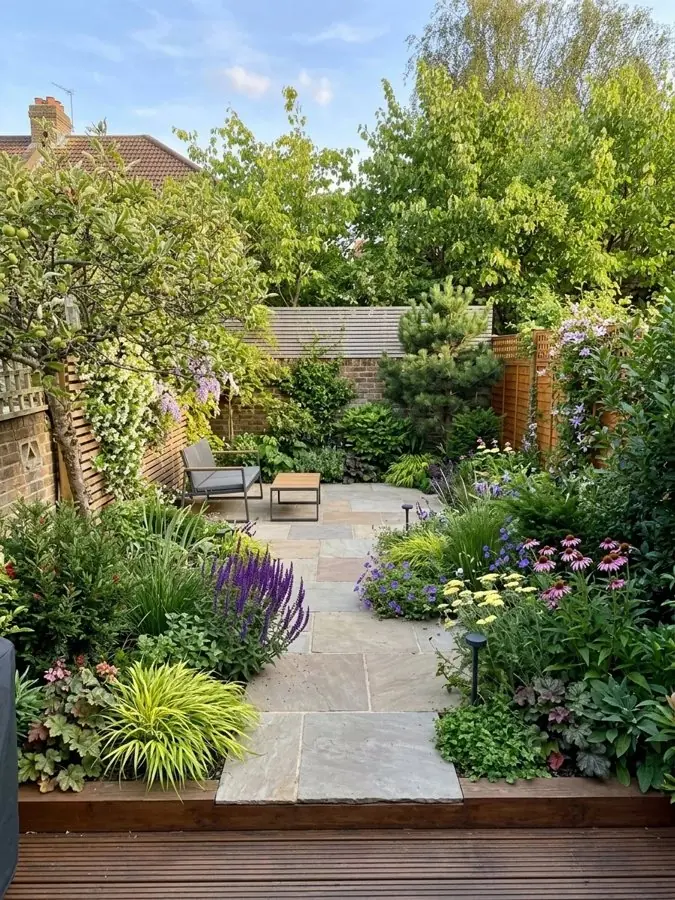
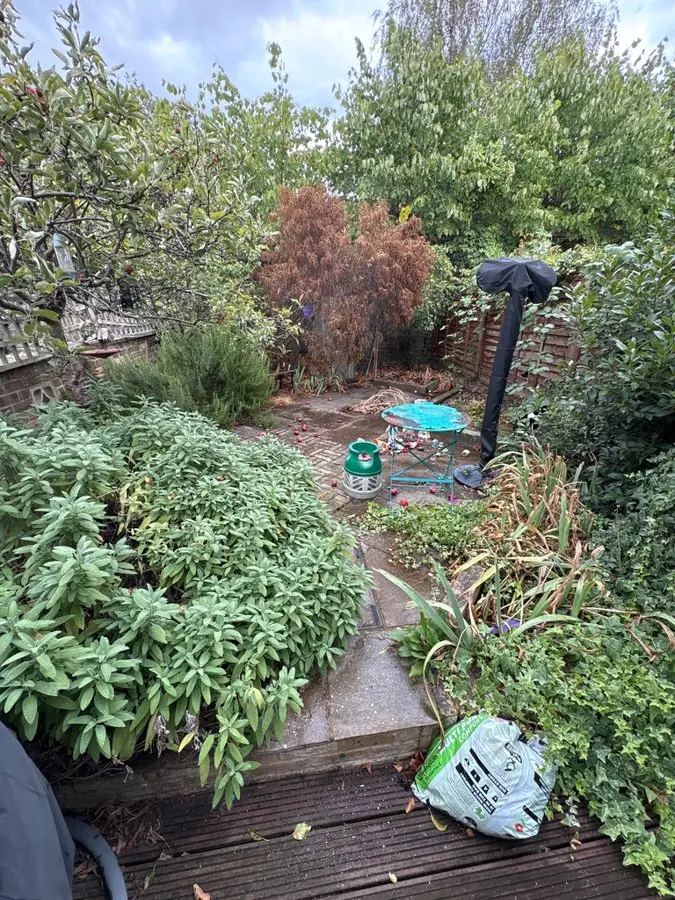
Before: an overgrown yard of shrubs, weeds and clutter behind a worn deck
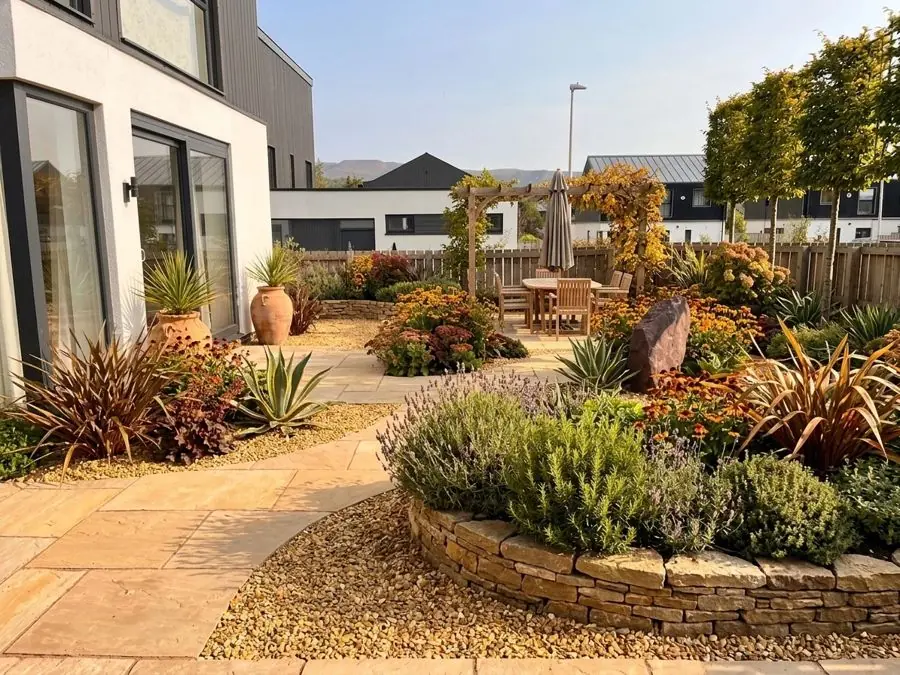
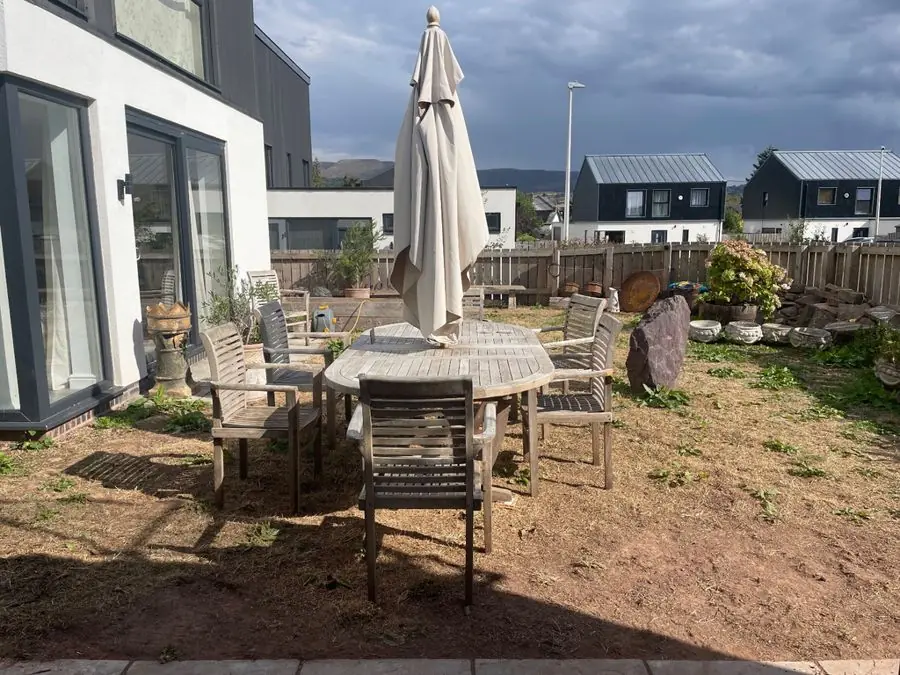
Before: bare soil with a wooden table, chairs and a patio umbrella
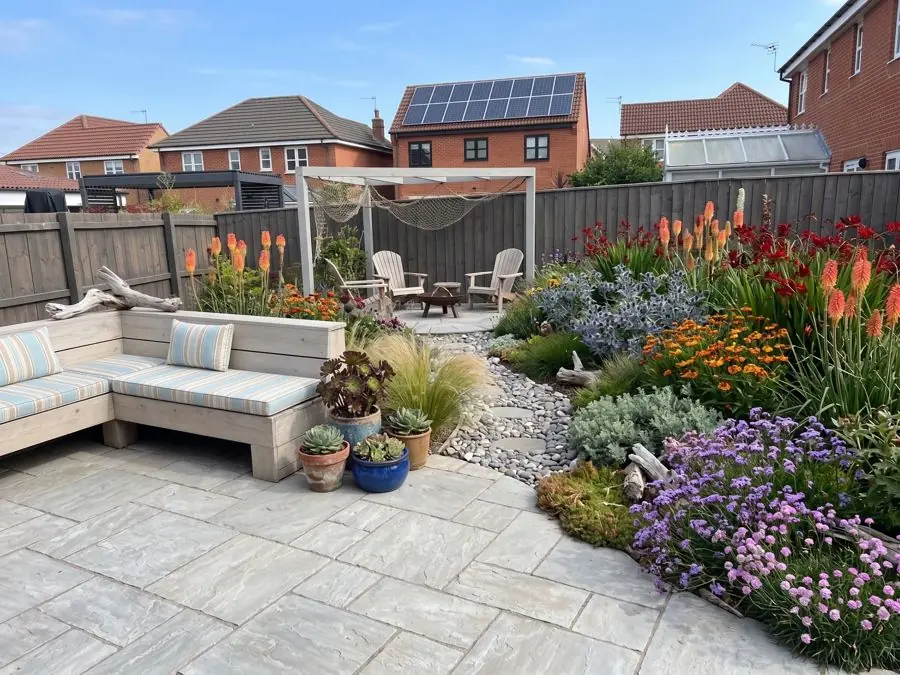
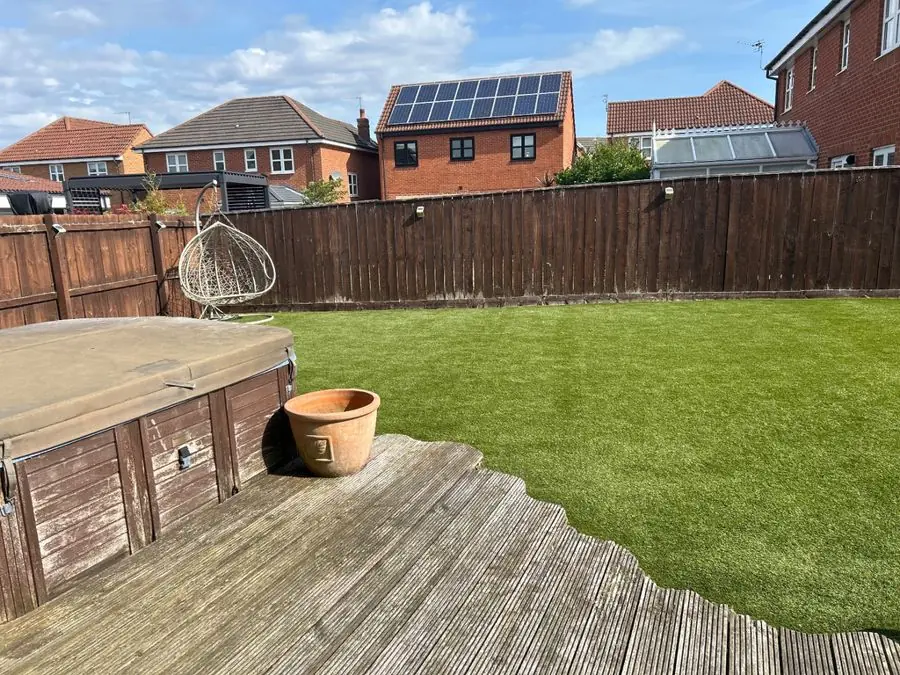
Before: a plain lawn and worn deck with a covered hot tub
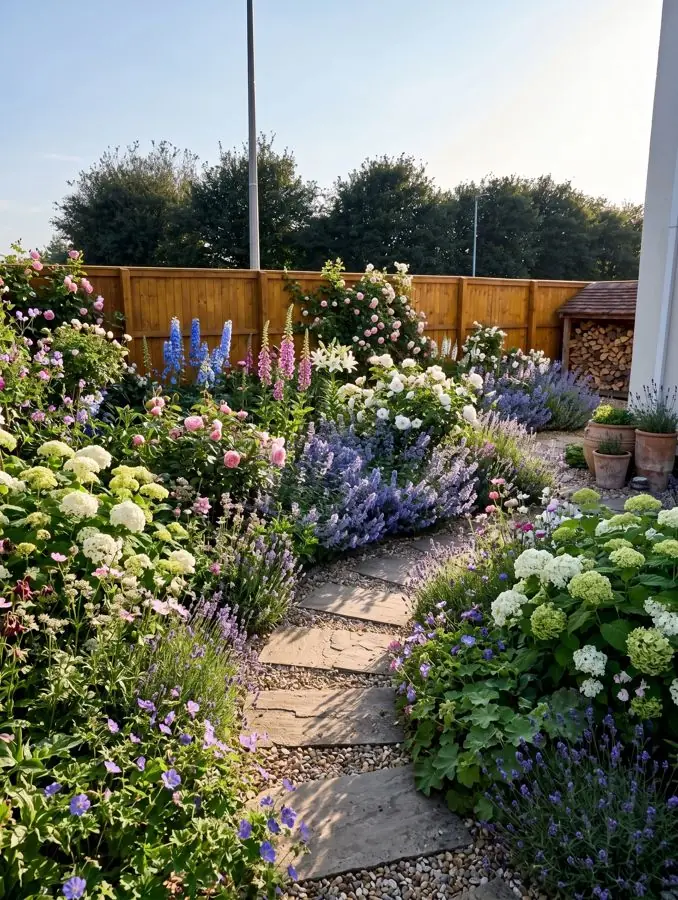
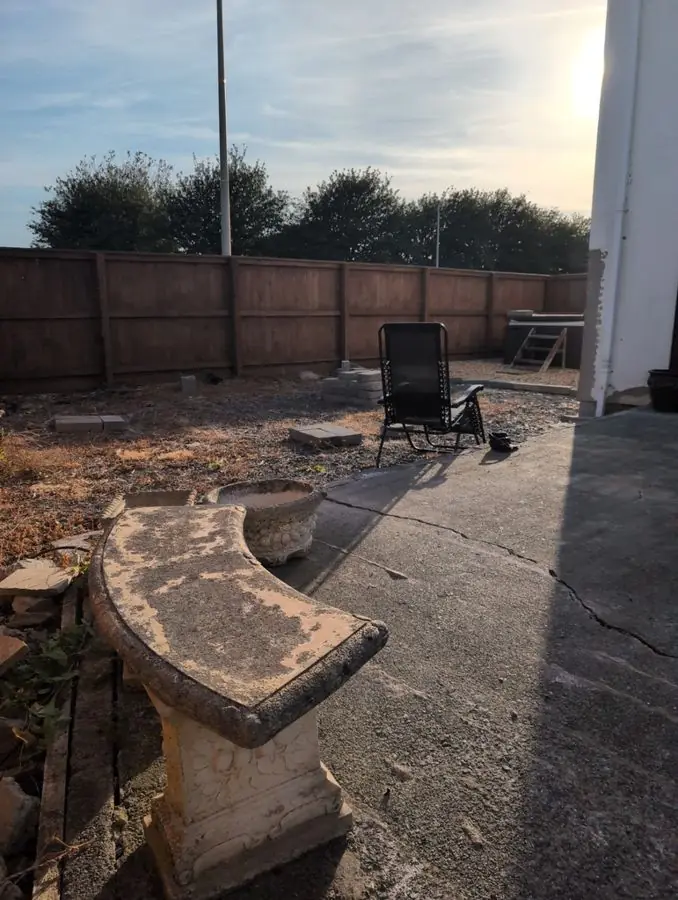
Before: cracked concrete and bare ground with a stone bench
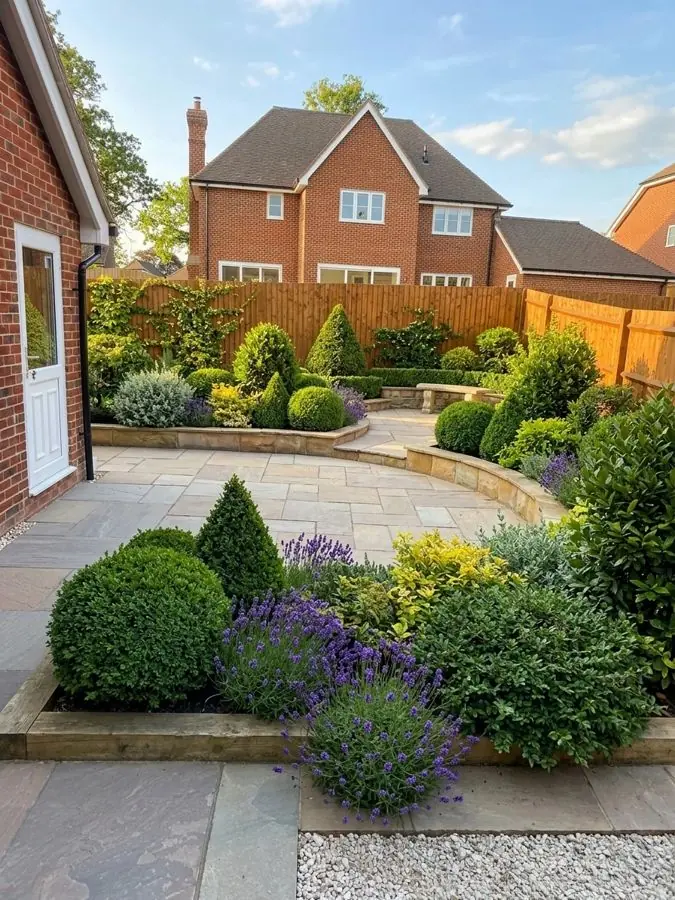
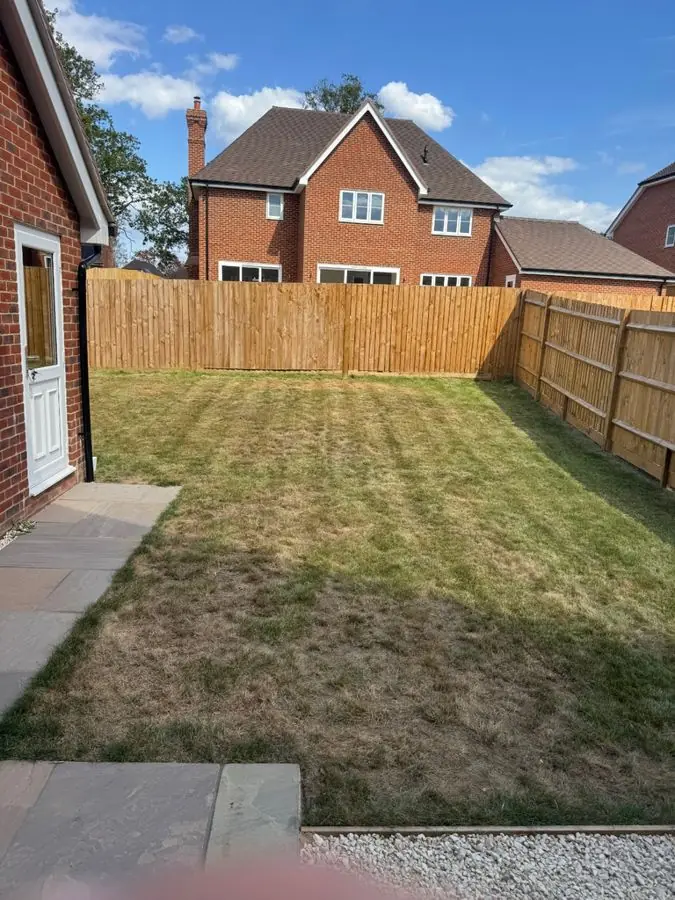
Before: a plain striped lawn with a new wooden fence and side path
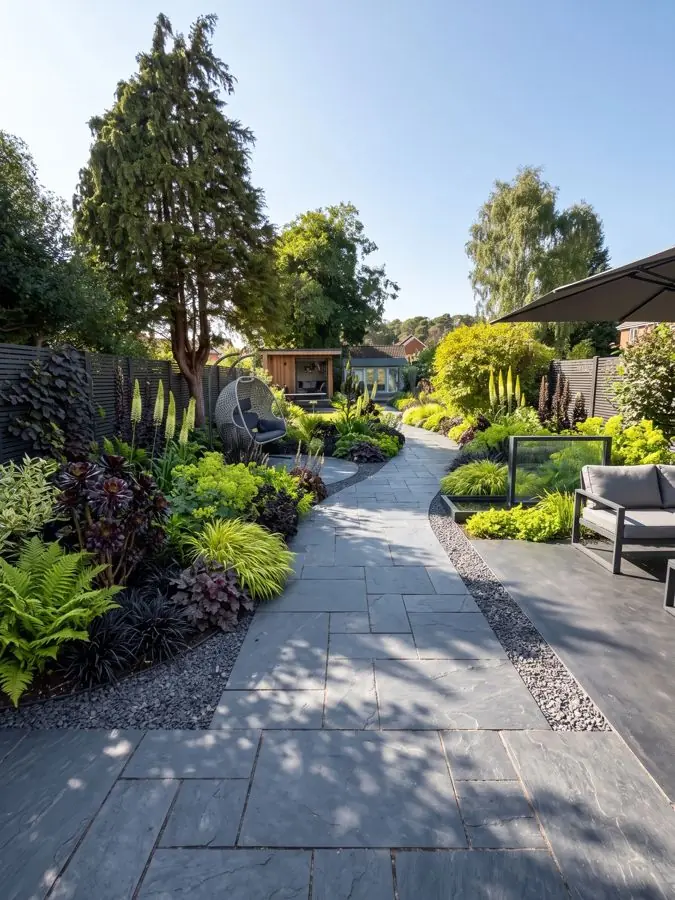
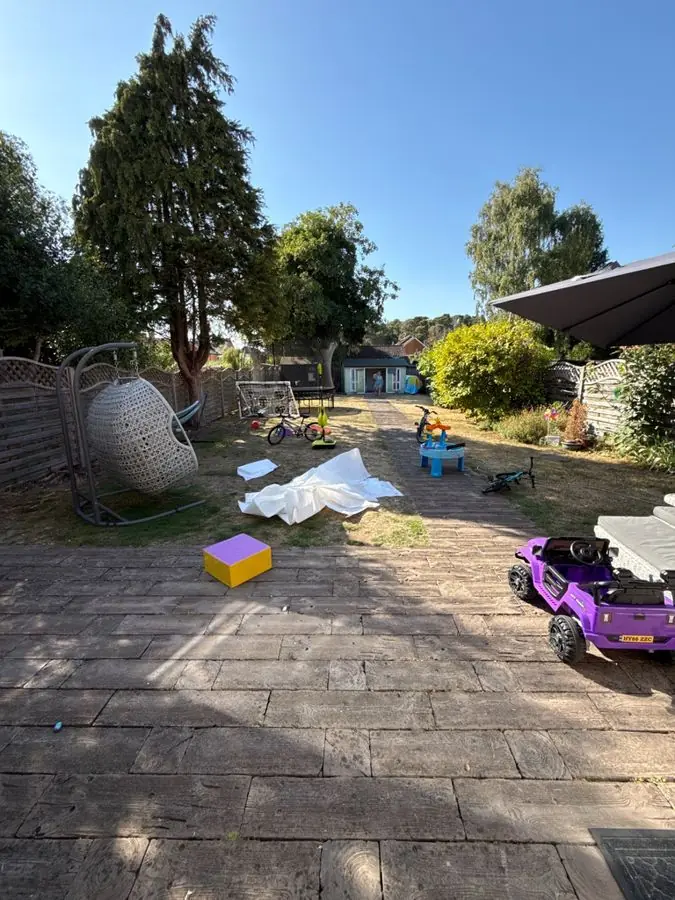
Before: a paved patio scattered with toys, a hanging chair and patchy lawn
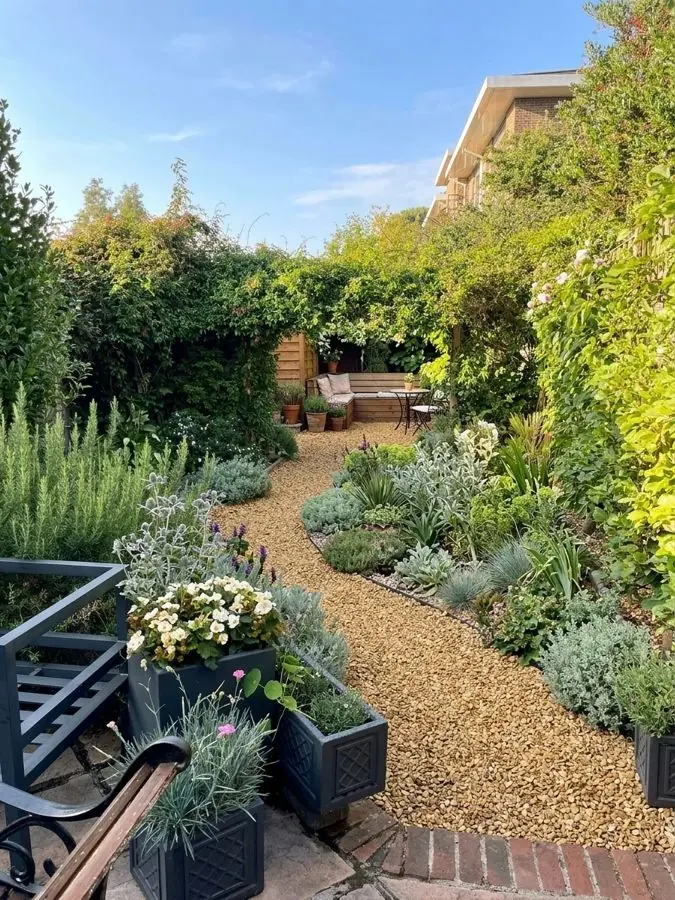
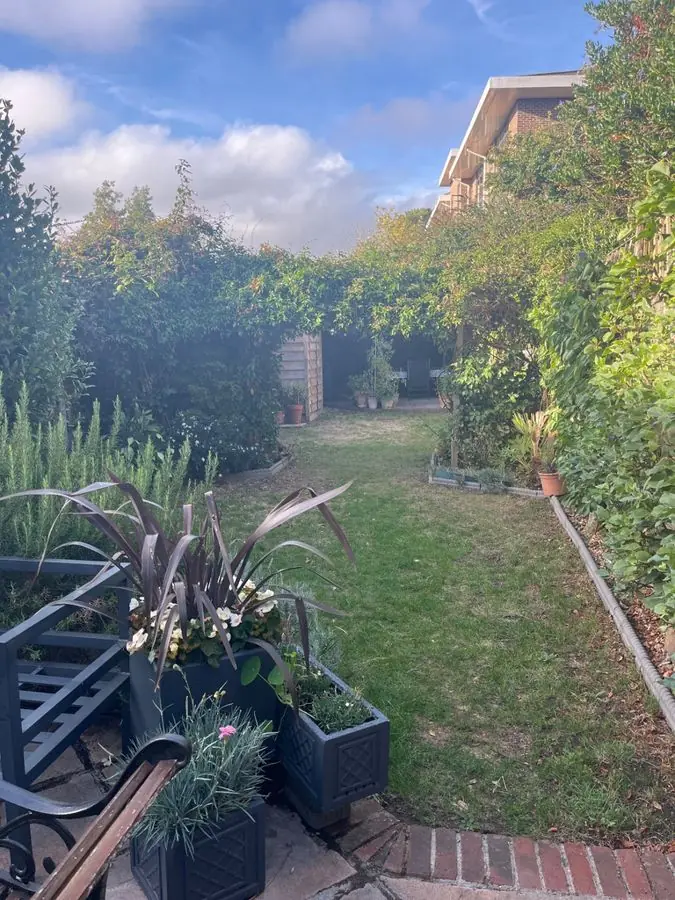
Before: a narrow lawn with planters, a bench and tall hedges
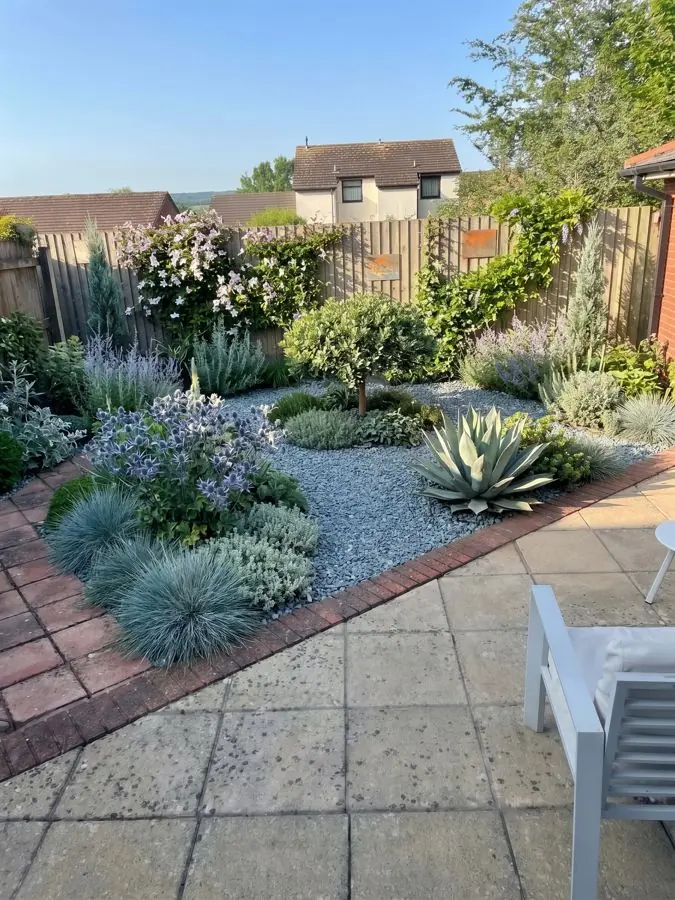
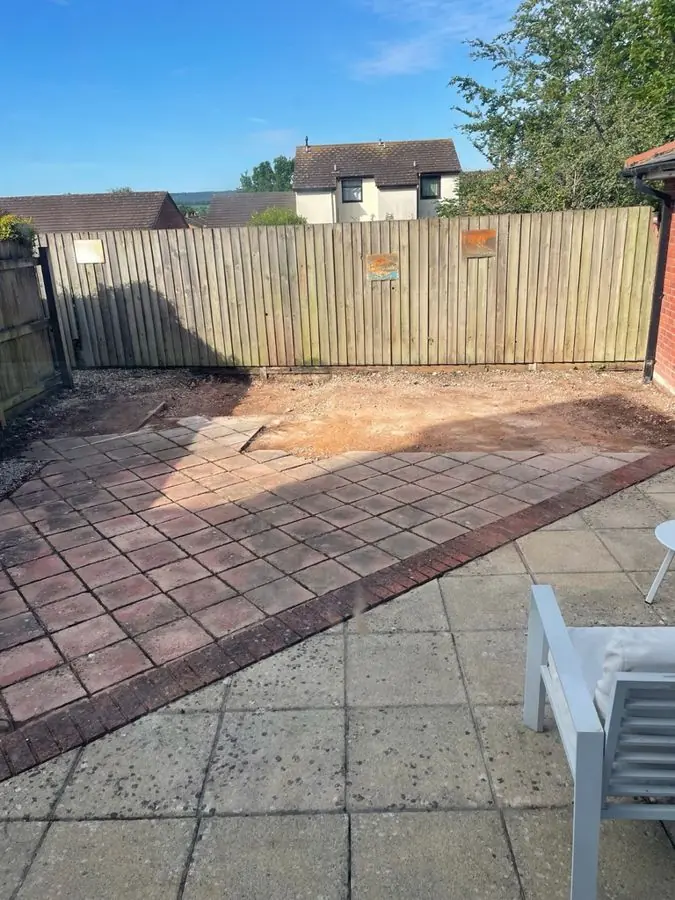
Before: A bare area of red brick pavers beside a gray concrete patio
Add a photo of a client's yard
Show the client their yard redesigned in about a minute.
Design a client's yardSteep banks, shady corners, side yards and long narrow lots, each given a layout that works, so the awkward jobs become ones you can win. 8 yards
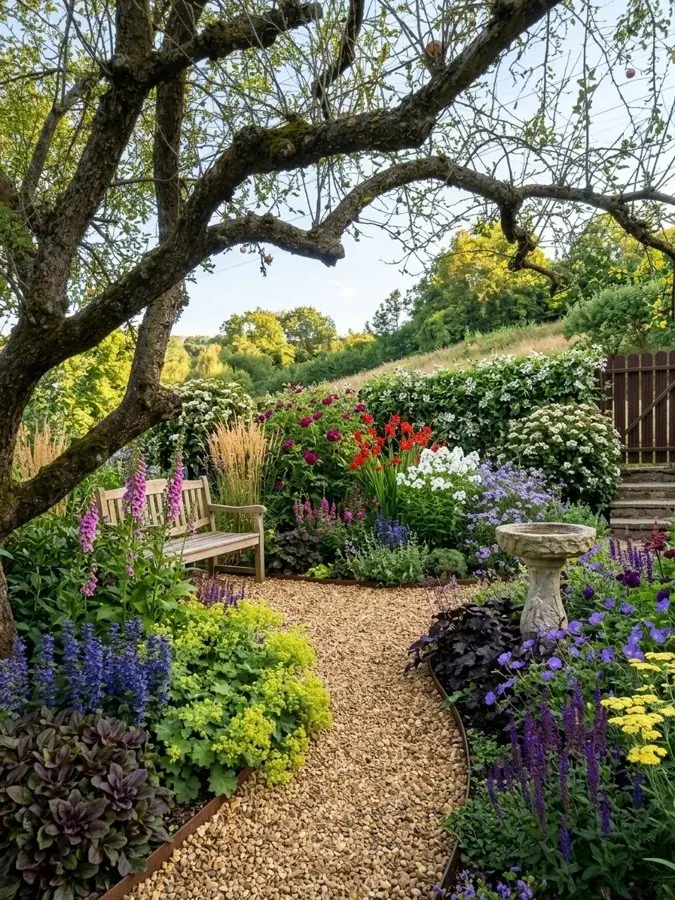
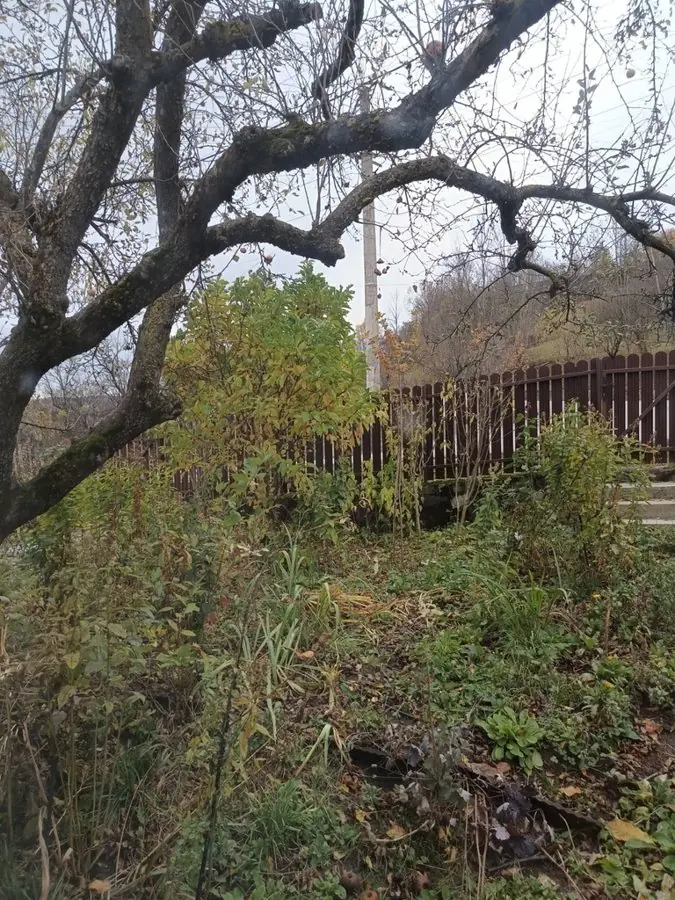
Before: overgrown shrubs and long grass under an old tree
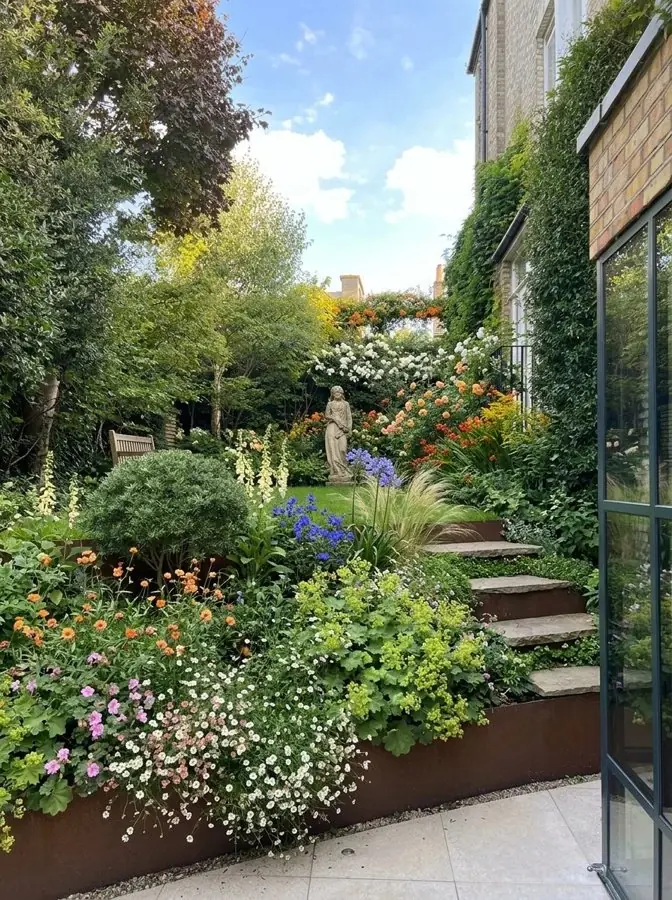
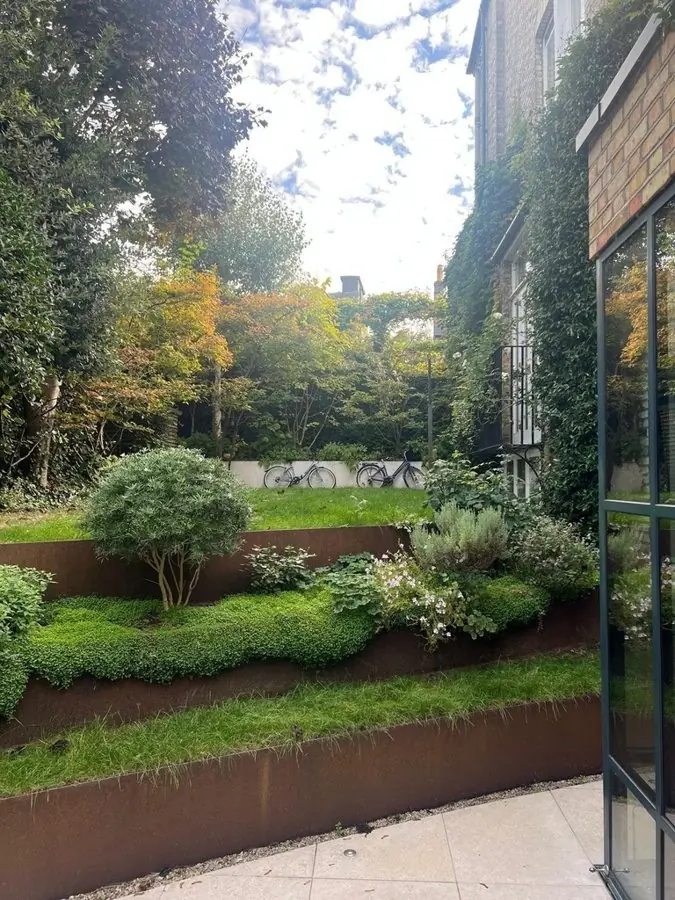
Before: terraced lawns behind steel edging by a glass door
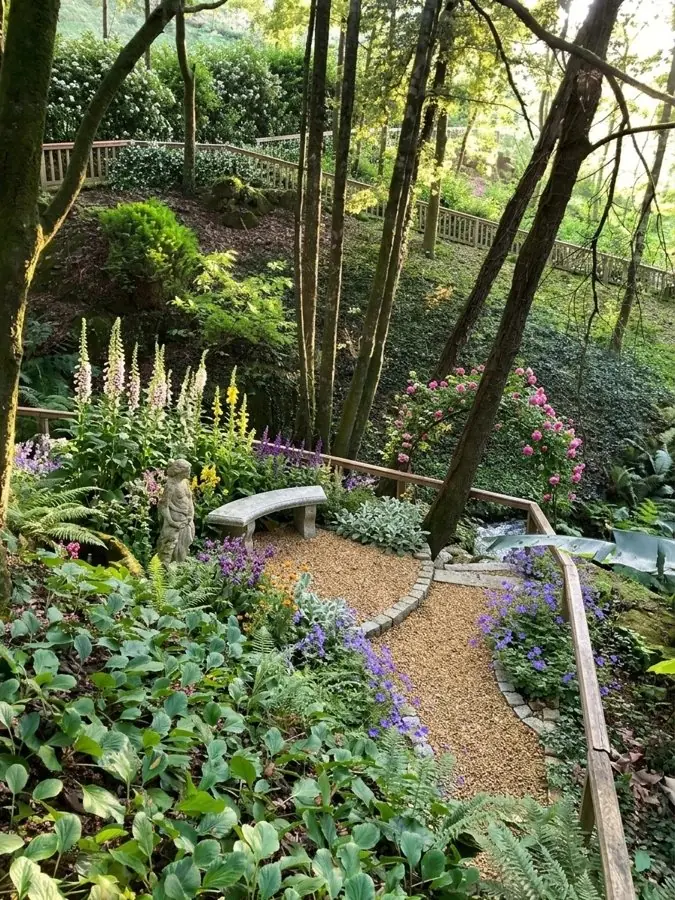
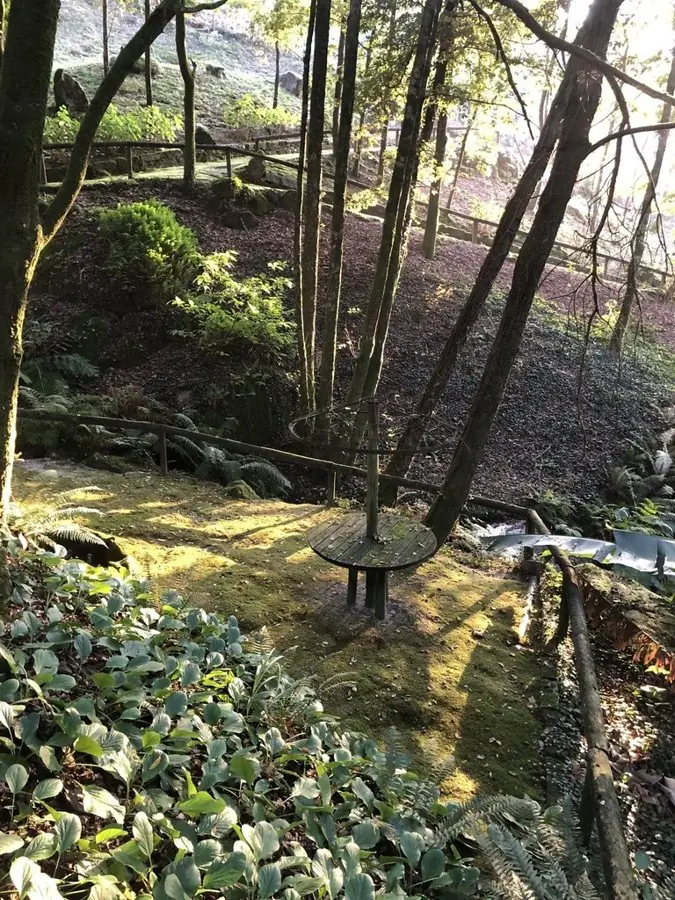
Before: moss, bare earth and a tree seat on a shady wooded slope
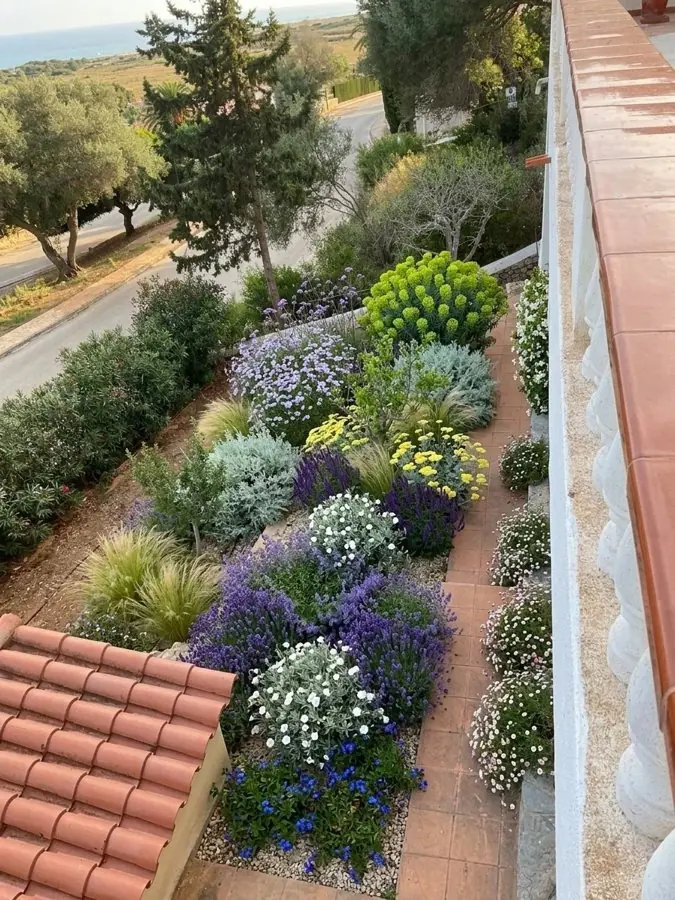
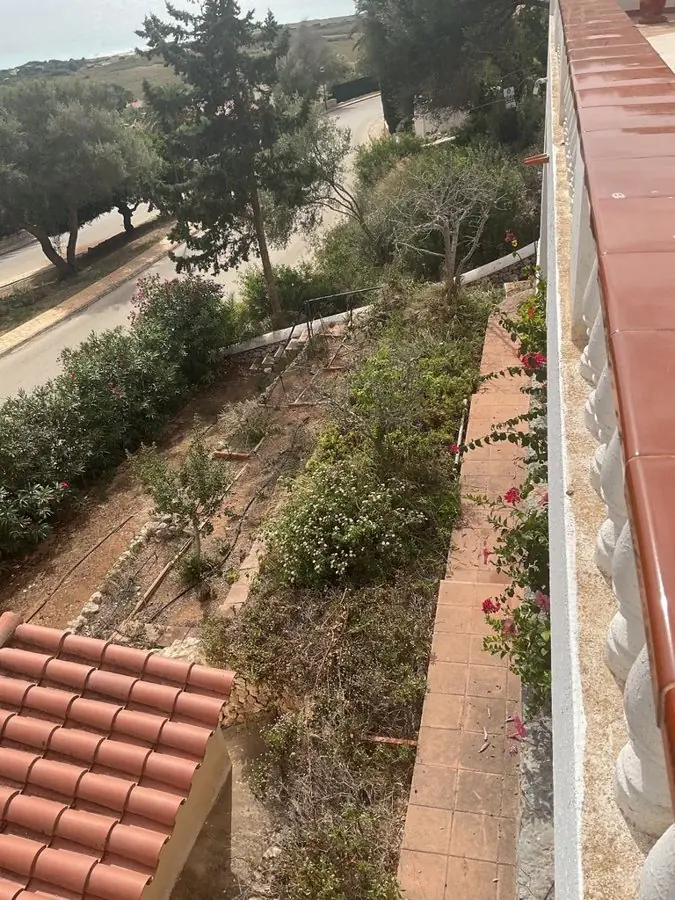
Before: a dry, patchy bank below a patio, seen from above
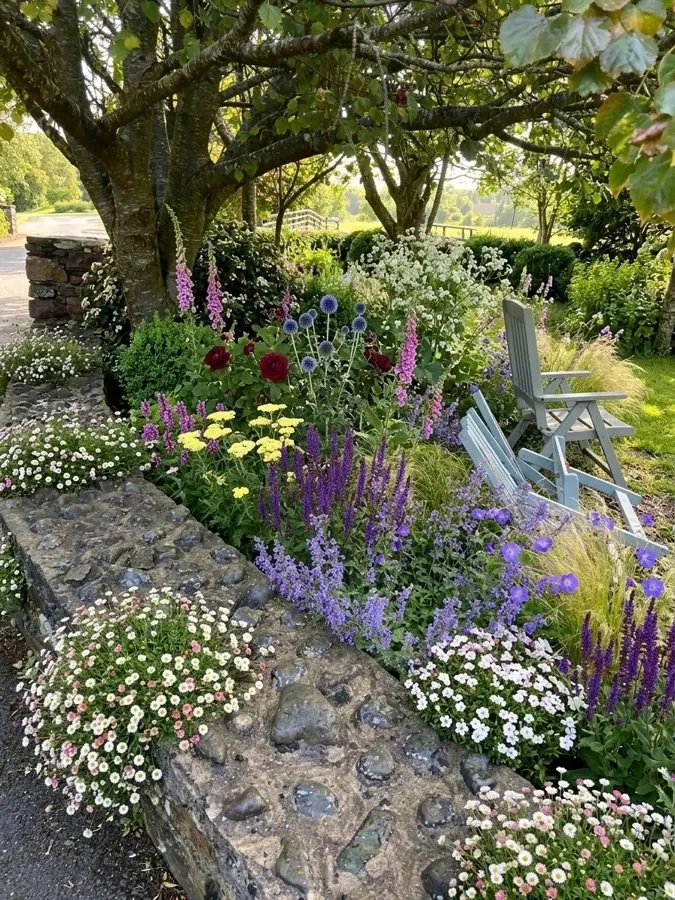
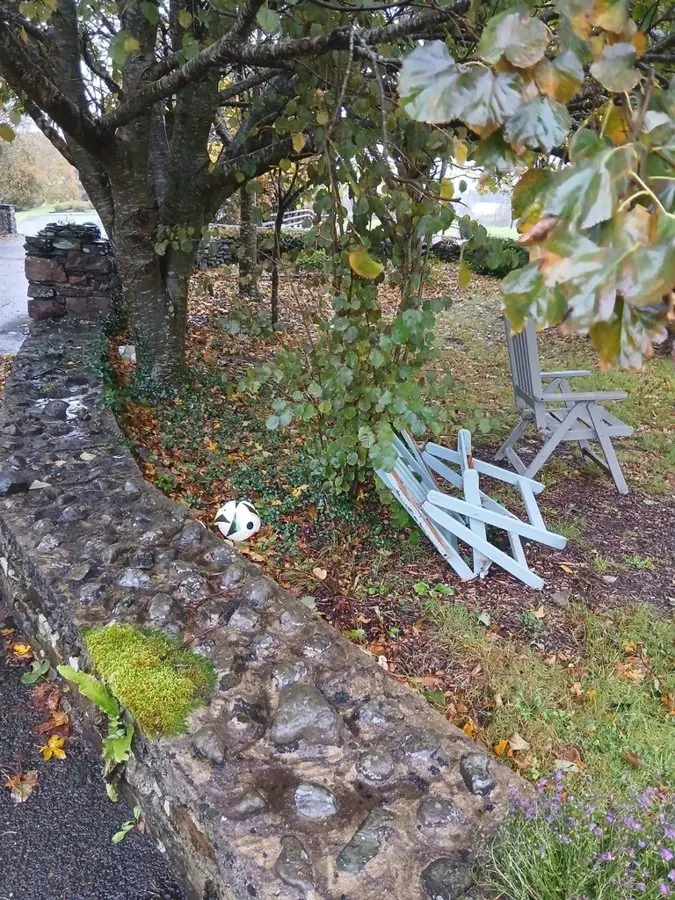
Before: bare ground and fallen leaves behind an old stone wall under trees
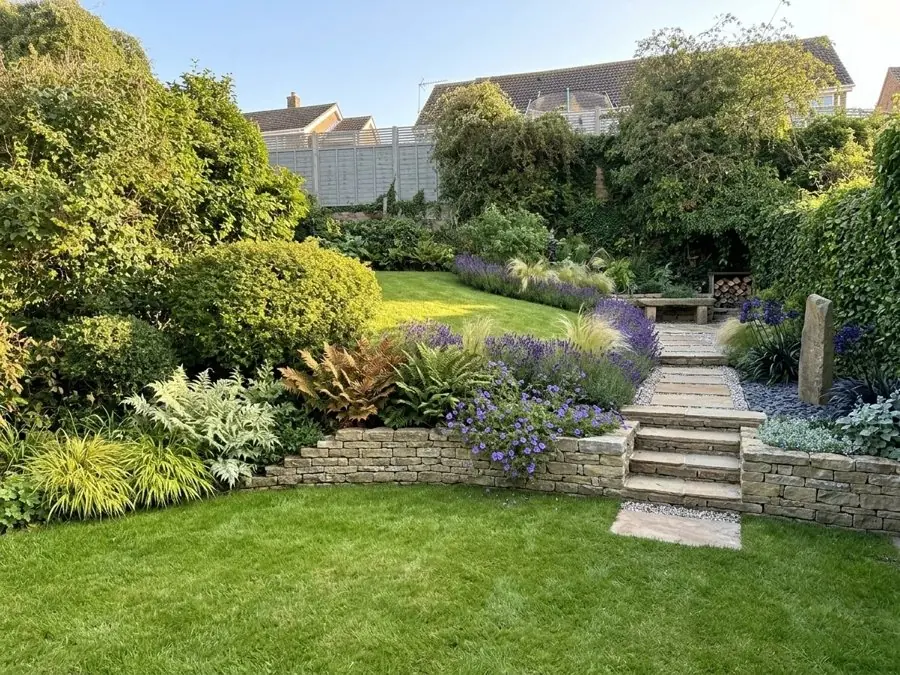
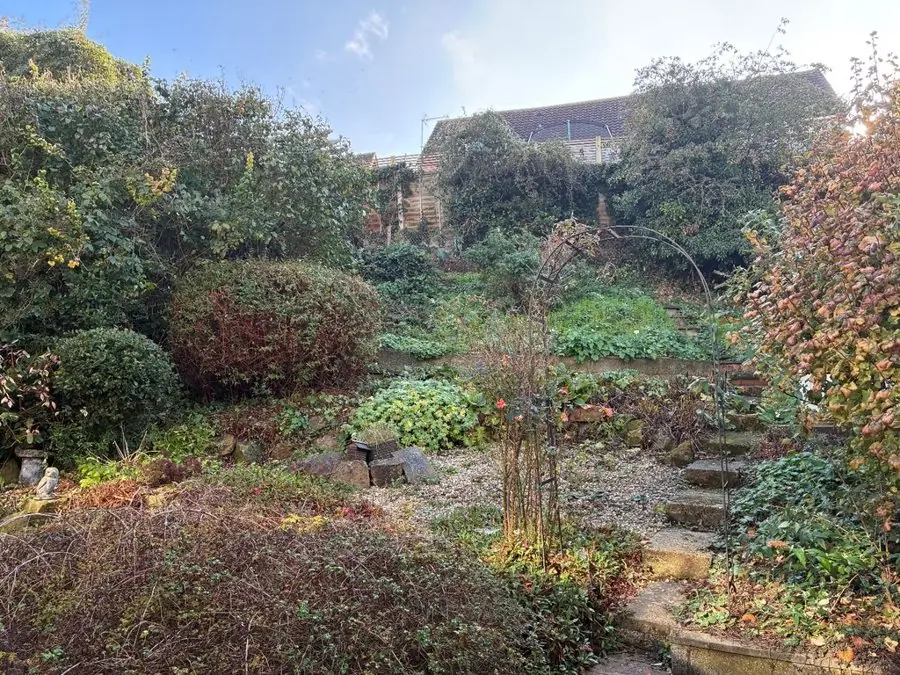
Before: an overgrown sloping yard of shrubs, rough steps and tangled beds
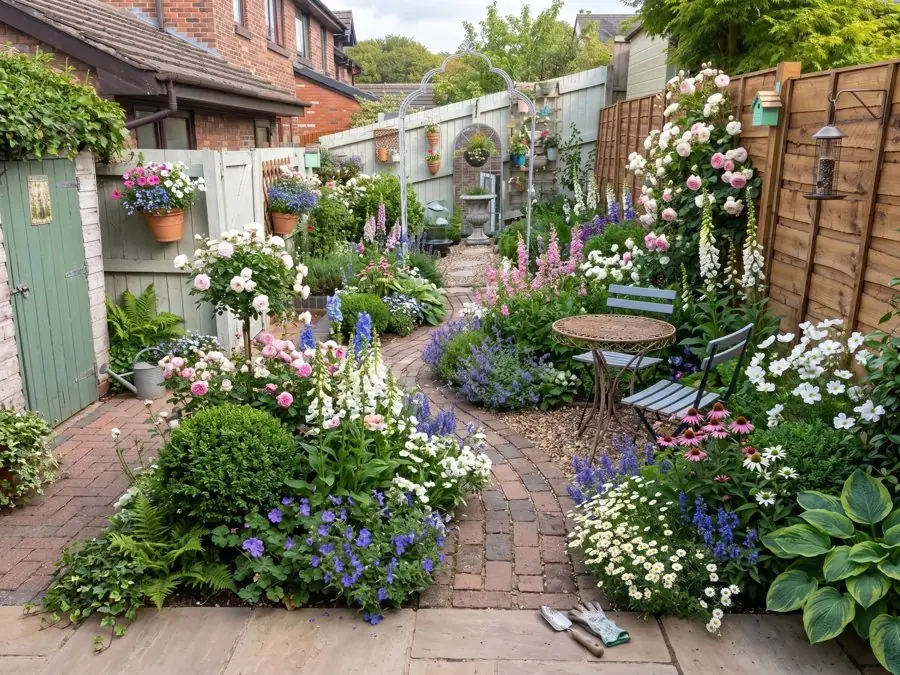
Before: pots on a patio and a long thin lawn between fences
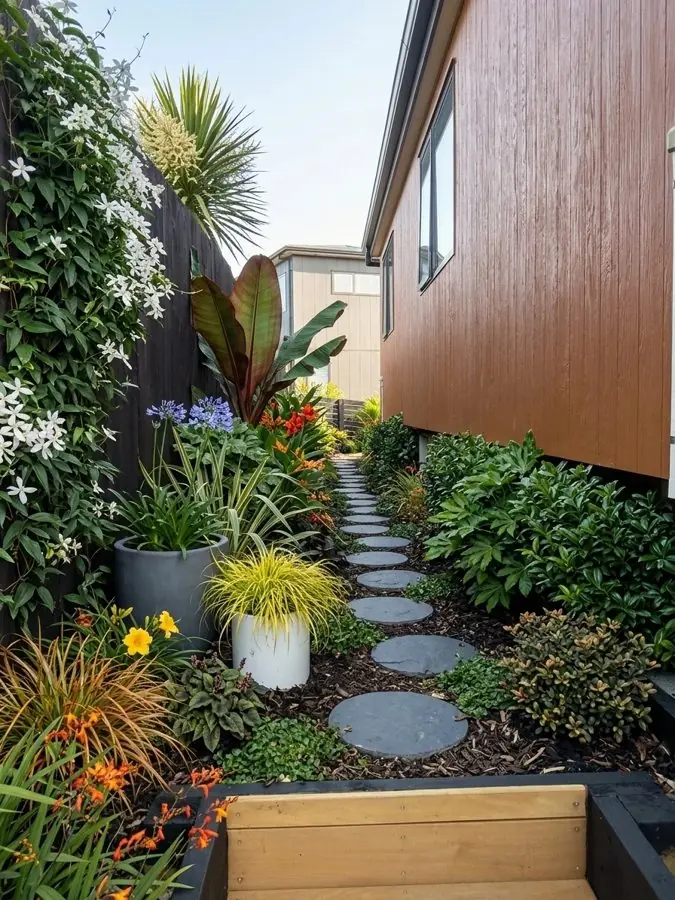
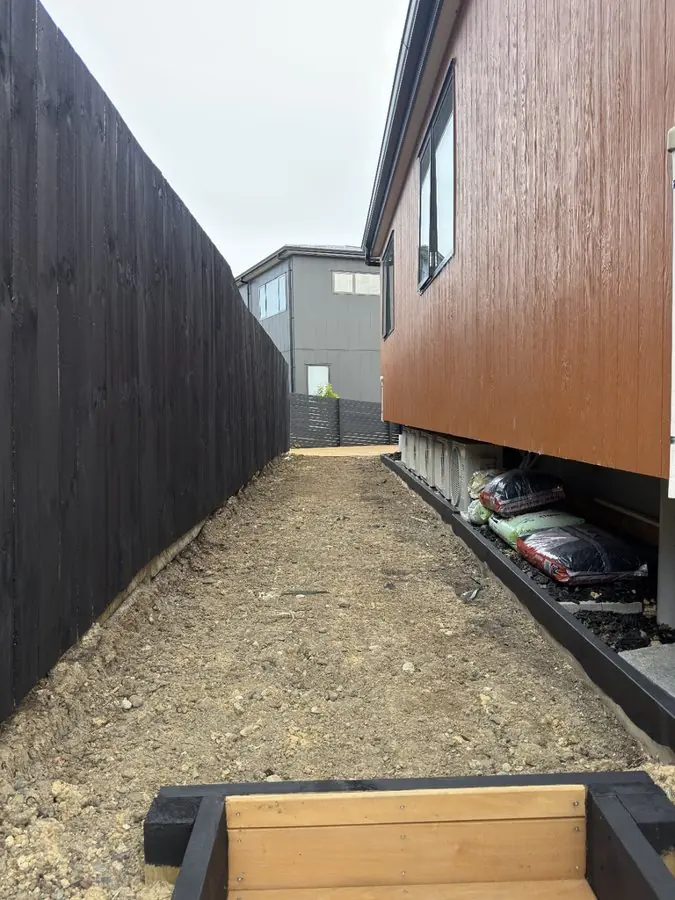
Before: a bare strip of dirt down the side of a house with timber siding
Add a photo of a client's yard
Show the client their yard redesigned in about a minute.
Design a client's yardCurb appeal the client sees from the street: new walkways, planting and beds in their own front yard. 6 yards
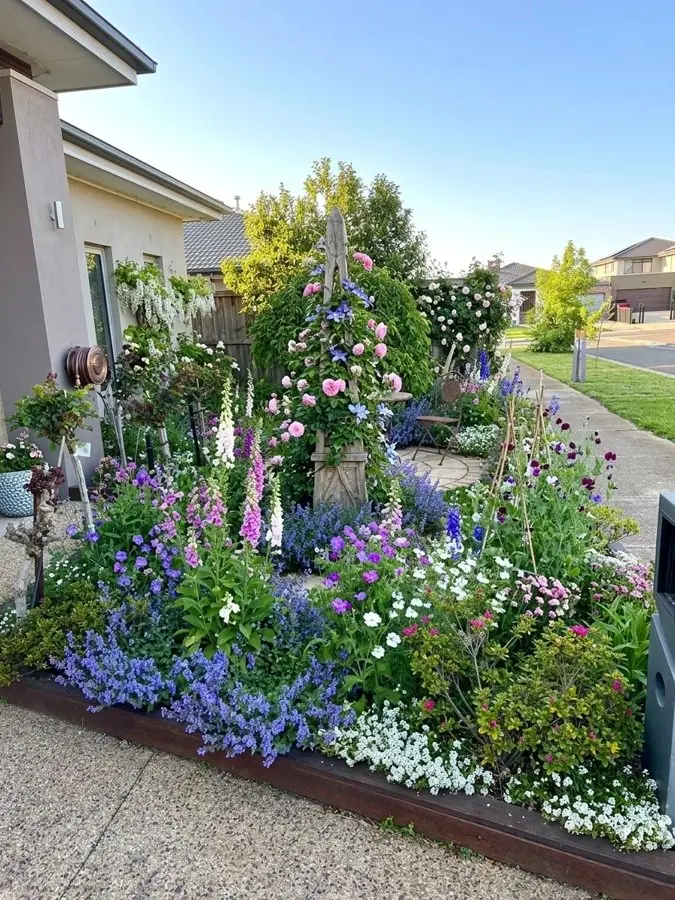
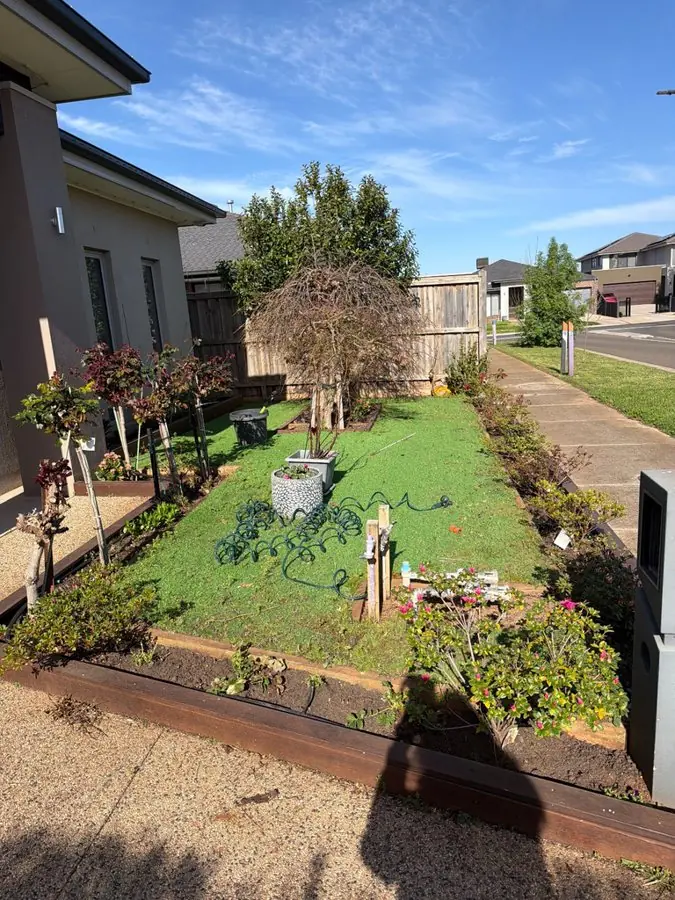
Before: a front lawn edged in steel, with a few shrubs and a hose, by the sidewalk
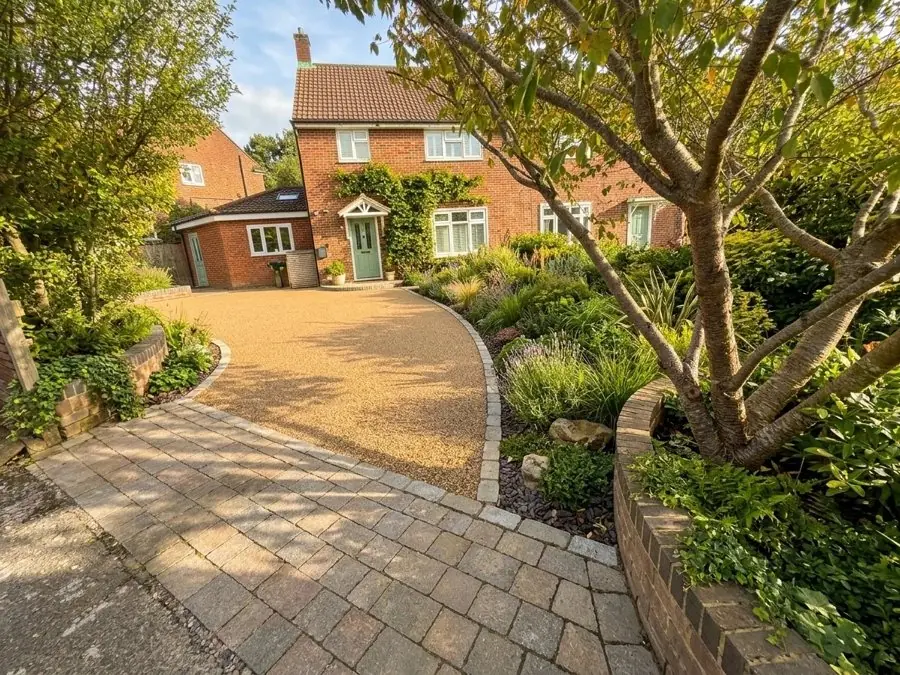
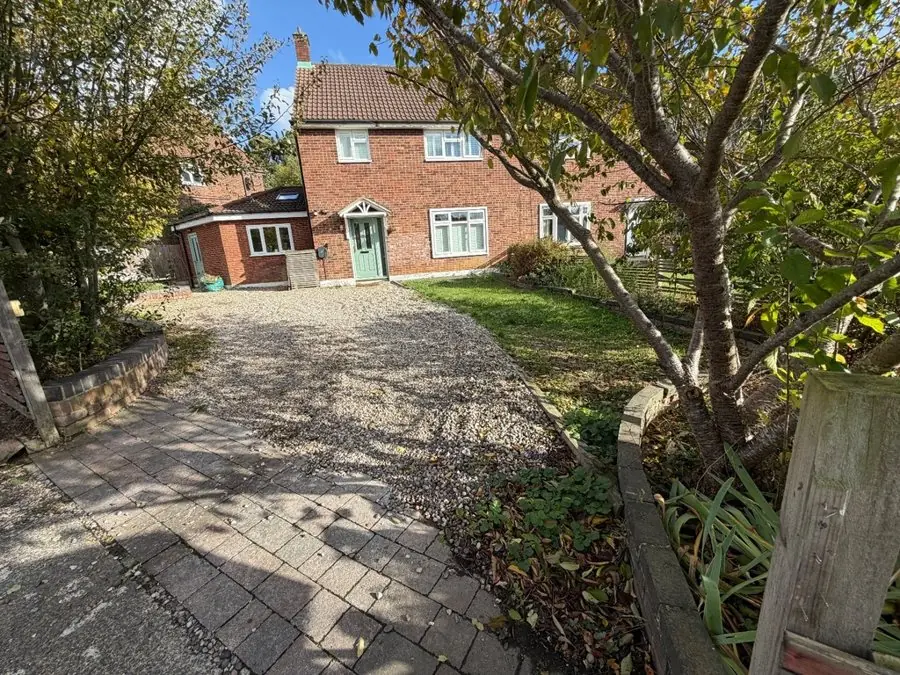
Before: a loose gravel driveway, worn pavers and a weedy bed in front of a brick house
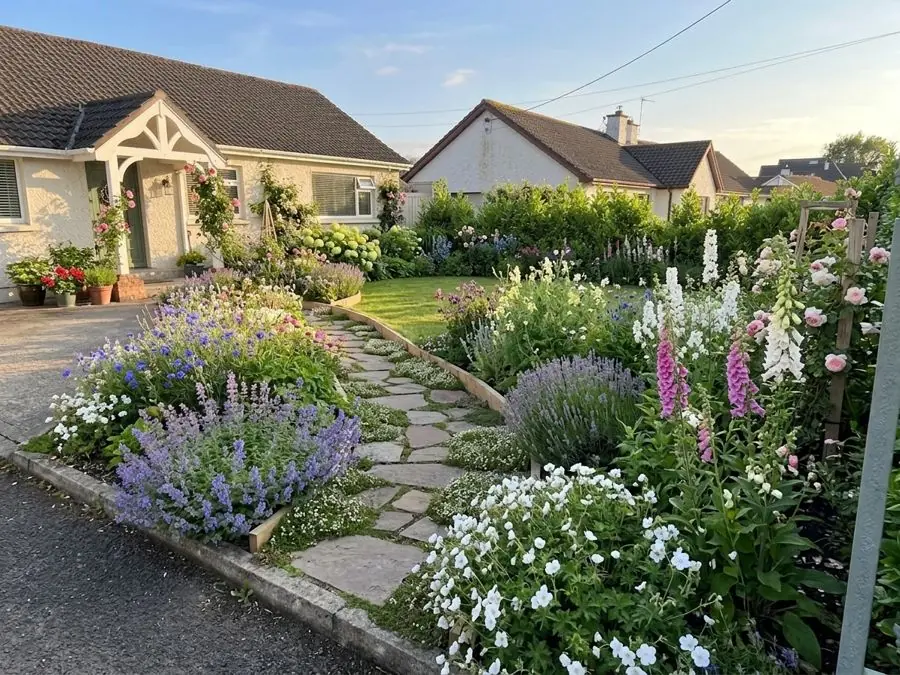
Before: a dry front lawn beside a driveway and a low hedge
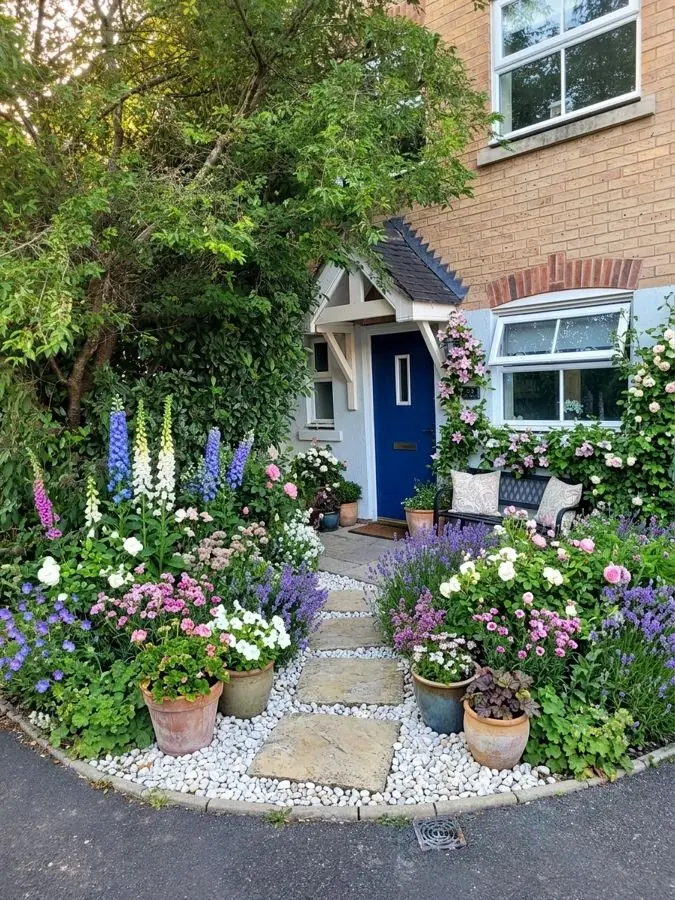
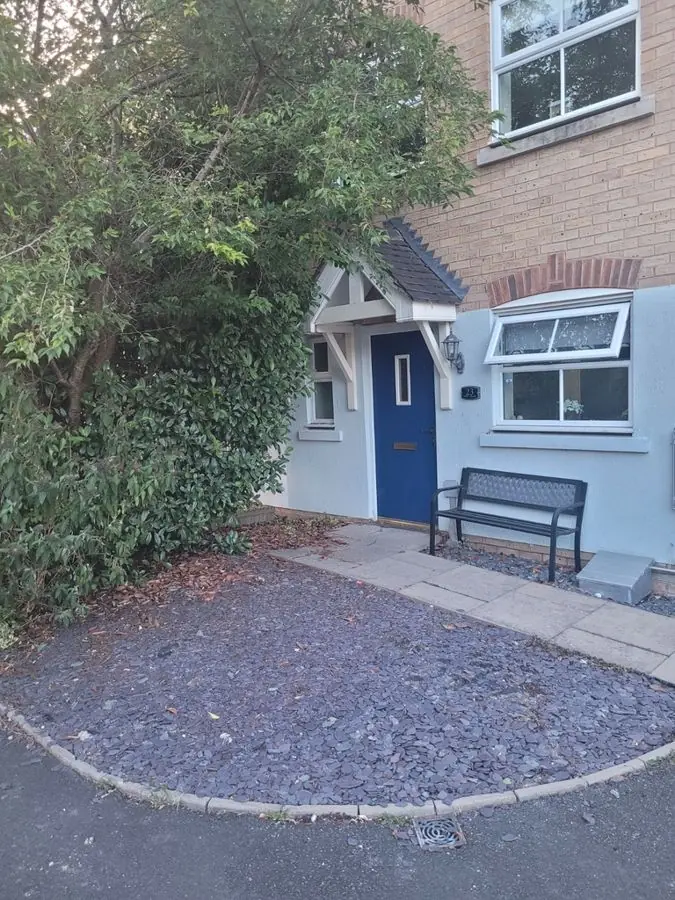
Before: a slate chip front yard by a blue door and bench
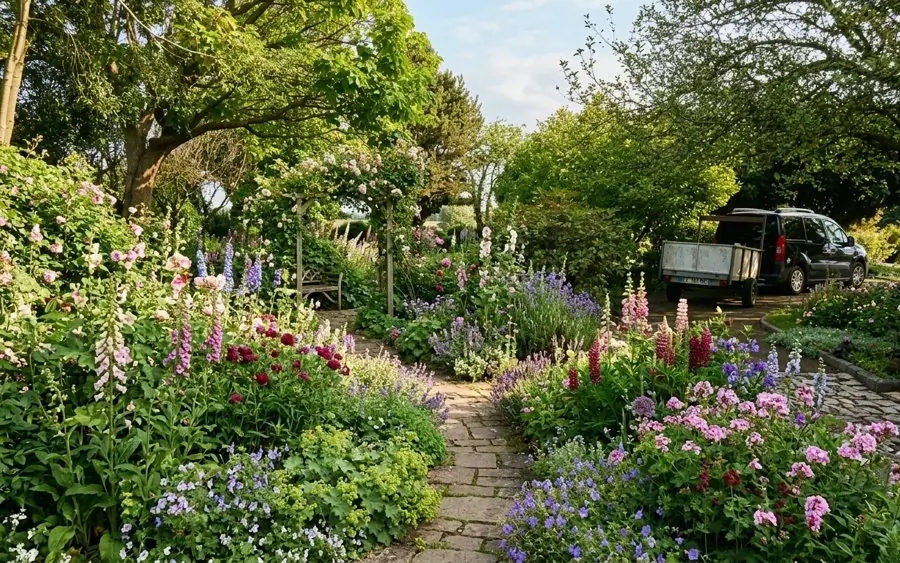
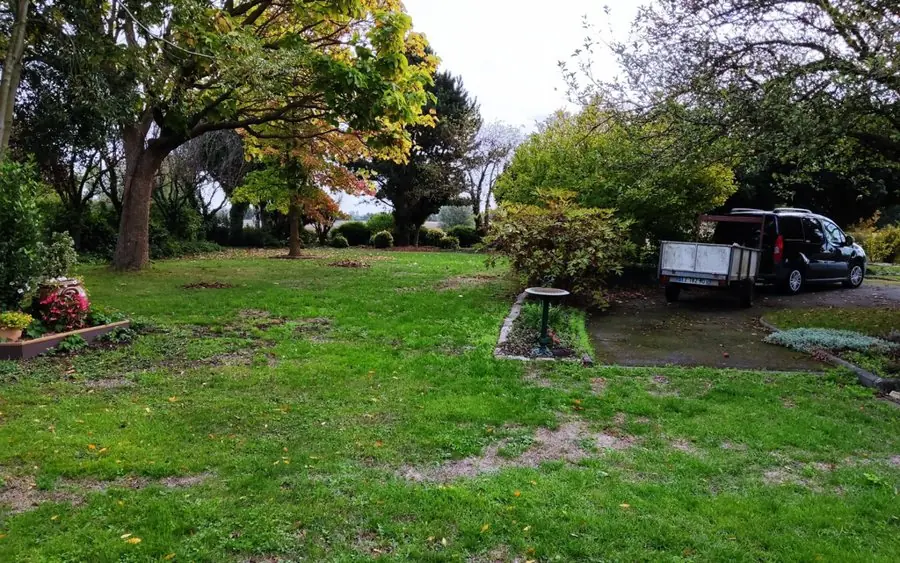
Before: a big patchy lawn under trees with a parked car beyond
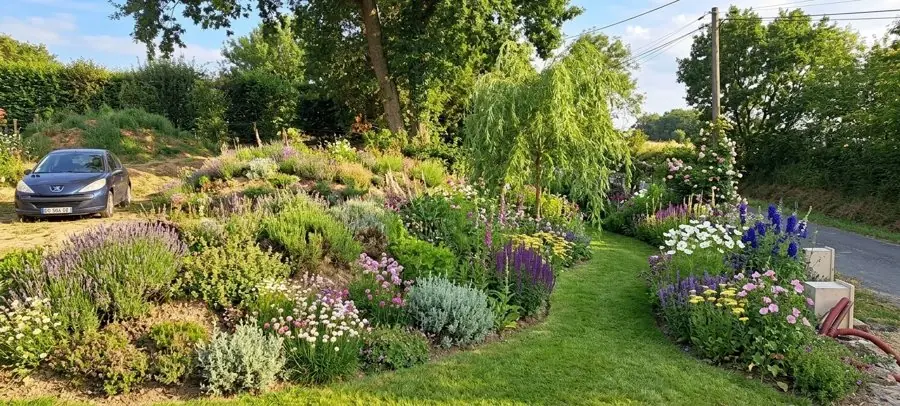
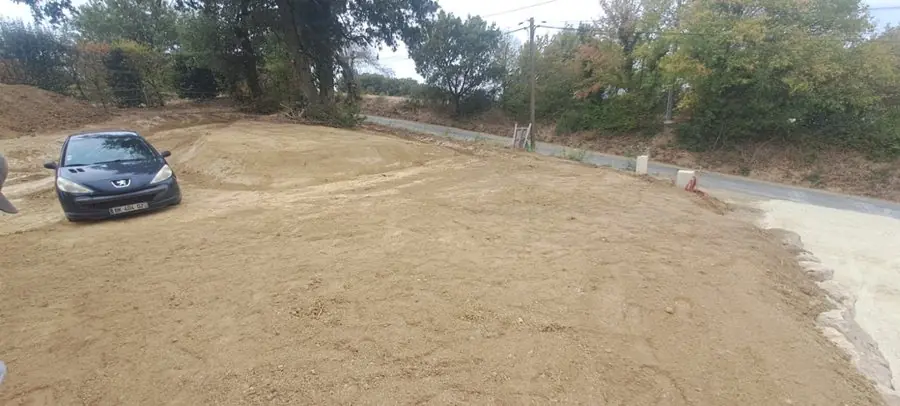
Before: a bare, dusty bank beside a driveway
Add a photo of a client's yard
Show the client their yard redesigned in about a minute.
Design a client's yardSmall yards and courtyards where every foot counts, redesigned so the space feels bigger and gets used. 6 yards
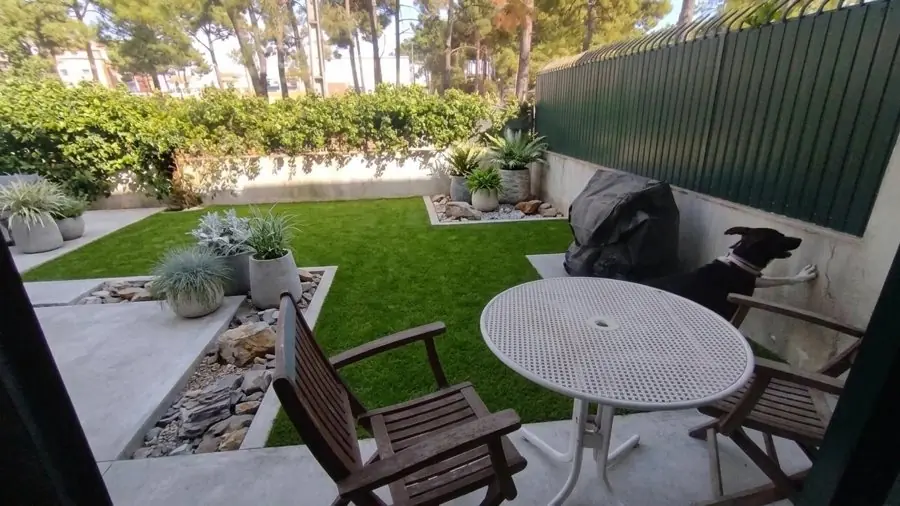
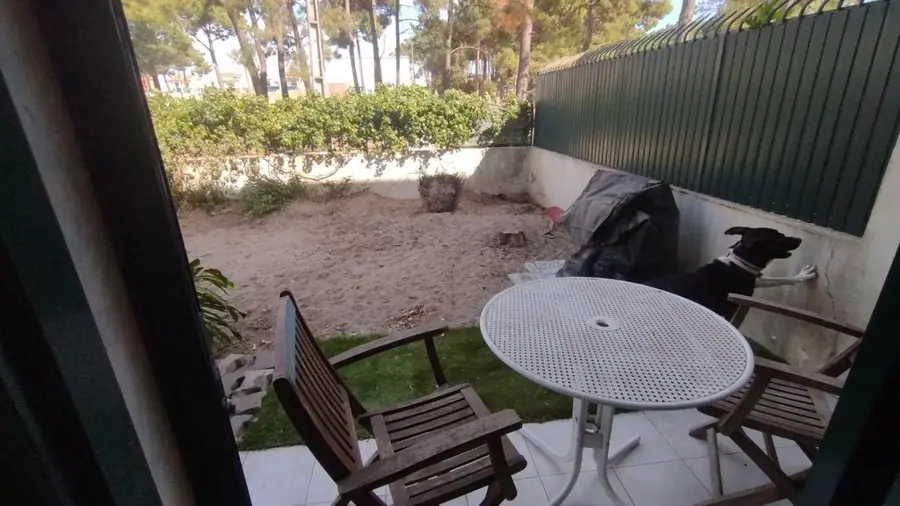
Before: a sandy, bare patch with a table, chairs and a dog
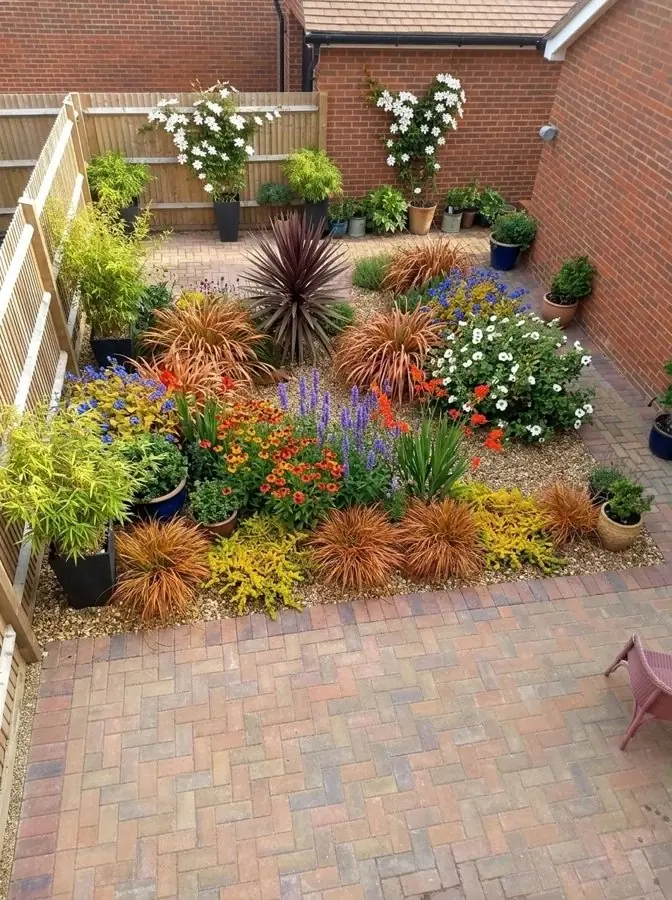
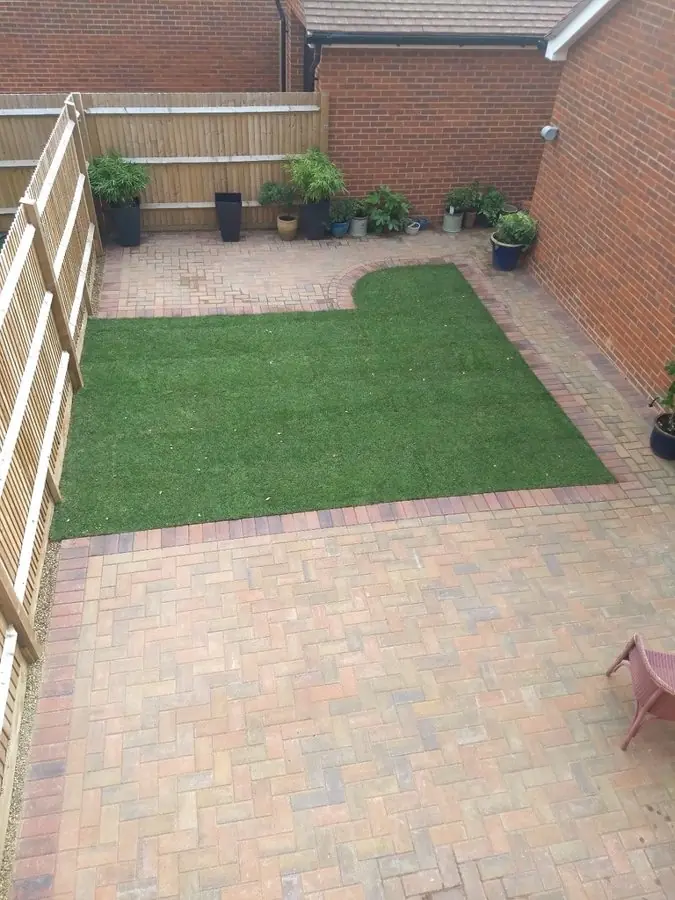
Before: a small square of artificial turf in a herringbone paver courtyard
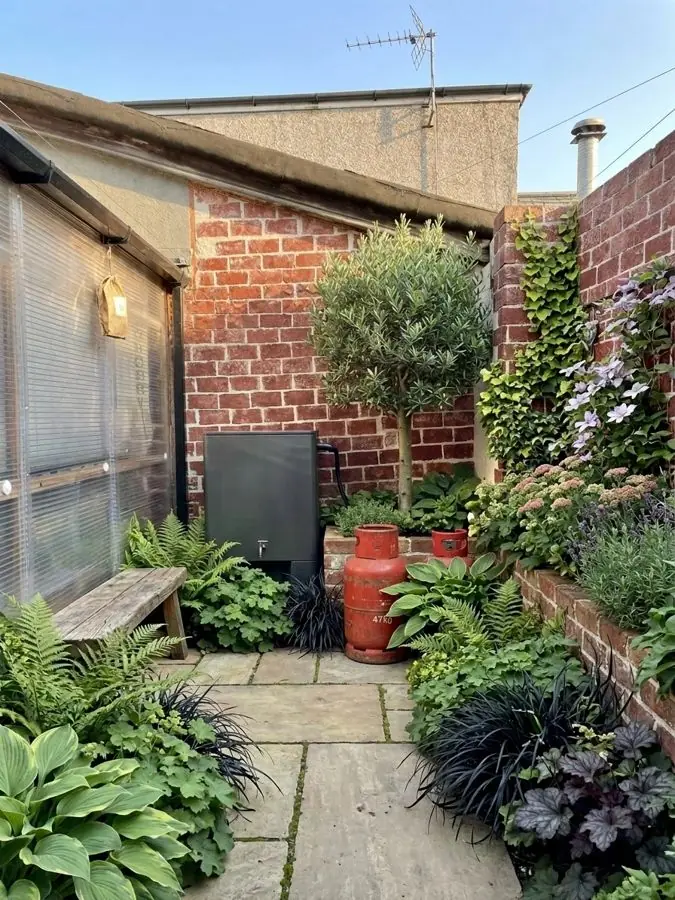
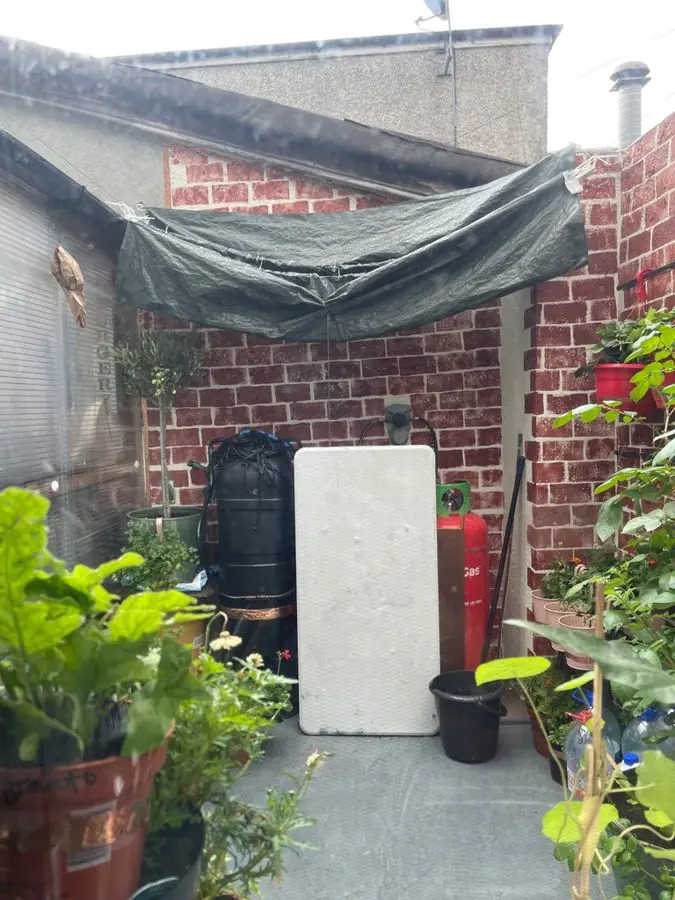
Before: a small paved yard cluttered with a tarp, pots and boards
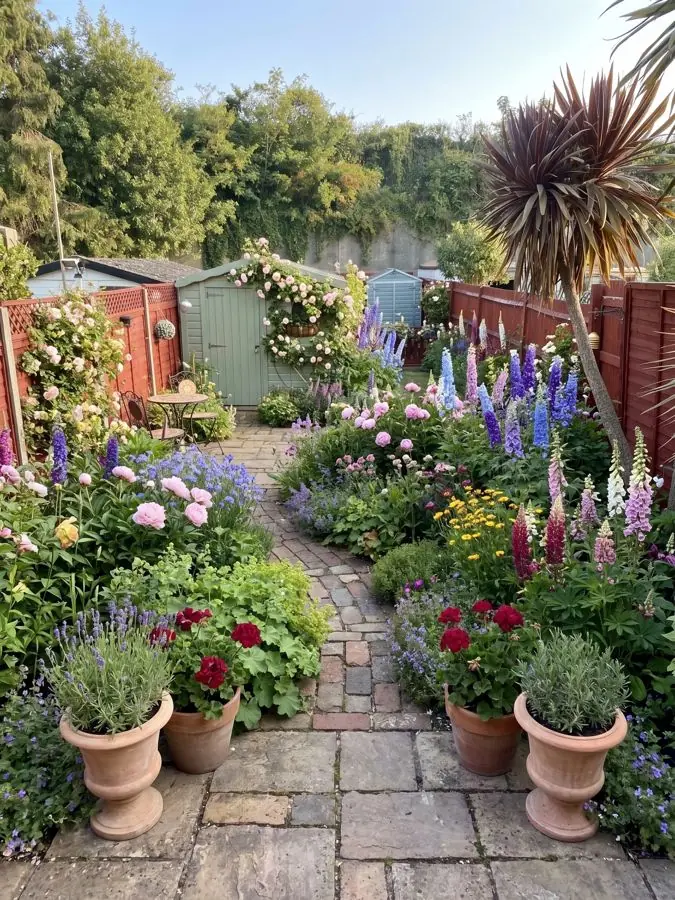
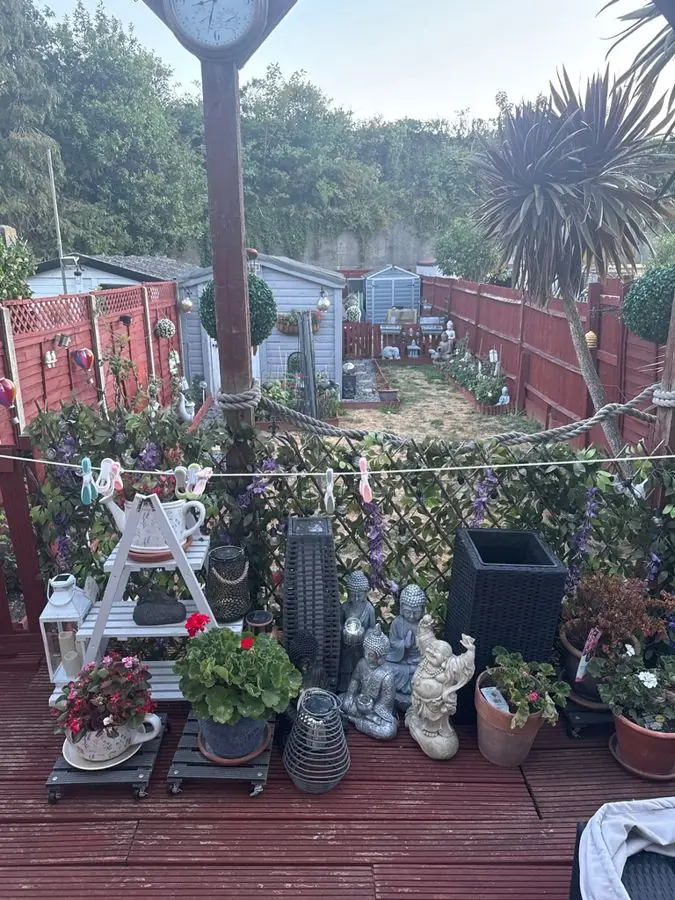
Before: a red deck crowded with pots and ornaments, a palm and red fences
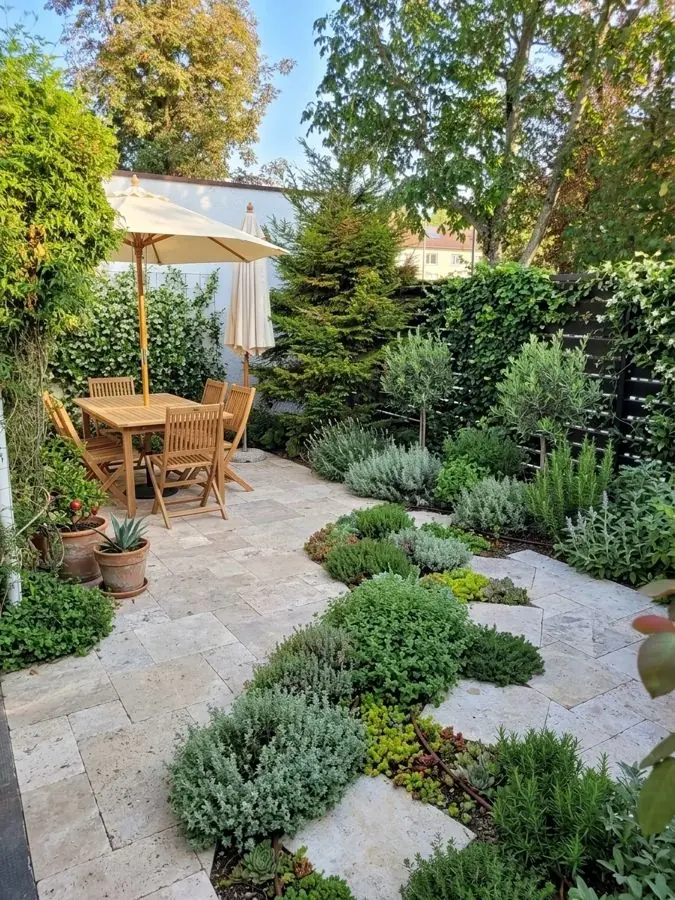
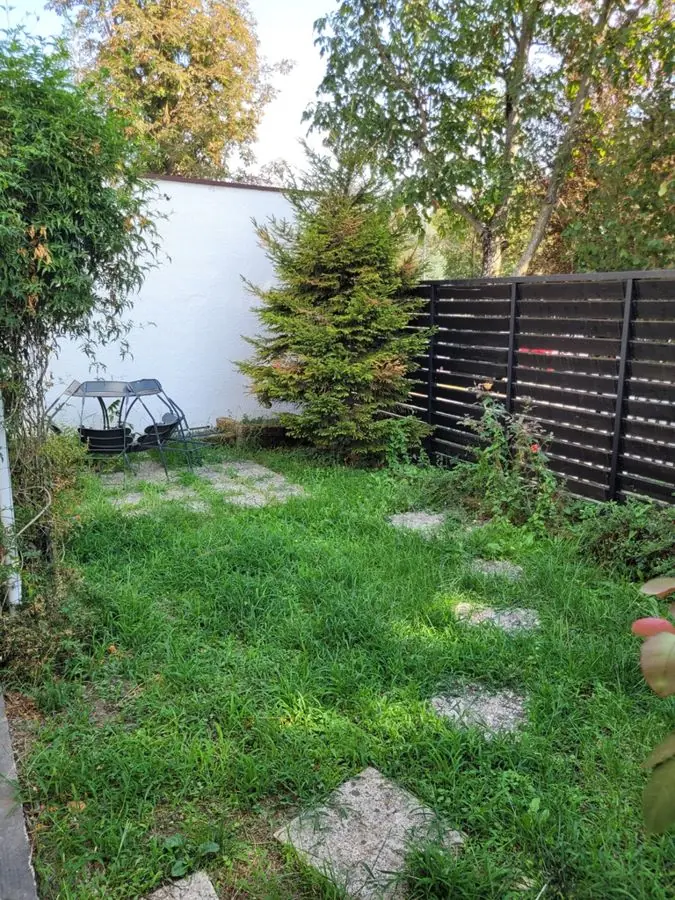
Before: a lawn with stepping stones, a white wall and a dark fence
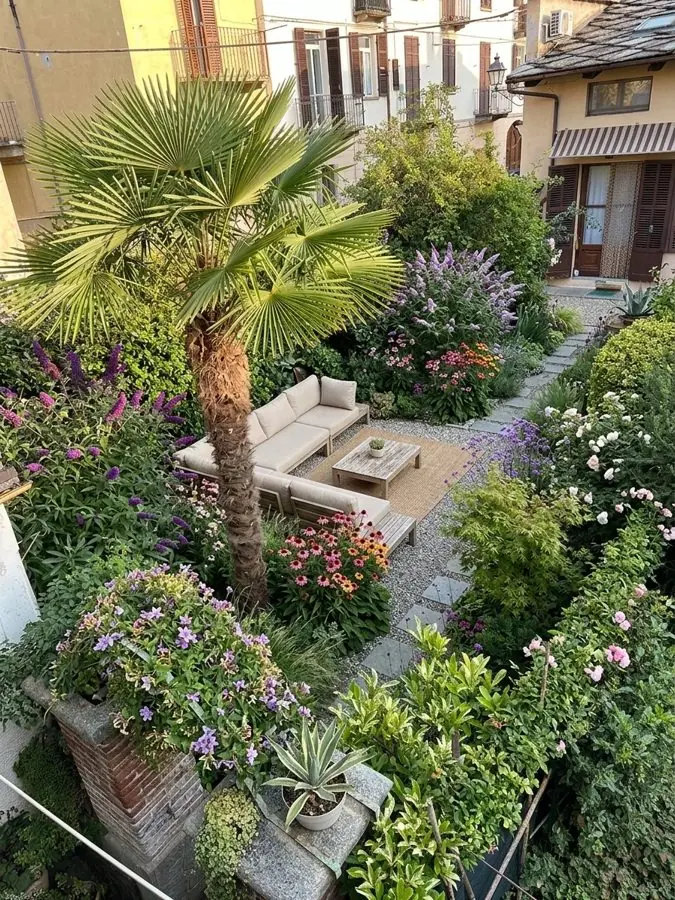
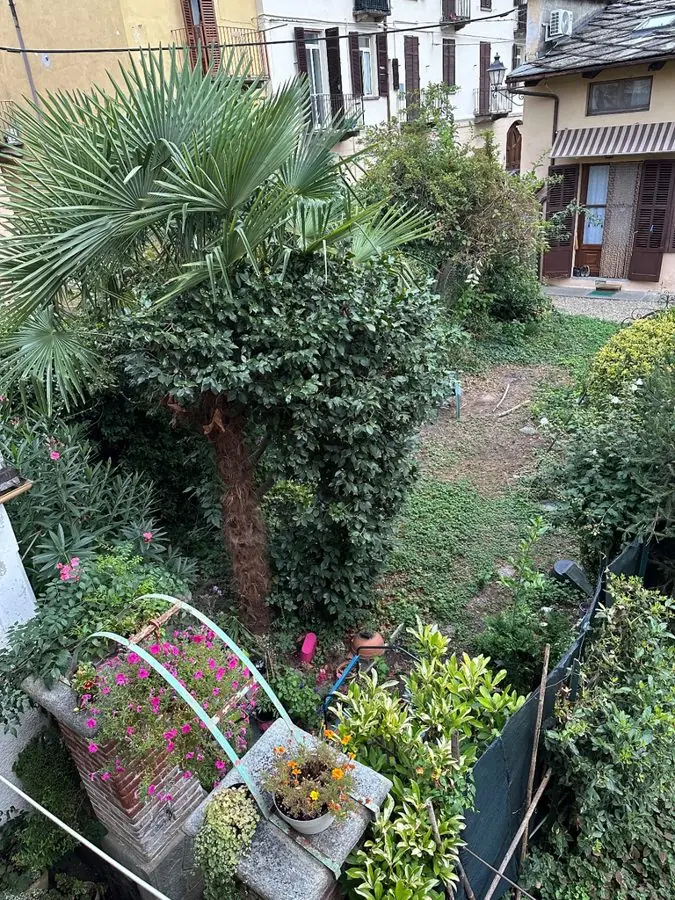
Before: an overgrown city backyard with a palm and potted plants, from upstairs
Add a photo of a client's yard
Show the client their yard redesigned in about a minute.
Design a client's yardMost software for landscapers runs the office: bids, schedules and invoices. This does the part before all of that. It shows the client the finished yard, so they know what they are saying yes to.
One photo of the client's yard from your phone, at the first visit. Redesign the whole yard, or mark and measure just one bed.
Pick one of 15 styles and a color scheme with the client, or ask in your own words, like "a flagstone patio by the back door". Keep the paths and patio, or start over with a new layout. Business makes 4 designs at once, Studio 8.
Their own yard, redesigned, in about a minute. Change any material, look at it from above or through the seasons, then send the Garden Design Pack under your company's name.
Business is $199 a month: 120 credits, so up to 120 designs a month, and up to 4 designs at once. Studio is $499 a month: 350 credits, up to 8 designs at once and your own plant and material lists.
A design or a view from above uses 1 credit, the seasons 3. One login each, a month at a time, cancel any time.
Show a client their yard before you build it.
Your company's name on the plan. One won job pays for a year.
| A month. Cancel any time. | ||
| What you get | ||
| Credits a month, a design or a view uses one | 120 | 350 |
| Designs at once | 4 | 8 |
| With every design | ||
| Your name and logo on the plan | ||
| Clean pictures, no watermark | ||
| Every plant named, with care | ||
| Change any material | ||
| From above views | ||
| All four seasons | ||
| Your own plant and material lists | – | |
Why showing the client first helps, and where this sits beside your business software and your drawing programs.
A sketch and a list of materials ask the client to imagine the yard, so your number often arrives before they can see what it buys, and the answer is "we'll think about it". Show them their own yard first. Take the photo while you walk the property, pick a style or two with them at the kitchen table, swap the pavers they are not sure about, and leave with a design they have already chosen. Then price the job the way you always do. That is how an app for landscapers helps you win more landscaping jobs: the client is saying yes to a yard they have seen, not one they had to picture. Where the jobs come from, and how to follow up, is in our guide to winning more landscaping jobs.
It runs in the browser on a phone, tablet or laptop, with nothing to install, so it works on site and back at the office. If you can take a photo, you can use it. There is nothing to draw and no plant names to look up: the app does the designing, and you and the client choose between results. Most apps for landscapers are built for the office, and most landscape design software for contractors is a drawing program, made for plans to scale and 3D models. This starts from the yard as it is, in one photo.
Most landscape contractor software runs the business side. Jobber, Aspire and SynkedUP handle estimates, schedules and invoices. This is landscape contractor software for the step before the bid. It works alongside whatever landscaper software you use now: design the yard here, then estimate, schedule and invoice where you always have. Choosing one? Our guide to the best apps for landscapers compares the estimating, business and design apps, with their prices.
Professional landscape design software draws to scale and builds 3D models, and when a job needs construction drawings, it is the right tool: PRO Landscape+, Structure Studios' VizTerra and Realtime Landscaping Architect are the names to compare. If it is landscape rendering software you want, PRO Landscape+ lists 3D rendering among its features, and Structure Studios renders a 3D design as images in up to 8K and as MP4 videos. This app starts from a photo of the client's yard as it is and shows it redesigned in about a minute, ready for the first visit. Weighing iScape? Garden Design App or iScape sets the two side by side, free version included. This app is also software for landscape designers who want ideas in front of a client at the first meeting, before any drawing starts.
The client's own yard, redesigned, with a planting plan and a list of the materials in the design, under your company's name. Measuring, pricing, the bid, drawings to scale and invoices stay with the software you use now.
Planting is where a guessed design falls down. Every design uses real plants, chosen by a professional gardener's rules for the light, the soil and where the yard is, in the US or anywhere else, so the yard in the picture is one you can actually plant. The Garden Design Pack names each plant, and the materials and features in the design, with your company's name on it.

Every design names its plants: see what goes into a planting plan.

Bidding a backyard? Backyard landscape design shows real backyards redesigned from one photo.

Curb appeal jobs start at the street: front yard landscape design shows front yards redesigned.

Walls, steps and hillsides: sloped yard landscaping on real yards with a slope.

How the picture is made: AI landscape design, and which part a gardener's rules decide.

Comparing tools? Landscape design software explains how this differs from drawing programs.
It depends on the job. For estimates, schedules and invoices, landscaping business software such as Jobber, Aspire or SynkedUP. For CAD drawings, photo imaging and 3D rendering, a program such as PRO Landscape+; for 3D models, VizTerra or Realtime Landscaping Architect. For showing a client their own yard redesigned before you bid, this app: one photo in, and Business makes up to 4 designs at once, in about a minute. They do different jobs, so they sit side by side.
Mostly a business app for estimates, jobs and invoices, such as Jobber or Yardbook, and sometimes a design app to show clients ideas. iScape and Neighborbrite are design apps with plans for professionals. This one is for the design side: the client's own yard, redesigned from your photo, with every plant named.
It depends what you need free. iScape has a free version with limited features, and Neighborbrite a free plan with limited designs (each from its own pricing page, read 13 Nov 2026). This app has no free designs on its firm plans. Designing your own yard at home rather than a client's? Your first 3 designs are free.
Yes. This one uses AI to redesign a client's yard from one photo, with the planting chosen by a professional gardener's rules so the plants suit the spot.
ChatGPT can talk through ideas and make a picture of a yard. This is built for the job: it redesigns the client's own yard from your photo, keeps the house where it is, picks real plants for where the yard is, and gives you a Garden Design Pack with the plants, materials and features, in a planting plan and a materials list, under your company's name.
Landscape design software for professionals includes PRO Landscape+ for CAD drawings, photo imaging and 3D rendering, and Vectorworks Landmark, VizTerra and Realtime Landscaping Architect for 3D (their own pages, read 13 Nov 2026). A fast visual tool for the first meeting sits alongside them, and that is where this app fits: ideas on the client's own yard before the drawing starts.
Business is $199 a month, with 120 credits a month and up to 4 designs at once. Studio is $499 a month, with 350 credits, up to 8 designs at once and your own plant and material lists. There are no free designs on either plan.
Each picture is 1 credit, a view from above is 1, and the seasons are 3. So 120 credits on Business is up to 120 designs a month, or fewer designs with more views of each.
It shows the client the design and names the plants and materials in it, so you measure, price and bid with the software you use now.
Yours. Your company's name and logo go on the Garden Design Pack and on the link you send, in place of ours, and the pictures carry no watermark.
Yes. Change any material, such as the patio stone or the fence, and you get a new copy of the design with it, or make another design in a different style. Each new picture uses a credit.
Show the client the finished yard before you give the number. A client who has seen their own yard redesigned, and swapped the pavers for the ones they like, is choosing a yard, not weighing up a price. Take the photo at the first visit and the design is ready before you leave.
Take one photo of a client's yard and show it redesigned in about a minute. Business is $199 a month, Studio $499.
Design a client's yard