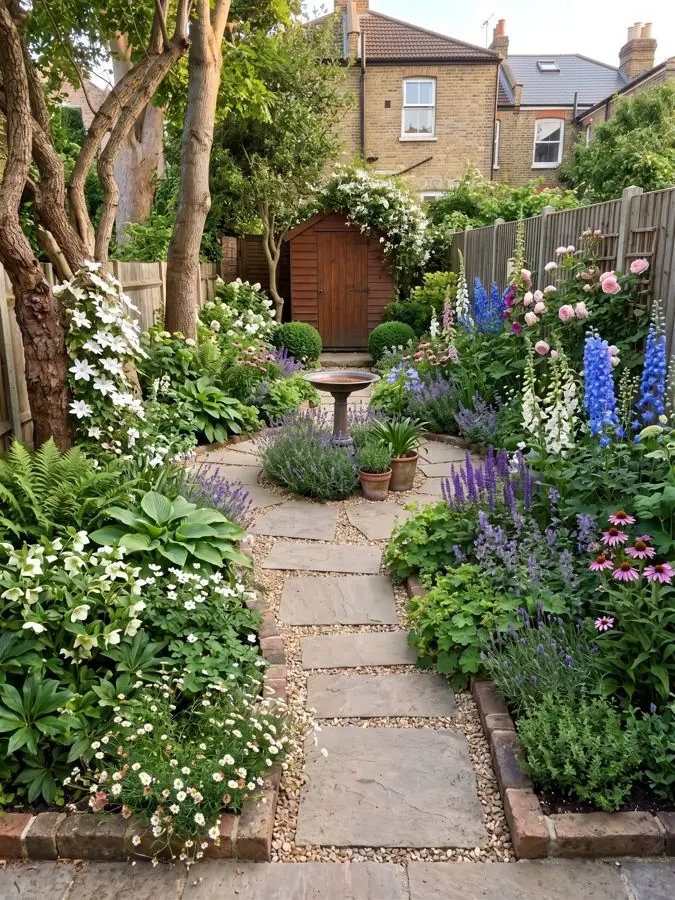
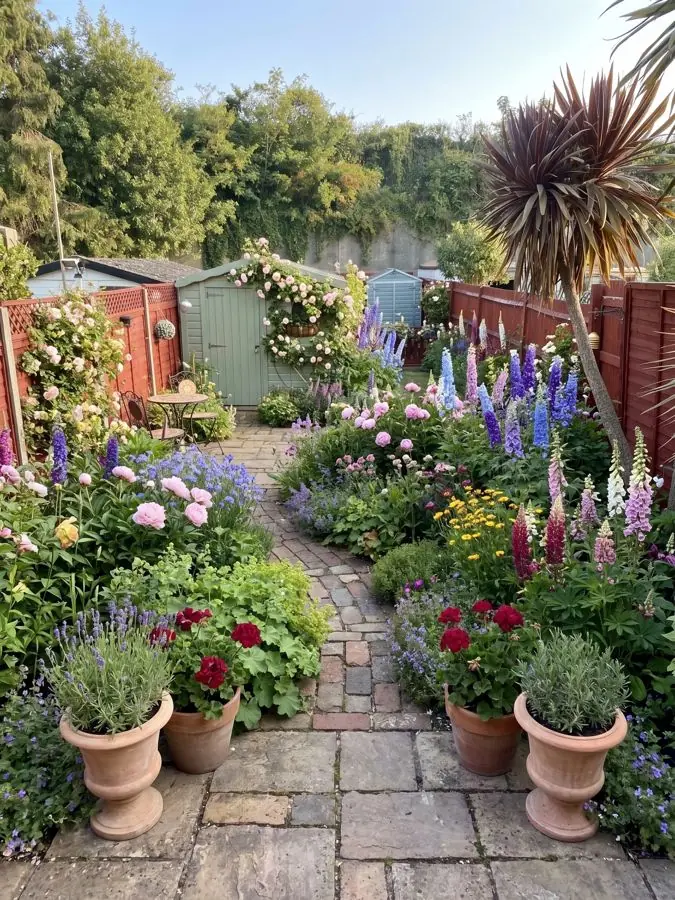
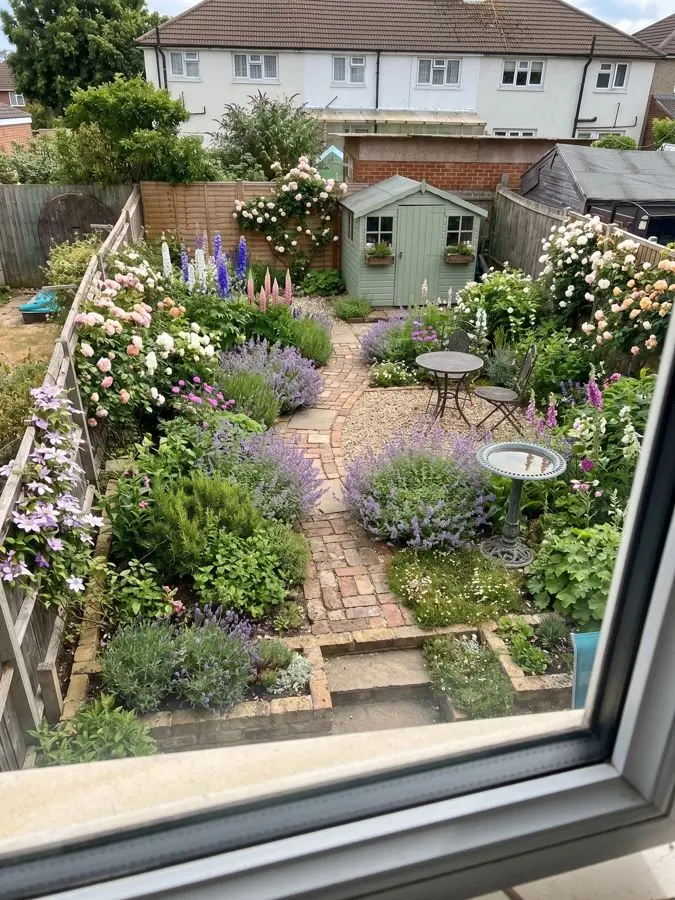
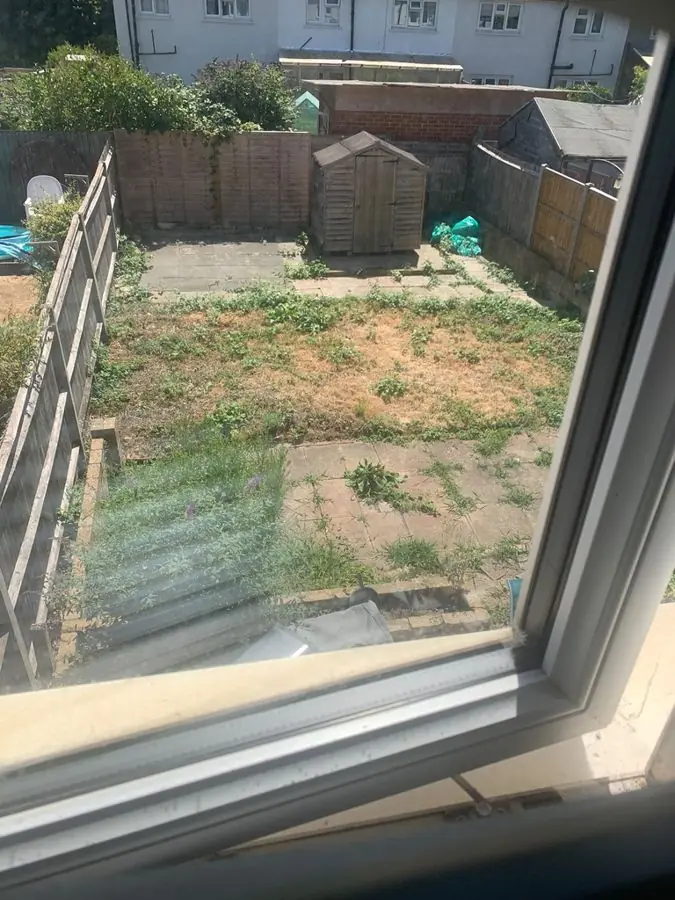
Brick paths and a shed, from the window
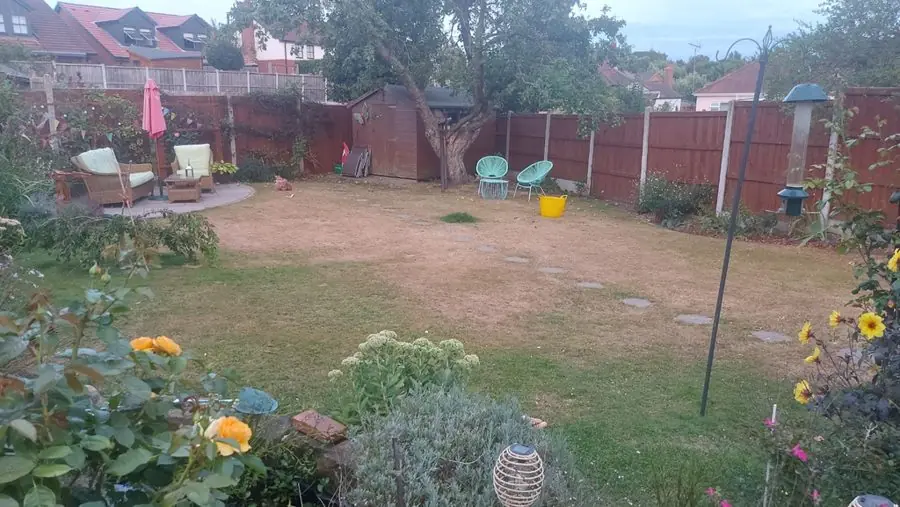
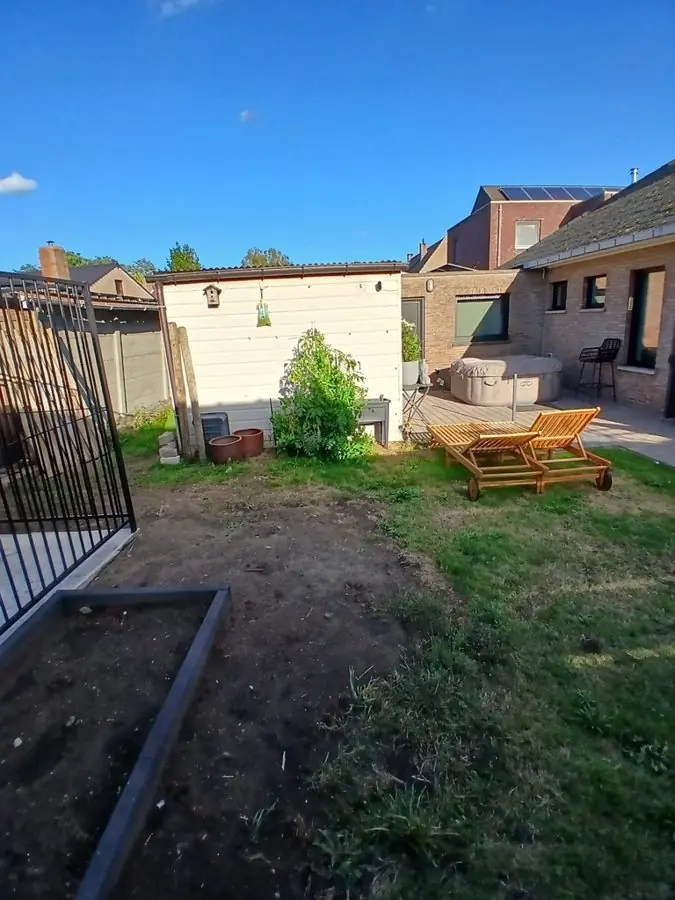
Before: a bare, patchy plot with a shed, seen from a window
Get this yard →First 3 designs free · No card
Nothing to install and nothing to draw: add one photo of your yard, pick a style, and see it redesigned in about a minute.
Add your ZIP code: plants picked for your USDA zone, your summer heat, your light and your soil.
Design my yardOver 500 yard designs made.
Every one is a real yard, redesigned from one photo, and each says what was there before. Tap Before to see the photo. Like one? Tap Get this yard to design your own yard in the same style, with the same plants.
New paths, a lily pond under a wisteria arbor, birches and a water trough, all from a single photo. 9 yards
Before: a bare, patchy plot with a shed, seen from a window
Get this yard →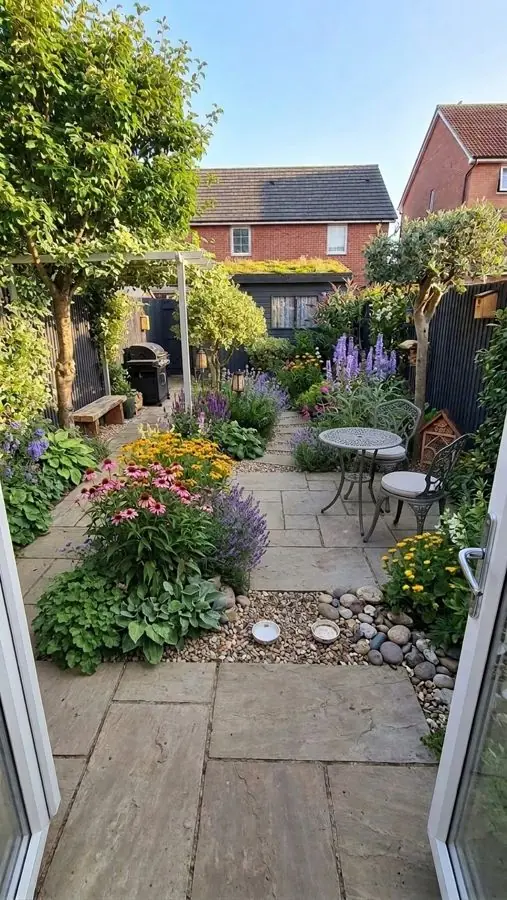
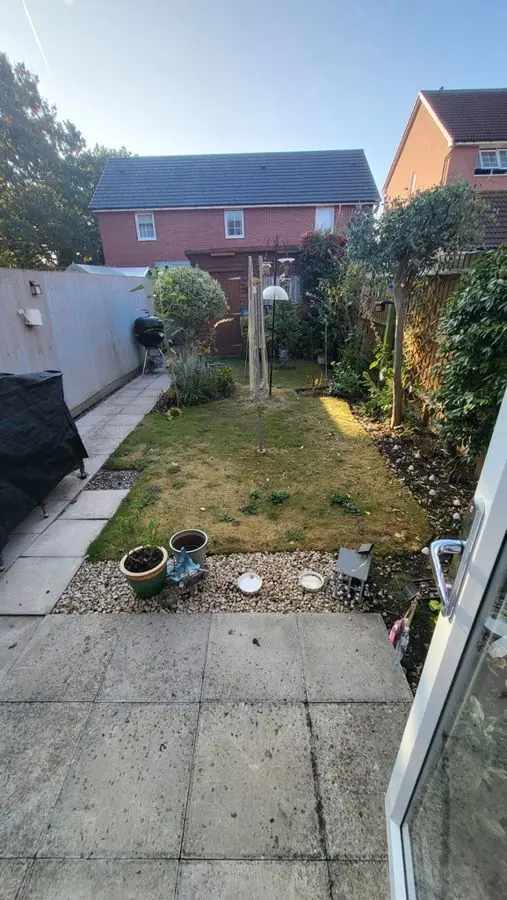
Before: a narrow paved garden with a small lawn and an umbrella clothesline
Get this yard →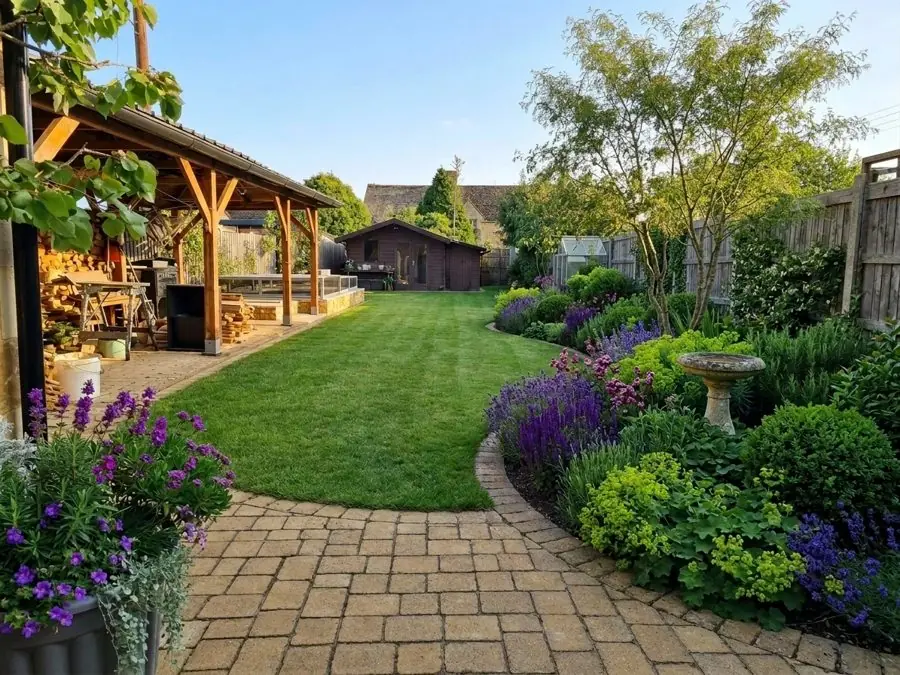
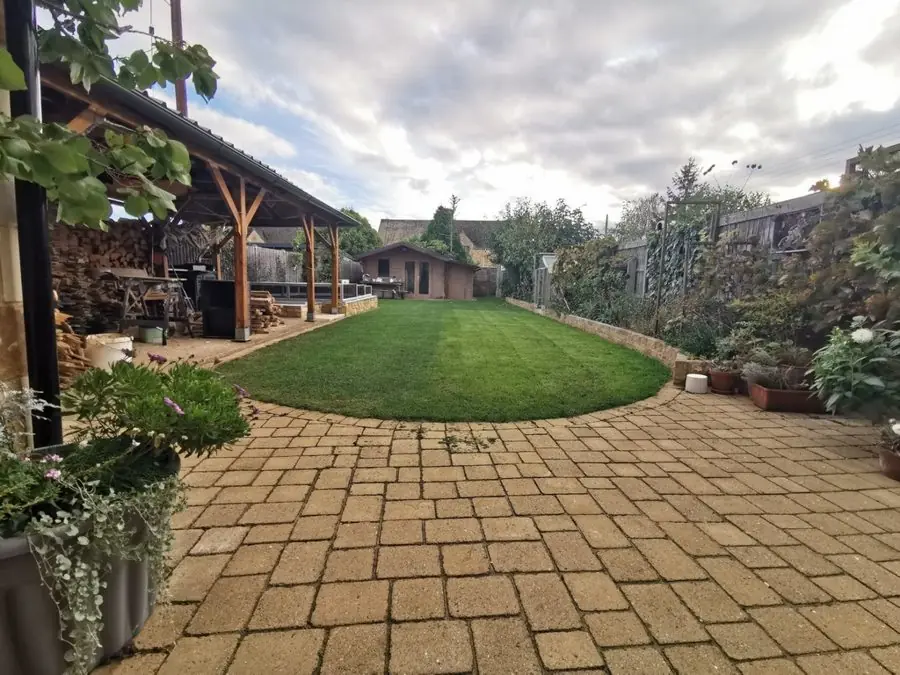
Before: Pavers around an oval lawn with a wooden shelter and shed
Get this yard →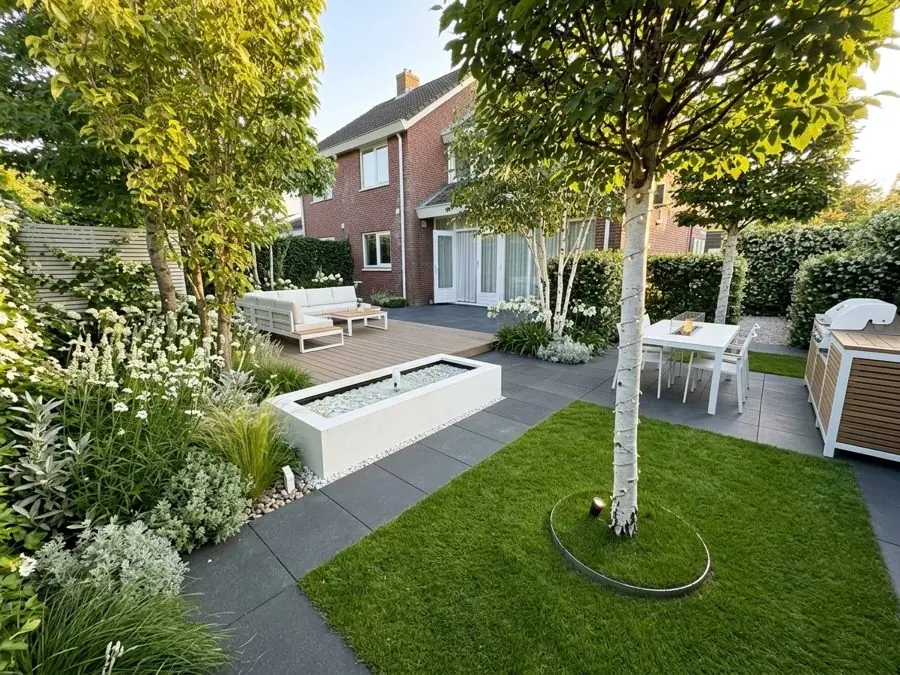
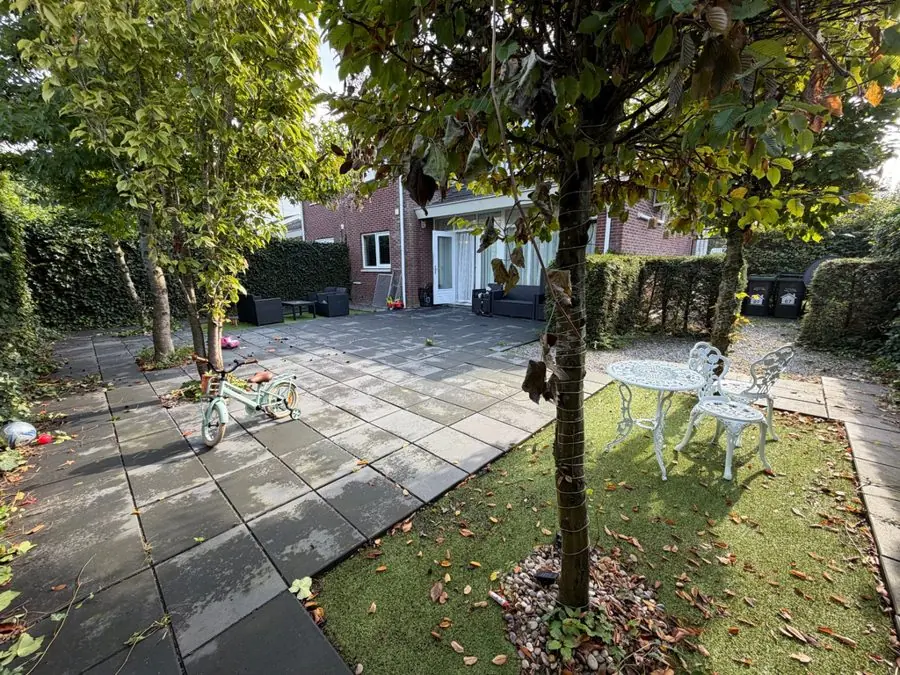
Before: a paved patio and small lawn with a tree and white table
Get this yard →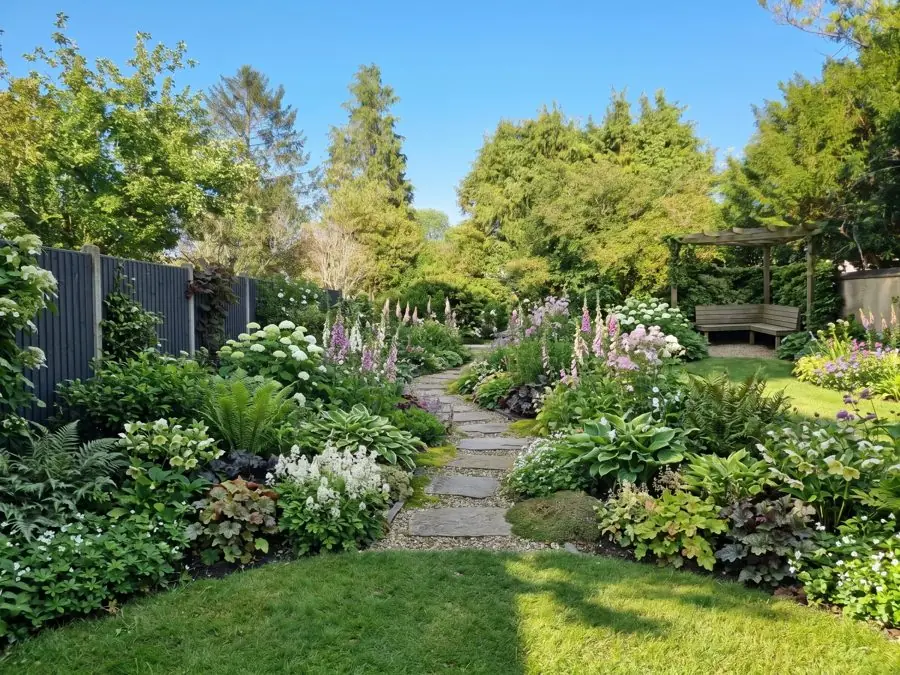
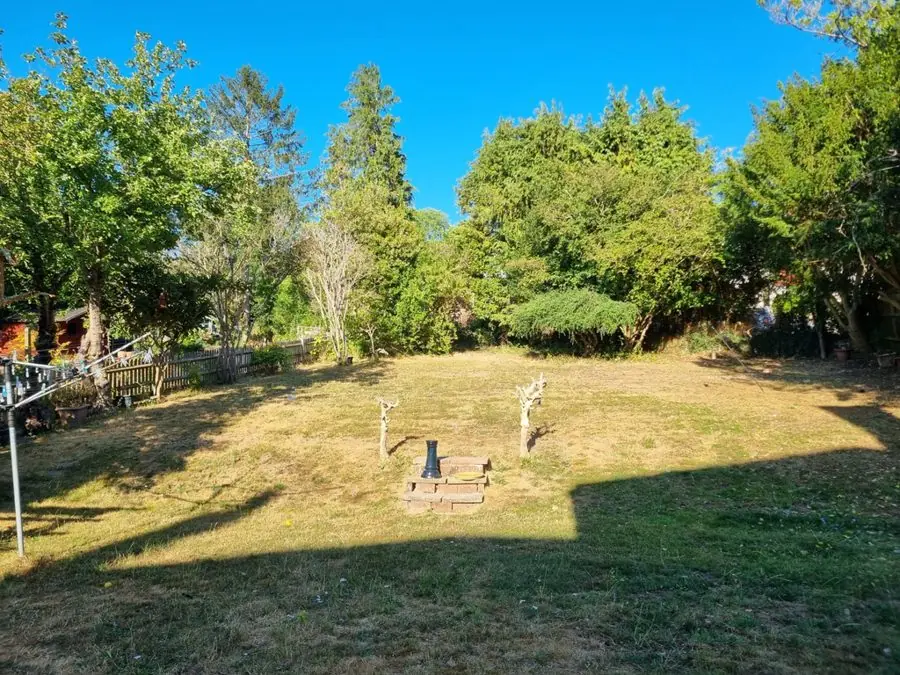
Before: a dry, patchy lawn ringed by trees with a clothesline
Get this yard →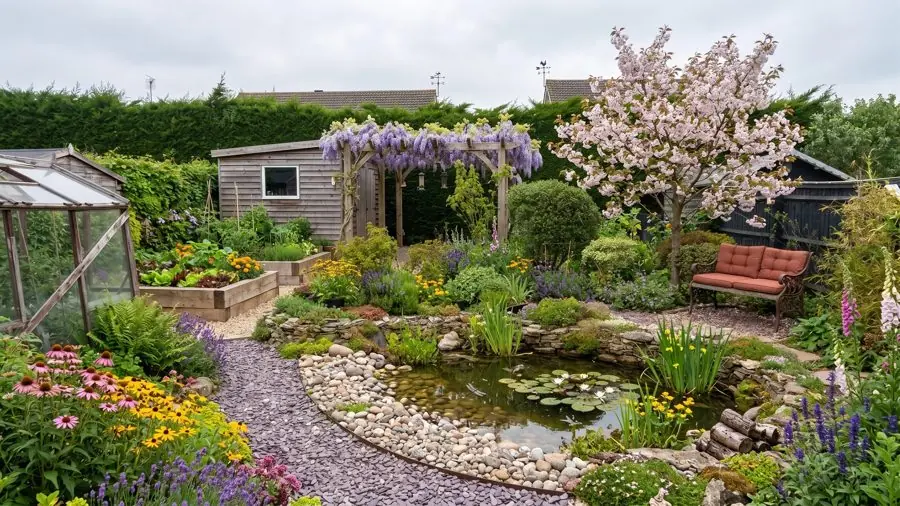
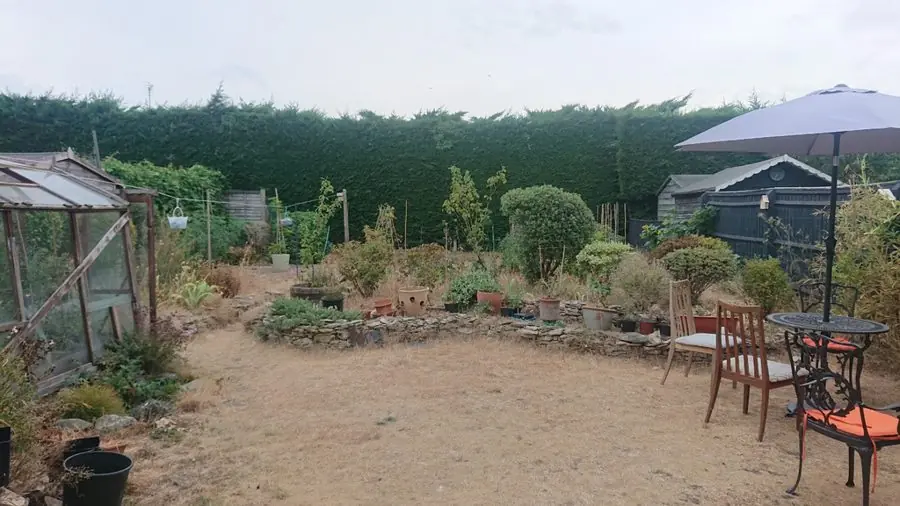
Before: a dusty bare yard with a patio umbrella, table, chairs and a greenhouse
Get this yard →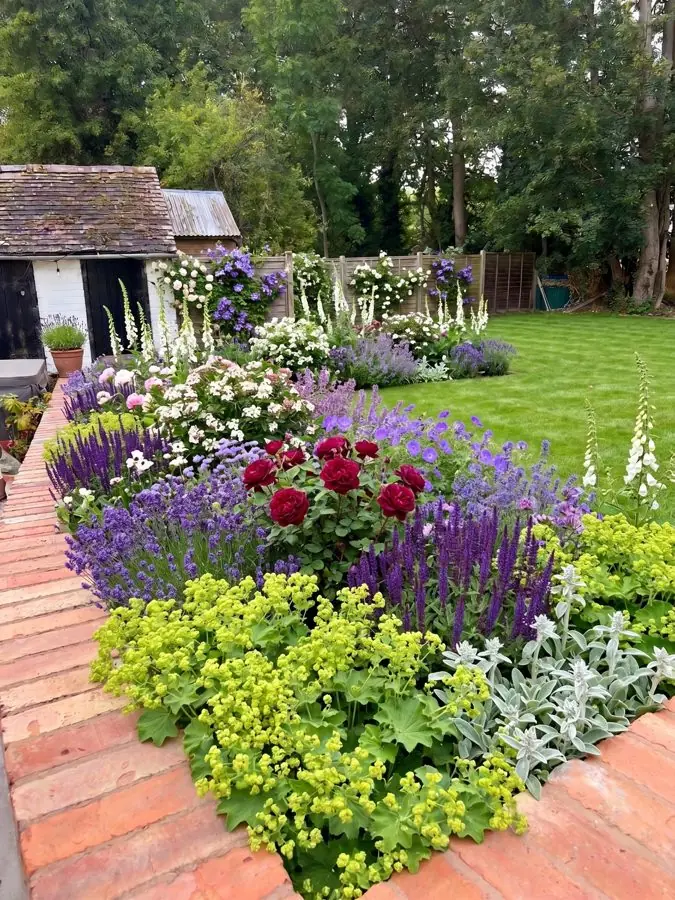
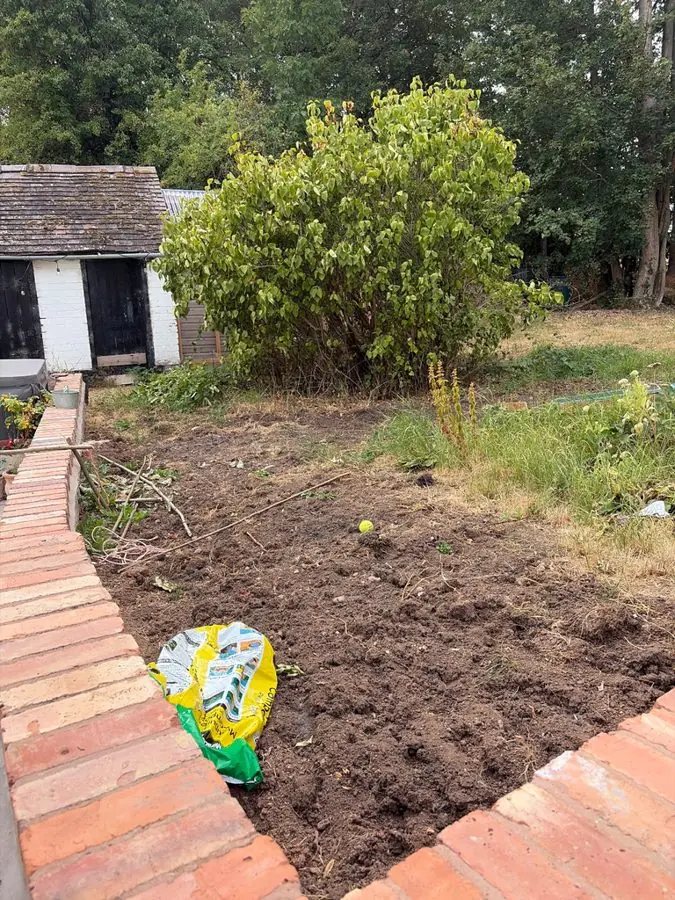
Before: a freshly dug bare bed edged with brick, with a shed behind
Get this yard →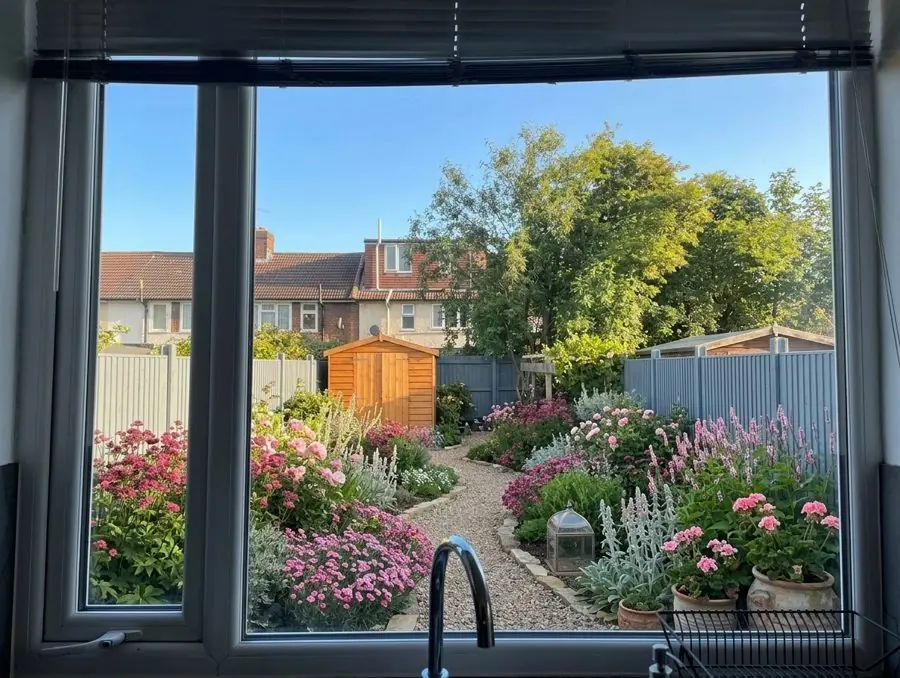
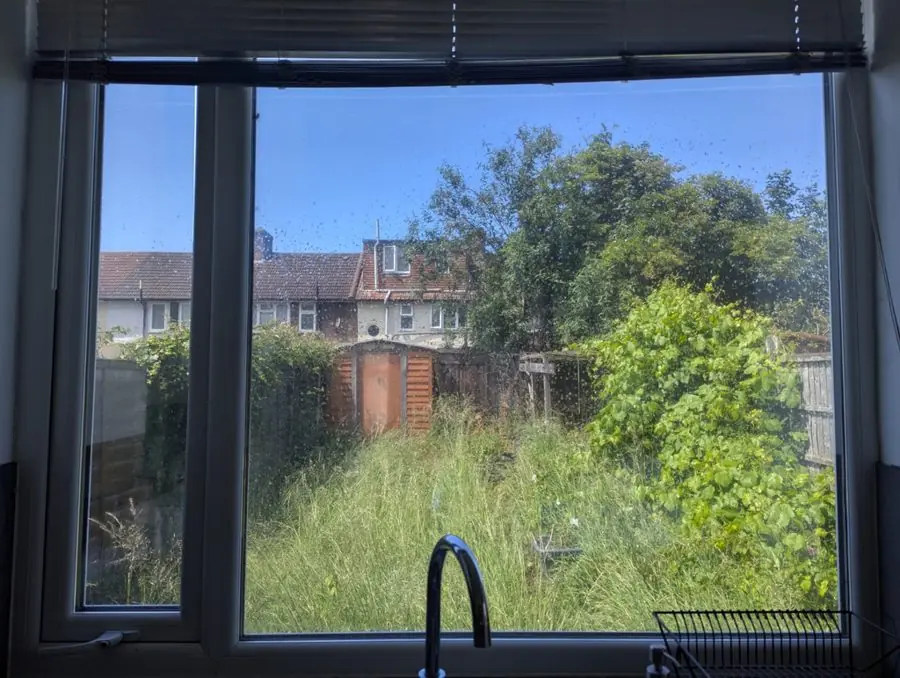
Before: long grass and overgrown shrubs seen through a kitchen window
Get this yard →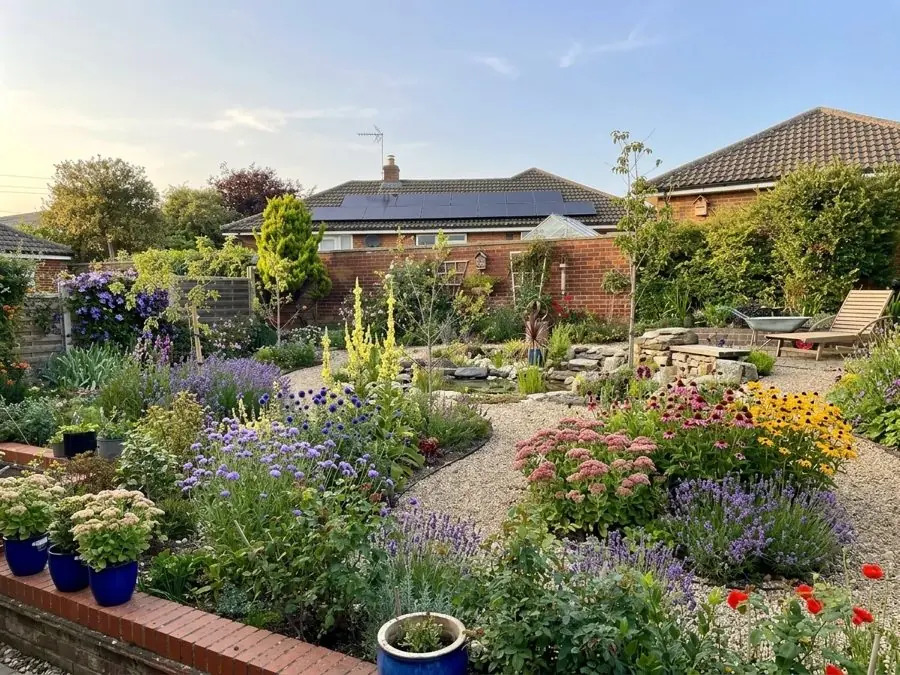
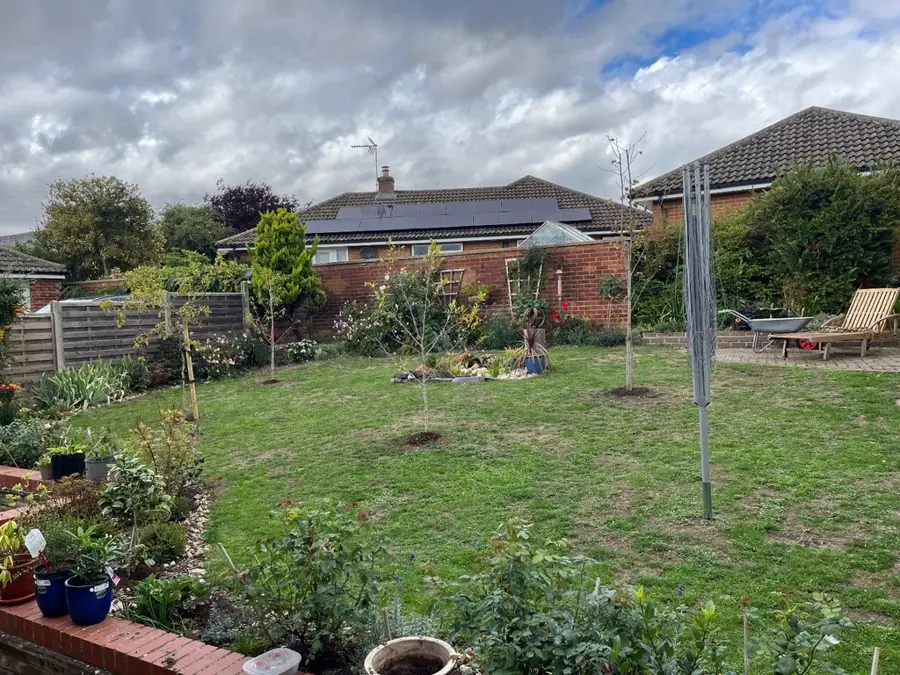
Before: a lawn with young trees and a clothesline, beds around the edge
Get this yard →Beds graded from back to front and sized to your space, with color through the seasons. 6 yards
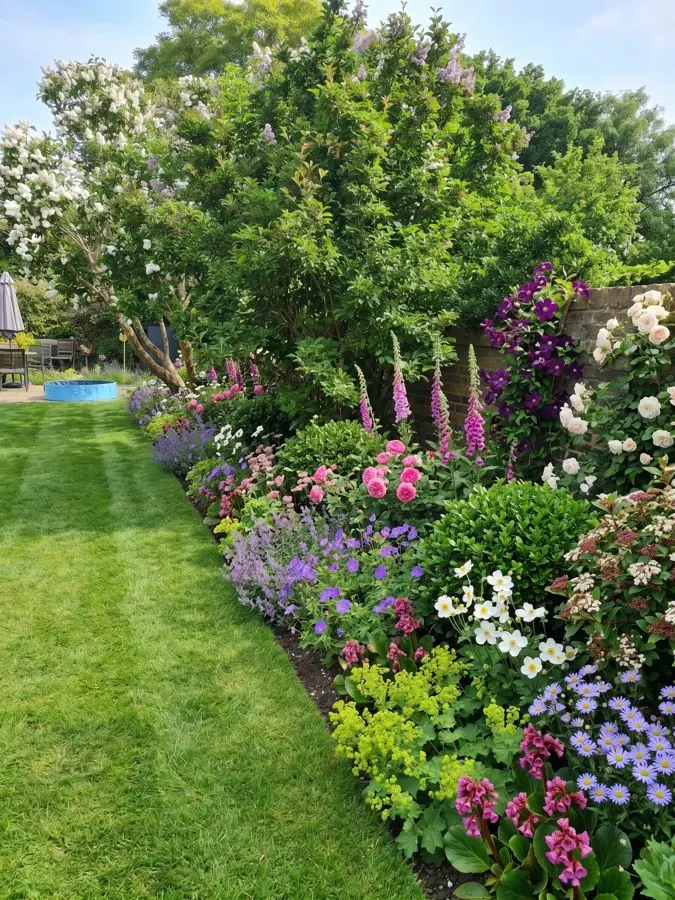
Before: overgrown shrubs and a tree spilling over a rough lawn
Get this yard →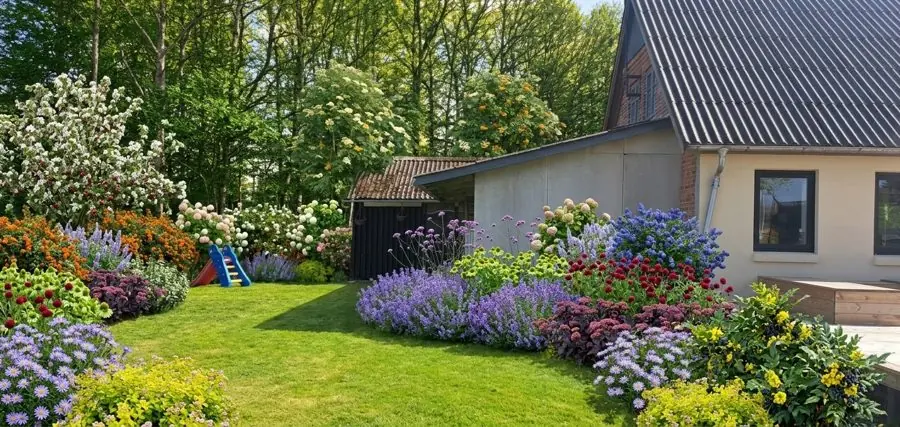
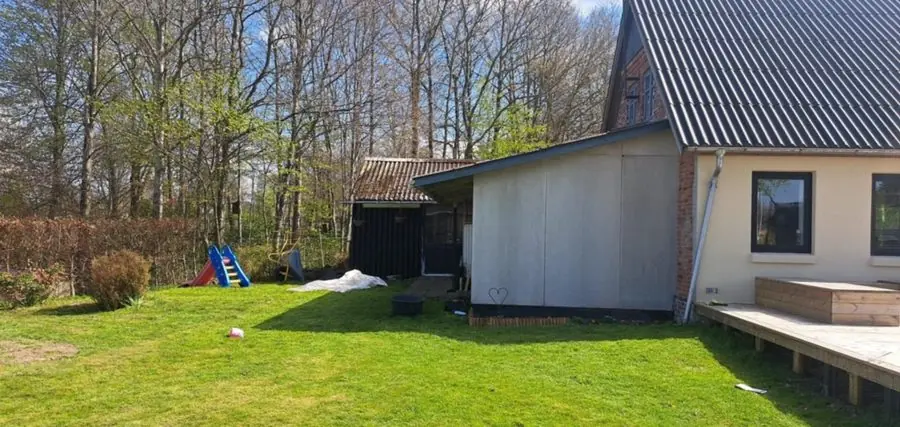
Before: a plain lawn beside a house and shed with trees behind
Get this yard →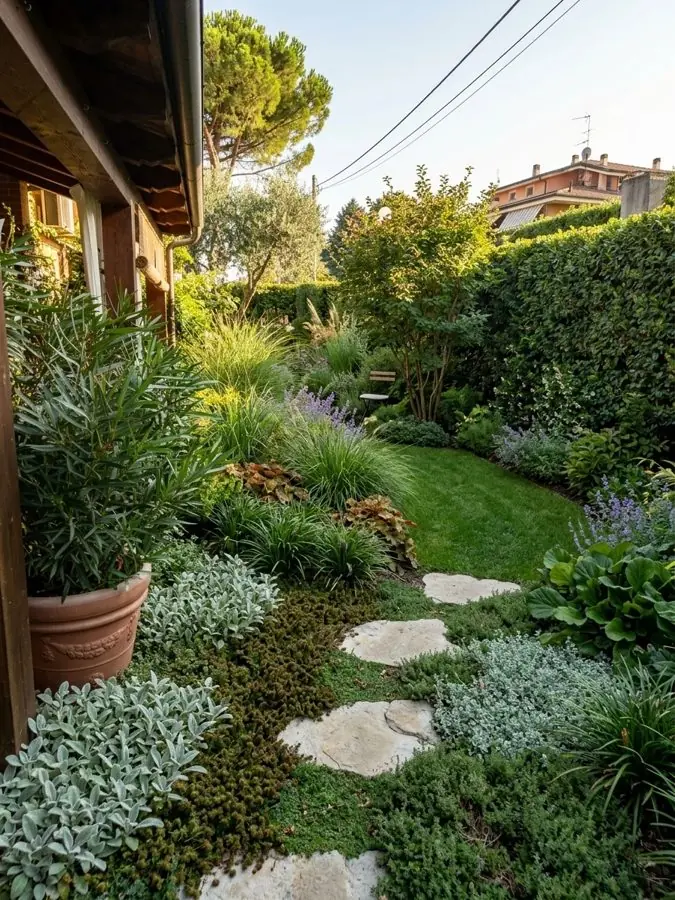
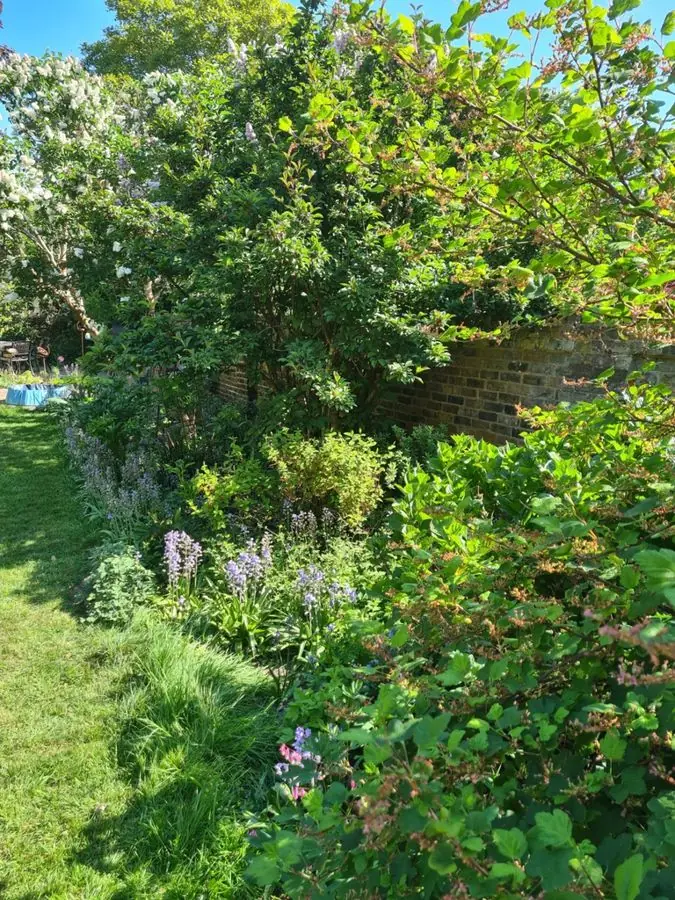
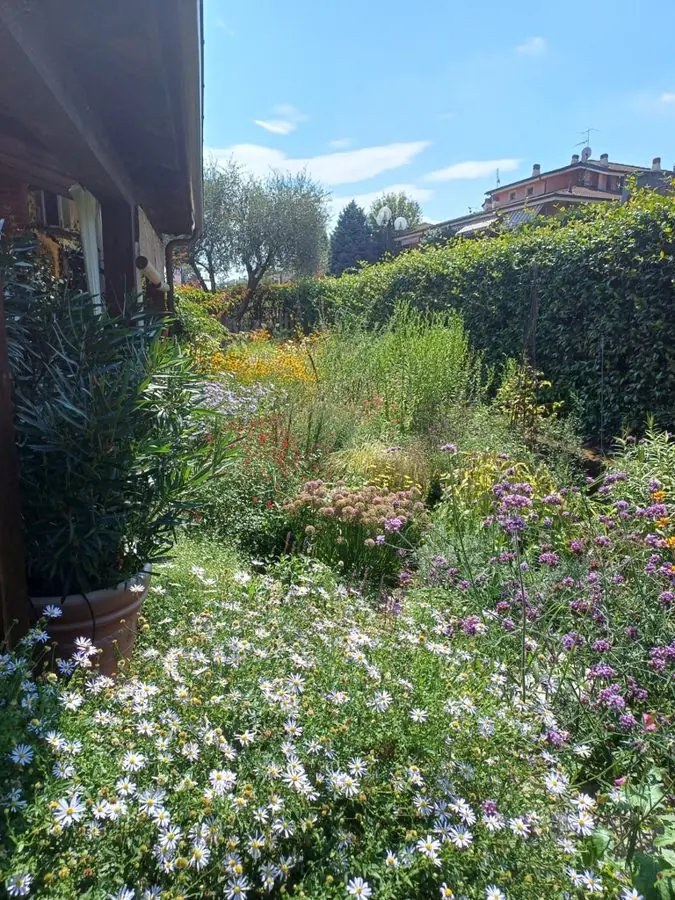
Before: a crowded bed of white daisies and flowers beside a house
Get this yard →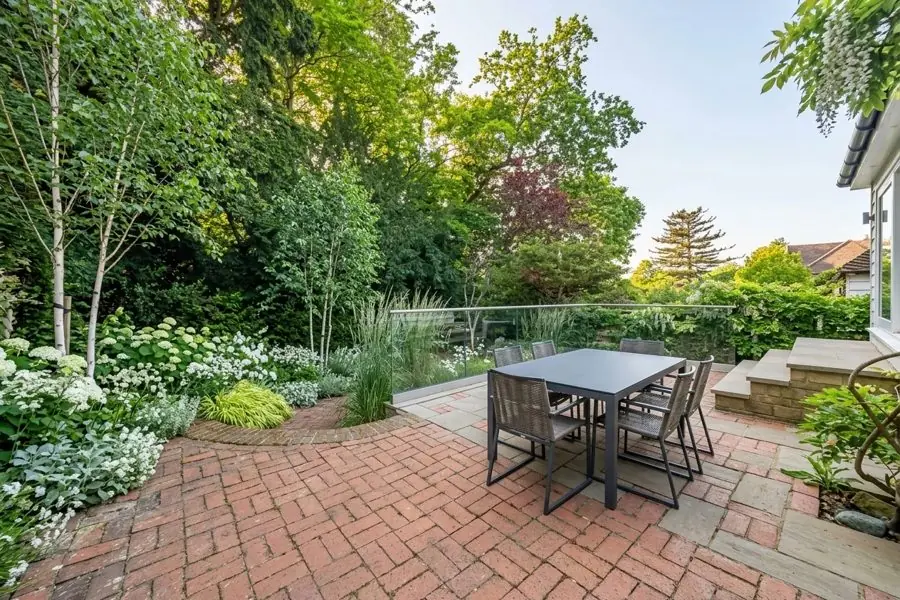
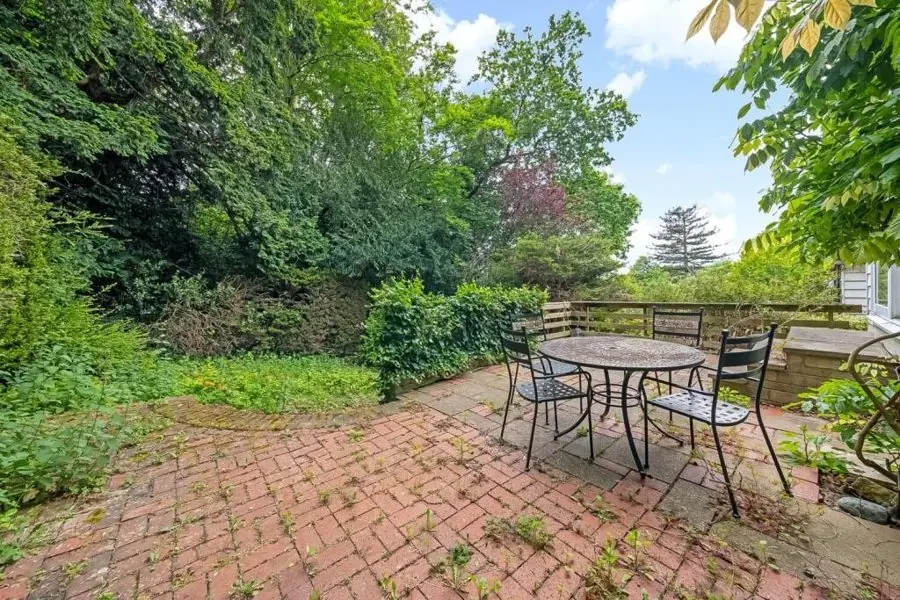
Before: a weedy brick patio with a round table and chairs
Get this yard →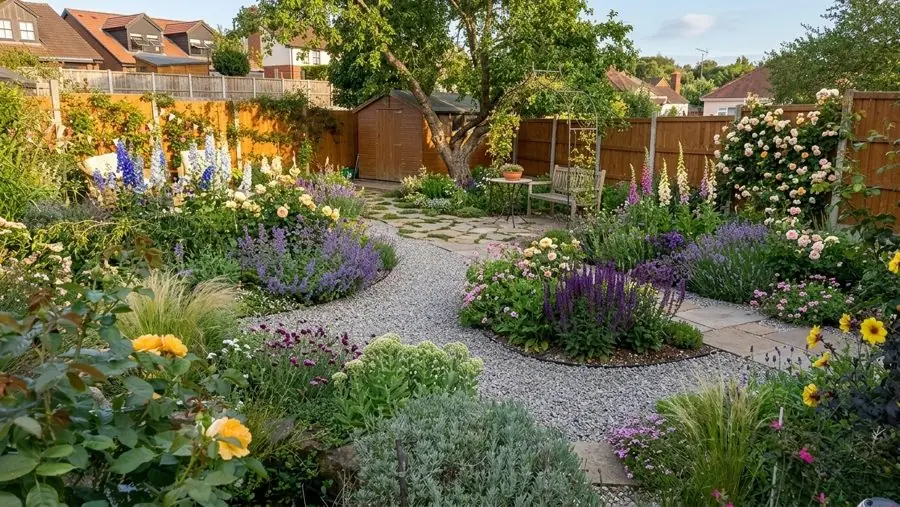
Before: a dry brown lawn with fences, a shed and garden chairs
Get this yard →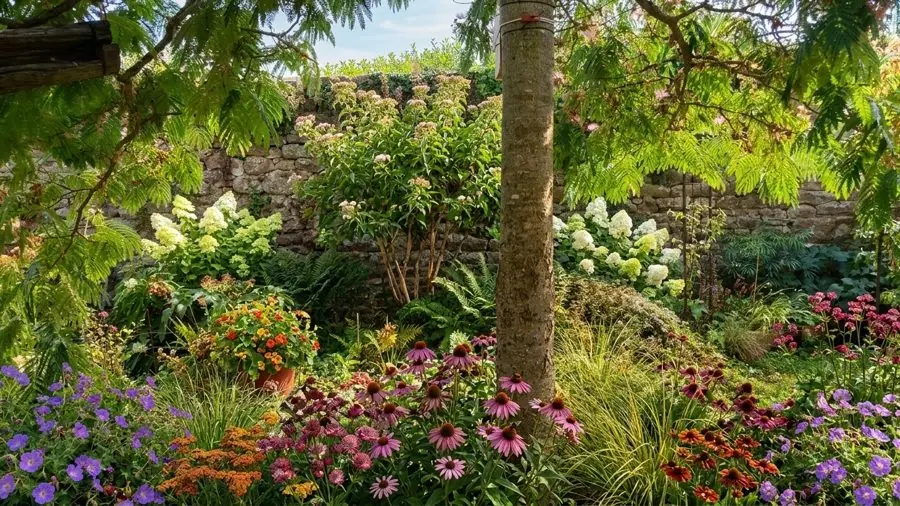
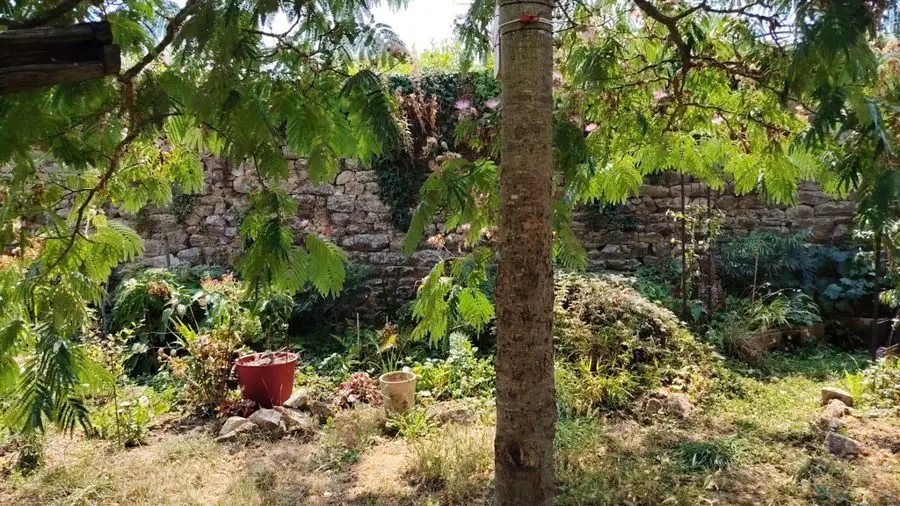
Before: bare, dry soil under a tree in front of a stone wall
Get this yard →A construction site under a willow, a bare timber bed, an overgrown lawn, a bare patio, each from one photo. 7 yards
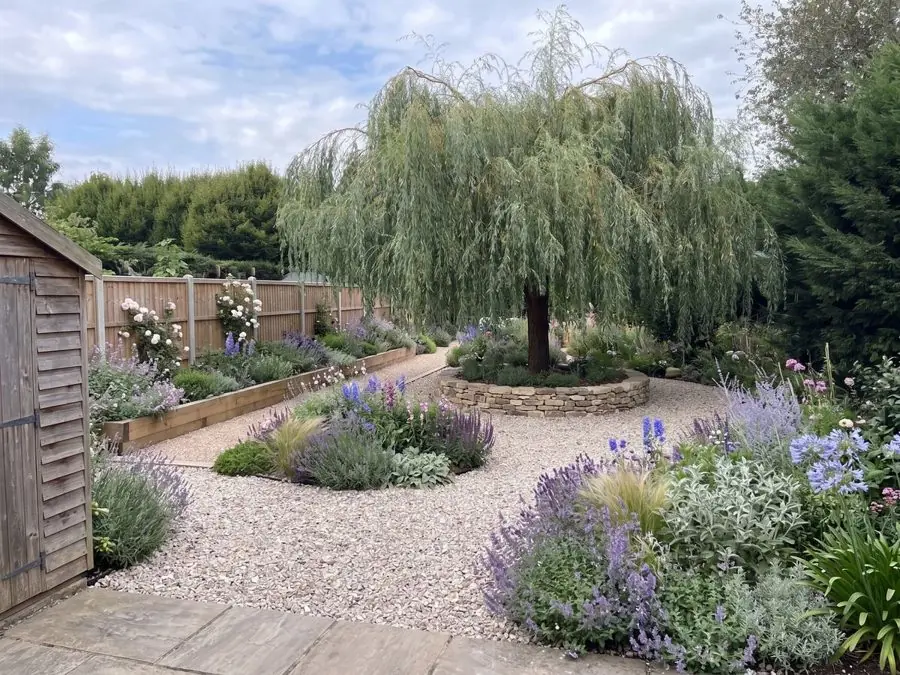
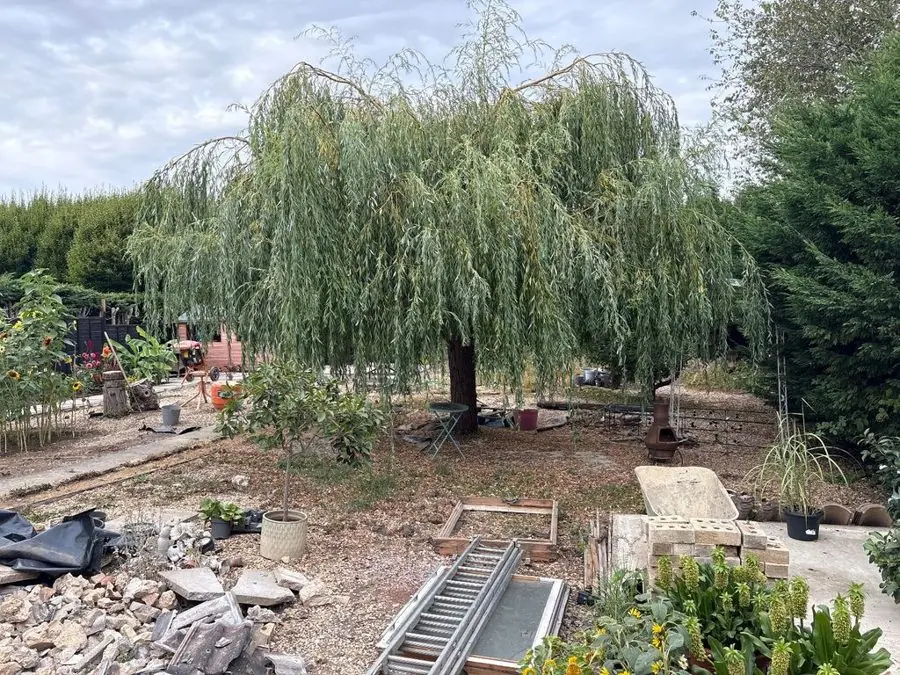
Before: A construction site with rubble and a ladder under a weeping willow
Get this yard →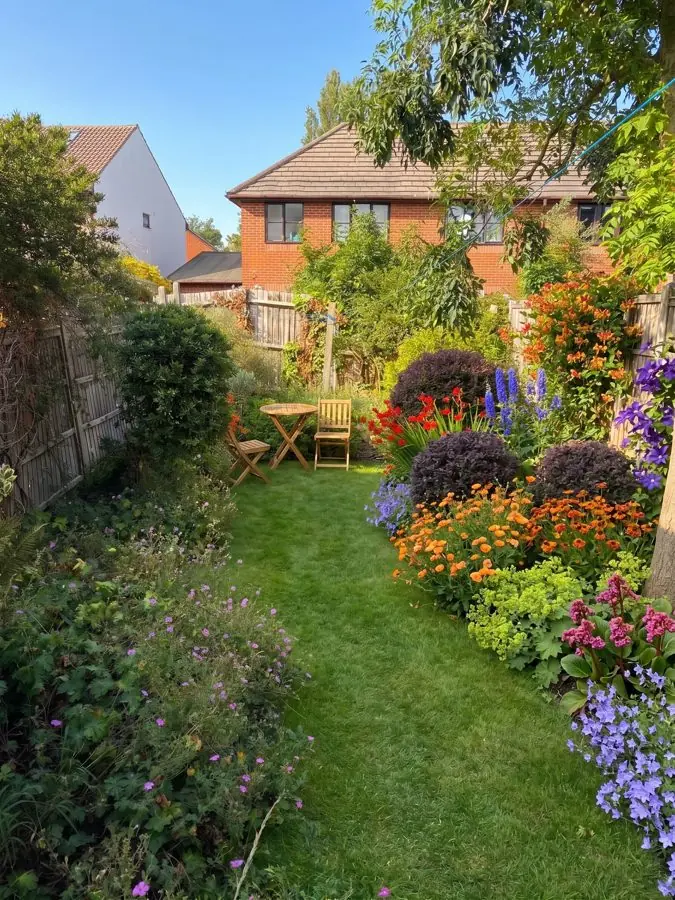
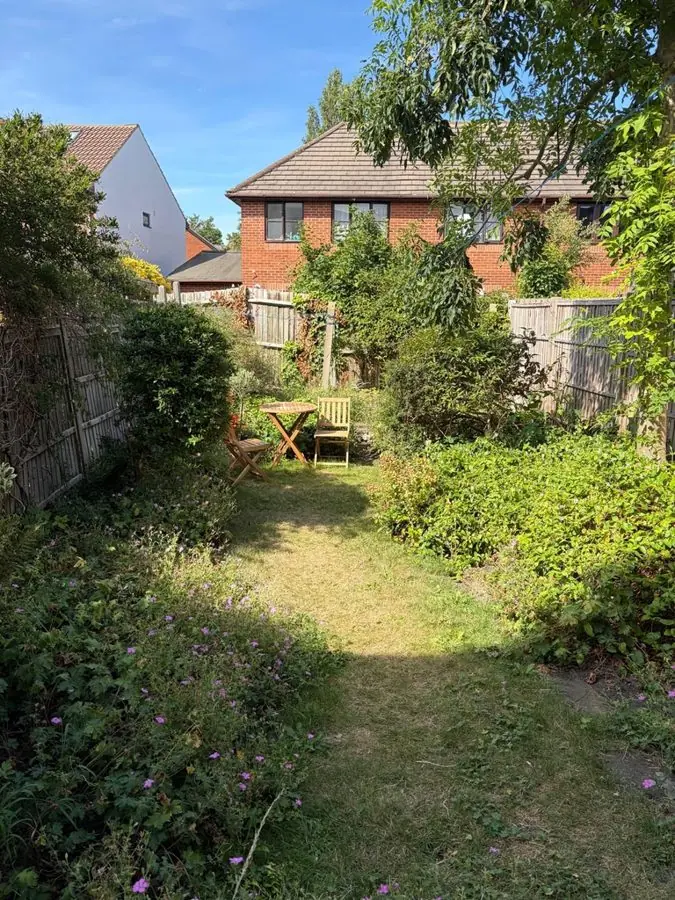
Before: long grass between overgrown borders with a bistro set
Get this yard →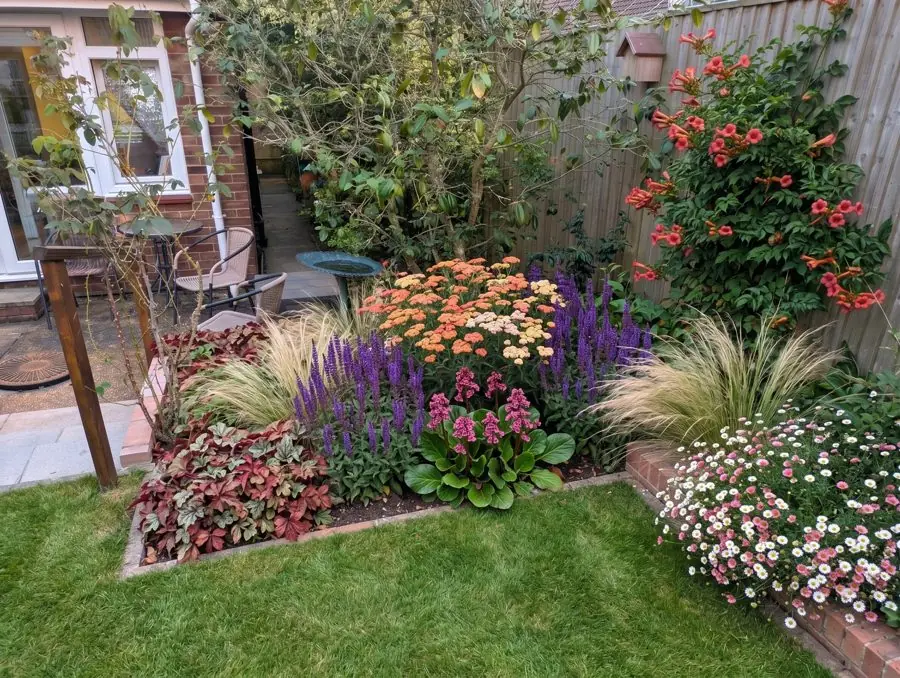
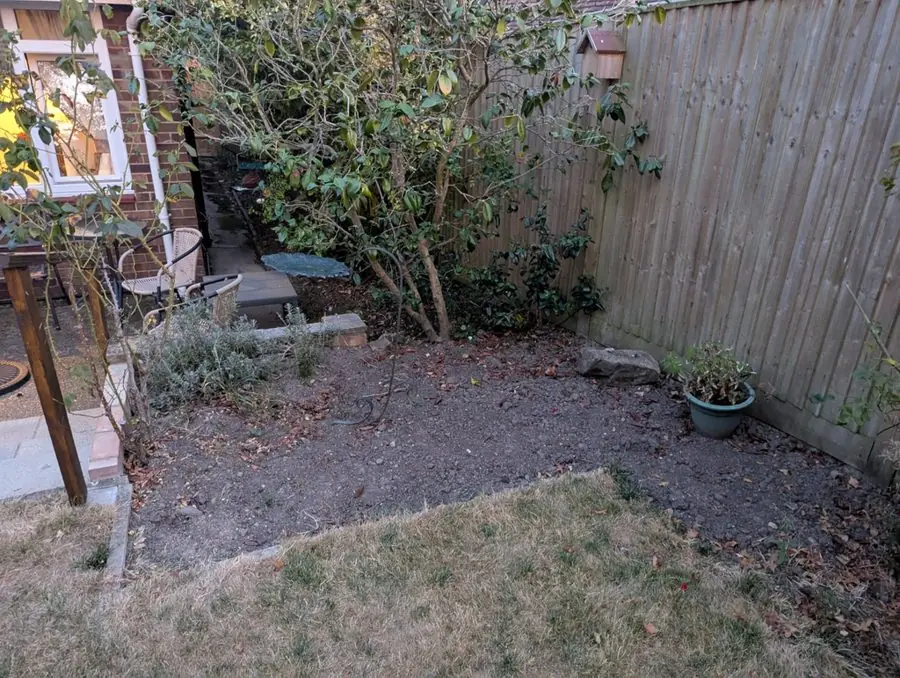
Before: a bare corner of dry soil by a fence and a small patio
Get this yard →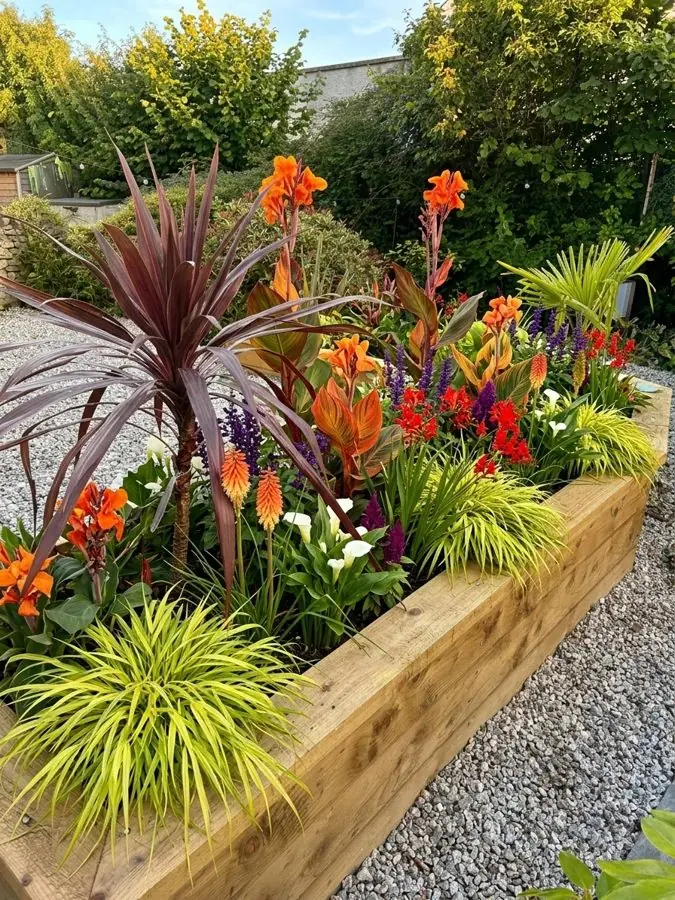
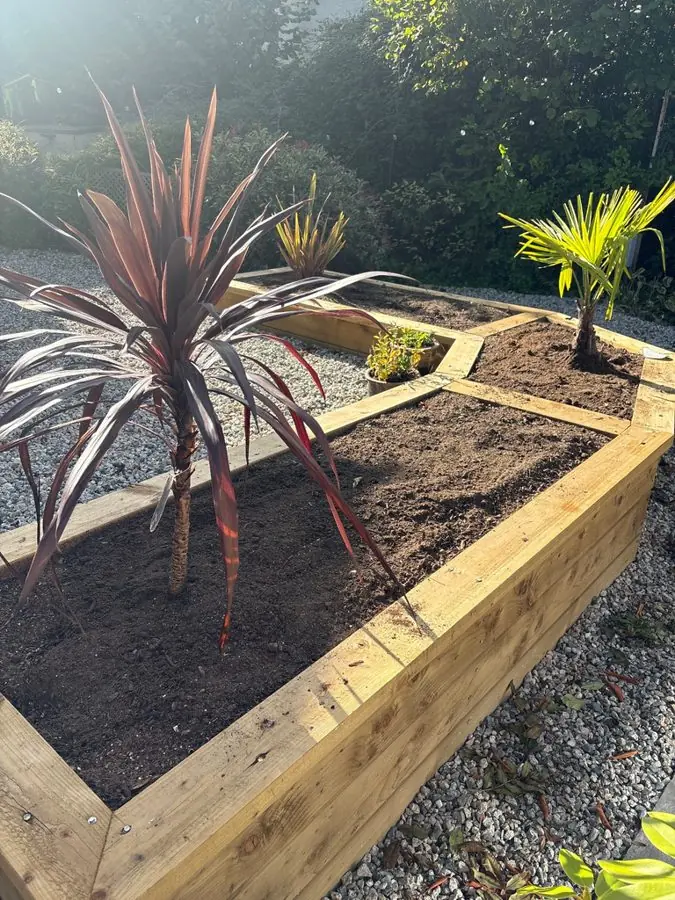
Before: a new raised timber bed of bare soil with one cordyline
Get this yard →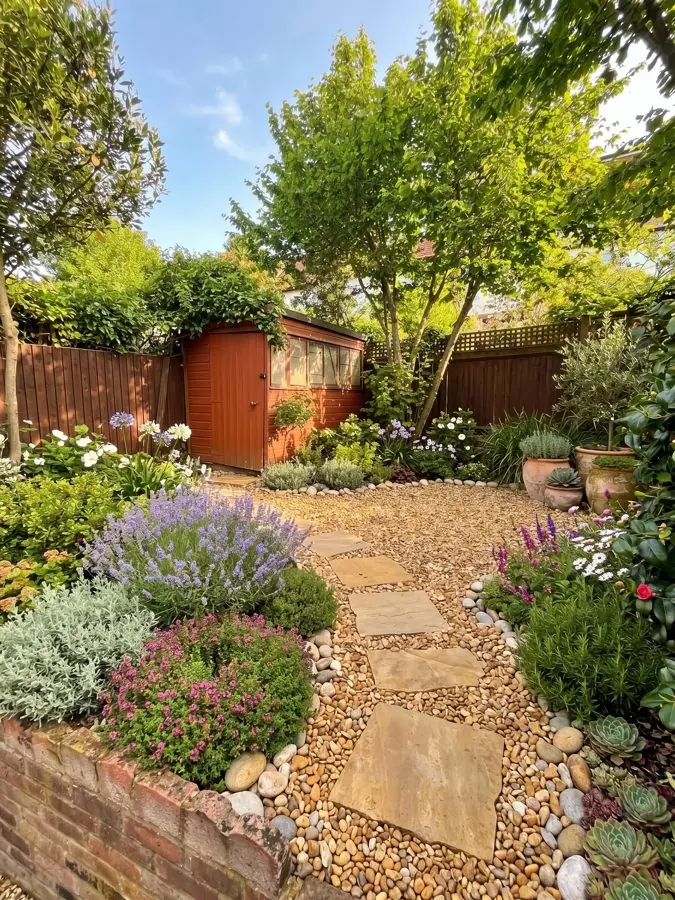
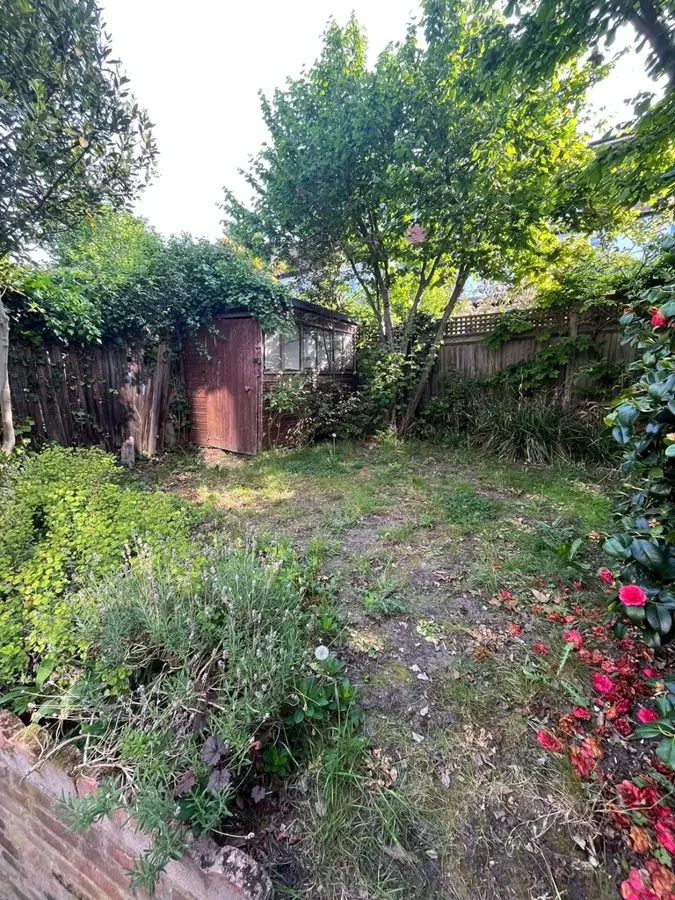
Before: an overgrown patchy lawn leading to a shed under trees
Get this yard →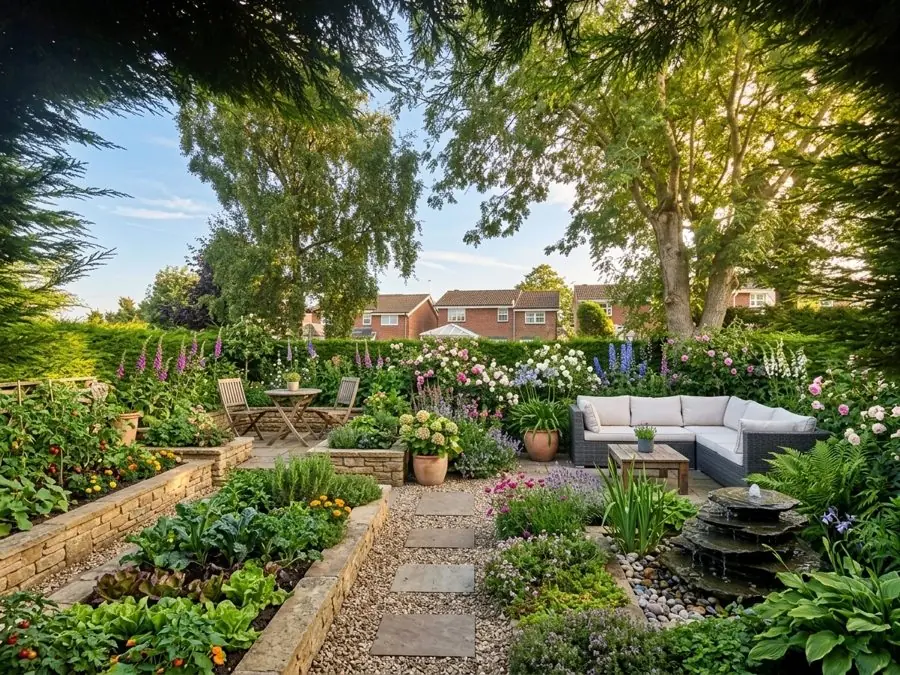
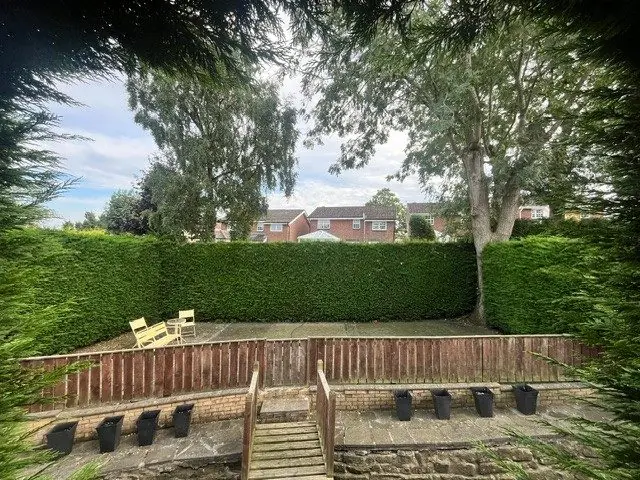
Before: A bare patio behind a low fence, with steps and black pots
Get this yard →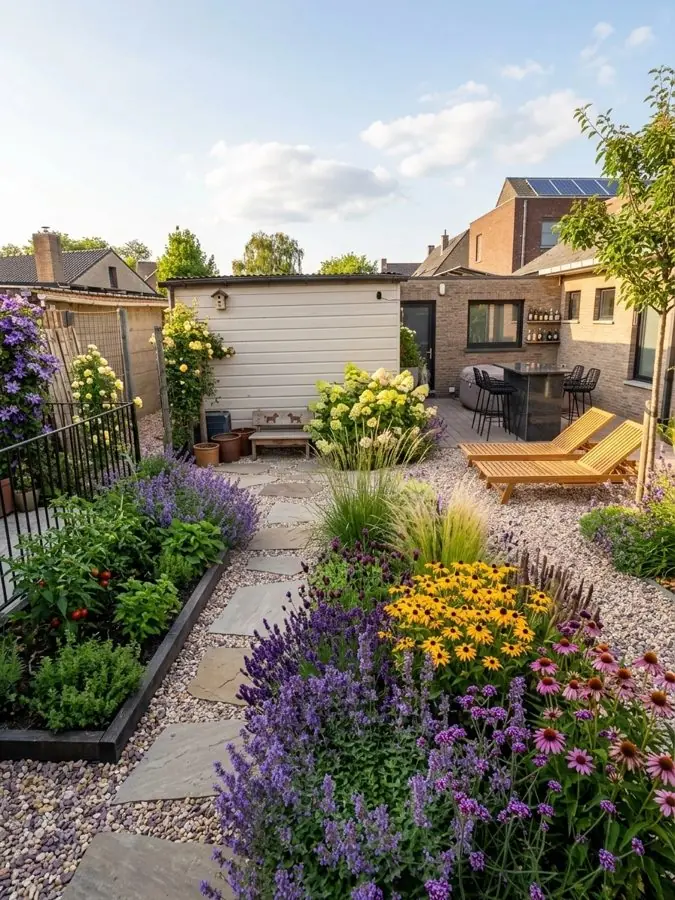
Before: a patchy lawn and bare soil with loungers by a white shed
Get this yard →This landscape design software starts with a photo of your yard, so you can see a result before you have learned anything.
One photo from your phone is all it takes. Your ZIP code gives us your USDA zone, so the plants we pick can live through your winters.
Pick one of 15 styles and a color scheme, then ask for anything you want, like "add a fire pit" or "more shade". Keep your paths and patio, or start over with a new layout.
Your real yard, planted, in about a minute.
See your own yard redesigned first. When you find the look you love, Pro or Max plans turn it into a yard you can plant: $39 or $65 in the US, one payment.
See what goes into a planting plan before you choose.
Your first 3 designs are free.
Watermarked and lower quality. No card needed.
| One payment, no subscription. | ||
| What you get | ||
| Designs | 20 | 50 |
| Days to use them | 14 | 30 |
| Free designs on top | 5 | 10 |
| Designs at once, side by side | 2 | 4 |
| With every design | ||
| Every plant named, ready to buy | ||
| The materials, gravel to fence, with whole yard designs | ||
| Care guide and flowering calendar | ||
| Higher quality images | ||
| No watermark | ||
| Change any design in your own words | ||
The pot size to buy and how tall each grows. Measured borders also say how many to buy.
| Plant | Pot | Height |
|---|---|---|
| Catmint 'Walker's Low'Nepeta × faassenii | Quart to 1 gal | 4 to 20 in |
| Avens 'Totally Tangerine'Geum | 1 gal | 20 in to 3 ft |
| Giant montbretiaCrocosmia masoniorum | 1 gal | 3 to 5 ft |
| Tellmann's honeysuckleLonicera × tellmanniana | 1 to 2 gal | 8 to 13 ft |
Where it grows best, how to prune it and how it gets through winter.
Every plant, the months it flowers, in its own color.
Avens 'Totally Tangerine'
Catmint 'Walker's Low'
Clematis 'The President'
Lady's mantle
Higher quality images of your design, yours to keep.
 gardendesignapp.ai
Say what you want different, and see it redrawn.
On whole yard designs: the pavers, gravel, edging and fence in the picture.
Anywhere in the US, we take your ZIP code and choose plants suited to your zone, your light and your soil.
The kinds of landscaping software, what each is good at, what a landscape plan is, and how much of the design you want to do yourself.
Professional landscape design software draws to scale, in 2D and 3D, for people who do this for a living. Home landscaping software simplifies that, with paths and plants you place yourself. This is a third kind: it does the designing, from a photo, and you choose between results. It suits you if you know what you like when you see it but would not know where to start with a blank plan. Prefer your phone? It is also a landscape design app.
A landscaping planner gives you a blank plan of your yard to drag beds, paths and plants onto. That suits a DIY landscape planner who already knows which plants they want. This landscape planning tool works the other way round: you add a photo, it proposes the whole design, and you change anything in your own words, like "more shade" or "keep the patio". If your contractor needs it drawn to scale, find the look here first, then draw it out with any landscape planner free of charge.
A landscape plan shows what goes where: the beds, the paths, the lawn and the plants. Here your landscape plan starts as a design on your own photo, so you see your real house and fences, not symbols on a grid. With Pro or Max plans it comes with every plant named, the pot size to buy and how tall each one grows, and a measured bed says how many plants to buy. It is not a scaled drawing: if you hire someone to build it, it is the brief you hand them. You can see your first 3 landscape design plans free of charge, as pictures with a small watermark; the plant list comes with Pro or Max.
This is free landscape design software for your first 3 designs, with no card. Everything runs in your browser, so there is nothing to install or update, and it works on a Mac, a PC, a tablet or a phone: free landscape design online, with nothing to download. If you go on to buy, it is one payment for your whole project, $39 or $65 in the US, with no subscription.
As an online landscape design tool, it starts from your ZIP code: that gives us your USDA zone, and the plants come from a list of more than 1,400 cut to your winters, your summer heat, your light and your soil. Measure your beds in feet and inches, and the planting is worked out to fit. With Pro or Max plans you get a planting plan: every plant named, how big each grows and where it goes.
This landscape design tool shows you what your yard could look like and what to plant. Start here to find a look you love, then take it to whoever builds it. Curious how the picture is made? See AI landscape design.

On your phone? The landscape design app runs in your browser, with nothing to download.

Love roses and foxgloves? See cottage garden ideas drawn into a photo of your yard.

Curious about AI? See what AI landscape design does, and which part a gardener's rules decide.

Got a bare fence to soften? See fence line landscaping drawn into a photo of your yard.

Planning the back? Backyard landscape design starts with a photo from your back door.

Tired of mowing? See lawn alternatives like gravel, meadow and ground cover on your own yard.

Ready to plant? See what goes into a planting plan: every plant, how big each grows and where it goes.
For drawings to scale, a professional program. For a homeowner who wants to see ideas on their own yard without learning anything, this one: add a photo, pick a style, and see the result in about a minute.
That depends on how much you want to draw. Here your first 3 designs are free, and the app does the designing from your photo.
Yes. This is built for beginners: you need one photo and no plant names. Pick a style and a color scheme, and tell it anything you want in your own words.
Yes. Your first 3 designs here are free, with no card and nothing to install.
A chatbot can suggest ideas and describe a planting scheme. This designs on a photo of your own yard, with plants picked from a list cut to your USDA zone, so what you see can grow where you live.
A landscape plan shows what goes where: beds, paths, lawn and plants. To make one here, add a photo of your yard and pick a style, and the app designs it. With Pro or Max plans, it names every plant, with the pot size to buy and, for a measured bed, how many.
No. It works on a photo of your own yard, so you see your real house, fences and trees rather than a model. If you need a 3D model you can walk around, a professional program does that.
Yes, this one. It runs in your browser, so it works on a Mac, a PC, a tablet or a phone, with nothing to install.
Yes. Add your ZIP code and we look up your USDA zone and your coldest winter night, and the plants we pick are the ones that can live through it. Rather not say? Choose your coldest winter night from the list instead.
Yes. Every design can become a planting plan of real garden plants, with each plant's mature height and spread and where it goes, in feet and inches. What is in stock changes from store to store, so take the names to your garden center or order them online.
On a whole yard design, yes: it can redesign the layout, paths and pavers, and Pro and Max plans name the materials in the picture, from the gravel to the fence. Or keep your driveway, deck and walls as they are, and it designs the planting around them.
Yes, your first 3 designs are free, right away, with a small watermark. In the US, the Pro plan is $39 and the Max plan is $65, each one payment that covers your whole project, with no subscription. Every design you make with Pro or Max plans comes with every plant named, plus a clean, higher quality image that is yours to keep. Pro makes two designs at once, Max four.
Add one photo of your yard and see it redesigned in about a minute. Your first 3 designs are free, with no card.
Design my yard