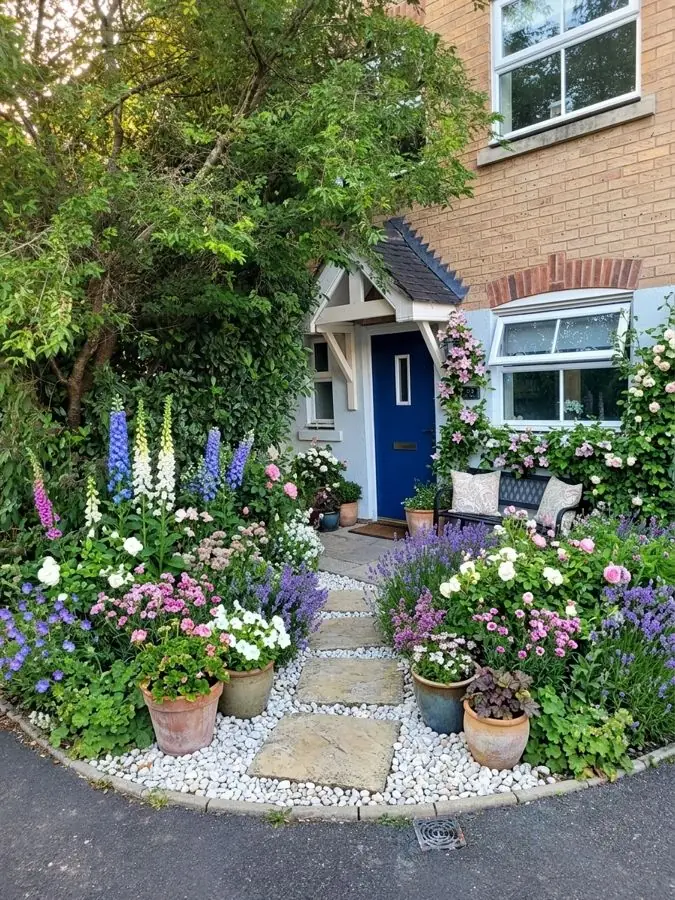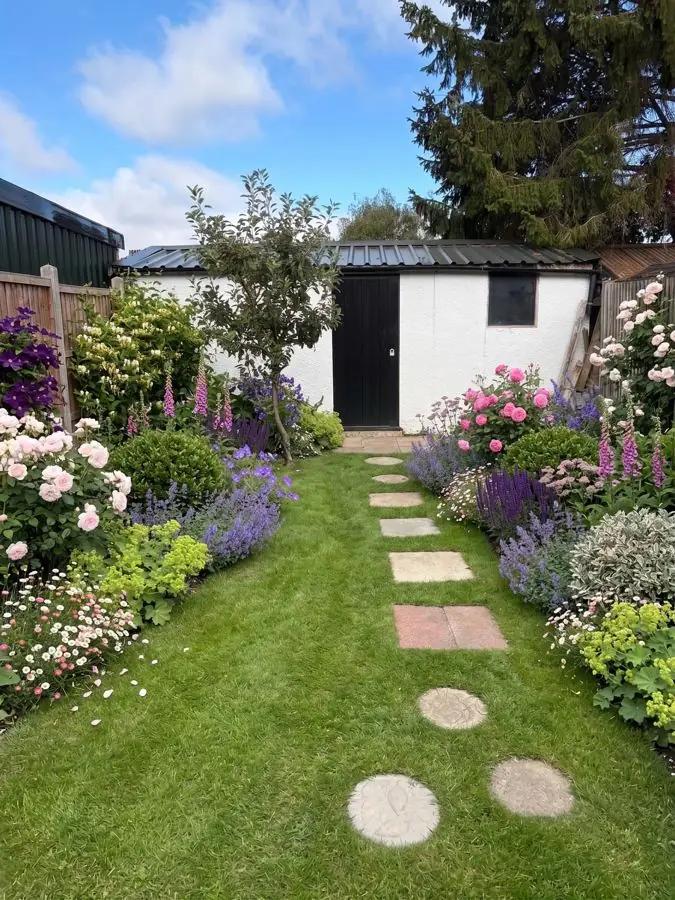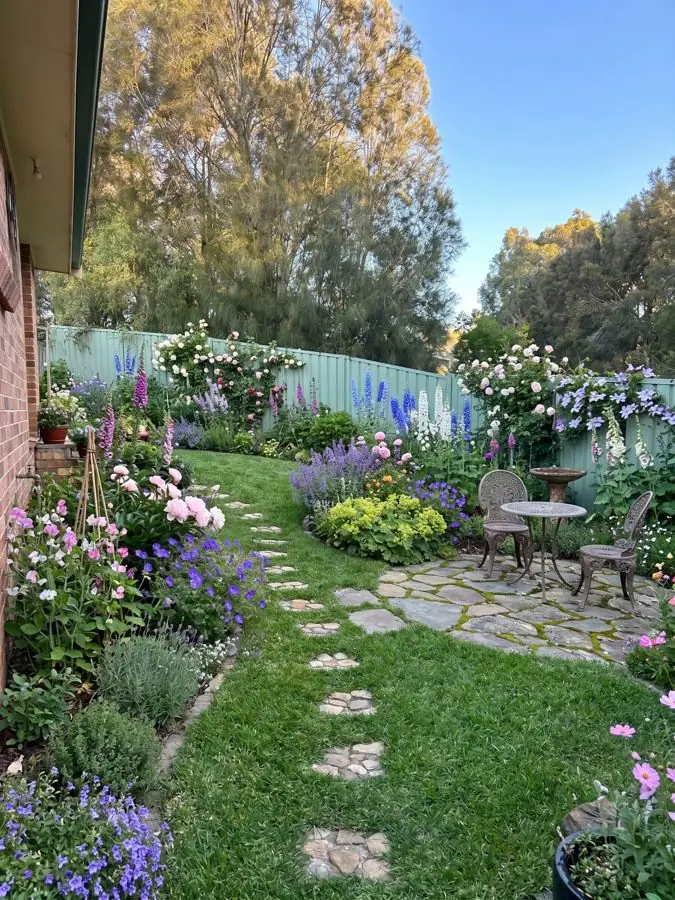
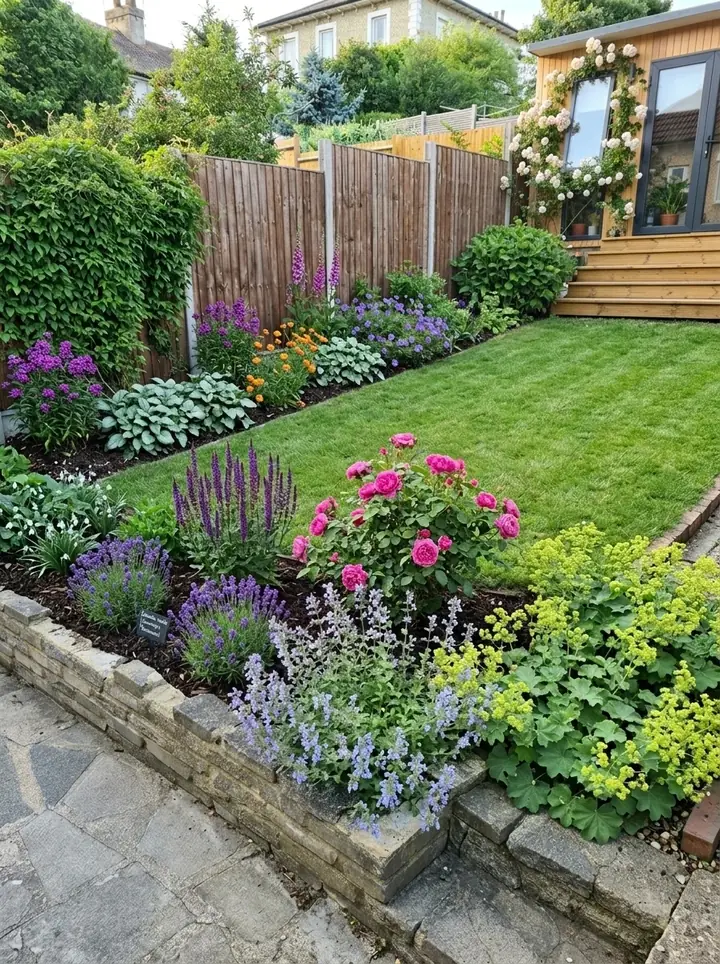
Garden Design App and iScape at a glance
Features and prices from each app's own website, read on November 13, 2026, in US dollars.
| Garden Design App | iScape | |
|---|---|---|
| How a design is made | You add one photo and the app redesigns the whole yard for you in about a minute, with your house, fence and mature trees where they are | You design it yourself on a photo of your yard: draw with a virtual pen, then drag, drop and resize items |
| 3D and augmented reality | No. A photorealistic picture of your own yard | Yes: 2D or 3D augmented reality designs on an image of your yard (its pricing table marks 2D and 3D design "iOS only") |
| Plants | Picked for you from more than 1,400 plants for your USDA zone, summer heat, light and soil | Thousands of plants, hardscapes and products to place yourself; reduced access on the free version |
| What you take away | With Pro or Max plans: every plant named, ready to buy, with a care guide, a flowering calendar and, on whole yard designs, the materials | Photorealistic designs to share; an inventory of the materials used; on Pro, customizable PDF proposals with pricing and your business details |
| Where it runs | In the browser on a phone or a computer, nothing to download | Apps from the App Store and Google Play |
| Free | First 3 designs free, no card (watermarked, lower quality) | Free download with limited features |
| Price | Pro plan $39 (20 designs) or Max plan $65 (50 designs), one payment, no subscription | Pro $29.99 a month or $299.99 a year, per user license; trial available |
| For landscaping companies | Business $199 and Studio $499 a month, with your company's name and logo on the plan | Pro's proposal tool; Enterprise for 10 or more licenses |
Is iScape really free?
Partly. Is the iScape app free to download and try? Yes. iScape's pricing page calls its free version "Free to Download & Trial", with the note "Limited Features": limited access to the database and features, and reduced access to plants, hardscapes and products. It is aimed at homeowners and hobbyists.
The rest is in iScape Pro, which iScape marks "Most Popular": the full database, thousands of plants, hardscapes and products, the proposal tool and uploading your own images. Here is iScape pricing, from its own page on November 13, 2026:
- Free: $0, with limited features.
- Pro: $29.99 a month, or $299.99 a year, per user license. A trial gives access to all features; the page does not say how long it lasts.
- Enterprise: price on request, for several licenses, with premium support, customization and integrations. iScape points companies needing 10 licenses or more here, for volume discounts.
The iScape cost over a year
Paid monthly, iScape Pro comes to $359.88 a year (12 times $29.99). The yearly plan is $299.99, which iScape says works out at two months free. Each person who designs needs their own license.
How a free start on Garden Design App compares
Garden Design App is free to start too, with a different limit: your first 3 designs, no card, watermarked and lower quality. Then the Pro plan is $39 for 20 designs, or the Max plan $65 for 50, one payment.
iScape reviews: what iScape does well
This page reads iScape's own website, not store reviews. Its homepage quotes "an amazing 4.6 user rating" and nearly 4 million downloads, and calls iScape the #1 landscape design app; it does not say which store the rating comes from. What its own pages show it does well:
- Designing on the real yard: draw with a virtual pen and place objects on an image of your yard or job site, in 2D, or in 3D with augmented reality.
- A big library of real products: thousands of real materials, plants, pavers, furniture and hardscape elements to drag, drop and resize.
- Knowing what to buy: an inventory of the materials used in your design.
- Selling the job: on Pro, a few taps turn a design into a customizable PDF proposal with pricing and your business details.
- Working on site: it runs on a phone, so a landscaper can design at the job site with the client there.
What landscapers say about iScape
On its pages for professionals, iScape publishes what landscapers tell it. A lawn care firm writes, "We've come to lean on iScape as a sales tool." Another pro says, "I've not only saved a lot of time, but (my clients) can really get a sense of what things should look like." These are the reviews iScape chose to show. For the full picture, read the latest iScape app reviews in the App Store or Google Play, and give most weight to any iScape app review written on the same kind of phone or tablet as yours.
Three things to check before you pay
- Your device. iScape's pricing table marks 2D and 3D design "iOS only", so on Android, check what the Android app does before you pay.
- Who does the designing. iScape gives you the tools and the library, and you decide what goes where. That suits anyone who already knows what they want, or a pro who designs every day.
- Plants for your area. The iScape pages we read do not say whether its plants are matched to your hardiness zone, so check each one suits your climate.
What Garden Design App does differently
Garden Design App works the other way around: it does the designing, and you choose. Add one photo of your yard and your ZIP code, pick one of 15 styles and a color scheme, and the whole yard is redesigned in about a minute, with your house, fence and mature trees where they are. Ask for changes in plain words, like "add a fire pit", keep your paths and patio, or start over.
The plants are picked for where you live: your ZIP code gives us your USDA zone, and the app chooses from more than 1,400 plants for your winters, summer heat, light and soil, with a gardener's rules deciding what goes where.
When you find the look you love, Pro or Max plans turn it into a yard you can plant: every plant named, ready to buy, with its pot size and height, a care guide, a flowering calendar and, on whole yard designs, the materials from gravel to fence. Clean pictures, no watermark.
What it does not do: no 3D, no augmented reality, no measured drawing and no priced proposal. Retaining walls, drainage, grading and irrigation belong with a licensed contractor, and you can take the design to whoever does the work. More on how it works: our landscape design app.
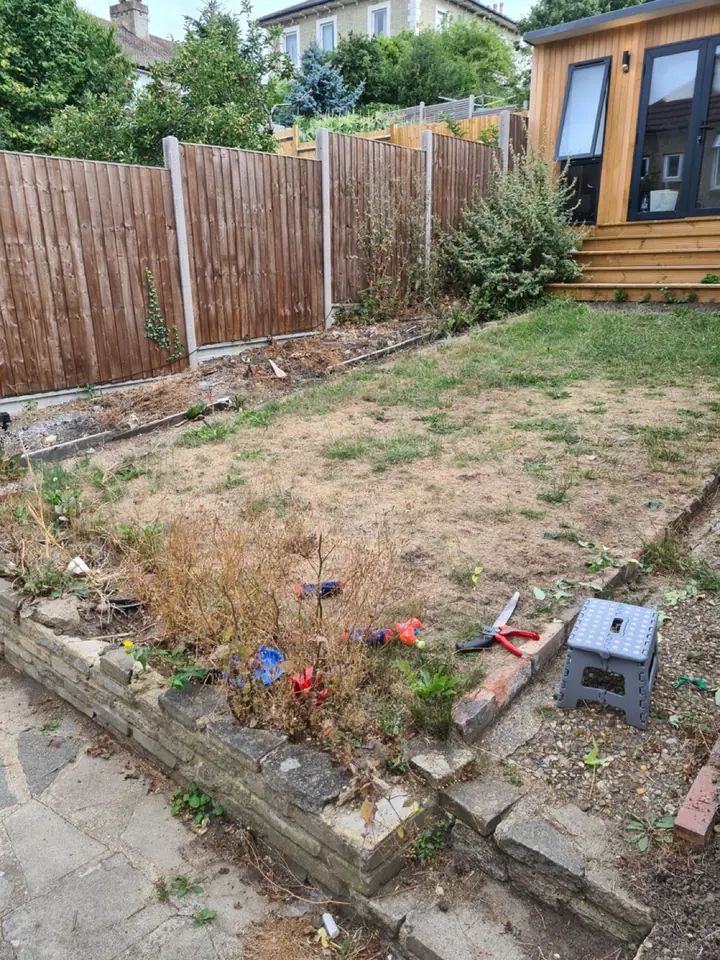
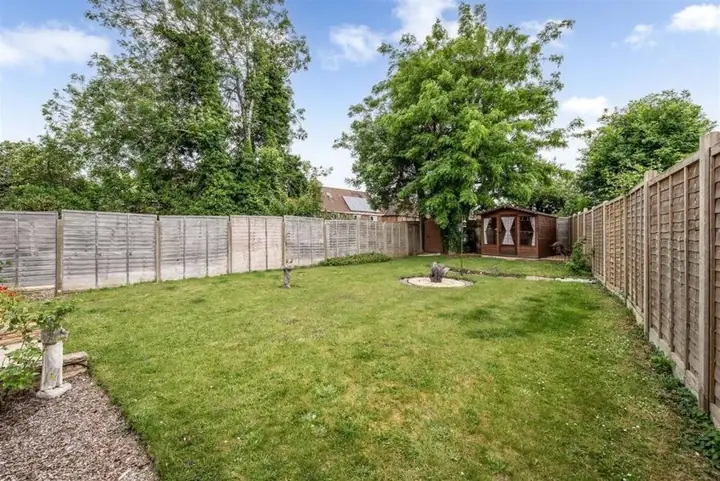 Before
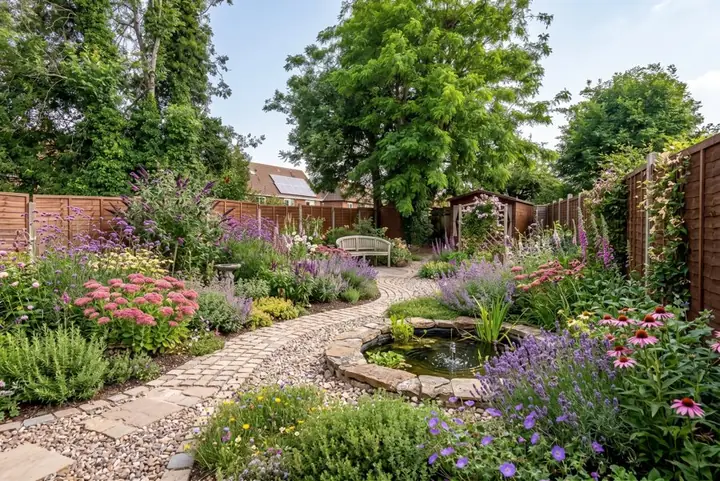 After
For landscapers: iScape Pro or Garden Design App?
Both are sold to landscapers as a way to win more landscaping jobs by showing the client the finished yard first, in different ways.
iScape Pro is a design and sales tool you work in yourself: place pavers, plants and furniture on a photo at the job site, then send a PDF proposal with your pricing from the same app. It costs $29.99 a month or $299.99 a year per user license, with Enterprise for 10 licenses or more.
Garden Design App's Business and Studio plans redesign the client's own yard from your phone photo in about a minute, so the first idea is in front of them at the first visit. Your company's name and logo go on the planting plan and the share link, the pictures carry no watermark, every plant is named with care notes, and you can change any material while the client watches, show a view from above, or the same yard through all four seasons.
Business is $199 a month for 120 credits and 4 designs at once; Studio is $499 a month for 350 credits and 8 at once, plus your own plant and material lists. A picture uses 1 credit, a view from above 1, the four seasons 3. Both are monthly, cancel any time.
Choose iScape Pro if you want the price to come out of the design: we make no quotes or proposals. Choose Garden Design App if you want the design made for you, with the planting worked out for where the yard is. More: Garden Design App for landscapers.
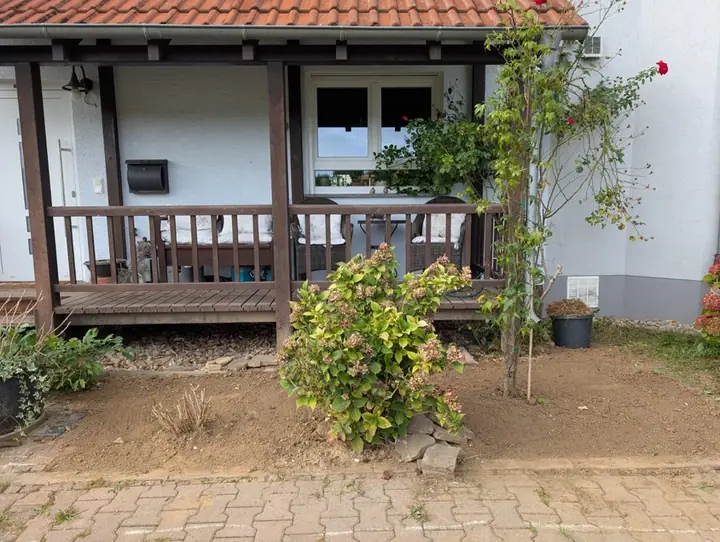 Before
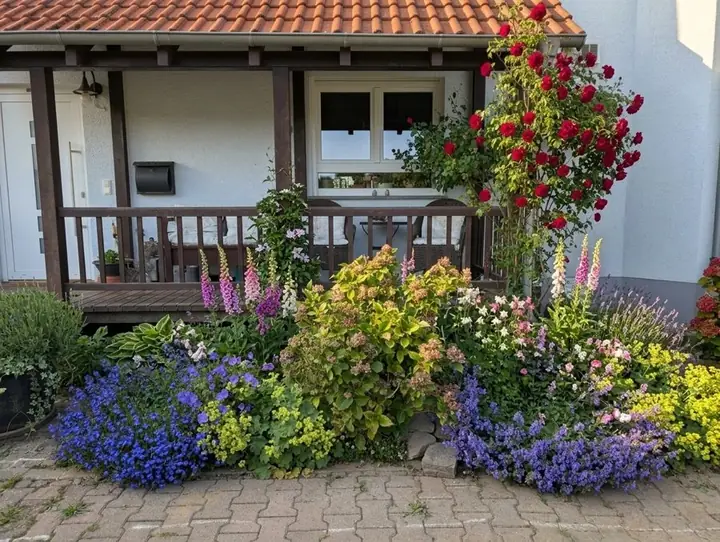 After
Which should you pick?
If you came here looking for an iScape alternative, or other apps like iScape, the honest answer depends on the job. Both start free, so try each on the same yard.
- Pick iScape if you know what you want and would like to place it yourself, item by item, from a big library of real products.
- Pick iScape if you want 3D and augmented reality on iOS.
- Pick iScape Pro if you are a landscaper who wants the proposal and pricing to come straight out of the design.
- Pick Garden Design App if you are not sure where to start and want to see your whole yard redesigned in about a minute, then try another style on the same photo.
- Pick Garden Design App if you want plants chosen for your zone and a plant list for the nursery or a contractor, for one payment rather than a subscription.
- Pick Garden Design App's Business plan if you want the client's own yard redesigned at the first visit, with your logo on the planting plan.
Why use Garden Design App?
You do not need to know plant names or draw to scale.
Your own yard, from one photo
One photo from your phone is all it takes. Your real yard, planted, in about a minute.
Ask for anything you want
Pick one of 15 styles and a color scheme, then ask for anything you want, like “add a fire pit” or “more shade”.
Keep what works
Keep your paths and patio, or start over with a new layout.
A designer’s structure
Height, color and balance arranged the way a professional would.
Plants for your zone
Your ZIP code gives us your USDA zone, so the plants we pick can live through your winters.
Nothing to download
This online landscape design runs in your browser with nothing to download.
Questions people ask about iScape
Is iScape really free?
The download is free, with limited features and a smaller library. The full app is iScape Pro, at $29.99 a month or $299.99 a year per user, with a trial (iScape's pricing page, read November 13, 2026).
How much does iScape cost?
Free with limits; Pro $29.99 a month or $299.99 a year per user license; Enterprise on request. Garden Design App's Pro plan is $39 and its Max plan $65, one payment, after 3 free designs.
Is iScape any good?
For placing real products on a photo yourself, and for landscapers who want a proposal from the design, it is well established: its homepage quotes a 4.6 user rating and nearly 4 million downloads. So is iScape worth it? Yes if you want to design the yard yourself; if you would rather have the design made for you, try Garden Design App first.
What is the best free landscape design app?
It depends on what the free version has to cover. iScape's free version lets you design on a photo with a smaller library. Garden Design App redesigns your own yard 3 times free, watermarked, with plants for your zone. More: the landscape design app page.
Can I use Garden Design App and iScape together?
Yes. Try a few looks in Garden Design App to settle on a style and plants for your zone, then place exact products in iScape. Both start free.
Are there other iScape alternatives?
For scaled plans and 3D models, desktop programs, compared on our landscape design software page. For a wider list, including business and crew apps, see the best apps for landscapers.
Sources (7)
- iScape, homepage, read November 13, 2026
- iScape, pricing, read November 13, 2026
- iScape, for landscape professionals, read November 13, 2026
- iScape, for professionals, read November 13, 2026
- Garden Design App, US homepage, read November 13, 2026
- Garden Design App, Business and Studio plans for landscaping companies, read November 16, 2026
- Google's first page for iscape (US), read November 13, 2026