What Pro Landscape software does
PRO Landscape+ is made by Drafix Software, Inc. Its homepage calls it "professional landscape design software for contractors and designers", used by contractors, designers, garden centers and schools. It promises everything you need to "design, sell, and build better landscapes": before and after designs, detailed plans, material takeoffs and professional proposals, all in one program.
Its homepage lists these key features:
- Photo imaging: designing on a picture of the property.
- Easy to use CAD, for plans drawn to scale.
- One click proposals.
- Tablet apps, for designing and bidding on site.
- 3D rendering.
- Lighting design.
Where AI fits in Pro Landscape
Pro Landscape says its AI tools help you "design faster, present smarter, and win more jobs." The AI feature its homepage shows as new is Enhance Design with AI, and its own line explains how that feature works: "You create the design. AI enhances the presentation." It makes presentation images "while preserving your original design, plant selections, and layout." So with Enhance Design with AI, you make the design and the AI improves the pictures you present. In ours, the app makes the design itself for you.
What you need to run it
PRO Landscape+ is a Windows program. Its buy now page says most computers running Windows 10 or 11 will run it, with a premium or gaming video card recommended for the 3D Editor. It also says many Mac users run it successfully through Parallels Desktop with Windows 10 or 11, but a Mac may need specific configurations, so check the system requirements before you order. Each license is for one user, on one computer plus the Companion app on one iPad or Android tablet.
The Pro Landscape app for tablets
There are two versions of the Pro Landscape app, both for working on site, with the client there.
PRO Landscape Companion
Free with a PRO Landscape+ subscription, for iPad and Android tablets. You snap a picture of the property and drag and drop design ideas onto it, with online access to the full image library of more than 19,000 objects. You can draw 2D scaled drawings as you measure the site, make a quote from your own prices and send designs back and forth between the tablet and your computer.
PRO Landscape Contractor
A standalone app with the same features as the Companion, for people without the full software, on iOS and Android. Its page also lists a cutout tool for covering up the existing planting, climate zone settings so you only see plants for your area, plant search by common or botanical name, and price quotes you can print, email or save as a PDF. A PRO Landscape+ user can open and edit its files. The page does not give a price.
How much does Pro Landscape cost?
Here is the price on Pro Landscape's own buy now page, read on November 13, 2026, in US dollars:
- Billed annually: $900 a year (the page says "Save $180").
- Billed monthly: $90 a month, which comes to $1,080 over a year.
- Both include software updates and upgrades, technical support, online training seminars and the Companion app.
- Current users can email for upgrade pricing; schools and students can email for educational pricing.
Is there a free trial?
None of the four Pro Landscape pages we read mentions a free trial of the full software. Ask its sales team, and check the system requirements before you buy: the buy now page says there are no refunds.
Pro Landscape reviews: what its own pages show
This page reads Pro Landscape's own website, not store reviews or forums. Its pages quote landscapers who use it. Kerry Stinnet of Lawn Tek Landscaping took an iPad to estimate a job for a client who could not picture anything: "It just took a few minutes to create a design and she was blown away! 5 minutes later I had a deposit and her job was scheduled." Tom Teehan of Solomon Services writes, "Three days after receiving PRO Landscape we landed 3 jobs worth a total of $63,100…bring on the summer." Another user, Kostas Menegakis, says, "PRO Landscape paid for itself 30 times over!"
These Pro Landscape reviews come from its own website. For a fuller picture, read the latest reviews of its apps in the App Store and Google Play, and ask other landscapers who draw their plans in it.
What Garden Design App does for a landscaping firm
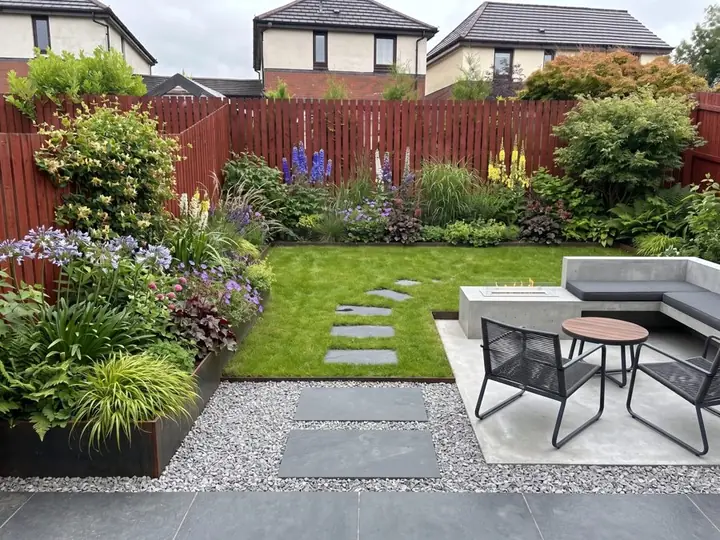
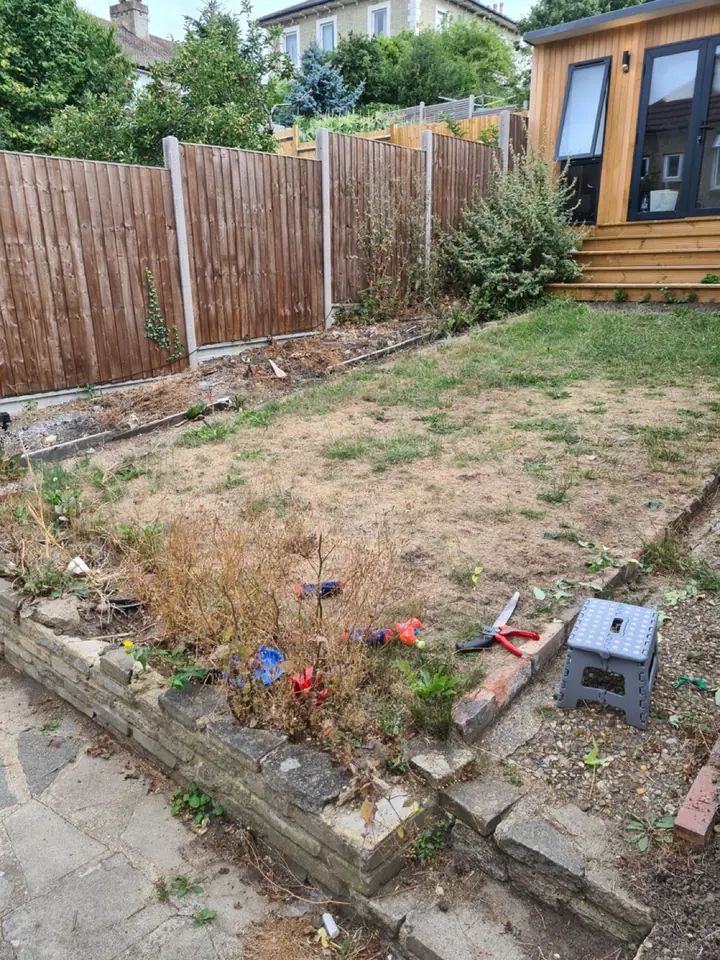
Ours is made for the step that comes first, the first meeting. It puts the client's own yard, redesigned, in front of them, with a planting plan to talk through, before anything is drawn or priced. It is built to help you win more landscaping jobs.
- Add one photo of the client's yard and see it redesigned in about a minute, from 15 styles and a color scheme, with changes asked for in plain words.
- Plants picked for where the yard is: the ZIP code gives the USDA zone, and plants are chosen for winters, summer heat, light and soil.
- The Garden Design Pack with every design: the plants, materials and features, with every plant named and care notes in a professional planting plan.
- Your firm's name and logo on the plan and on the share link you send the client. The pictures themselves stay clean, with no watermark.
- Change any material, like the paving or the gravel. The plants stay as picked.
- A view from above and all four seasons when the client wants to see more.
- Studio only: your own plant and material lists.
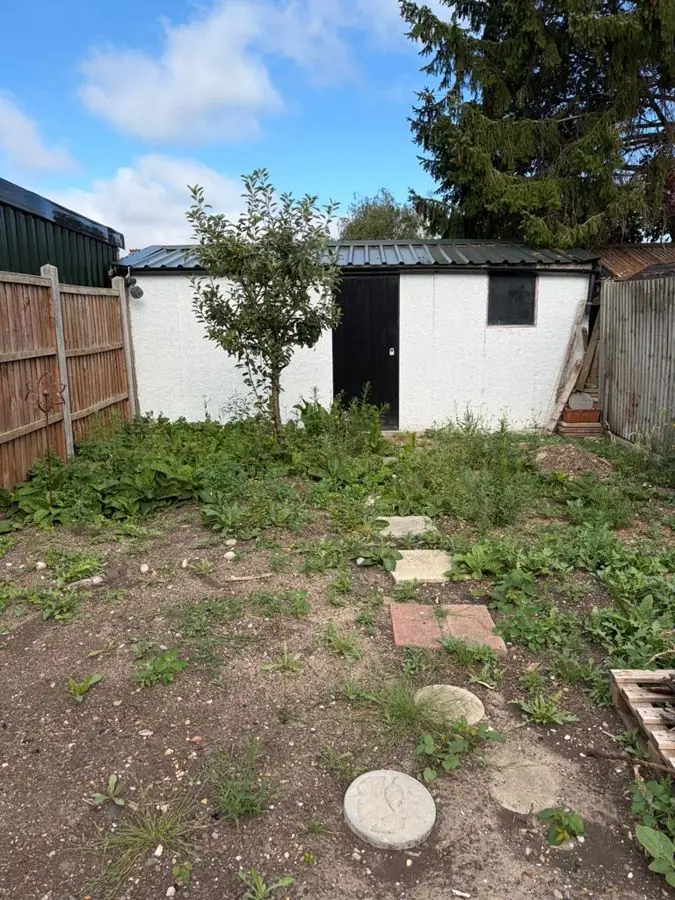 Before
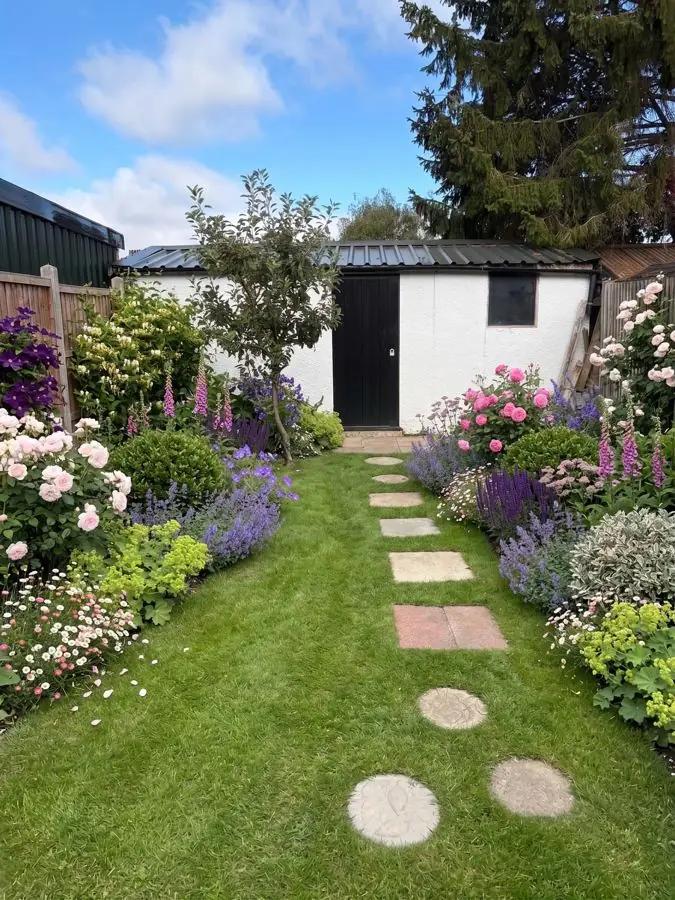 After
Business and Studio plans
Business is $199 a month, with 120 credits a month and up to 4 designs at once. Studio is $499 a month, with 350 credits and up to 8 at once. Every picture is 1 credit, a view from above is 1 and the seasons are 3. Both are monthly, cancel any time. More on the page for landscapers.
Pro Landscape vs Garden Design App, side by side
Pro Landscape facts are from its own pages, read November 13, 2026. Ours are from our live site and the app's firm plans.
| Pro Landscape (PRO Landscape+) | Garden Design App | |
|---|---|---|
| What it is | Professional landscape design software for contractors and designers | A yard redesign app for showing clients their own yard |
| Who makes the design | You do, with drag and drop, CAD and 3D tools; its Enhance Design with AI feature improves the presentation images | The app redesigns the whole yard for you in about a minute; you ask for changes |
| Plans | CAD plans and 2D scaled drawings | A professional planting plan, every plant named, with care notes |
| Plants | You choose them from its library; the Contractor app filters by climate zone | Picked for you for the client's USDA zone, summer heat, light and soil |
| Quotes and proposals | Quotes from your prices, material takeoffs, one click proposals | Shows the client their yard redesigned before you quote |
| 3D and lighting | Yes | Pictures of the client's own yard redesigned, a view from above and all four seasons |
| Where it runs | Windows 10 or 11, plus iPad and Android tablet apps | In the browser on a phone or a computer |
| What the client gets | Photo imaging or 3D designs, quotes and professional proposals | Their yard redesigned, and a planting plan with your name and logo, by share link |
| Price | $90 a month or $900 a year, one user | Business $199 and Studio $499, monthly |
When Pro Landscape is the better choice
Say it plainly: if your work needs a plan drawn to scale, Pro Landscape design software is built for exactly that. If you are looking for landscape CAD software or hardscape design software, Pro Landscape lists easy to use CAD among its key features, and its tablet apps make scaled 2D CAD drawings with property lines, buildings, pavers, edging and plants. Pick it when you need those plans; material takeoffs and a proposal in the same program; 3D views or lighting design; or a design built piece by piece to your own exact layout. It also suits teaching, and garden centers that design in store.
Which should you pick?
For many landscaping firms this is not either or: ours gets ideas in front of the client fast, and you still do the design work that builds the job. Comparing more tools? Our list of the best apps for landscapers covers them fairly, and the landscapers page shows how ours works for firms.
- Pick Pro Landscape if you draw scaled plans, price jobs from the design and send detailed proposals, and you work on Windows.
- Pick Garden Design App if you want a fast, finished looking redesign of the client's own yard, with plants chosen for their zone, to show at the first meeting before anything is drawn.
- Use both if you want ours at the first meeting, so the client sees their own yard redesigned, then Pro Landscape to draw it to scale, take off the materials and price it.
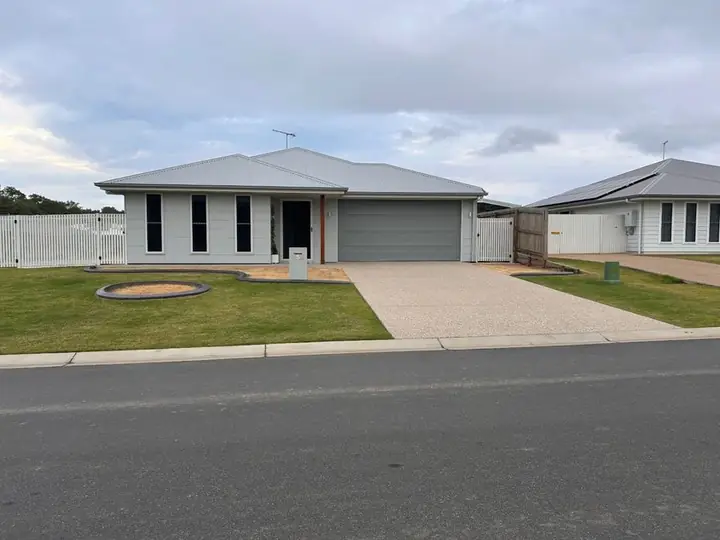 Before
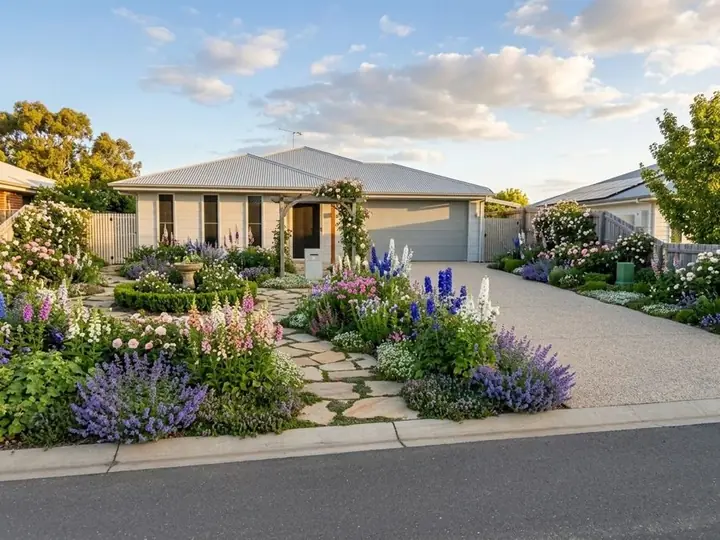 After
Why use Garden Design App?
Show a client their yard before you build it.
Your name and logo on the plan
Clean pictures
No watermark.
Every plant named, with care
Change any material
From above views
All four seasons
Questions about Pro Landscape
How much does Pro Landscape cost?
On its own buy now page, read November 13, 2026: $90 a month billed monthly, or $900 a year billed annually, for one user on one computer plus the Companion app on one tablet. Check its site for current prices.
What are people saying about PRO Landscape+ in their reviews?
On its own site, one landscaper says it "paid for itself 30 times over", another that 3 jobs worth a total of $63,100 came in three days after getting it. For more views, read its store reviews too.
Does Pro Landscape run on a Mac?
It is a Windows program. Its buy now page says many Mac users successfully run it through Parallels Desktop with Windows 10 or 11, but a Mac may need specific configurations, so check the system requirements first.
Is the Pro Landscape app free?
The Companion app is free with a PRO Landscape+ subscription. The Contractor app is a standalone app for iOS and Android; its page does not give a price.
What does Garden Design App give a landscaping firm?
The client's own yard, redesigned, and a planting plan to talk through at the first meeting. For scaled plans, quantities and quotes, pair it with CAD software like Pro Landscape.
Will my client see your name or mine?
Yours. On the Business and Studio plans your firm's name and logo go on the planting plan and on the share link. The pictures stay clean, with no watermark.
Can I use Pro Landscape and Garden Design App together?
Yes. Show the client their yard redesigned with ours at the first meeting, then draw the plan to scale and price it in Pro Landscape.
Sources (6)
- PRO Landscape+ homepage (what it is, features, AI, tablet apps, license, testimonials), read November 13, 2026
- PRO Landscape+ buy now page (prices and notes), read November 13, 2026
- PRO Landscape Companion app page, read November 13, 2026
- PRO Landscape Contractor app page (features, testimonial), read November 13, 2026
- Garden Design App US homepage, read November 13, 2026
- Garden Design App firm plans (Business and Studio), read November 13, 2026