Houzz for contractors: what Houzz Pro actually is
Houzz Pro calls itself "All-In-One Business Software for Contractors & Design Pros". That is a fair summary of what its own pages list. It is the software side of Houzz, the home design site, built to run a remodeling, building or design business from the first lead to the last invoice. Already a Houzz contractor, with a listing in its professional directory? Houzz says many businesses listed there use Houzz Pro to manage their business.
Its homepage menu groups the tools into four sets:
- Planning: 3D Floor Plans, Takeoffs, Contracts, Bid Management, Selections, a CRM and Mood Boards.
- Project management: Schedule, Daily Logs, Time Tracking, Task Management, a Client Dashboard and a Subcontractor Dashboard.
- Financial suite: Estimates, Proposals, Job Costing, Change Orders, Invoices, Online Payments, a QuickBooks integration and Homeowner Financing.
- Marketing: a Custom Website, Email Marketing, a Premium Profile, Targeted Advertising and Lead Generation.
Is it built for landscapers?
Partly. The trades Houzz Pro names under "Who We Serve" are new construction, remodeling, interior design, architecture and painting. Landscape contractors get their own page, about estimating: takeoffs from uploaded plans, estimate templates, your own cost data, eSignatures, invoicing and online payments. Houzz says it is "Trusted by 3 Million+ Contractors and Design Pros".
Its pricing page also lists Photorealistic Renders and Mobile Room Scan among its Houzz AI features. We did not test either, so we cannot tell you how they handle a yard.
Houzz Pro pricing, plan by plan
How much does Houzz Pro cost? For one person, the Houzz Pro price is $199 a month on the Pro plan, and Teams starts at $399 a month for 5 users. These are the prices on Houzz's own pricing page, read on November 14, 2026. Prices change, so check their pricing page before you sign up.
| Plan | Price on Houzz's page | Users | What it adds |
|---|---|---|---|
| Free Plan | $0 | Not stated | "Explore tools": a 3D Floor Planner, Estimates and Invoicing |
| Pro | $199 a month | 1 | Estimates, Invoices and Online Payments, Takeoffs, 3D Floor Plans, Selections, Bid Management, Budget Management |
| Teams | Starting at $399 a month | 5 | Everything in Pro, plus AI Note-Taking, Premium Profile, Email Marketing, Custom Website and Dedicated Support |
| Enterprise | "Let's Talk" (contact sales) | Unlimited | Everything in Teams, plus unlimited 2D to 3D conversions (a fair use limit applies), onboarding and migration help |
The extras to budget for
- Extra users on Pro or Teams: $50 per user a month.
- An advertising package, to show your business to homeowners who are hiring: starting at $499 a month.
- Teams carries a footnote: "Additional charges may apply based on selected add-ons."
The free trial
Houzz's FAQ says you can use Houzz Pro free for 30 days and cancel any time during the trial, "before your annual subscription begins at the end of the free trial." So the trial rolls into a yearly plan unless you cancel. Separately, its box for the Free Plan says no credit card is required.
Houzz Pro reviews: what its own pages show
We read Houzz's own pages for this guide, not review sites, so here is what Houzz chose to show. Its homepage quotes builders and designers. Jon Whitener of Legacy Builders: "We have increased our revenue from $2 million to now $7 million." Danny Wang of DW Design & Build: "Houzz Pro makes running a $10 million dollar company as simple as running a $1 million dollar company." Its landscape page links a 2022 success story about a landscape designer who estimates quickly with Houzz Pro, and calls Houzz a Stevie Award winner.
Those are a company's own picks. Before you commit to an annual plan, read Houzz Pro reviews from people who chose to write them, ask about the trial, and book the demo Houzz offers on its homepage and pricing page.
What Garden Design App does for a landscaping firm
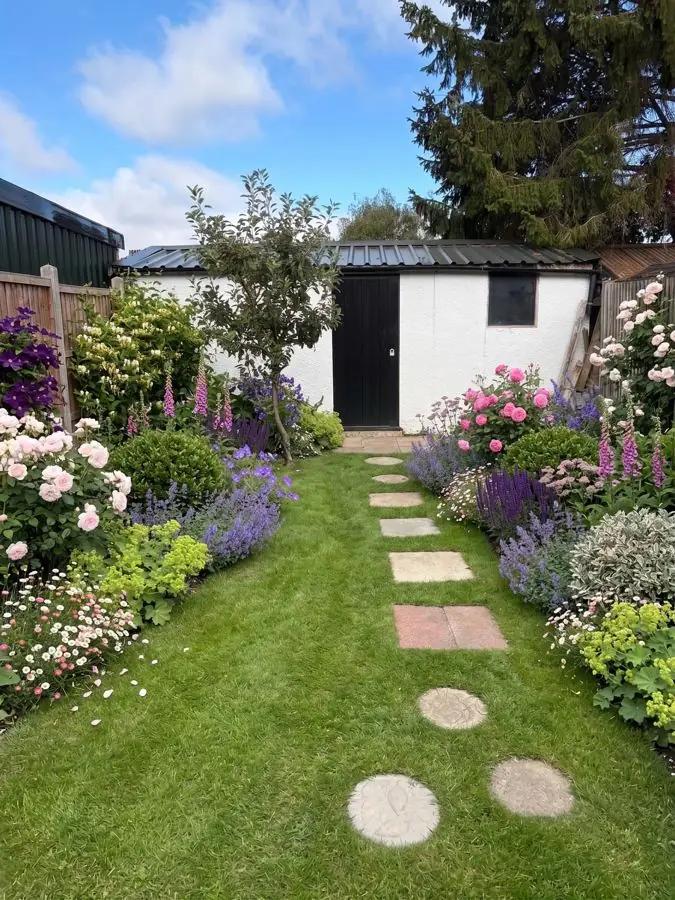
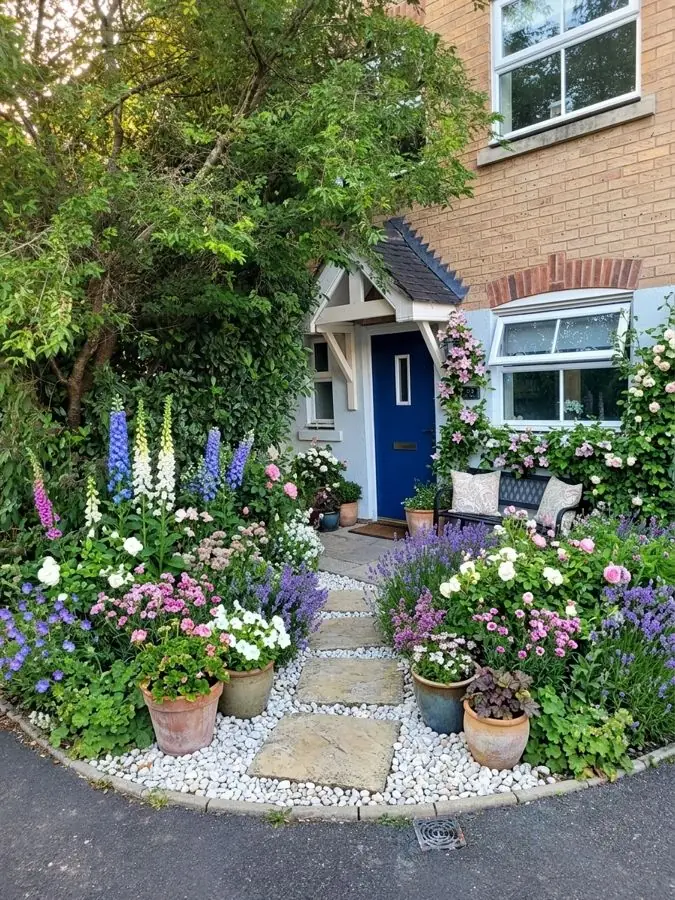
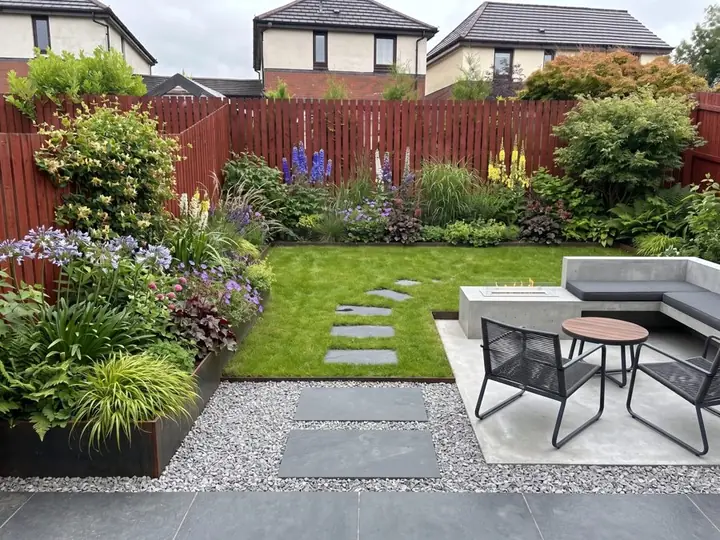
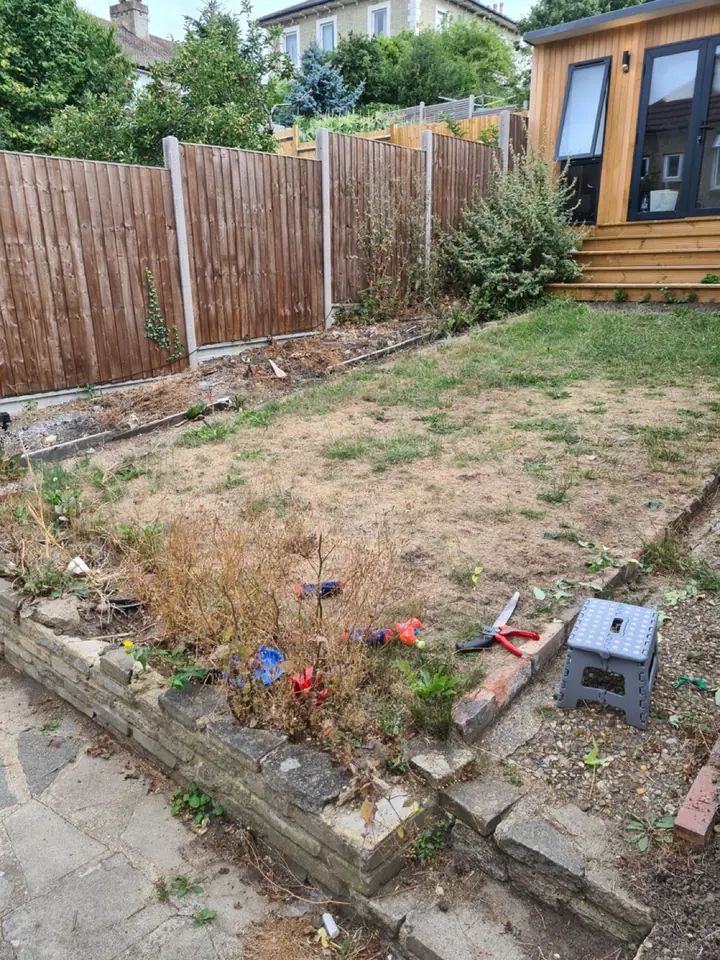
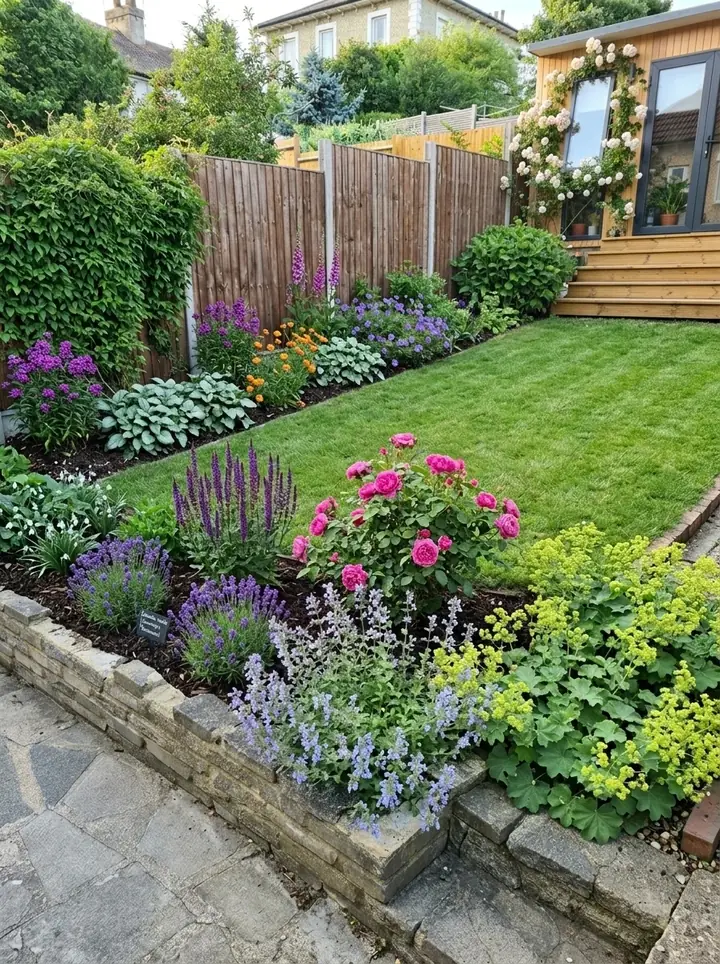
Ours does one job, and it is the one that comes first: winning the work. It puts the homeowner's own yard, planted, in front of them at the first meeting, with a planting plan to talk through. Our angle for firms is simple: win more landscaping jobs.
- Add one photo of the client's yard and see it redesigned in about a minute, from 15 styles and a color scheme, with changes asked for in plain words.
- Plants picked for where the yard is: the ZIP code gives the USDA zone, and plants are chosen for winters, summer heat, light and soil.
- The Garden Design Pack with every design: the plants, materials and features, with every plant named and care notes in a professional planting plan.
- Your firm's name and logo on the plan and on the share link you send the client. The pictures themselves stay clean, with no watermark.
- Change any material, like the paving or the gravel. The plants stay as picked.
- A view from above and all four seasons when the client wants to see more.
- Studio only: your own plant and material lists.
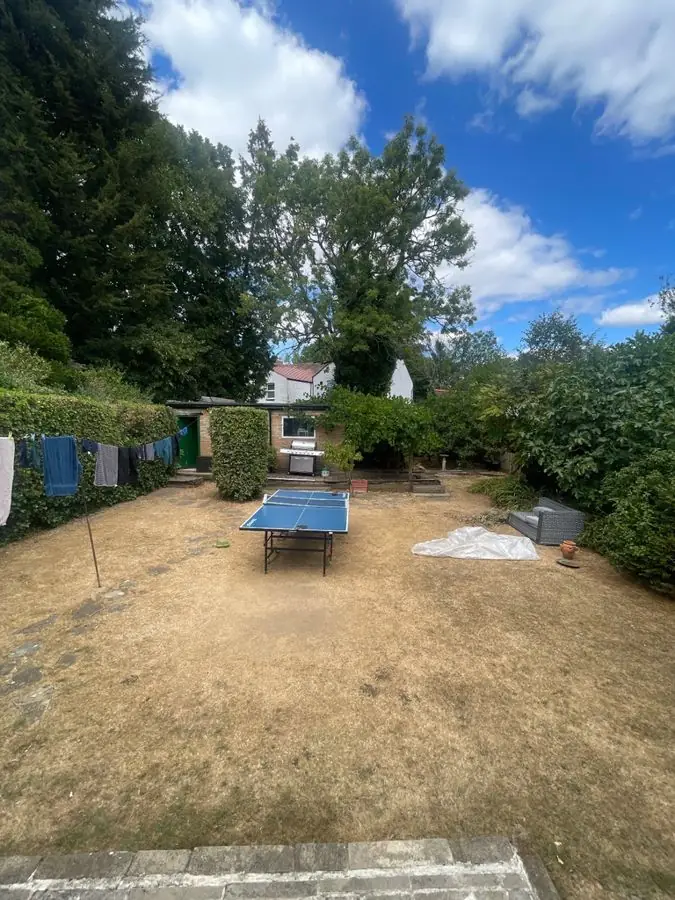 Before
 After
Business and Studio plans
Business is $199 a month, with 120 credits a month and up to 4 designs at once. Studio is $499 a month, with 350 credits and up to 8 at once. Every picture is 1 credit, a view from above is 1 and the seasons are 3. Both are monthly, cancel any time. More on the page for landscapers.
Houzz Pro vs Garden Design App, side by side
Houzz Pro facts are from Houzz's own pages, read November 13 and 14, 2026. Ours are from our live site and the app's firm plans.
| Houzz Pro | Garden Design App | |
|---|---|---|
| What it is | Business software for contractors and design pros | A yard redesign app for showing clients their own yard |
| Starts from | Uploaded plans or measurements, for takeoffs and estimates | One photo of the client's yard |
| Designs | 3D Floor Plans; Photorealistic Renders listed | The client's own yard redesigned in about a minute |
| Plants | Not mentioned on the three pages we read | Picked for the client's USDA zone, light and soil |
| Where it helps in a job | Running the business: estimates, invoices, payments, CRM, scheduling and leads | The first meeting: the client's own yard redesigned before you bid |
| Your branding | Branded proposals, estimates and invoices | Your name and logo on the plan and share link |
| Price | Free Plan; Pro $199 a month; Teams from $399 a month | Business $199 and Studio $499, monthly |
| Trial and terms | 30 days, then an annual plan | Monthly, cancel any time |
Houzz Pro alternatives: is ours one?
For one job. If you are looking at Houzz Pro alternatives for estimates, invoices, scheduling or leads, other business software does that job, and our list of the best apps for landscapers covers them fairly.
If what you actually want is to put a client's own yard, redesigned, in front of them at the first visit, that is the job we do, and it sits happily beside whatever runs your books. Use it alongside your own skills: it gets ideas in front of a client fast, and you still do the design work that wins and builds the job.
Which should you pick?
Most landscaping firms can use both: Houzz Pro is the office, and ours is the sketchbook you take to the client's yard. You can see how ours works for firms on the landscapers page, or try the homeowner version on our US site.
- Pick Houzz Pro if you need one place for estimates, takeoffs, invoices, schedules and client documents, especially across a team, or if you want Houzz's advertising to bring you homeowners.
- Pick Garden Design App if your hardest moment is the first meeting, when the client cannot picture what you mean, and you want their own yard redesigned, planted for their zone, in front of them that day.
- Use both if you run the business on Houzz Pro and want a fast way to show planting ideas before you write the estimate.
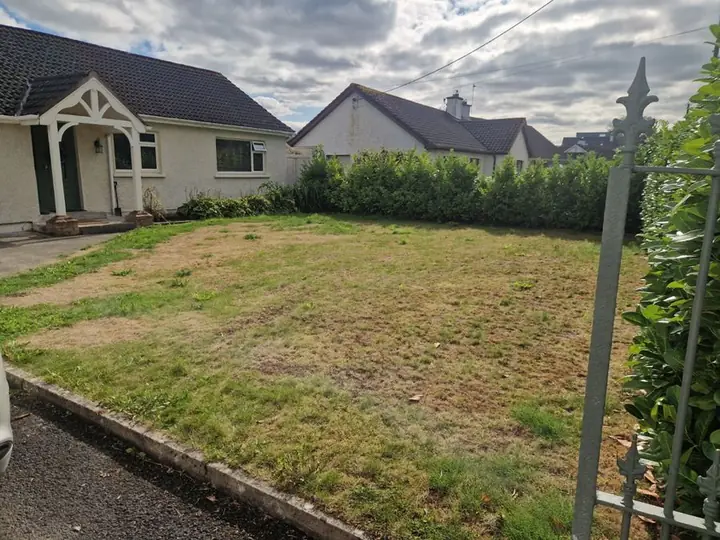 Before
 After
Why use Garden Design App?
Show a client their yard before you build it.
Your name and logo on the plan
Clean pictures
No watermark.
Every plant named, with care
Change any material
From above views
All four seasons
Questions about Houzz Pro
Is there a Houzz Pro free trial?
Yes. Houzz's pricing page says you can use Houzz Pro free for 30 days and cancel any time during the trial; if you do not cancel, the annual subscription begins when the trial ends. There is also a Free Plan with a 3D Floor Planner, Estimates and Invoicing.
How much is Houzz per month?
For homeowners, Houzz is free: Houzz's own page calls it "a free resource that helps anyone find home renovation inspiration and hire professionals" (read November 16, 2026). The monthly cost is for Houzz Pro, its software for pros, which also has a Free Plan. On its own pricing page, read November 14, 2026: Pro is $199 a month for 1 user, Teams starts at $399 a month for 5 users, and Enterprise is priced by sales. Extra users are $50 each a month and advertising starts at $499 a month. Check their site for current prices.
Is Houzz Pro worth it?
It depends on how much of it you will use. If you will run estimates, invoices, schedules and leads through it every week, having everything in one place is the point. If you mainly need to show clients what their yard could look like, a smaller tool may be enough. Use the 30-day trial to find out.
What's the difference between Houzz and Houzz Pro?
Houzz's own page puts it this way: Houzz is a free resource that helps anyone find home renovation inspiration and hire professionals, and Houzz Pro is its business management and marketing software for home industry professionals, to win clients, work on projects with them and run the business under one roof. Many firms listed in Houzz's professional directory use Houzz Pro to manage their business (read November 16, 2026).
Does anyone use Houzz anymore?
Houzz says so, on its own pages: its community is "made up of millions of homeowners, home design enthusiasts, and home improvement professionals", and Houzz Pro says it is "Trusted by 3 Million+ Contractors and Design Pros". Those are Houzz's own figures, read November 13 and 16, 2026; we have not checked them anywhere else.
Will my client see your name or mine?
Yours. On the Business and Studio plans your firm's name and logo go on the planting plan and on the share link. The pictures stay clean, with no watermark.
Can I use Houzz Pro and Garden Design App together?
Yes, side by side: show the client their yard redesigned with ours, then write the estimate and send the invoice in Houzz Pro.
Sources (6)
- Houzz Pro homepage (features, who it serves, testimonials, '3 Million+' claim), read November 13, 2026
- Houzz Pro pricing page (plans, add-ons, FAQ), read November 14, 2026
- Houzz Pro landscape contractor estimating page, read November 14, 2026
- Garden Design App US homepage, read November 13, 2026
- Garden Design App, Business and Studio plans for landscaping companies, read November 16, 2026
- Houzz Pro page: The Difference Between Houzz and Houzz Pro, read November 16, 2026