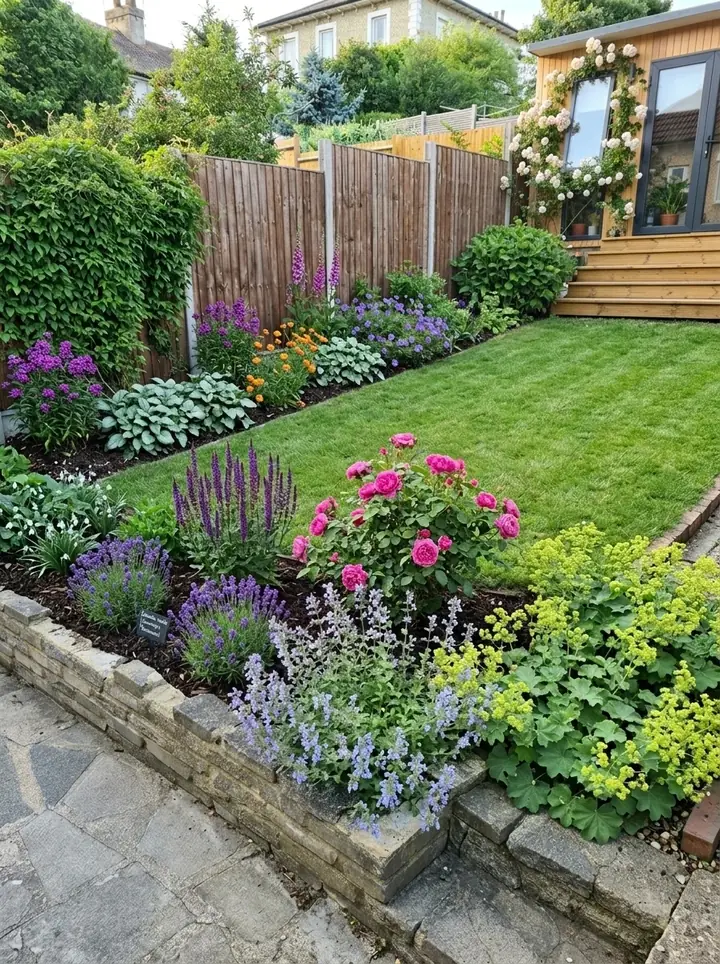
Garden Design App and Realtime Landscaping at a glance
From each maker's own website, November 13, 2026, in US dollars.
| Garden Design App | Realtime Landscaping | |
|---|---|---|
| How a design is made | One photo: the app redesigns the whole yard in about a minute, keeping your house, fence and mature trees | You build it yourself with its design tools, or design over a photo of your house |
| 3D and walkthroughs | A photorealistic picture of your own yard, from where you stand | Yes: the Realtime Walkthrough, in 3D with lighting and shadows |
| Plans to scale | A planting plan with every plant named, its pot size and height | Yes, on Architect: plan drawings with plant labels, legends, irrigation and planting details |
| Plants | Picked for you from more than 1,400 plants for your USDA zone, summer heat, light and soil | You choose: over 5,900 plants on Plus, over 8,000 on Architect, searchable by zone |
| Where it runs | In the browser on a phone or a computer, Mac included, nothing to download | A Windows 10 or 11 (64-bit) PC. No Mac version |
| Free | First 3 designs free, no card (watermarked, lower quality) | A free trial of each version |
| Price | $39 Pro plan (20 designs) or $65 Max plan (50 designs), paid once | Plus $149, Pro $279, Architect $599, paid once, 30 day money back guarantee |
What Realtime Landscaping is, and what each version costs
Realtime Landscaping is desktop landscape design software from Idea Spectrum. You build a model of your property, house and all, and it shows the yard in 3D as you go. Idea Spectrum says no CAD or landscape design experience is needed, and free email and toll free phone support are included. Upgrades are optional and usually discounted, and you can move up from Plus to Pro or Architect later.
Realtime Landscaping pricing, from Idea Spectrum's homepage on November 13, 2026:
- Realtime Landscaping Plus, $149: for homeowners. Idea Spectrum calls it "Awarded #1 homeowner landscaping software". Decks, fencing, patios, over 5,900 plants, terrain tools and the 3D walkthrough.
- Realtime Landscaping Pro, $279: "For homeowners and aspiring landscape designers". The pages we read do not detail its extras: check Idea Spectrum's Compare Products page before you buy.
- Realtime Landscaping Architect, $599: "Premium software for landscape professionals". Adds plan drawings, pools, irrigation, over 8,000 plants and material lists.
Realtime Landscape Architect: the version professionals use
Many people search for it as Realtime Landscape Architect, or real time landscape architect; Idea Spectrum's own name is Realtime Landscaping Architect. As you draw the plan in 2D, the 3D view updates with it. Add plant symbols, color washes, plant labels and a legend, draw irrigation and planting details to scale, and import elevation lines from other CAD software. Its Project Material List lets you enter prices and print a cost estimate, or export it to Excel for a quote.
What Realtime Landscaping does well
From Idea Spectrum's own pages (we read no store or magazine reviews):
- A detailed 3D model built to measure: terrain heights set with exact dimensions, straight and curved retaining walls, decks of any shape, sloped driveways.
- Walking through the yard: the Realtime Walkthrough shows your design in 3D with lighting and shadows, at night too, and you can make a video of it.
- A huge plant library to choose from yourself, with planting zones and size, and a Plant Growth tool showing the planting from three months to more than 20 years on.
Realtime Landscaping Pro reviews and what users say
Idea Spectrum's homepage publishes what its users tell it. One user calls Realtime Landscaping Pro "an easy to use program with excellent walk-thru capabilities". A professional landscape designer who has used Architect for several years writes that you can "make very accurate and visually appealing plan drawings, create life-like 3D scenes and do a virtual walk through them". These are the reviews Idea Spectrum chose to show, so read independent ones too.
Two things to check before you buy
- Your time. You build the design yourself: drop in a house from the House Wizard or build your own, draw decks, patios and paths, choose and place each plant, or design over a photo of your house. That suits anyone who enjoys building a model or designs yards for a living.
- Your version. Designs made in a later version will not open in an earlier one, so keep everyone on the same version if you share files.
Is there a Realtime Landscape Architect for Mac?
No. Idea Spectrum's FAQ says it does not currently have a Macintosh version, and virtual machines, Parallels and other emulators are not supported. There is no Realtime Landscaping Pro for Mac or Plus for Mac either. Every version needs Windows 10 or 11, 64-bit, at least 4 GB of memory (8 GB recommended), 60 GB of free disk space and a DirectX 11 video card with 2 GB of video memory; Windows 10 Mobile cannot run it. Run the free trial first: Idea Spectrum says if the trial runs smoothly, the full version will.
Garden Design App runs in the browser on a Mac, with nothing to install.
What Garden Design App does differently
Garden Design App works the other way around: it does the designing, and you choose from 15 styles and a color scheme, then ask for changes in plain words, like "add a fire pit".
The plants are picked for where you live: your ZIP code gives us your USDA zone, and the app chooses from more than 1,400 plants for your winters, summer heat, light and soil, with a gardener's rules deciding what goes where.
When you find the look you love, Pro or Max plans turn it into a yard you can plant: every plant named, ready to buy, with its pot size and height, a care guide, a flowering calendar and, on whole yard designs, the materials from gravel to fence. Clean pictures, no watermark.
For a 3D walkthrough, a measured drawing or a priced plan, Realtime Landscaping is the better tool. Retaining walls, drainage, grading and irrigation belong with a licensed contractor, and you can take the design to whoever does the work. More on how it works: our landscape design app.
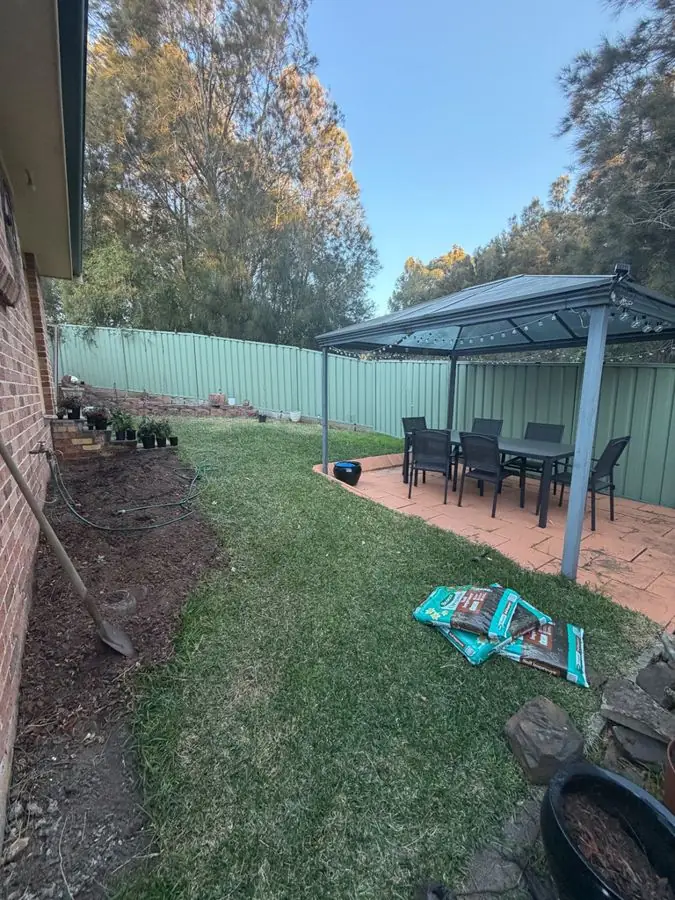 Before
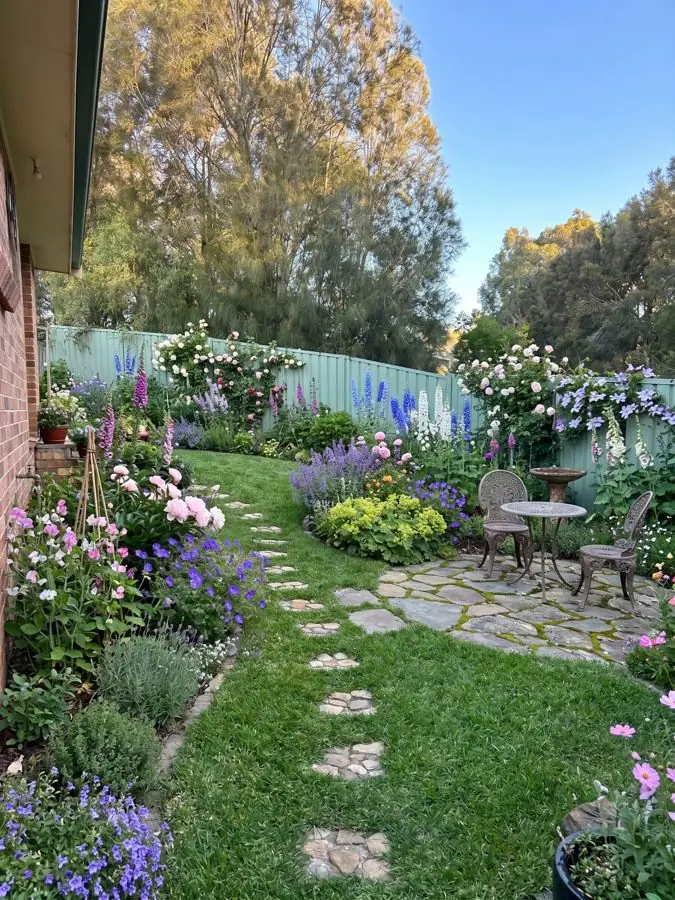 After
For landscapers: Realtime Landscaping Architect or Garden Design App?
Realtime Landscaping Architect is the drawing office: the property to scale, a 3D walkthrough for the client and a priced material list.
Garden Design App's Business and Studio plans are made with one aim, to help landscapers win more landscaping jobs, and they come earlier, at the first visit: the client sees their own yard redesigned from your phone photo in about a minute, with a planting plan, before you have measured anything. Your company's name and logo go on the planting plan and the share link, the pictures carry no watermark, every plant is named with care notes, and you can change any material while the client watches, show a view from above, or the same yard through all four seasons.
Business is $199 a month for 120 credits and 4 designs at once; Studio is $499 a month for 350 credits and 8 at once, plus your own plant and material lists. A picture uses 1 credit, a view from above 1, the four seasons 3. Both are monthly, cancel any time.
Many firms would use both: Garden Design App to agree the look at the first meeting, then Realtime Landscaping Architect to draw and price the job. More: Garden Design App for landscapers.
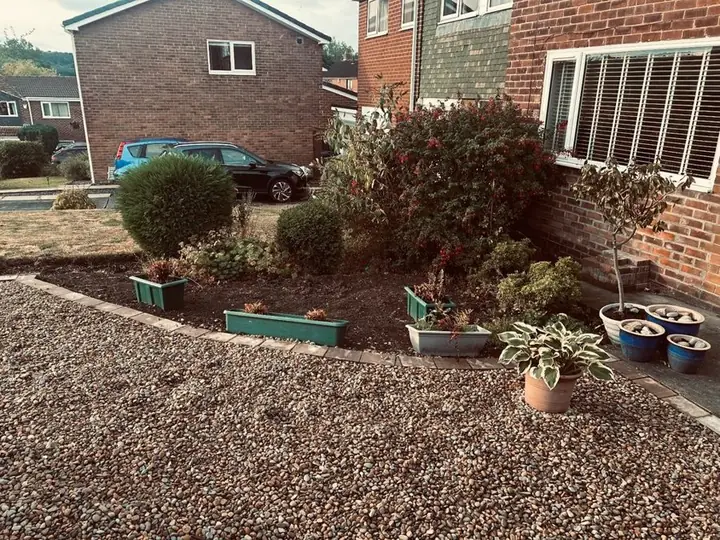 Before
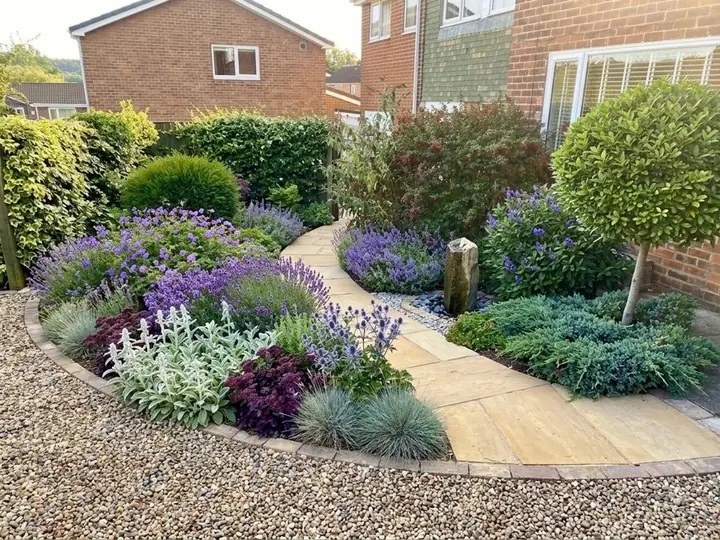 After
Which should you pick?
If you want a Realtime Landscaping alternative, it depends on the job. Both let you try before you pay, so try each on the same yard.
- Pick Realtime Landscaping Plus if you are on a Windows PC and want a detailed 3D model of your yard, built to measure, to walk through.
- Pick Realtime Landscaping Architect if you are a designer or contractor who needs plans drawn to scale, irrigation and planting details, and a material list to price the job.
- Pick Garden Design App if you are on a Mac or a phone, or want your whole yard redesigned in about a minute, with plants chosen for your zone and a plant list for the nursery or a contractor, without drawing anything yourself.
- Pick Garden Design App's Business plan if you want the client's own yard redesigned at the first visit, with your logo on the planting plan.
Why use Garden Design App?
You do not need to know plant names or draw to scale.
Your own yard, from one photo
One photo from your phone is all it takes. Your real yard, planted, in about a minute.
Ask for anything you want
Pick one of 15 styles and a color scheme, then ask for anything you want, like “add a fire pit” or “more shade”.
Keep what works
Keep your paths and patio, or start over with a new layout.
A designer’s structure
Height, color and balance arranged the way a professional would.
Plants for your zone
Your ZIP code gives us your USDA zone, so the plants we pick can live through your winters.
Nothing to download
This online landscape design runs in your browser with nothing to download.
Questions people ask about Realtime Landscaping
Is there a real-time landscape architect software available?
Yes. Realtime Landscaping Architect from Idea Spectrum shows your landscape in 3D as you design it, with walkthroughs, for $599, paid once, on Windows (Idea Spectrum's homepage, read November 13, 2026).
How much does Realtime Landscaping cost?
Plus is $149, Pro $279 and Architect $599, each paid once with no monthly fees and a 30 day money back guarantee. Garden Design App's plans are $39 and $65, paid once.
Is Realtime Landscaping free?
There is a free trial of each version; the pages we read do not say how long it lasts. The full software is paid, from $149 for Plus.
Does Realtime Landscaping run on a Mac?
No. Idea Spectrum's FAQ says there is no Macintosh version, and emulators such as Parallels are not supported. It needs Windows 10 or 11, 64-bit.
Can ChatGPT do landscape design?
It can talk through ideas and plant lists, but it does not see your yard the way a design tool does. More: ChatGPT for landscape design.
Is AI going to replace landscape architects?
We do not think so. Garden Design App puts a first idea in front of a client in about a minute; grading, drainage, structures and plans drawn to scale still need a landscape architect or contractor, and tools like Realtime Landscaping Architect.
Are there other Realtime Landscaping alternatives?
For other desktop programs that make scaled plans and 3D models, see our landscape design software page. For a wider list, including business and crew apps, see the best apps for landscapers.
Sources (7)
- Idea Spectrum, homepage, read November 13, 2026
- Idea Spectrum, Landscape Software FAQ, read November 13, 2026
- Idea Spectrum, Realtime Landscaping Plus, read November 13, 2026
- Idea Spectrum, Realtime Landscaping Architect, read November 13, 2026
- Garden Design App, US homepage, read November 13, 2026
- Garden Design App, Business and Studio plans for landscaping companies, read November 16, 2026
- Google's first page for realtime landscape architect (US), read November 13, 2026