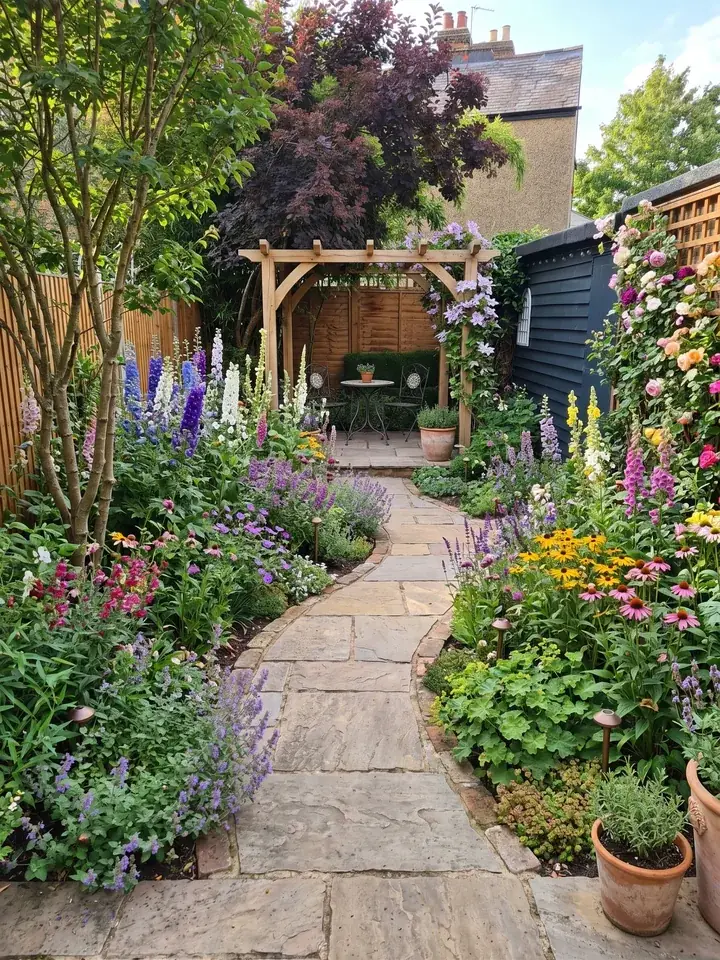
Planner 5D vs Garden Design App at a glance
Features and prices from each app's own website, read on 13 November 2026, in pounds.
| Garden Design App | Planner 5D | |
|---|---|---|
| How a design is made | You add one photo of your garden and the app redesigns the whole garden for you in about a minute, keeping your house, fences and trees where they are | You draw the garden yourself: its shape, lawn, paths, beds and patio, then drag and drop plants, trees and furniture from its library |
| 2D and 3D | Neither. A picture of your own garden redesigned, with a planting plan on Pro or Max plans; no 3D model | Both: switch from a 2D plan to 3D with one click, then walk through it |
| Measurements | No drawing to scale | Scale tools for site dimensions, boundaries, changes in level, walls and fences |
| Plants | Picked for you, to thrive where you live (UK, US or anywhere else), in your light and soil | Thousands of items to place yourself, plants among them; the full catalogue on Premium |
| What you take away | With Pro or Max plans: every plant named, ready to buy, with a care guide and a flowering calendar; on whole garden designs, the materials, gravel to fence | Your plan and 3D views to share; HD renders on Premium; 4K renders and CAD export on Professional |
| Indoors | Made for gardens | Floor plans, rooms and whole homes too |
| Where it runs | In the browser on a phone or a computer, nothing to download | In the browser, or apps for Windows, macOS, iOS and Android |
| Free | First 3 designs free, no card (watermarked, lower quality) | A Free plan with no time limit and half the furniture catalogue |
| Price | Pro £29 (20 designs) or Max £49 (50 designs), paid once, no subscription | Premium £59.99 billed yearly; Professional £399.99 billed yearly, with a 7 day free trial shown (terms set at checkout) |
Is Planner 5D free?
Yes. Planner 5D's pricing page says its Free plan costs nothing and has no time limit. On it you can create and share as many projects as you like, draw plans in 2D and 3D, work on the web and on your phone, and use half of the furniture catalogue. Its garden planner page says the free library still holds thousands of items, so you can draw a whole garden without paying.
You pay when you want the full catalogue, sharper renders or AI credits.
What Planner 5D costs in the UK
Premium, which Planner 5D says is for homeowners, renovators and design fans, is £59.99 billed yearly; the pricing page shows it as £4.99 a month beside a crossed out £19.99. It adds the full furniture catalogue, unlimited HD renders, uploading a floor plan to turn it into 3D, a budget widget and 100 AI credits a month.
Professional, for interior designers, architects and studios, is £399.99 billed yearly (shown as £33.33 a month). The page shows a 7 day free trial; Planner 5D says eligibility and terms are set by the offer shown before checkout. It adds 4K renders without a watermark, CAD export, 360 degree panoramas and a branded profile.
Monthly billing is offered as well, but the page we saved shows pound prices for yearly billing only, so check the monthly price at checkout.
How a free start on Garden Design App compares
Your first 3 designs are free, with no card. They are watermarked and lower quality, but each one is your own garden redesigned, with plants picked for where you live. If you want more, the Pro plan is £29 for 20 designs and the Max plan is £49 for 50, paid once. There is no subscription to cancel.
Planner 5D review: what it does well
Planner 5D is a home and garden planner, and for some jobs it is simply the better tool. From its own pages:
- **Drawing your garden to scale.** Its landscape design page describes scale tools for site dimensions, property boundaries, changes in level, walls, fences, paths, lawns and patios. If you need to know whether a 3 metre patio fits, this is the job it does.
- **Placing every item yourself.** Thousands of plants, trees, paths, patios and pieces of furniture to drag and drop, and you can change the colour, width and length of each one.
- **3D and a walk through.** One click turns a 2D plan into 3D, and you can walk round the design, test lighting and switch between a hand drawn or photorealistic look.
- **The whole home.** The same tools plan floor plans and rooms inside, so one app covers the house and the garden.
- **Every device.** Browser, Windows, macOS, iOS and Android, synced across them.
Planner 5D's AI tools and design help
Planner 5D has AI tools too: an AI Copilot and AI Studio, paid with credits. Its landscape design page says you can upload a sketch, choose a template or start from your own site plan, then use AI support to build a layout, and that its own team of designers can help with a plan. We have not tested these.
What Planner 5D users say
Its garden planner page shows a 4.5 star rating from its users, and quotes users calling it easy to use, even for a newbie. That is Planner 5D's own figure. We did not read app store reviews for this page, so we do not summarise them.
What Garden Design App does differently
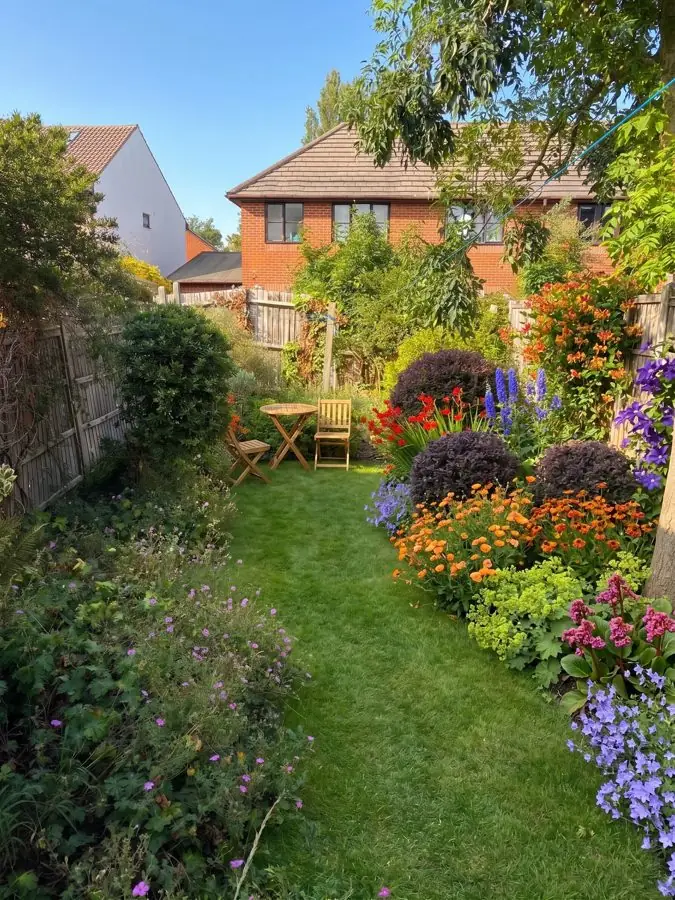
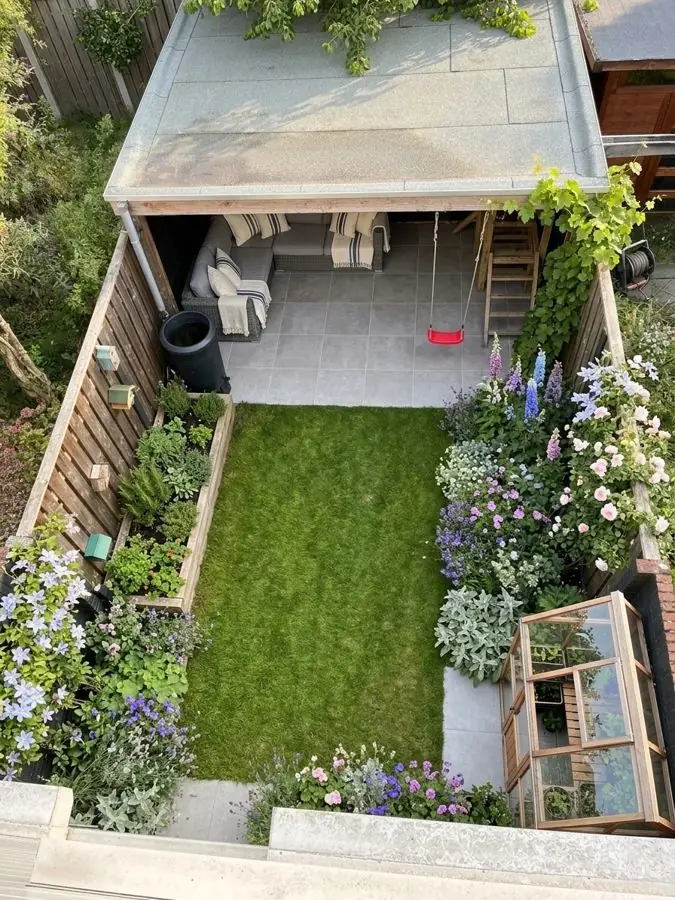
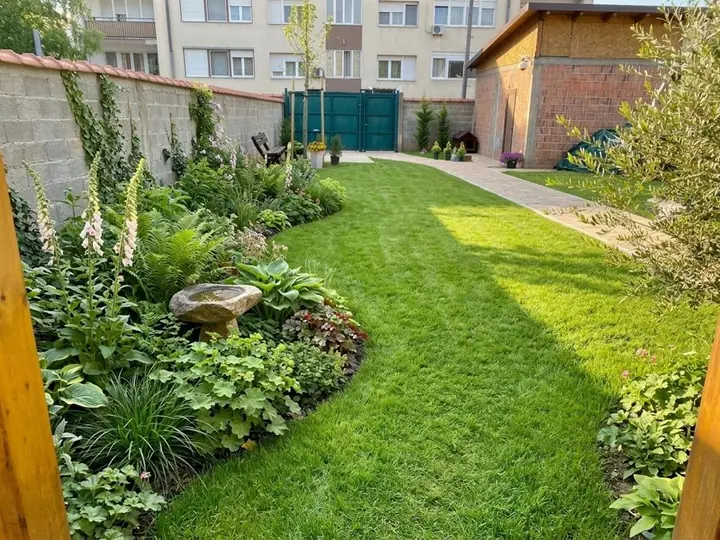
Garden Design App starts from the garden you already have. Add a photo of your garden, pick one of over 200 ready made designs, any colour scheme, or describe the look in your own words, and the app redesigns the whole garden in about a minute. Your house, fences and trees stay where they are, and the rest is planted the way a professional gardener would, with plants you can buy and grow.
Then change it in your own words, or try another style on the same garden. It suits you if you are not sure what you want yet.
The plants are chosen for you, to thrive where you live, in your light and soil. With Pro or Max plans, every plant is named and ready to buy online or at your garden centre, with a care guide and a flowering calendar, and whole garden designs list the materials, from the gravel to the fence. That is your professional planting plan.
What it does not do: it makes no 3D model and no drawing to scale. You change a design in your own words, so if you would rather drag each plant and chair into place by hand, Planner 5D is built for that. And Garden Design App is made for gardens: for rooms indoors, use Planner 5D.
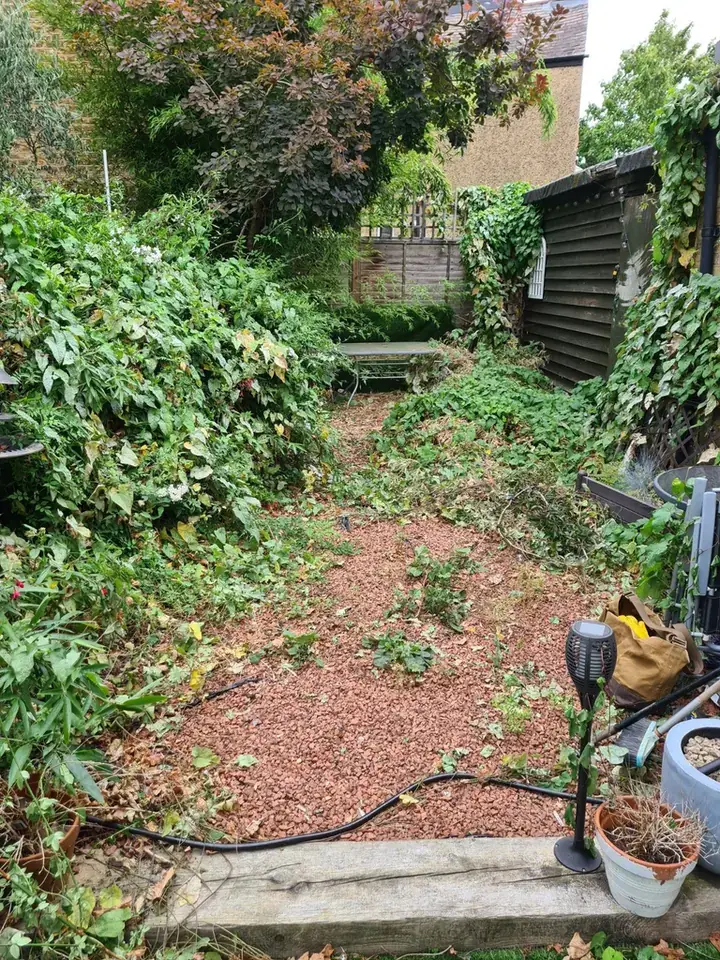
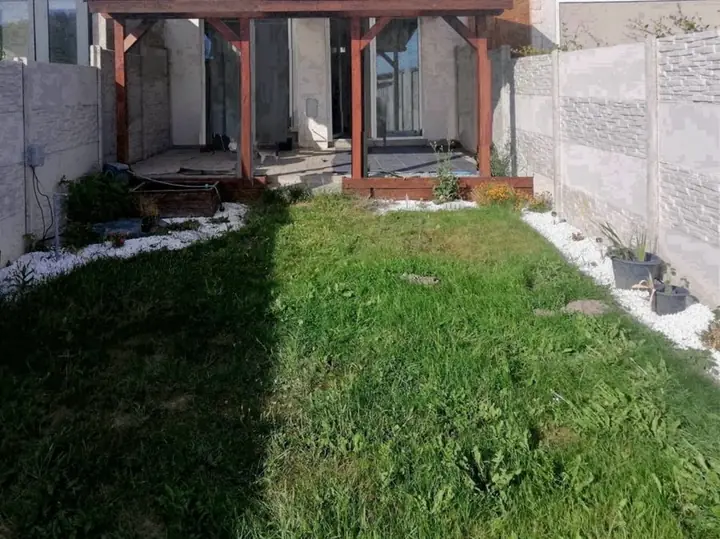 Before
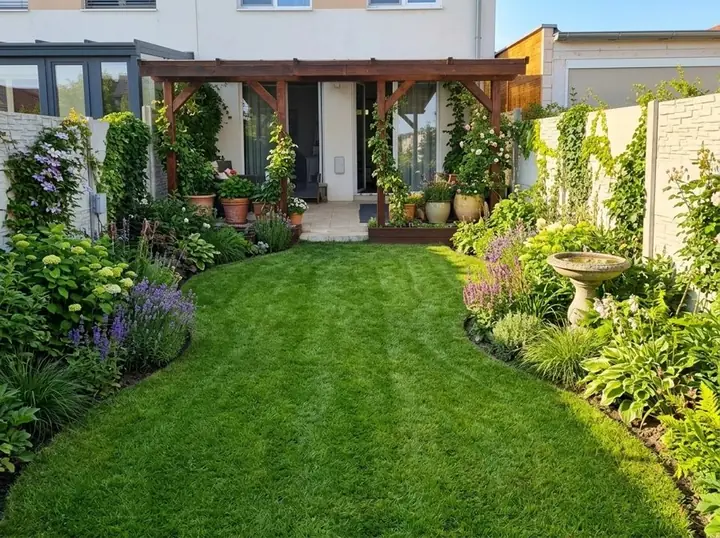 After
Using both on one garden
The two fit together well, because one decides the look and the other measures it out. Both start free; the plant list and materials come with Garden Design App's Pro or Max plans.
- Add a photo of your garden to Garden Design App and try a few styles until one feels right.
- With Pro or Max plans, keep the plant list and the materials from the design you like.
- Draw the garden to scale in the Planner 5D garden planner, and check the patio, paths and beds fit.
- Take both to whoever builds it, or to the garden centre.
Which should you pick?
If you came here looking for a Planner 5D alternative for your garden, the honest answer depends on the job.
- Pick Planner 5D if you want to draw an exact layout and measure it, for a patio, a deck or new beds.
- Pick Planner 5D if you want to place each plant and piece of furniture yourself, or see the garden in 3D.
- Pick Planner 5D if you are planning rooms inside as well as the garden.
- Pick Garden Design App if you are not sure where to start and want to see your own garden redesigned in about a minute, then try another style.
- Pick Garden Design App if you want plants chosen for where you live and a planting plan to shop from, for one payment rather than a subscription.
- Use both if you want the look from one and the measurements from the other.
Why use Garden Design App?
You don’t need to know the name of a single plant.
Your own garden, from one photo
One photo from your phone is all it takes. Your real garden, planted, in about a minute.
Ask for anything you want
Pick one of 15 styles and a colour scheme, then ask for anything you want, like “add a wildlife pond”.
The garden stays familiar
Your trees, fences and house stay, and you choose whether the patio and paths stay too.
Plants you can find
Garden centre favourites and RHS Award of Garden Merit winners, chosen by a professional gardener.
Right for where you live
UK, US or anywhere else: plants matched to your climate, your light and your soil, so they thrive.
Help beyond planting day
Every paid design comes with a care guide and a flowering calendar.
Questions people ask about Planner 5D
Is Planner 5D free?
Yes. The Free plan costs nothing, has no time limit and covers 2D and 3D plans on the web and on your phone, with half the furniture catalogue (Planner 5D's pricing page, read 13 November 2026). Premium and Professional add the full catalogue, renders and AI credits.
Can you design a garden on Planner 5D?
Yes. The Planner 5D garden planner lets you draw your outdoor space, add plants, trees, paths, patios and furniture, and switch between 2D and 3D. You draw the space and place the items yourself; Planner 5D also offers AI help and its own designers.
How much is Planner 5D Premium in the UK?
£59.99 billed yearly, shown as £4.99 a month, on Planner 5D's pricing page read 13 November 2026. Professional is £399.99 billed yearly. Monthly billing is offered too; check the price at checkout.
What is a good Planner 5D alternative for a garden?
If you want the garden designed for you rather than drawn yourself, Garden Design App redesigns your own garden from one photo in about a minute, with plants picked for where you live. Your first 3 designs are free. If you want another drawing tool, more options are on our garden design software page.
Does Garden Design App make 3D garden plans?
No. It shows your own garden redesigned, with a planting plan on Pro or Max plans, but no 3D model and no drawing to scale. If you need those, use Planner 5D or another drawing tool alongside it.
Sources (4)
- Planner 5D, garden planner, read 13 November 2026
- Planner 5D, landscape design software, read 13 November 2026
- Planner 5D, pricing, read 13 November 2026
- Garden Design App, homepage (UK), read 13 November 2026