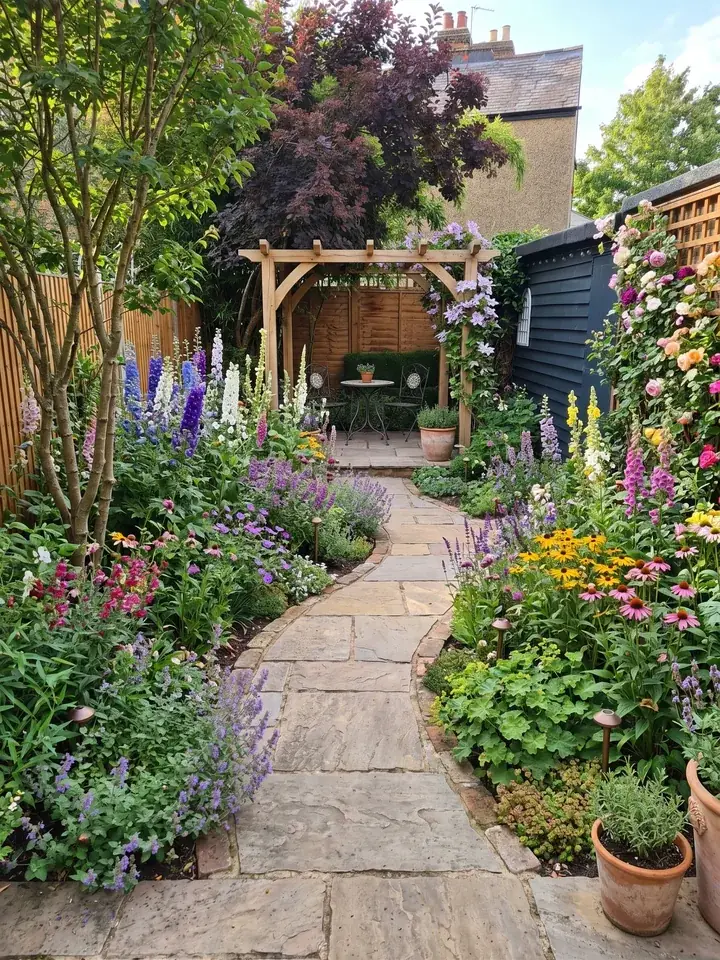
GARDENA myGarden and Garden Design App at a glance
What each one does and costs, from each company's own UK website, read on 13 November 2026. Where GARDENA's pages are silent, the table says so rather than guess.
| Garden Design App | GARDENA myGarden | |
|---|---|---|
| What it is | An app that redesigns your own garden from one photo | "A free online garden planner" from GARDENA |
| How a design is made | You add a photo and choose a style; the whole garden is redesigned for you in about a minute, with your trees, fences and house where they are | You draw it yourself: lawn, beds, gravel and water as shapes, then drag and drop houses, plants and furniture |
| What you see | A realistic picture of your own garden, planted, from where you took the photo | Your plan, in "a nice looking hand-drawn style", on a grid of 1 metre squares with a scale |
| Watering | Use myGarden for this: a design covers the look of your garden and what to plant | Its own sprinkler system planner, which suggests a GARDENA sprinkler system for your garden |
| Plants | Picked for you, to thrive where you live, in your light and soil | Plants are among the objects you place; GARDENA's pages do not say whether they suit your area |
| What you take away | With Pro or Max plans: every plant named and ready to buy, with a care guide, a flowering calendar and a planting plan; on whole garden designs, the materials | Your saved garden, shared by a link; from the sprinkler planner, a free planning sketch and shopping list to download |
| Where to start | 15 styles and a colour scheme, your own words, or a ready made design | Example gardens made by GARDENA's garden experts, ready to edit |
| Devices | In the browser on a phone, tablet or computer | A web app "optimised for use on a tablet, laptop or PC"; your plans can also be opened on a smartphone |
| 3D | A realistic picture of your own garden, from where you took the photo | Not stated on GARDENA's pages |
| Price | First 3 designs free, no card (watermarked, lower quality); then Pro £29 or Max £49, paid once | Free |
What is GARDENA myGarden?
This is the GARDENA planner: GARDENA calls its garden planner myGarden. GARDENA describes it as "a simple and creative online application where you can draw and plan your garden", and "a free web app that lets you design, save and share unique garden plans". It is a web app, and GARDENA says it is optimised for a tablet, laptop or PC.
Drawing your garden
You build the plan from an objects menu. Under "plot" you draw shapes of lawn, beds, gravel or water, then drag and drop items such as houses, plants and furniture, and change their size or position. The plan sits on a grid where each square is 1 metre by 1 metre, with a measuring scale in the corner to help you place things more exactly. The Edit menu saves your garden, undoes and redoes, and shares a garden by a link.
The sprinkler planner
This is where myGarden stands apart. As you draw, its automatic planning assistance finds a GARDENA sprinkler system to suit your garden, and you can then download a free planning sketch and shopping list. If the reason you are planning is to stop watering by hand, that is a genuinely useful thing to have.
Example gardens
If a blank grid feels daunting, GARDENA's garden experts have made a set of example gardens. You pick one and edit it into your own plan.
Is the GARDENA garden planner free?
Yes. GARDENA calls the garden planner free in its own words, twice: "a free online garden planner" and "a free web app". The planning sketch and shopping list from the sprinkler planner are free to download too. Neither of the pages we read mentions a paid version.
GARDENA's pages do not say what the sprinkler system it suggests would cost, or whether you need an account to save a garden, so check both when you start.
What GARDENA myGarden does well
Read GARDENA's own pages and the strengths are clear:
- Planning watering. A sprinkler system worked out for the garden you drew, with a shopping list, is something only myGarden offers of the two.
- Drawing the layout yourself. If you already know where the lawn, beds and gravel should go, you can draw them yourself on a grid of 1 metre squares, in an application GARDENA calls easy to use.
- Free. No price to weigh up, and nothing on its pages about limits.
- A friendly look. GARDENA describes its "hand-drawn style", and the example gardens give you somewhere to begin.
What Garden Design App does differently
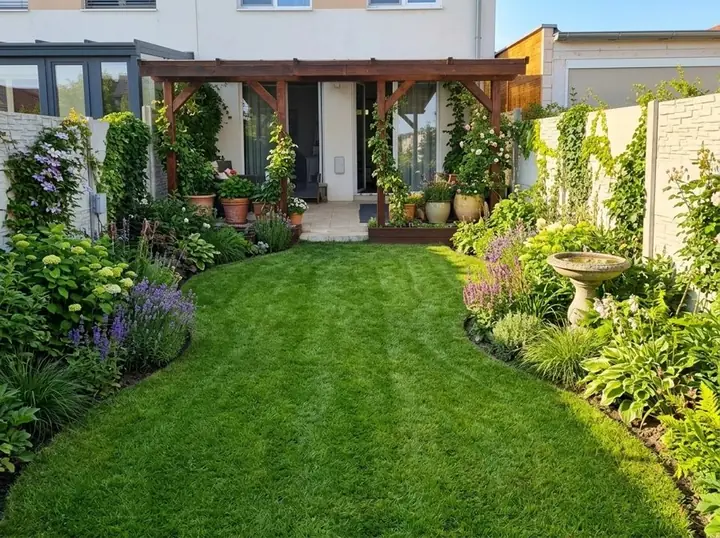
Garden Design App starts from the garden you have, not a blank plan. Add one photo from your phone, pick one of 15 styles and a colour scheme, or ask for anything in your own words, like "add a wildlife pond". In about a minute you see the same garden redesigned, from where you stood, in full flower. Your trees, fences and house always stay, and you choose whether your patio and paths stay too.
The plants are chosen for you, to thrive where you live, in your light and soil, whether that is the UK, the US or anywhere else. You do not need to know a single plant name to start.
When you find the look you love, Pro or Max plans turn it into a garden you can plant: a professional planting plan with every plant named and ready to buy online or at your garden centre, a care guide and a flowering calendar, and on whole garden designs the materials, gravel to fence.
For watering, GARDENA myGarden's sprinkler planner is the one to use.
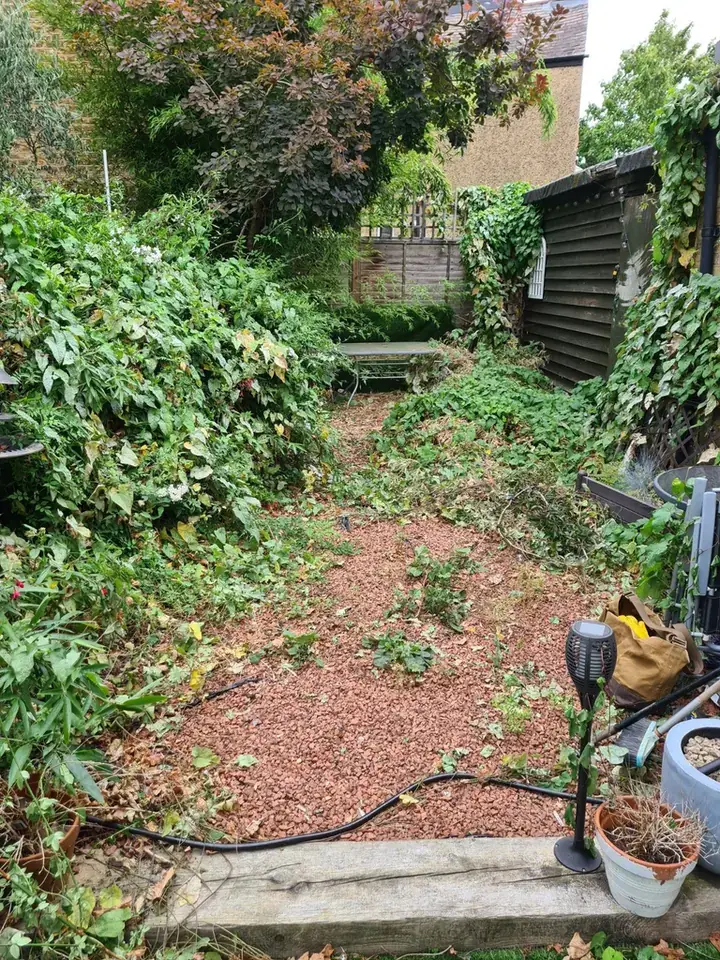
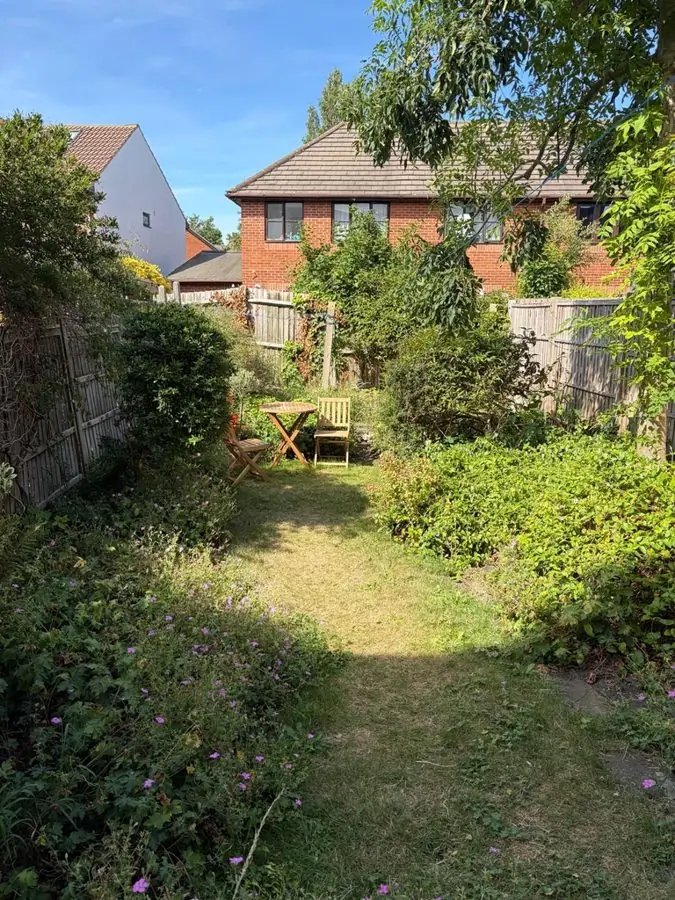 Before
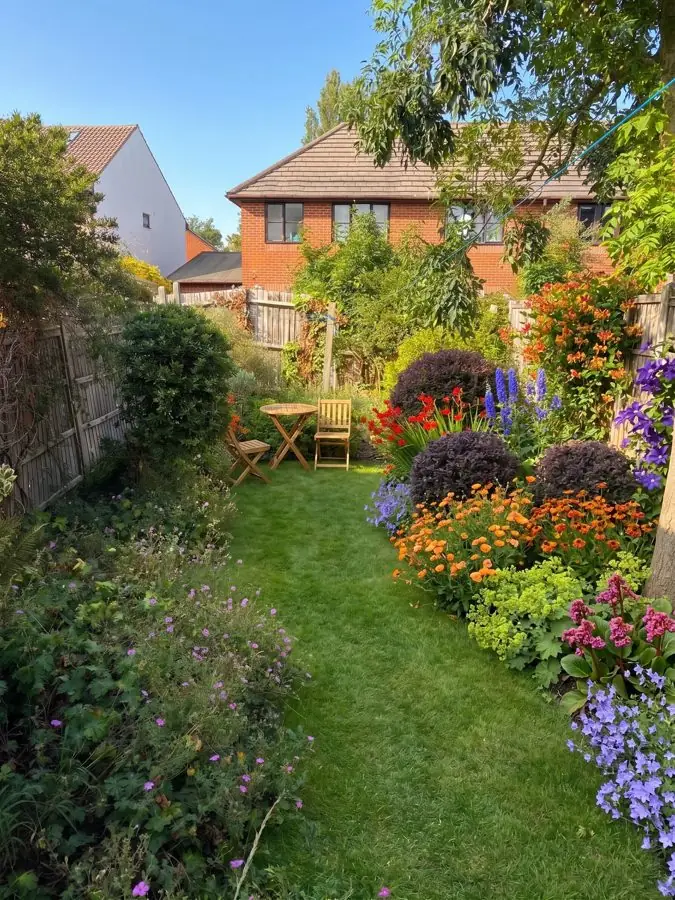 After
Which should you pick?
They answer different questions. GARDENA myGarden helps you draw what you have in mind and plan how to water it. Garden Design App shows you what your garden could become and what to plant.
- Pick GARDENA myGarden if you want to plan a sprinkler or irrigation system, especially with GARDENA parts.
- Pick GARDENA myGarden if you already know your layout and want to draw it on a grid of 1 metre squares, for free.
- Pick Garden Design App if you are not sure what you want and would like to see your own garden redesigned in a few different styles first.
- Pick Garden Design App if you want plants chosen for where you live and a planting plan to take to the garden centre, paid once with no subscription, after 3 free designs.
- Use both if you like: settle the look and the planting in Garden Design App, then draw the layout and plan the sprinklers in myGarden.
Other free garden planners
If you want to compare more options, our free garden planner page covers planning your garden for nothing, and the best garden design apps lists the wider field, ours included.
Why use Garden Design App?
You don’t need to know the name of a single plant.
Your own garden, from one photo
One photo from your phone is all it takes. Your real garden, planted, in about a minute.
Ask for anything you want
Pick one of 15 styles and a colour scheme, then ask for anything you want, like “add a wildlife pond”.
The garden stays familiar
Your trees, fences and house stay, and you choose whether the patio and paths stay too.
Plants you can find
Garden centre favourites and RHS Award of Garden Merit winners, chosen by a professional gardener.
Right for where you live
UK, US or anywhere else: plants matched to your climate, your light and your soil, so they thrive.
Help beyond planting day
Every paid design comes with a care guide and a flowering calendar.
Questions people ask about GARDENA myGarden
Is the GARDENA garden planner free?
Yes. GARDENA calls myGarden "a free online garden planner" and "a free web app", and the sprinkler planner's planning sketch and shopping list are free to download. GARDENA's pages do not say what the sprinkler system it suggests would cost.
Is there a GARDENA my garden free download?
GARDENA describes myGarden as a free web app. Its pages do not say whether there is an app to install. The download they mention is the free planning sketch and shopping list from the sprinkler planner.
Can I use GARDENA myGarden on my phone?
GARDENA says myGarden is optimised for a tablet, laptop or PC, and that you can also open your garden plans on a smartphone. Garden Design App works in the browser on a phone, tablet or computer.
Does GARDENA myGarden show my garden in 3D?
GARDENA's pages do not say it does. They describe a hand drawn style, on a grid of 1 metre squares. Garden Design App shows a realistic picture of your own garden, redesigned, from where you stood.
Can Garden Design App plan my watering?
For watering, GARDENA myGarden's sprinkler planner is the one to use. Garden Design App plans the look of your garden and what to plant.
Can I use a photo of my garden in GARDENA myGarden?
GARDENA's pages do not mention using a photo; you draw the garden yourself. Starting from a photo is how Garden Design App works: add one, and the whole garden is redesigned in about a minute.
Sources (3)
- GARDENA, myGarden garden planner (UK), read 13 November 2026
- GARDENA, myGarden Studio FAQ (UK), read 13 November 2026
- Garden Design App, UK homepage, read 13 November 2026